Printable paperwork for everyday small-business operations
The PrintDrivePro form library organizes free US Letter PDFs by the task a business needs to complete and by the service industry using the record. Start with an estimate, invoice, work order, completion record, intake sheet, or appointment form when a customer-facing page is needed. Use the supporting logs and checklists for scheduling, equipment, materials, expenses, mileage, payments, stock, purchasing, factual incident records, quality checks, follow-up, repeat service, and appointment changes. Each file is a blank operational tool with a consistent paper size, clear field labels, and room for handwritten entries.
Browse by service industry
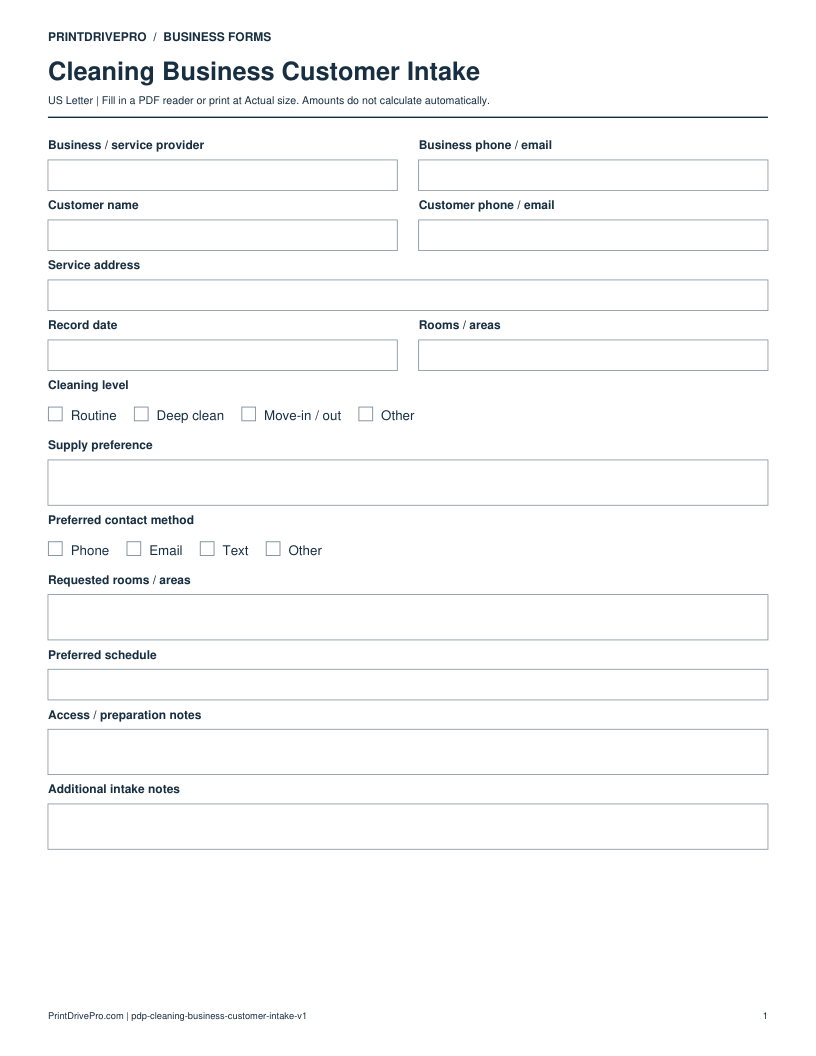
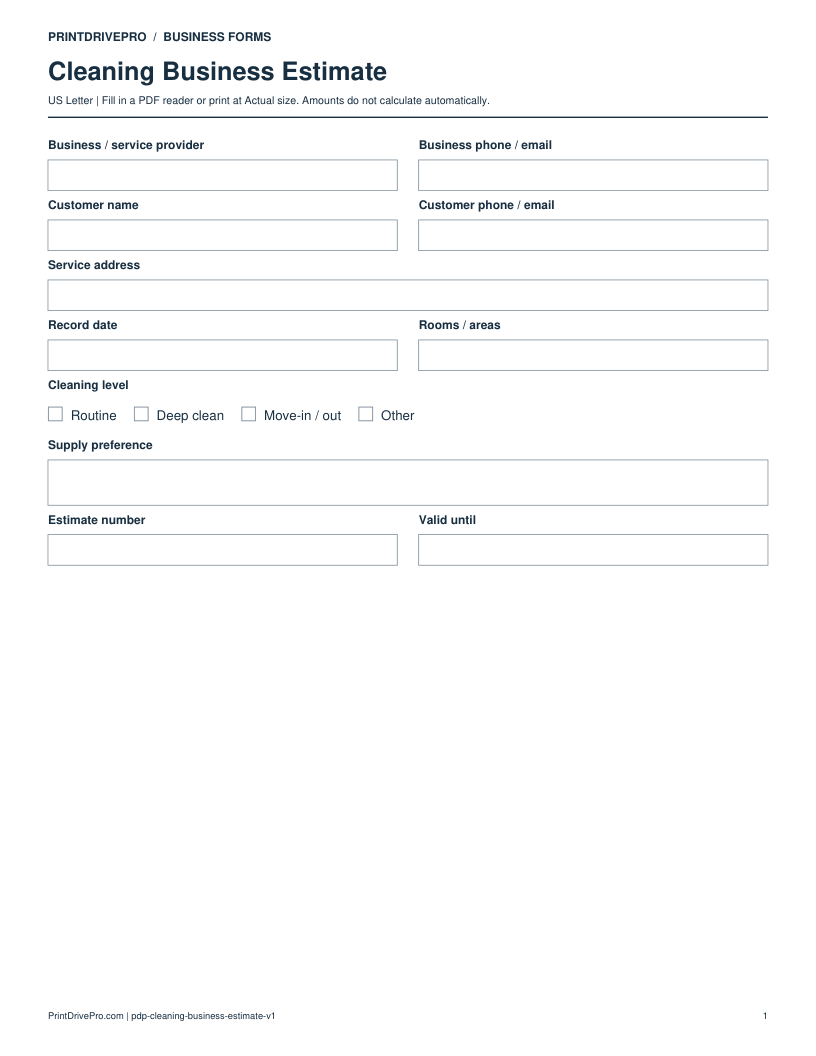
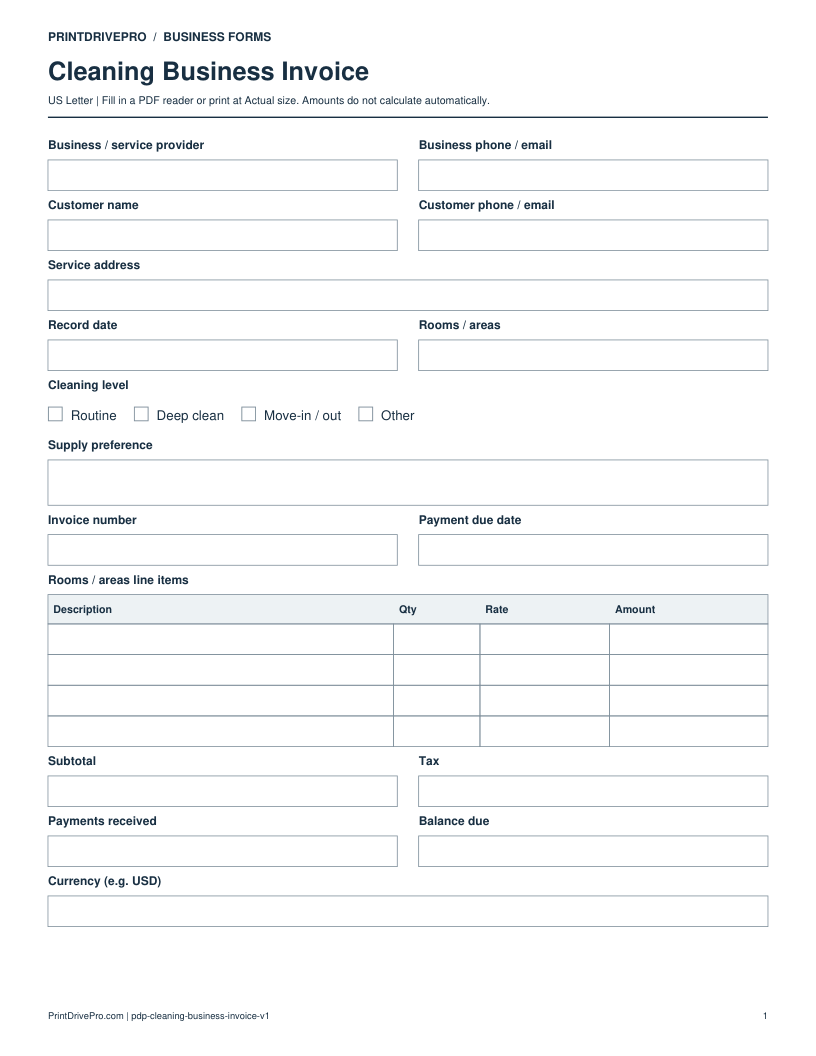
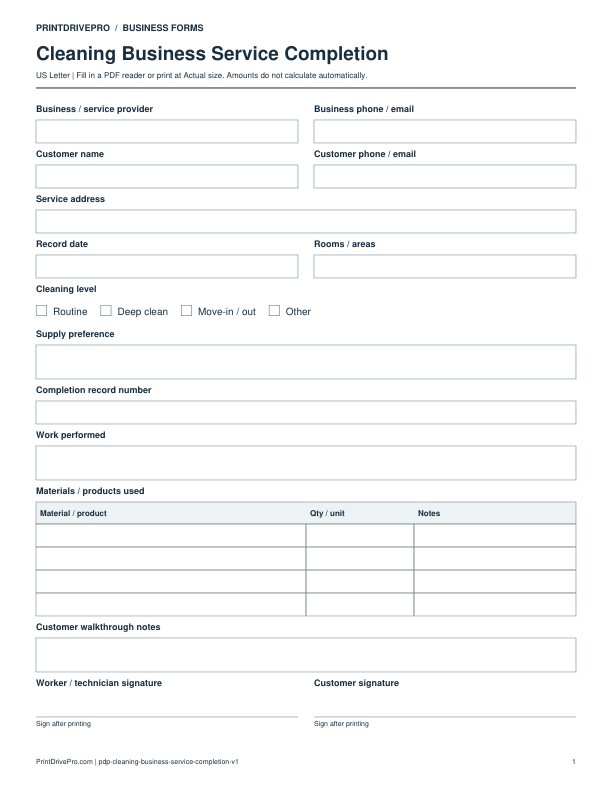
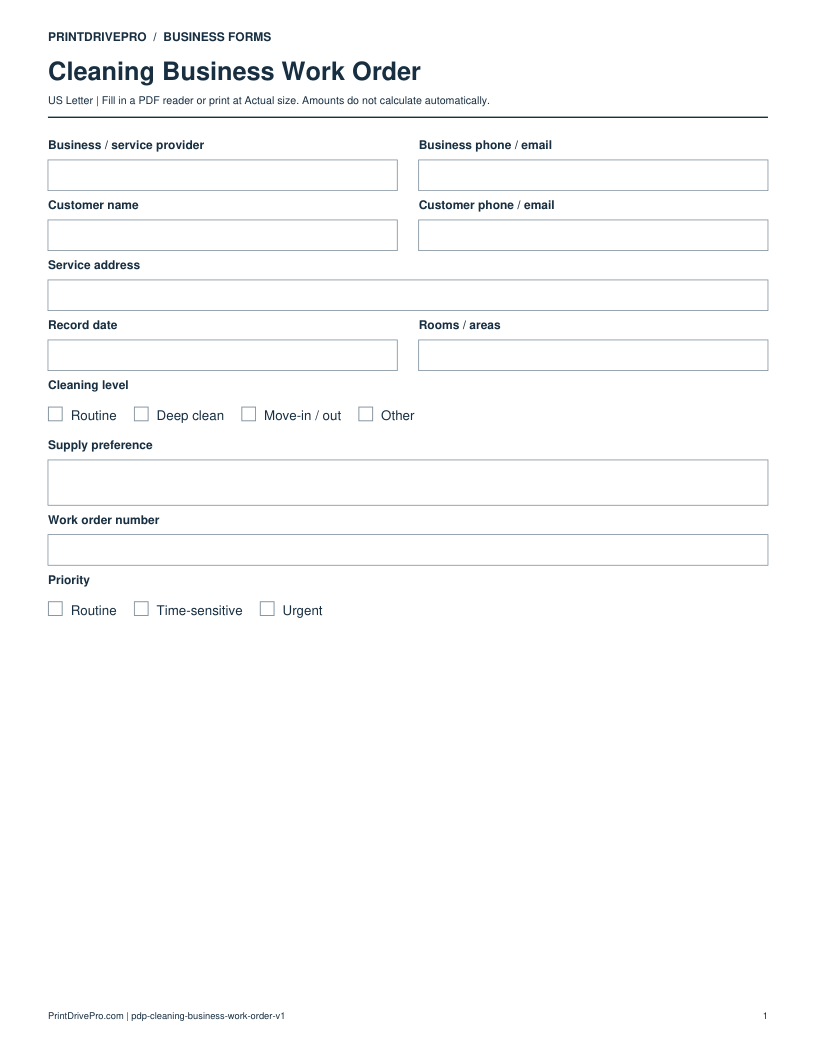
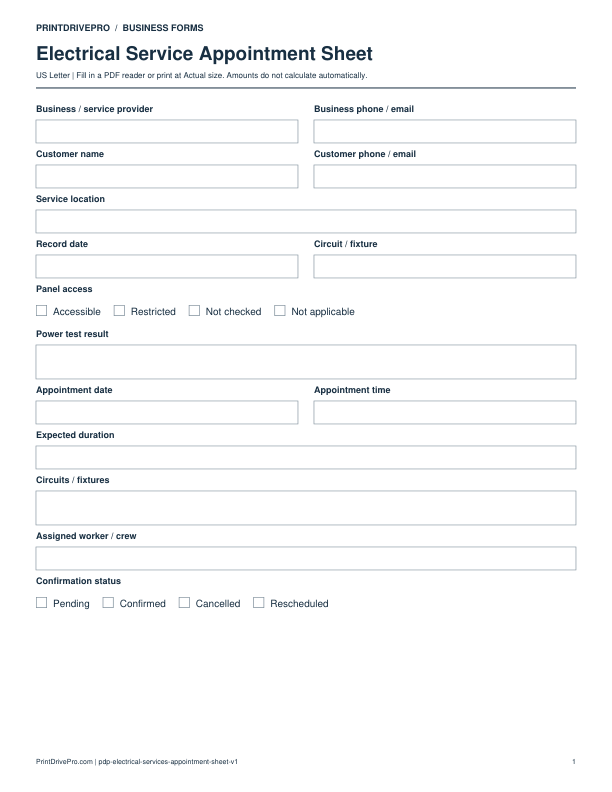
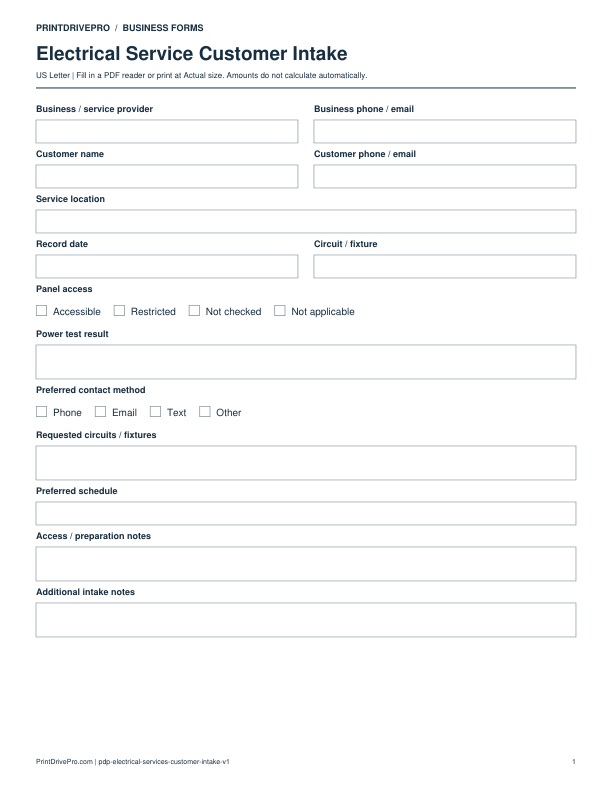
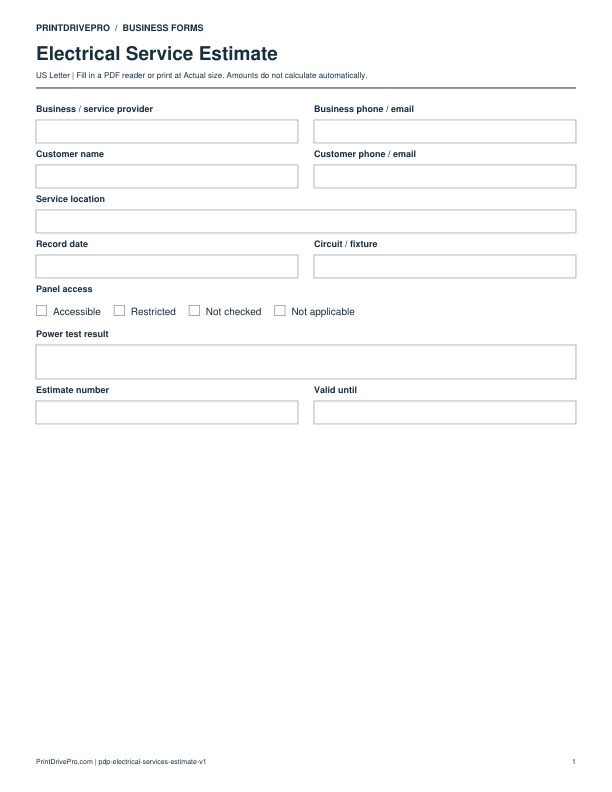
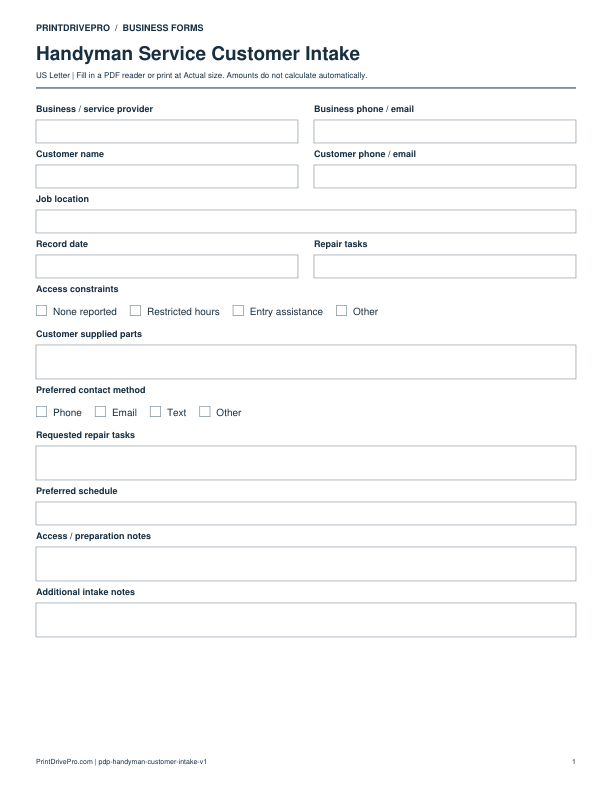
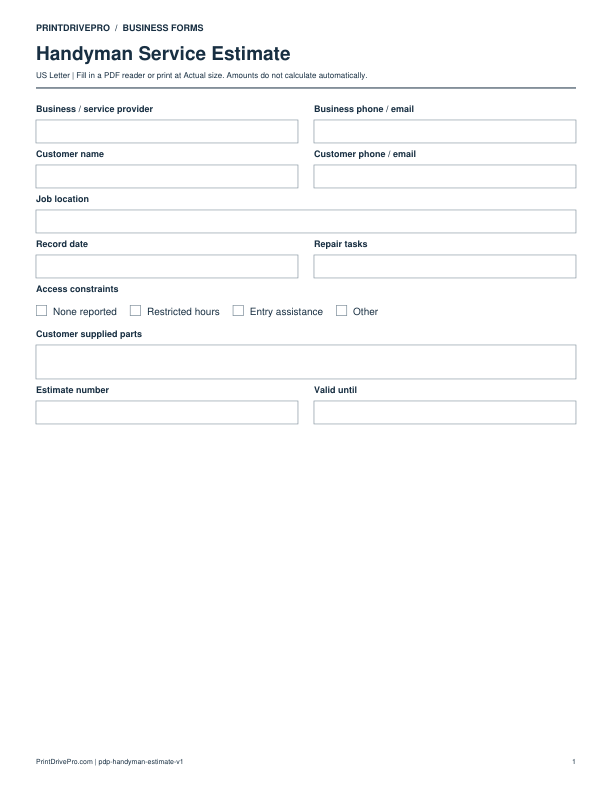
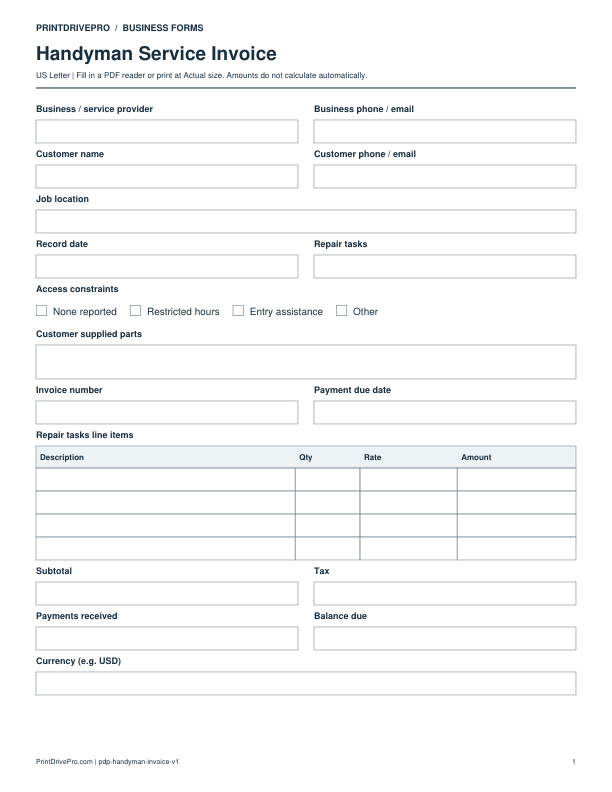
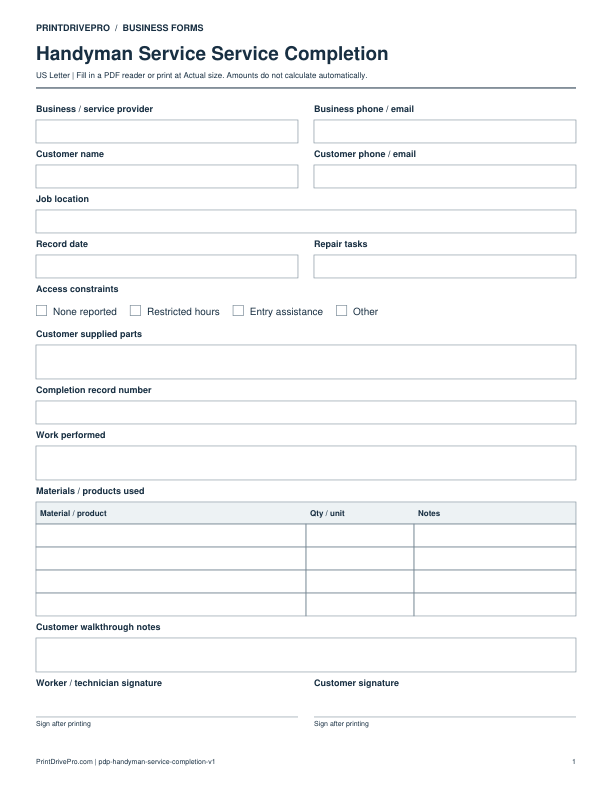
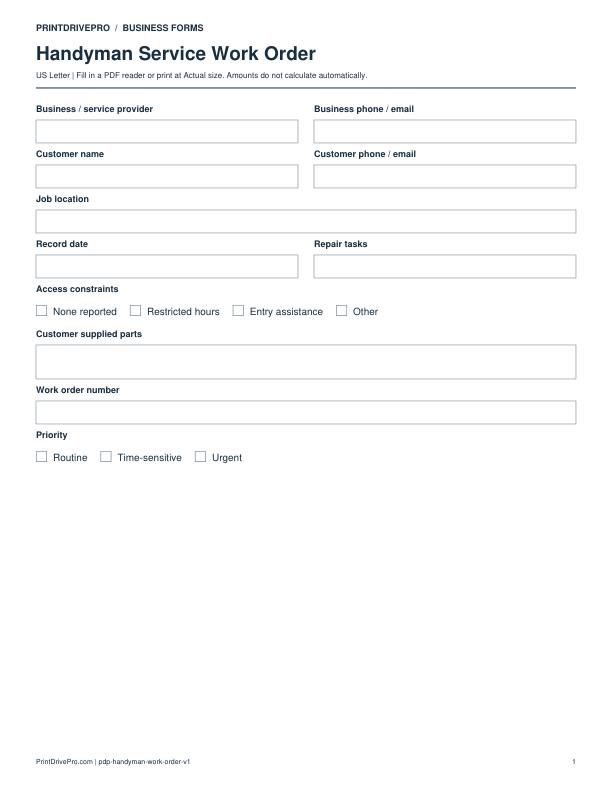
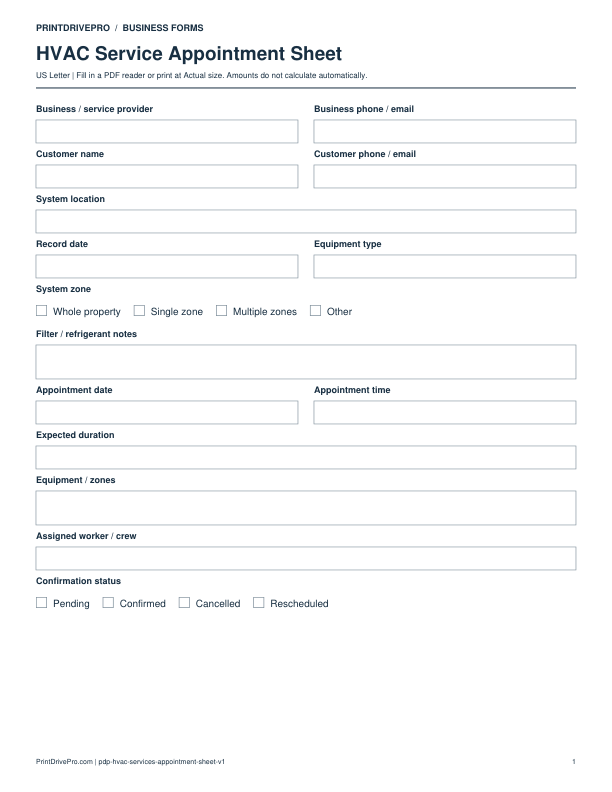
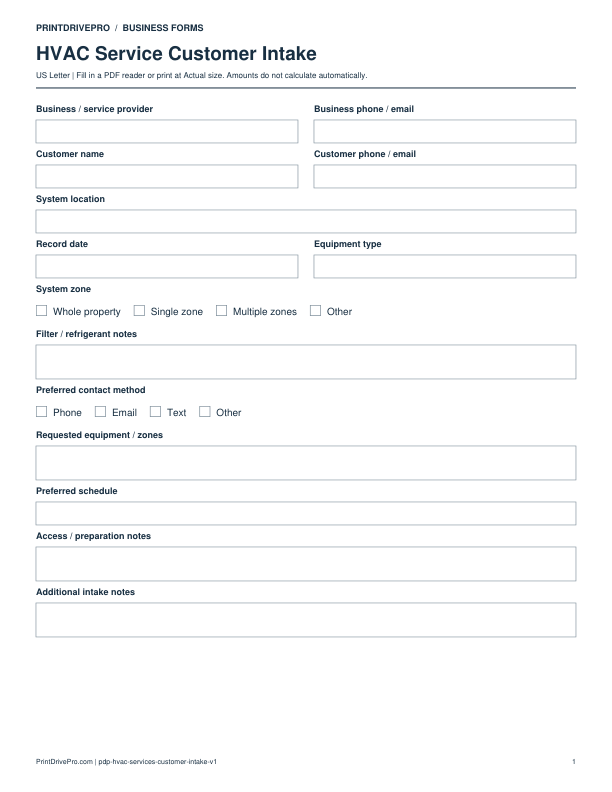
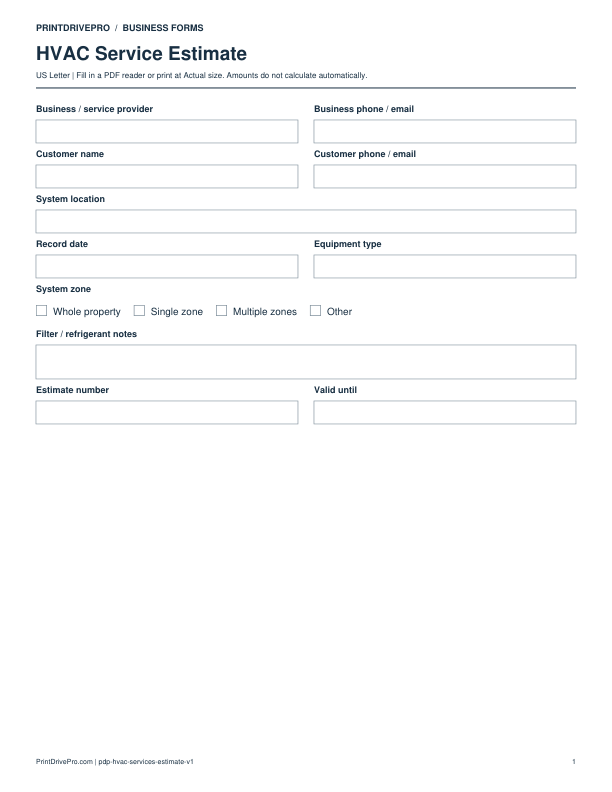
Cleaning Business resources follow a four-step operating path: walk through the property, record room scope and cleaning level, confirm supplies and access, and complete a final walkthrough. The collection includes fields for rooms areas, cleaning level, and supply preference and a checklist based on access instructions confirmed, priority rooms listed, and final walkthrough recorded. Landscaping resources follow a four-step operating path: inspect property zones, record measurements and requested services, list materials and equipment, and document completion by zone. The collection includes fields for property size, landscape service, and green waste plan and a checklist based on property boundaries confirmed, irrigation noted, and green waste plan recorded. Handyman Service resources follow a four-step operating path: inspect each repair task, record existing conditions, list labor and materials, and capture completion notes. The collection includes fields for repair tasks, access constraints, and customer supplied parts and a checklist based on task list approved, existing damage noted, and customer-supplied parts identified. Plumbing Service resources follow a four-step operating path: identify fixtures and lines, record leak or flow symptoms, list replaced parts, and verify flow after service. The collection includes fields for fixture line, water shutoff status, and leak observation and a checklist based on shutoff location recorded, leak source documented, and post-service flow checked. Electrical Service resources follow a four-step operating path: identify the affected circuit, record panel and fixture details, list materials and work performed, and document the final power test. The collection includes fields for circuit fixture, panel access, and power test result and a checklist based on panel access confirmed, affected circuit identified, and power test result recorded. HVAC Service resources follow a four-step operating path: identify equipment and zones, record reported symptoms, list service actions and parts, and document final readings. The collection includes fields for equipment type, system zone, and filter refrigerant note and a checklist based on equipment model recorded, airflow or temperature checked, and filter or refrigerant note completed. Mobile Auto Detailing resources follow a four-step operating path: record vehicle and condition, confirm detail package, track products and add-ons, and complete the final condition check. The collection includes fields for vehicle details, detail package, and condition notes and a checklist based on pre-service condition recorded, package options confirmed, and final vehicle check completed. Photography Business resources follow a four-step operating path: confirm session scope, record location and timing, list deliverables, and track selection and delivery. The collection includes fields for session type, shot deliverables, and usage notes and a checklist based on session scope confirmed, deliverables listed, and file delivery status recorded. Pet Care Service resources follow a four-step operating path: record pet profile, confirm care instructions, track each visit, and document behavior and completion. The collection includes fields for pet profile, care instructions, and medication note and a checklist based on care instructions confirmed, emergency contact recorded, and visit notes completed. Mobile Device Repair resources follow a four-step operating path: record device identity and condition, confirm reported issue, track parts and repair steps, and document post-repair tests. The collection includes fields for device identity, reported issue, and data backup status and a checklist based on device condition photographed, reported issue confirmed, and post-repair test recorded.
Browse by business task
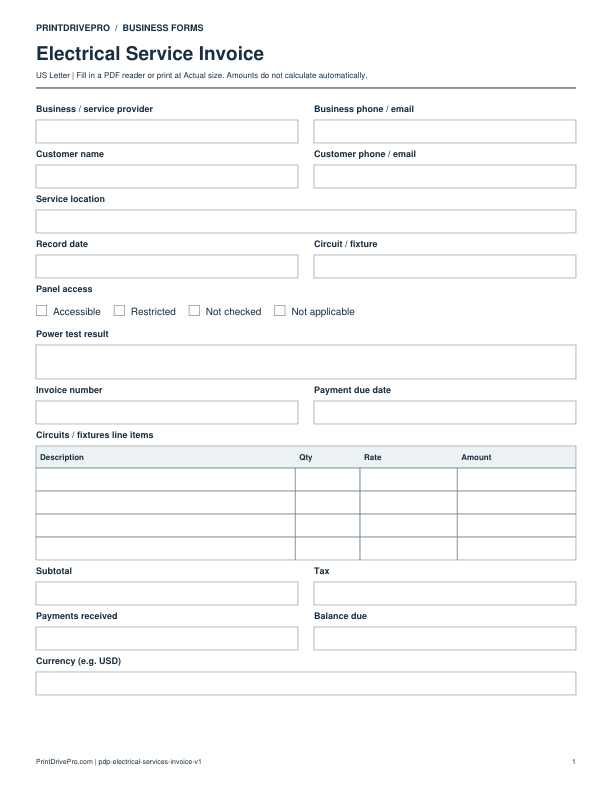
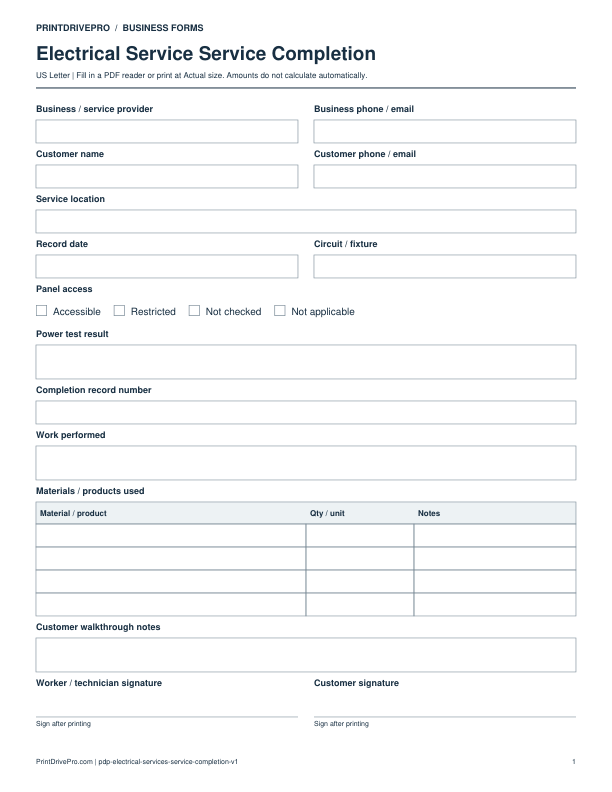
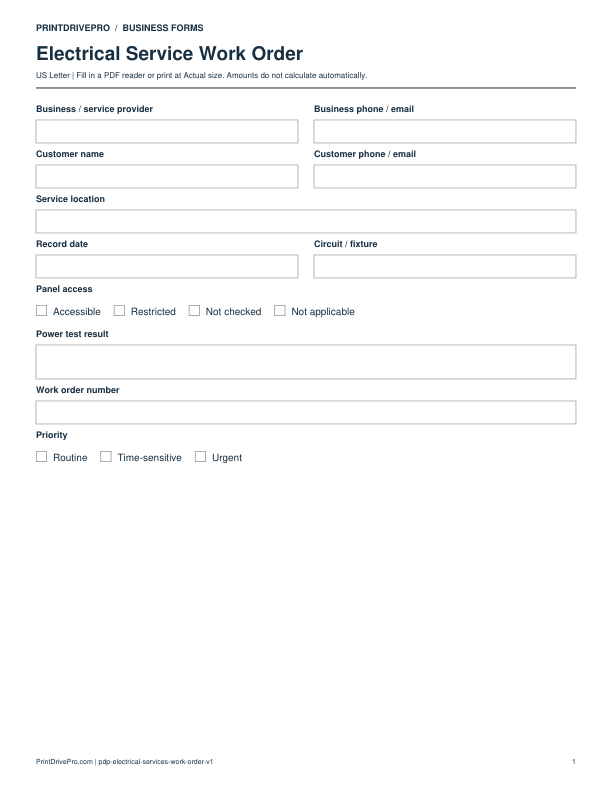
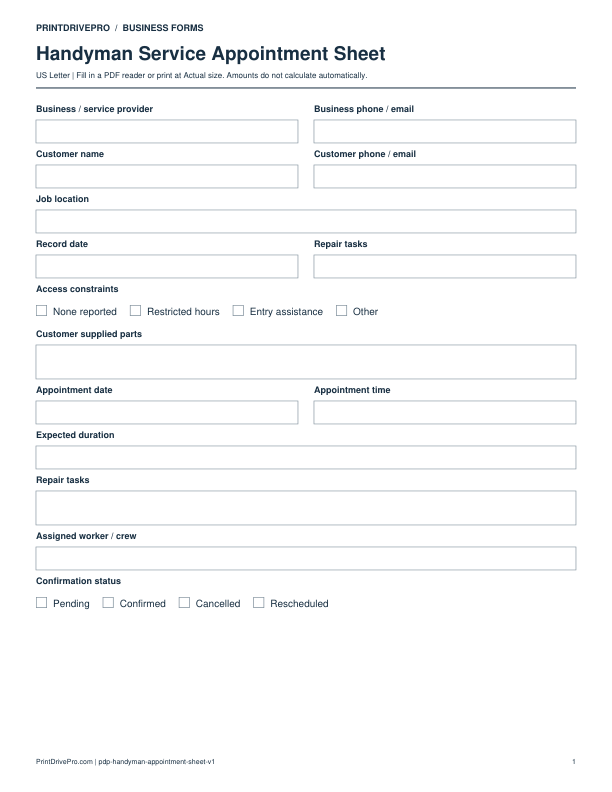
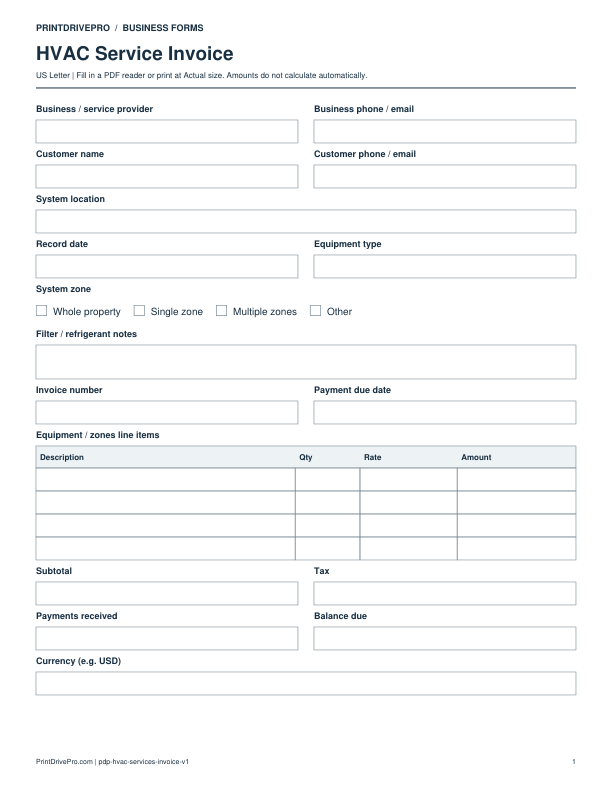
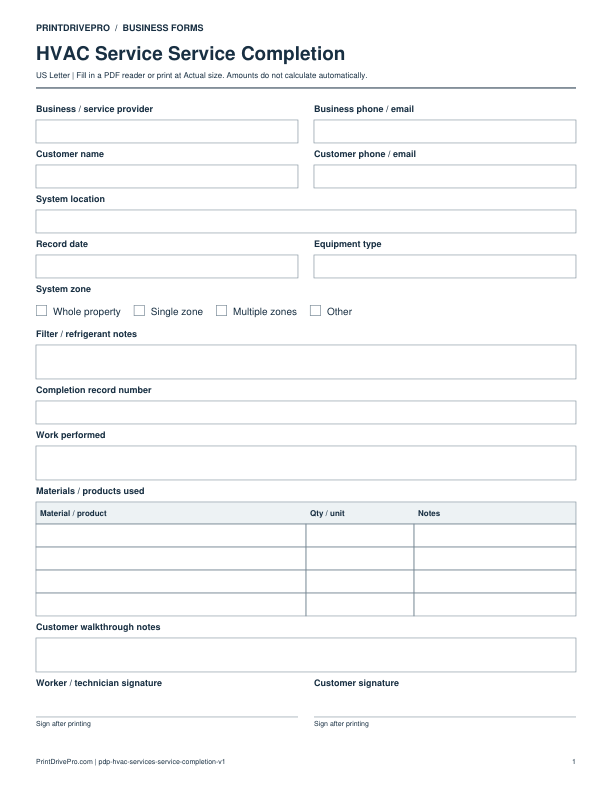
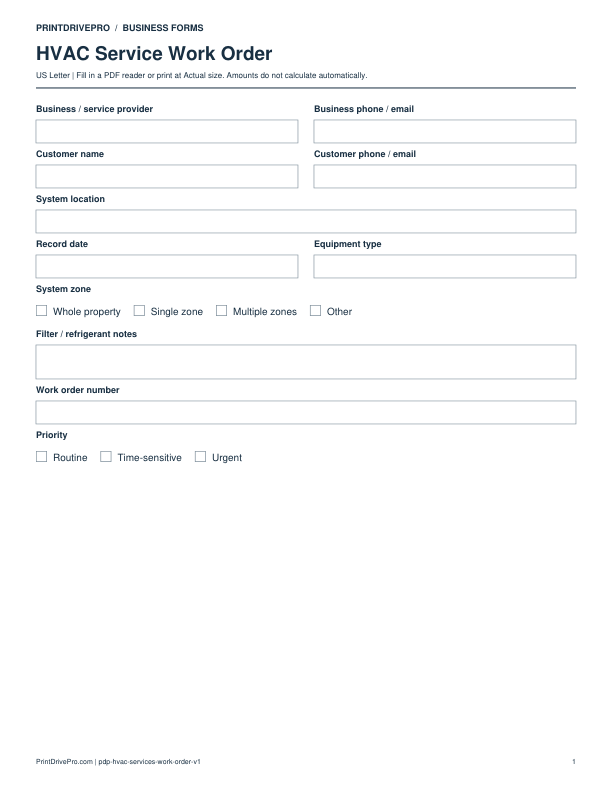
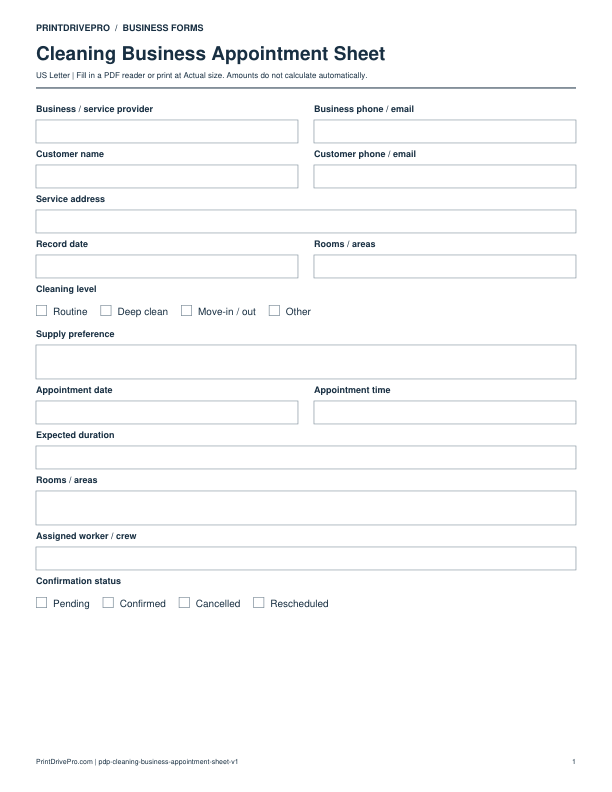
Estimate: Outline proposed work, quantities, rates, optional items, expected charges, and customer approval before a job begins. Invoice: Record completed billable work, payments already received, taxes when applicable, and the remaining balance for a customer. Work Order: Turn a service request into an assigned, prioritized job record with scope, parts, worker details, and completion status. Service Completion: Document work performed, materials used, final observations, a customer walkthrough, and signatures at job closeout. Customer Intake: Collect contact details, service needs, timing preferences, access notes, and the operational facts needed before scheduling. Appointment Sheet: Keep appointment time, duration, location, requested service, assigned worker, and confirmation status on one page. Daily Job Log: Summarize each workday with start and finish times, site conditions, completed work, delays, and the next action. Weekly Job Schedule: Arrange a week of jobs by day, worker or crew, location, task, and current status without relying on scattered notes. Equipment Checklist: Inspect equipment before and after use, note condition changes, assign maintenance, and record who completed the check. Materials Usage: Track materials taken to a job, quantities used or returned, unit costs, and notes that explain unusual consumption. Expense Log: Capture vendor, category, payment method, amount, and receipt status so operating costs stay organized for later review. Mileage Log: Record business travel with odometer readings, origin, destination, purpose, distance, vehicle, and supporting notes. Payment Log: Monitor customer payments by invoice, method, amount, deposit date, remaining balance, and follow-up notes. Inventory Log: Reconcile opening stock, receipts, usage or sales, closing stock, reorder needs, and the person who counted each item. Purchase Request: Describe requested items, quantity, reason, preferred vendor, estimated cost, requester, and approval before purchasing. Incident Report: Create a factual internal record of when and where an event occurred, what was observed, and what immediate action followed. Quality Checklist: Check the industry-specific completion points that matter before a job is closed and record corrections or verification. Follow-up Log: Track customer contact attempts, communication method, outcome, promised action, owner, and the next follow-up date. Recurring Service Tracker: Organize repeat visits by frequency, scheduled and completed dates, assigned worker, notes, and the next due date. Cancellation / Reschedule Log: Record the original appointment, notice date, reason provided, replacement date, confirmation, and scheduling notes.
Choose the smallest useful record
Select a form that matches the decision or activity taking place now. Use an estimate before work is approved, a work order while it is assigned, a completion sheet when the job is reviewed, and an invoice when charges are due. Keep logs for repeating facts that need to be compared over time. Avoid copying the same information onto several sheets unless the business has a clear recordkeeping reason. A focused form is easier for a worker to finish, easier for a customer to understand, and easier to file with related digital records.
Print and store consistently
Print at 100% or Actual size on US Letter paper. Give each sheet a date or record number, use dark ink, and avoid erasing an earlier record to reuse the page. If the business works digitally, scan the completed sheet and connect it to the customer, appointment, job, invoice, or reporting period in the normal system. The printable library does not replace required accounting, safety, employment, privacy, or regulatory processes.
Browse this collection
Free US Letter printables
Find a printable business form
Filter by service industry and operational task. Every result is available without a required signup.
200 printable forms