HVAC Services / Invoice
HVAC Service Invoice
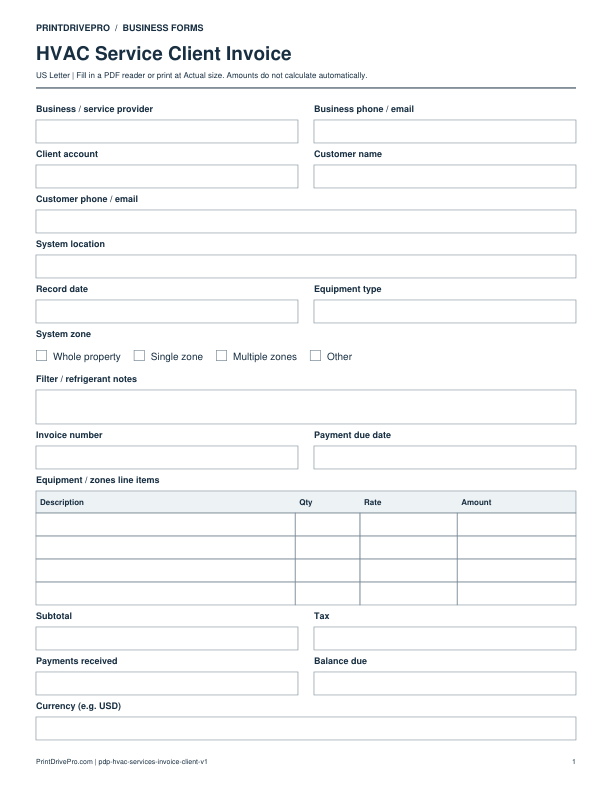
A US Letter printable invoice for hvac service teams, with fields for equipment / zones, customer details, scheduling, and operational notes.
US Letter1 pageFillable PDF
No signup. 28 KB. Save a copy before filling it in.
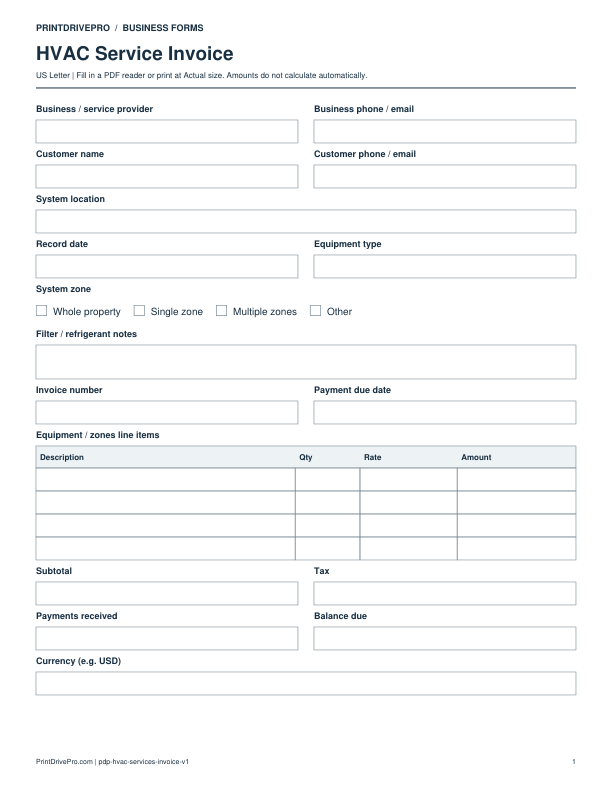
Actual PDF preview · Page 1 of 1
What’s included in this form
These fields match the downloadable PDF.
Download, fill in, and print
- Download the PDF and open the saved file in a PDF reader.
- Type into the fillable fields, or leave the form blank for handwriting. Enter amounts and totals manually; this PDF does not calculate them.
- Choose US Letter (8.5 × 11 inches) and Actual size / 100% in the print dialog. Check the preview before printing.
- Keep completed forms in your own secure records.
PDF readers differ in their support for form fields. If text does not save in your browser, open the downloaded file in a desktop PDF reader.
Using this form in your business
Tie HVAC invoice charges to the correct equipment and zone
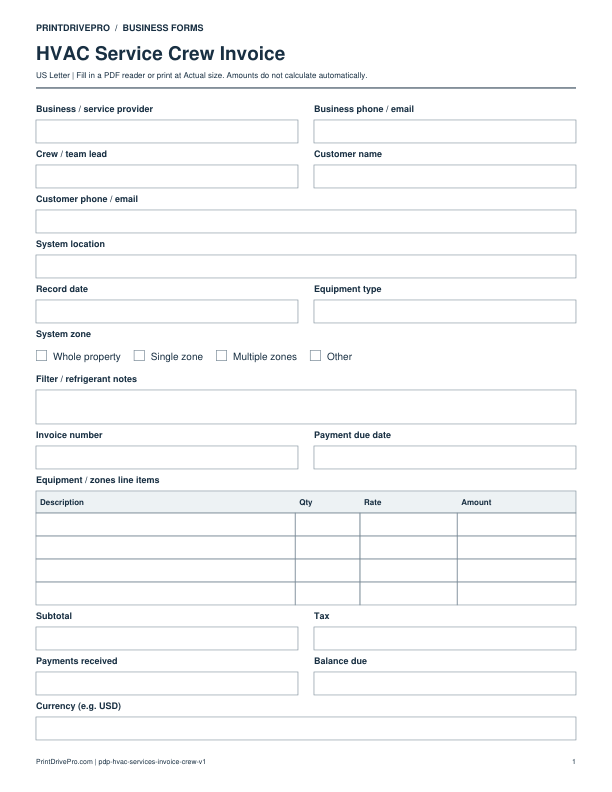
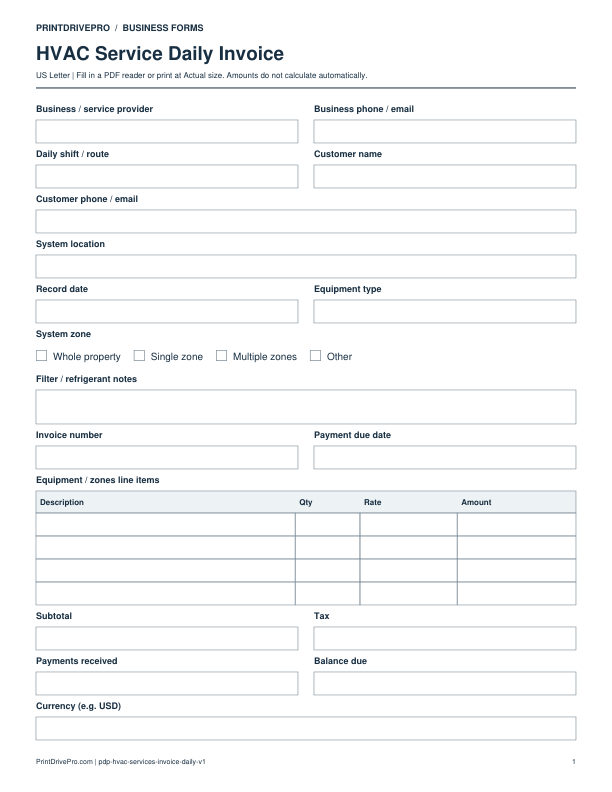
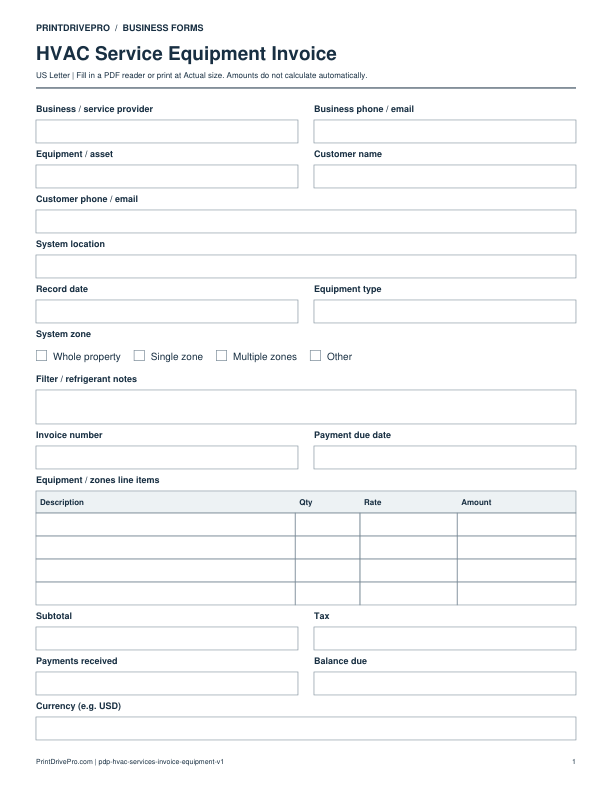
The one-page form includes Equipment type, System zone and Filter / refrigerant notes. The charges table is labeled Equipment / zones line items, followed by manually entered subtotal, tax, payments and balance.
Fictional field-by-field example
Illustrative entries only: not a real customer record, recommended price or tax treatment. All amounts are entered and checked manually.
- Equipment type
- Air handler AH-02
- System zone
- Single zone
- Filter / refrigerant notes
- Customer-reported filter request; refer to service record for work performed
- Equipment / zones line items
- Completed filter replacement labor: Qty 1, Rate 50, Amount 50; supplied filter: Qty 1, Rate 20, Amount 20
- Subtotal / Payments received / Balance due
- 70 / 20 / 50 with 0 demonstration tax
Check before saving or sending
Use actual service documentation for measurements or refrigerant work; the notes field is not a diagnostic checklist. If several units share a visit, identify the unit in each billed line. Do not use an invoice entry as evidence that every requested repair was completed.
Download a copy, use a compatible PDF reader, and save it under your own job reference. For printing, choose US Letter at Actual size / 100%.
More forms for this workflow
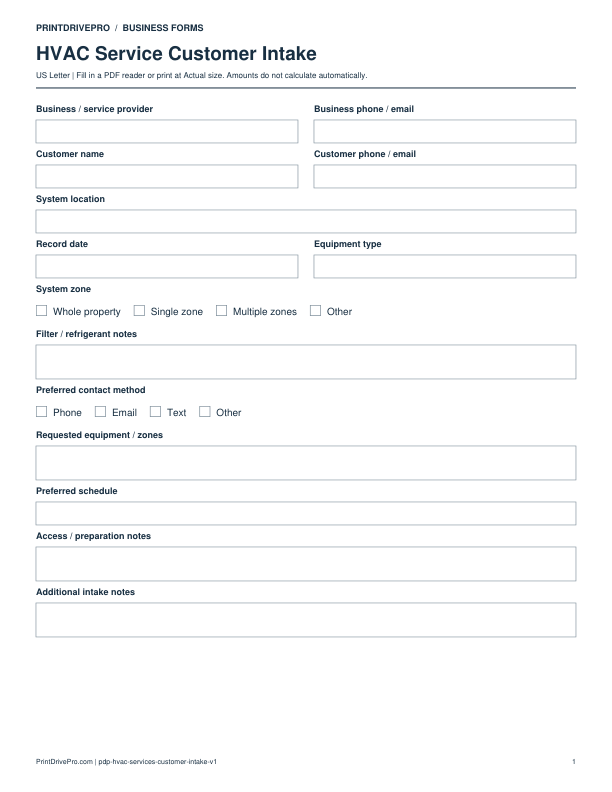
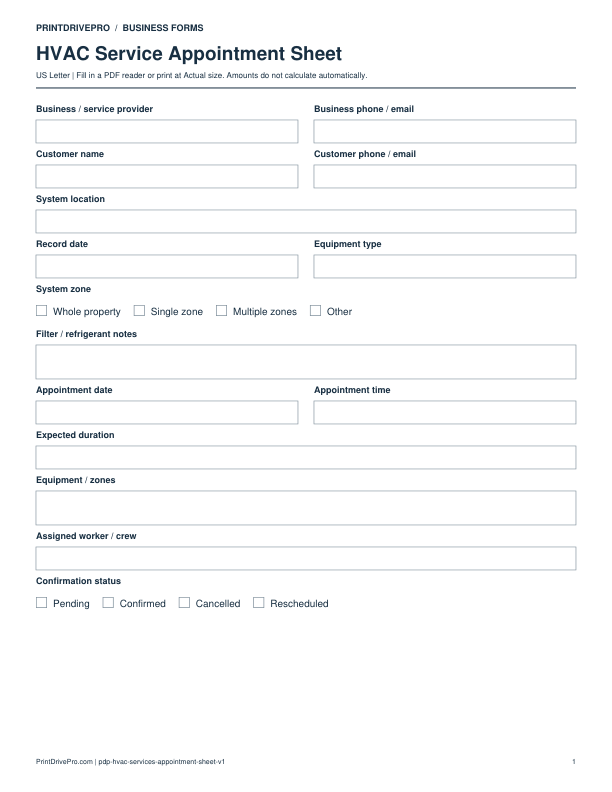
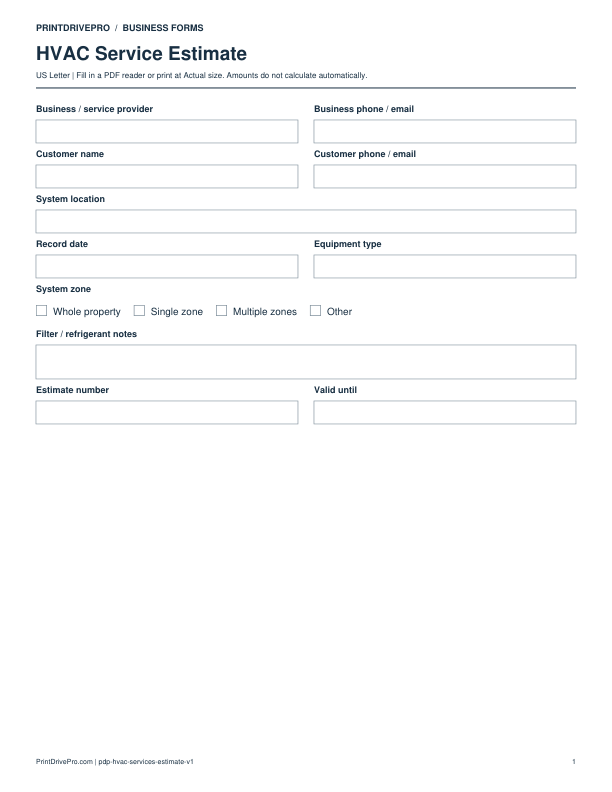
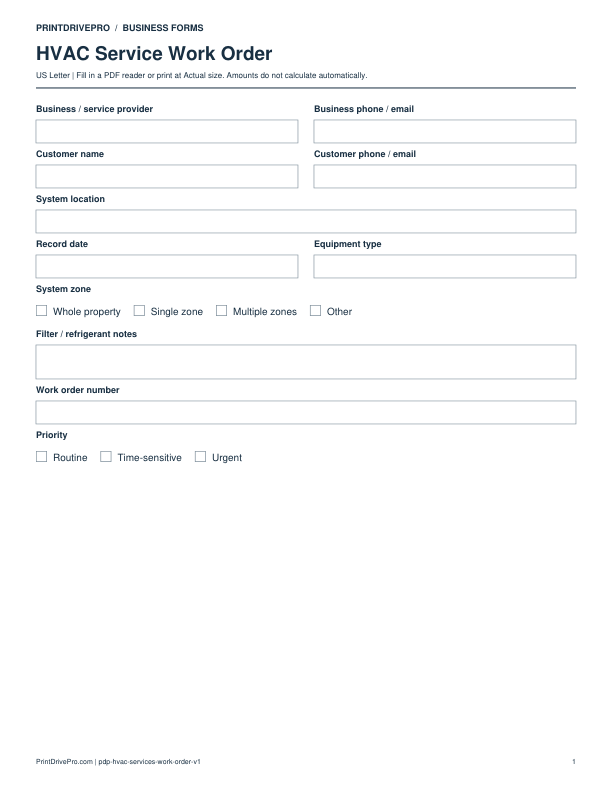
Use a separate form for the next task. An appointment, estimate, work record and invoice serve different purposes.