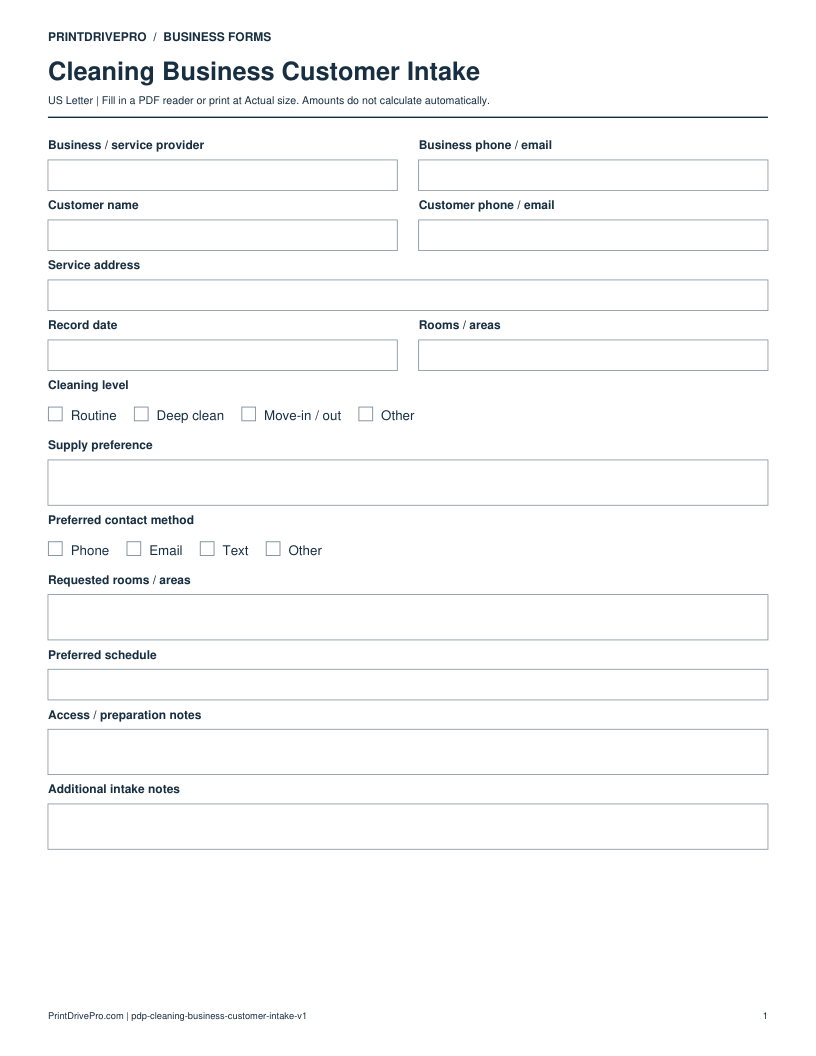
Cleaning Business / Invoice

Cleaning Business Invoice

A US Letter printable invoice for cleaning business teams, with fields for rooms / areas, customer details, scheduling, and operational notes.

US Letter2 pagesFillable PDF

No signup. 46 KB. Save a copy before filling it in.
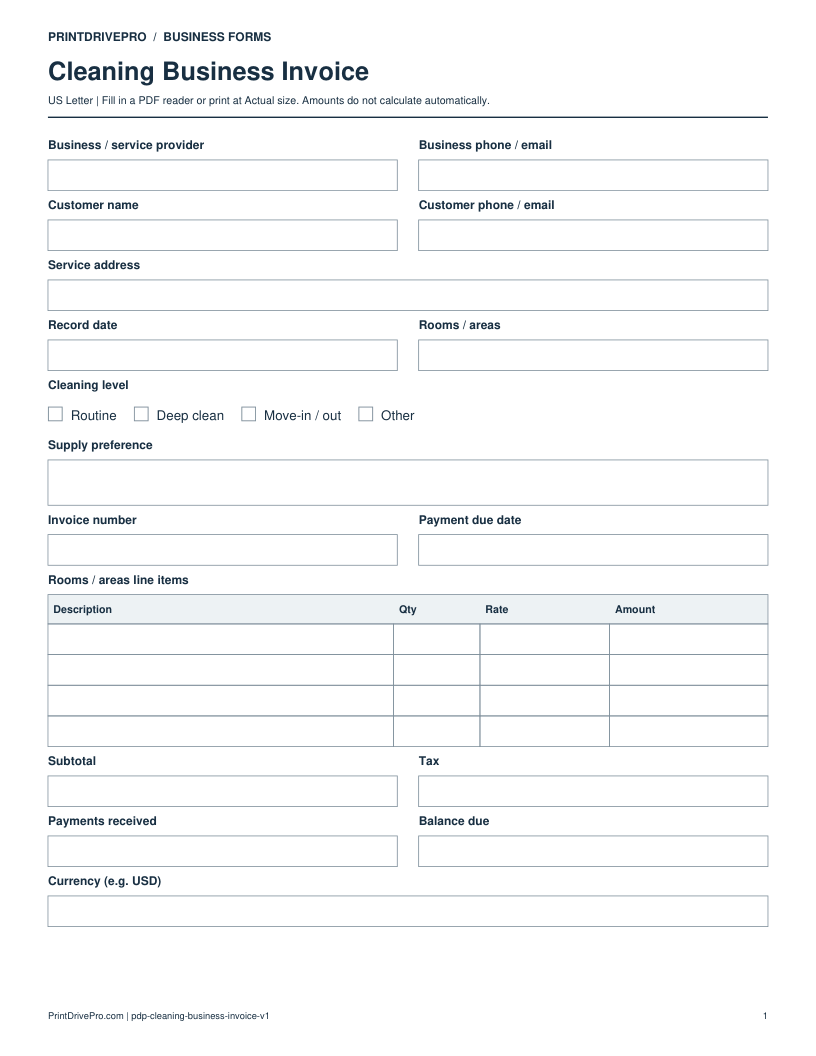
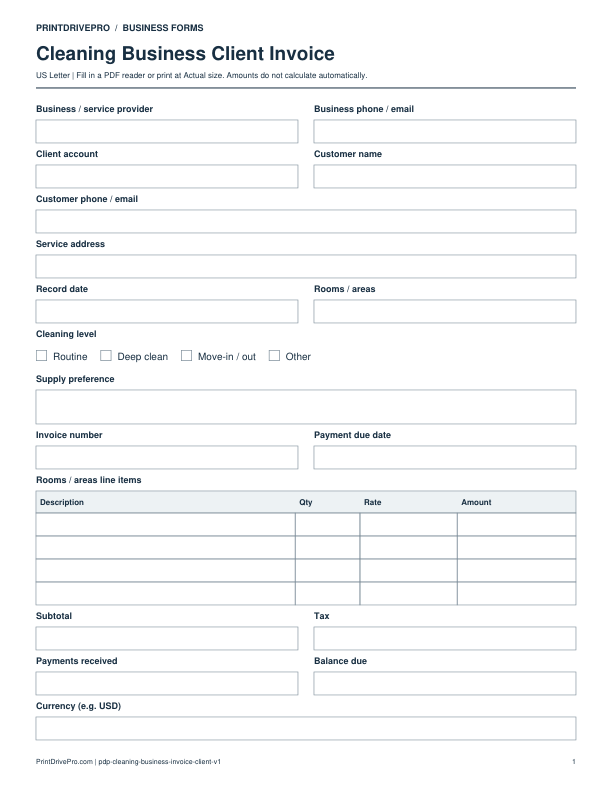
Page 1 of Cleaning Business Invoice Printable

Actual PDF preview · Page 1 of 2

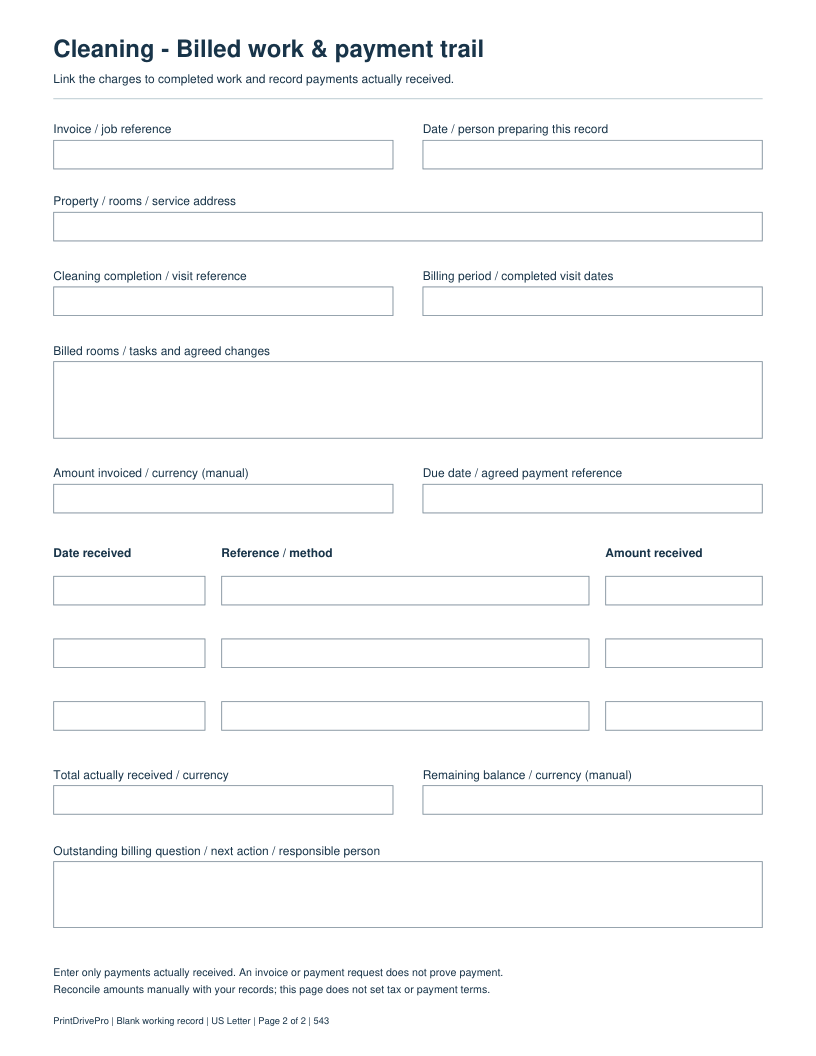
Preview remaining pagesPage 2 of Cleaning Business Invoice Printable

What’s included in this form

These fields match the downloadable PDF.

Business / service providerWrite or type your details
Business phone / emailWrite or type your details
Customer nameWrite or type your details
Customer phone / emailWrite or type your details
Service addressWrite or type your details
Record dateWrite or type your details
Rooms / areasWrite or type your details
Cleaning levelRoutine · Deep clean · Move-in / out · Other
Supply preferenceSpace for notes
Invoice numberWrite or type your details
Payment due dateWrite or type your details
Rooms / areas line itemsDescription · Qty · Rate · Amount · 4 rows
SubtotalEnter the amount manually
TaxEnter the amount manually
Payments receivedEnter the amount manually
Balance dueEnter the amount manually
Currency (e.g. USD)Write or type your details
Invoice / job referenceWrite or type your details
Date / person preparing this recordWrite or type your details
Property / rooms / service addressWrite or type your details
Cleaning completion / visit referenceWrite or type your details
Billing period / completed visit datesWrite or type your details
Billed rooms / tasks and agreed changesSpace for notes
Amount invoiced / currency (manual)Write or type your details
Due date / agreed payment referenceWrite or type your details
Payment row 1: Date receivedWrite or type your details
Payment row 1: Reference / methodWrite or type your details
Payment row 1: Amount receivedWrite or type your details
Payment row 2: Date receivedWrite or type your details
Payment row 2: Reference / methodWrite or type your details
Payment row 2: Amount receivedWrite or type your details
Payment row 3: Date receivedWrite or type your details
Payment row 3: Reference / methodWrite or type your details
Payment row 3: Amount receivedWrite or type your details
Total actually received / currencyWrite or type your details
Remaining balance / currency (manual)Write or type your details
Outstanding billing question / next action / responsible personSpace for notes

Download, fill in, and print

  1. Download the PDF and open the saved file in a PDF reader.
  2. Type into the fillable fields, or leave the form blank for handwriting. Enter amounts and totals manually; this PDF does not calculate them.
  3. Choose US Letter (8.5 × 11 inches) and Actual size / 100% in the print dialog. Check the preview before printing.
  4. Keep completed forms in your own secure records.

PDF readers differ in their support for form fields. If text does not save in your browser, open the downloaded file in a desktop PDF reader.

Using this form in your business

Use both pages to connect a cleaning invoice to received payments

Page 1 records the rooms, cleaning level, line-item charges, invoice number, due date and balance. Page 2 adds the completed-visit reference, billing period, billed tasks, three payment rows and an outstanding billing question.

Fictional field-by-field example

Illustrative entries only: not a real customer record, recommended price or tax treatment. All amounts are entered and checked manually.

Rooms / areas line items
Kitchen and bathroom routine clean: Qty 1, Rate 120, Amount 120
Subtotal
120
Tax
0 for this arithmetic example only
Payments received
40 actually received
Balance due
80; enter USD in the currency field

Check before saving or sending

Carry the same invoice reference onto page 2. Enter the date, method/reference and amount of the 40 payment there; do not count it again as an extra charge. A sent invoice is not proof of payment. The example does not prescribe a price or tax treatment.

Download a copy, use a compatible PDF reader, and save it under your own job reference. For printing, choose US Letter at Actual size / 100%.

More forms for this workflow

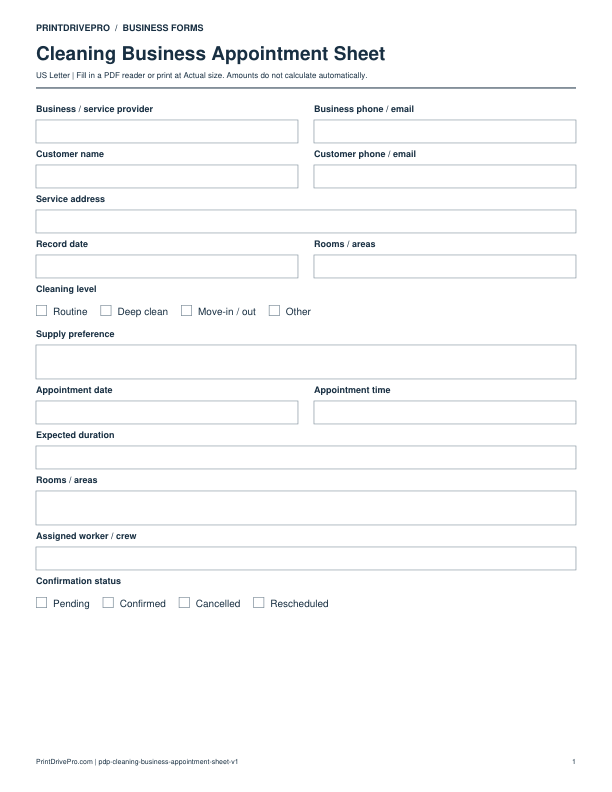
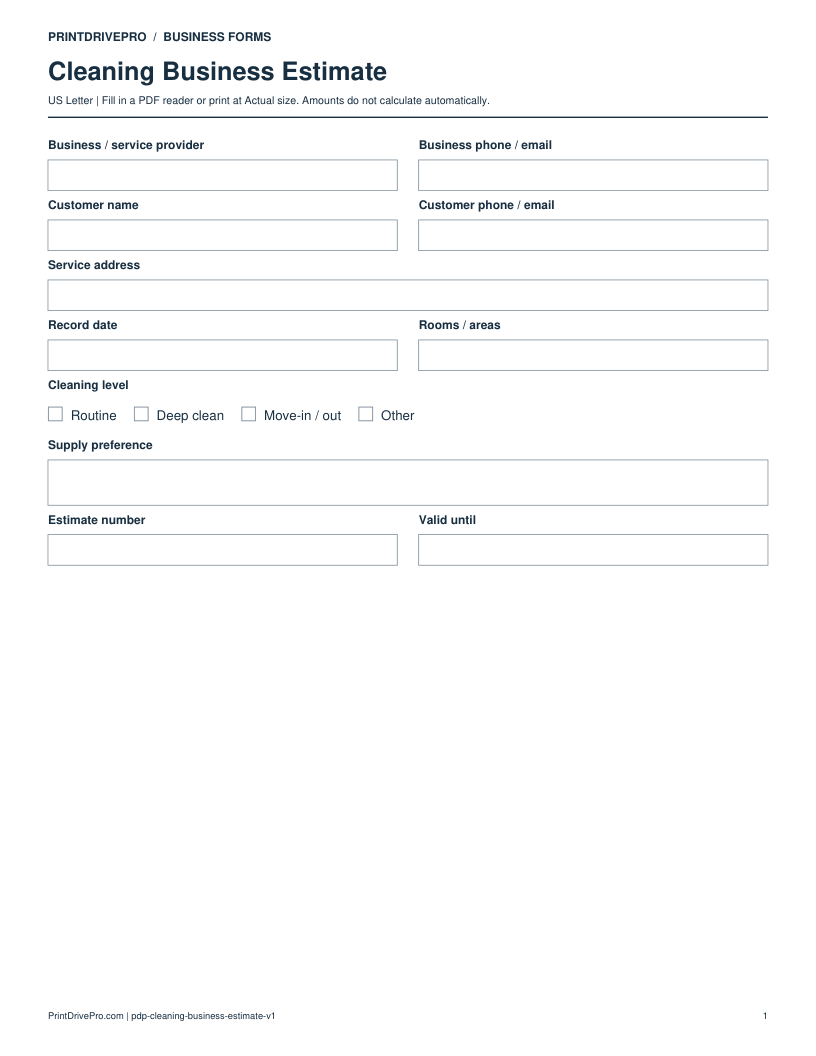
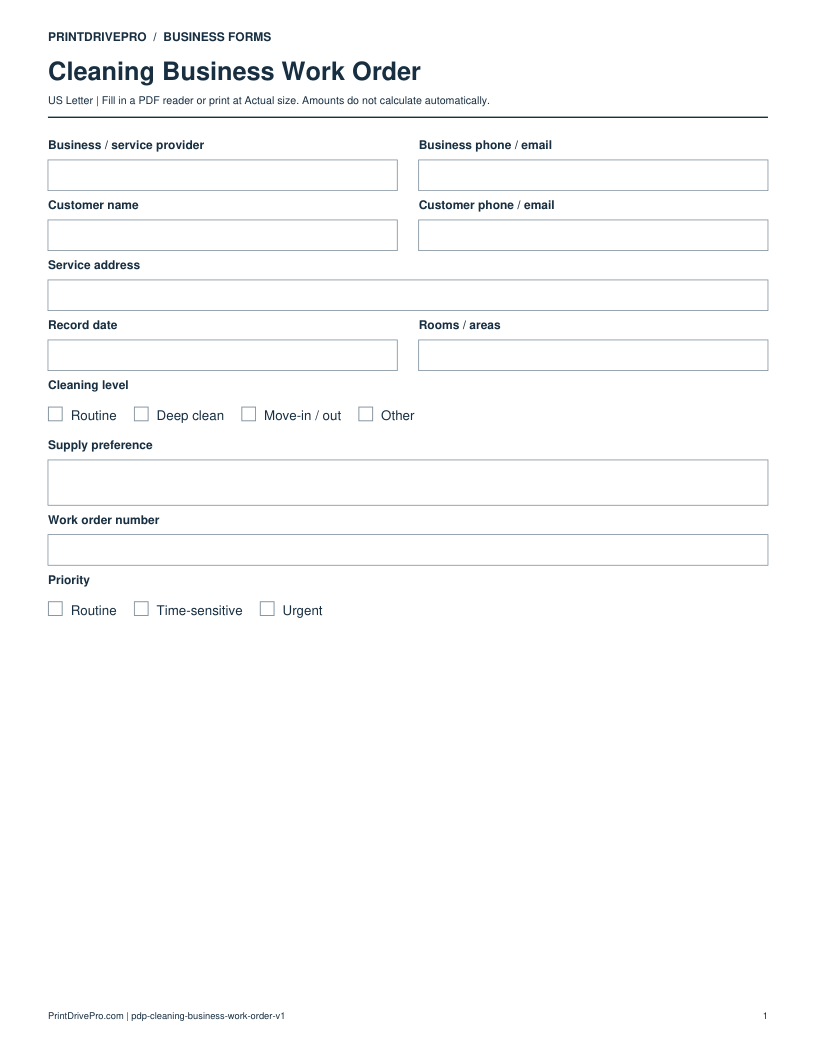
Use a separate form for the next task. An appointment, estimate, work record and invoice serve different purposes.