Landscaping / Invoice
Landscaping Invoice
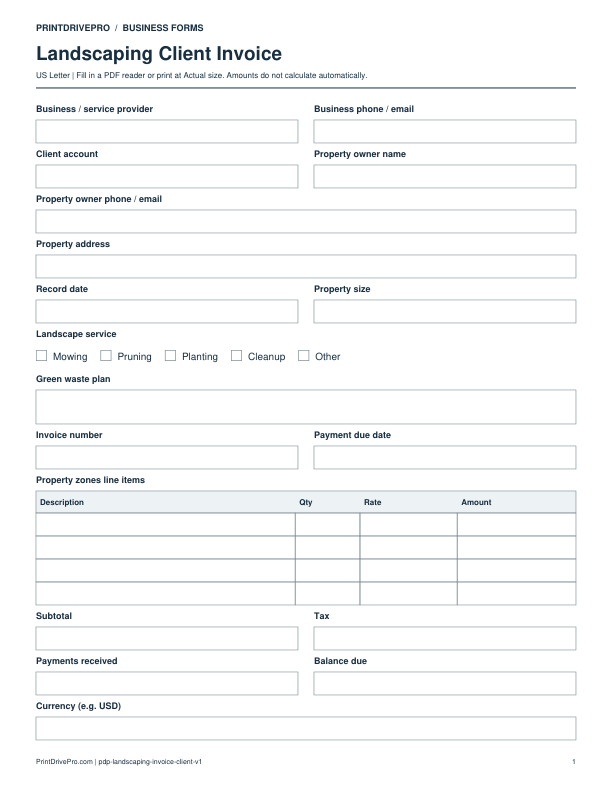
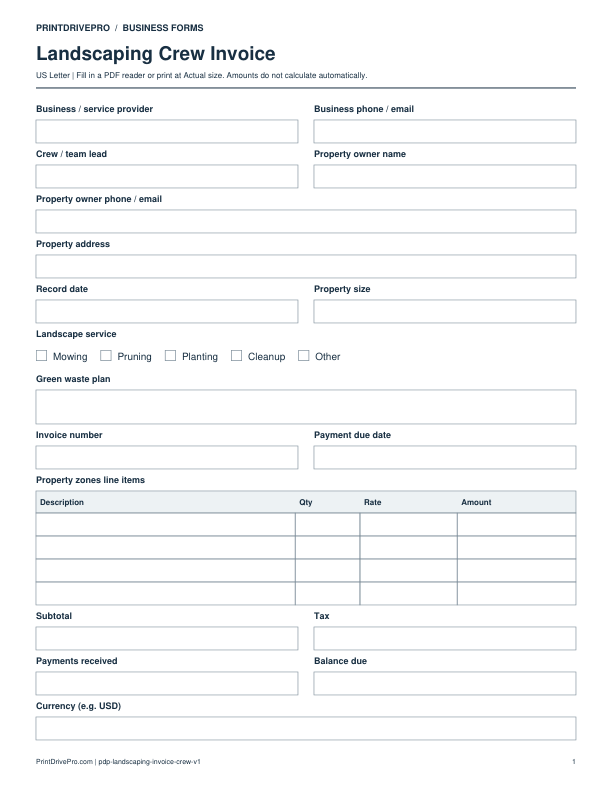
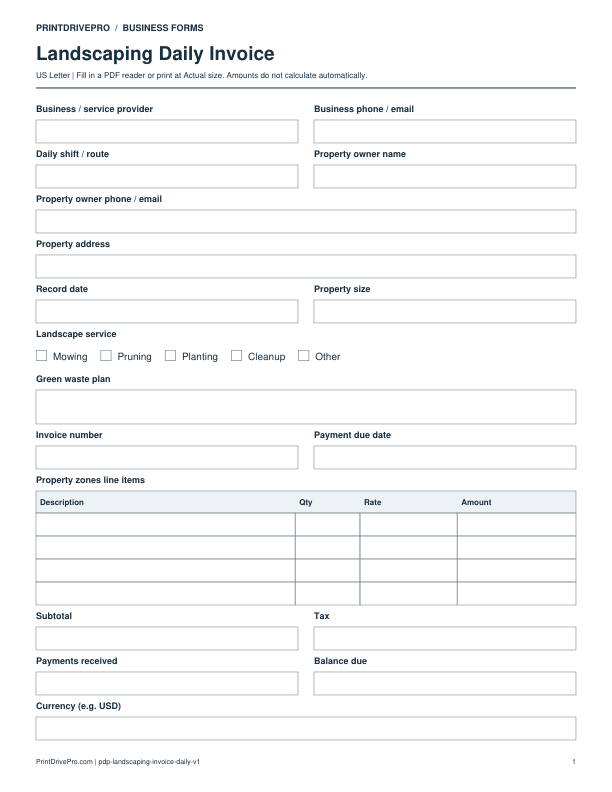
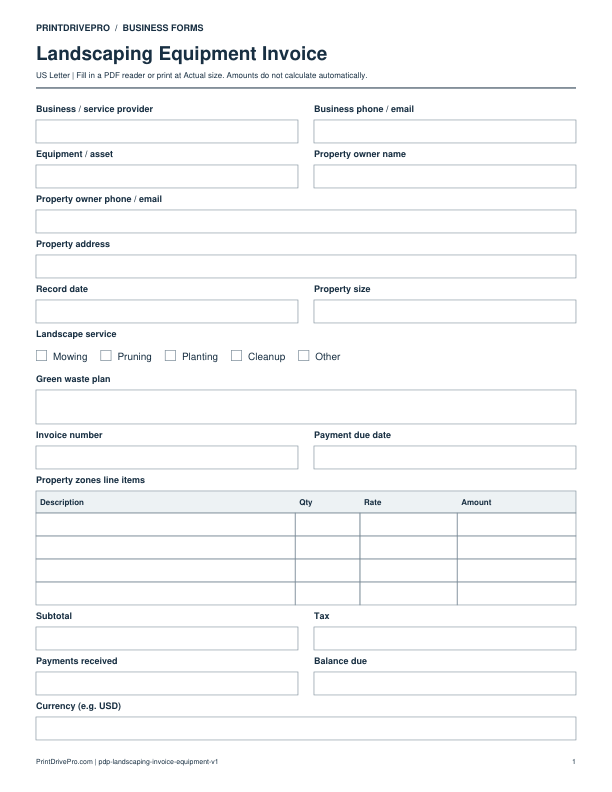
A US Letter printable invoice for landscaping teams, with fields for property zones, customer details, scheduling, and operational notes.
US Letter1 pageFillable PDF
No signup. 28 KB. Save a copy before filling it in.
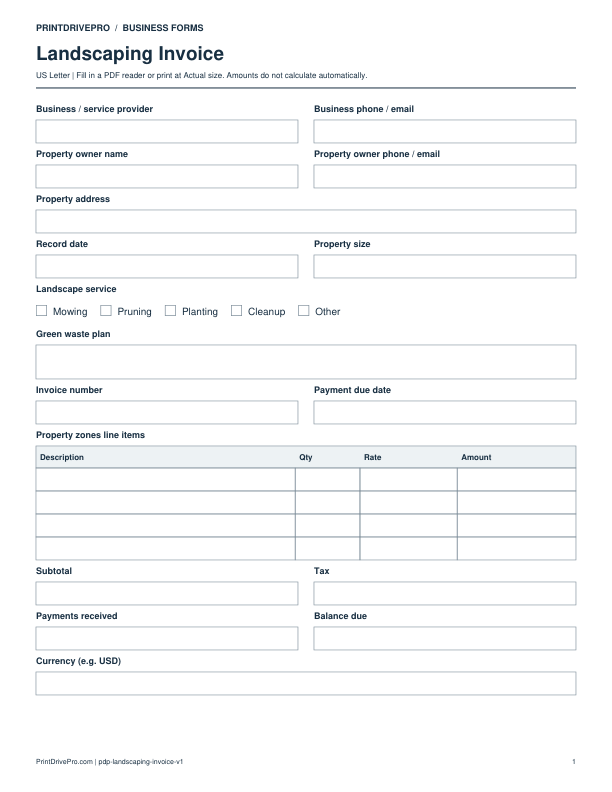
Actual PDF preview · Page 1 of 1
What’s included in this form
These fields match the downloadable PDF.
Download, fill in, and print
- Download the PDF and open the saved file in a PDF reader.
- Type into the fillable fields, or leave the form blank for handwriting. Enter amounts and totals manually; this PDF does not calculate them.
- Choose US Letter (8.5 × 11 inches) and Actual size / 100% in the print dialog. Check the preview before printing.
- Keep completed forms in your own secure records.
PDF readers differ in their support for form fields. If text does not save in your browser, open the downloaded file in a desktop PDF reader.
Using this form in your business
Bill the completed landscaping work by property zone
The one-page PDF records Property size, Landscape service and Green waste plan before the Property zones line items table. Use the description column to distinguish work areas and actual completed quantities.
Fictional field-by-field example
Illustrative entries only: not a real customer record, recommended price or tax treatment. All amounts are entered and checked manually.
- Landscape service
- Mowing
- Green waste plan
- Agreed collection and removal of clippings
- Property zones line items
- Front lawn completed visit: Qty 1, Rate 45, Amount 45; rear lawn completed visit: Qty 1, Rate 35, Amount 35
- Subtotal
- 80
- Payments received / Balance due
- 20 / 60 with 0 demonstration tax
Check before saving or sending
Keep quantity units explicit in each description; one visit and one square unit are different billing bases. Include disposal as a separate line only when it is an agreed charge. This invoice has no dedicated weather-delay, approval or recurring billing-period field; retain those details in the supporting job record.
Download a copy, use a compatible PDF reader, and save it under your own job reference. For printing, choose US Letter at Actual size / 100%.
More forms for this workflow
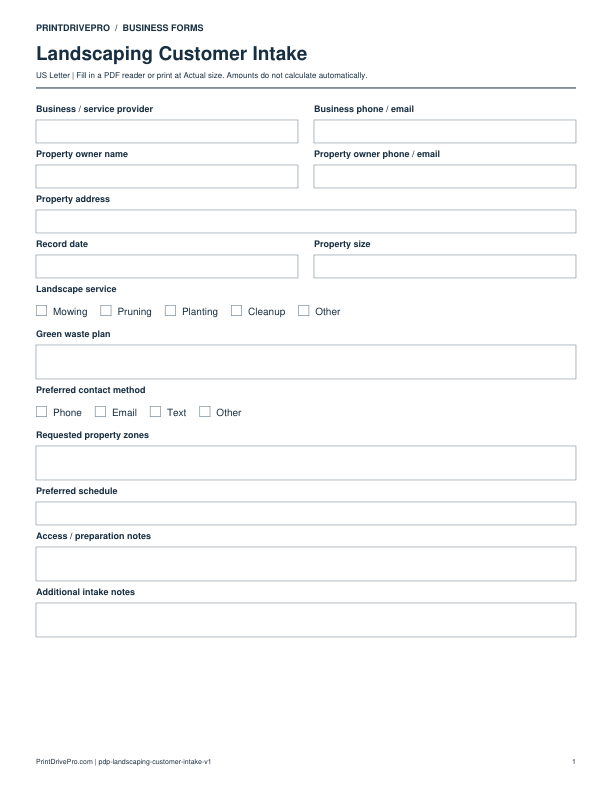
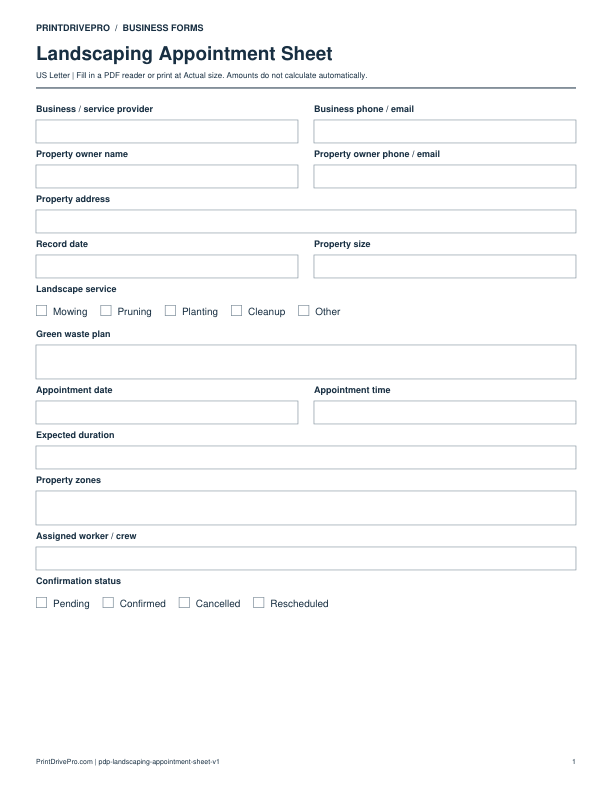
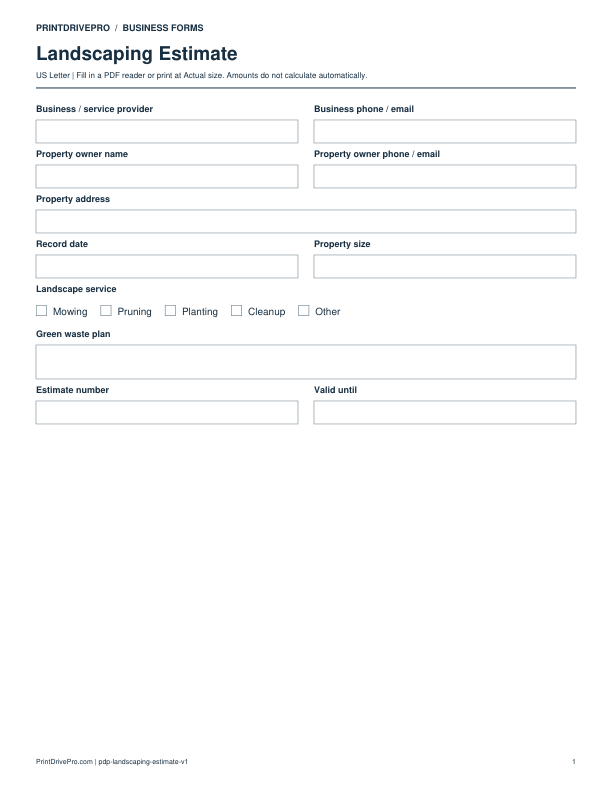
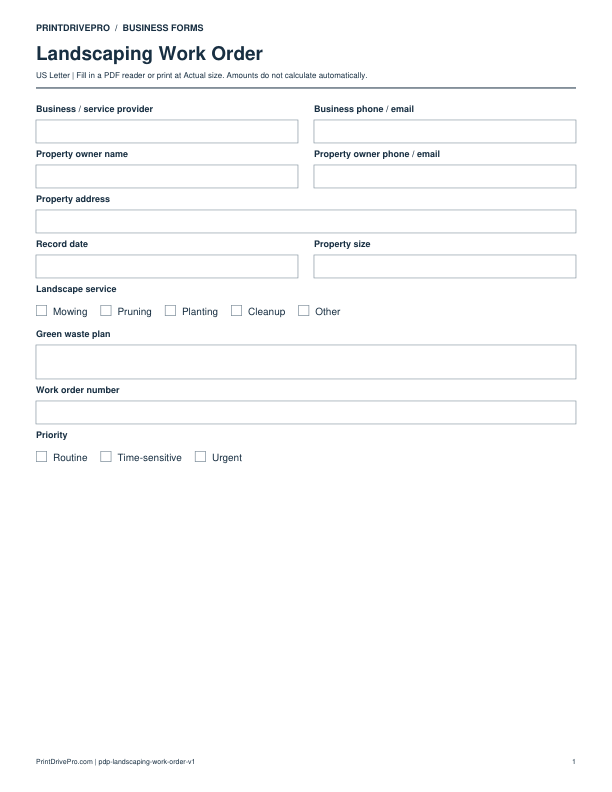
Use a separate form for the next task. An appointment, estimate, work record and invoice serve different purposes.