Landscaping / Estimate
Landscaping Estimate
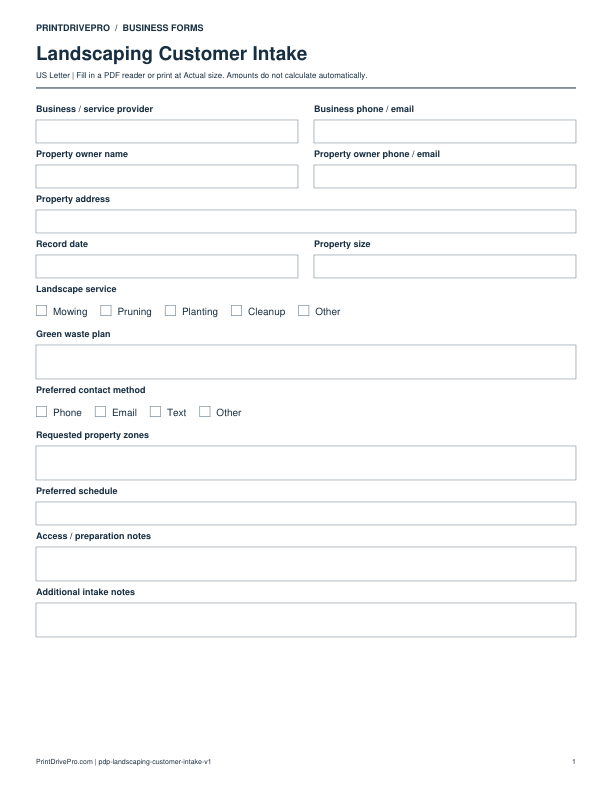
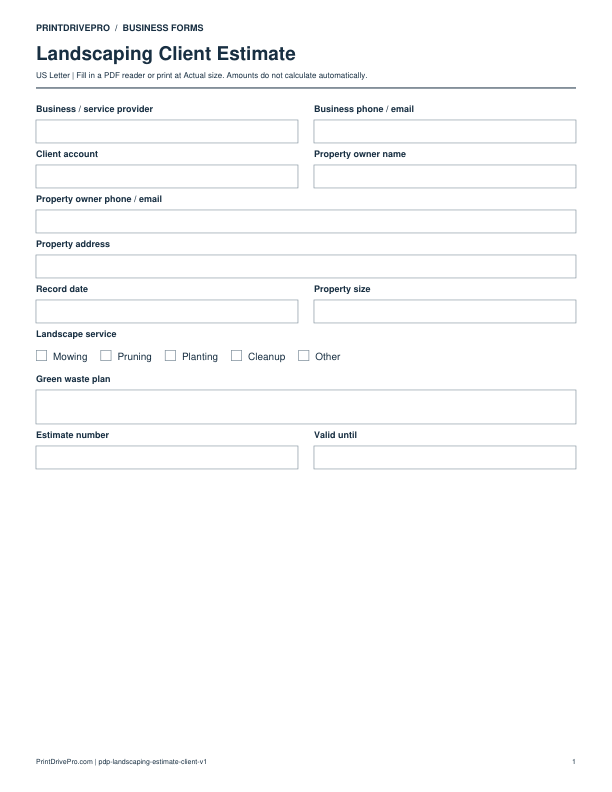
A US Letter printable estimate for landscaping teams, with fields for property zones, customer details, scheduling, and operational notes.
US Letter2 pagesFillable PDF
No signup. 28 KB. Save a copy before filling it in.
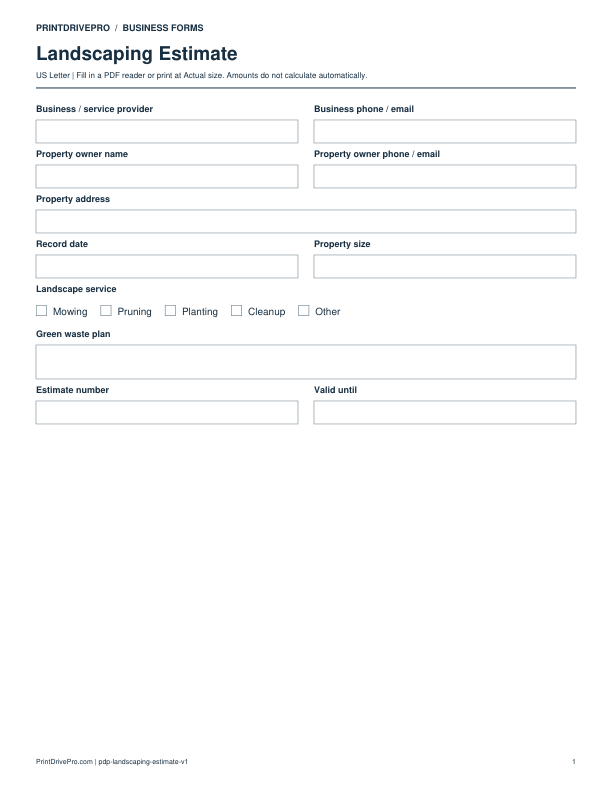
Actual PDF preview · Page 1 of 2
Preview remaining pages
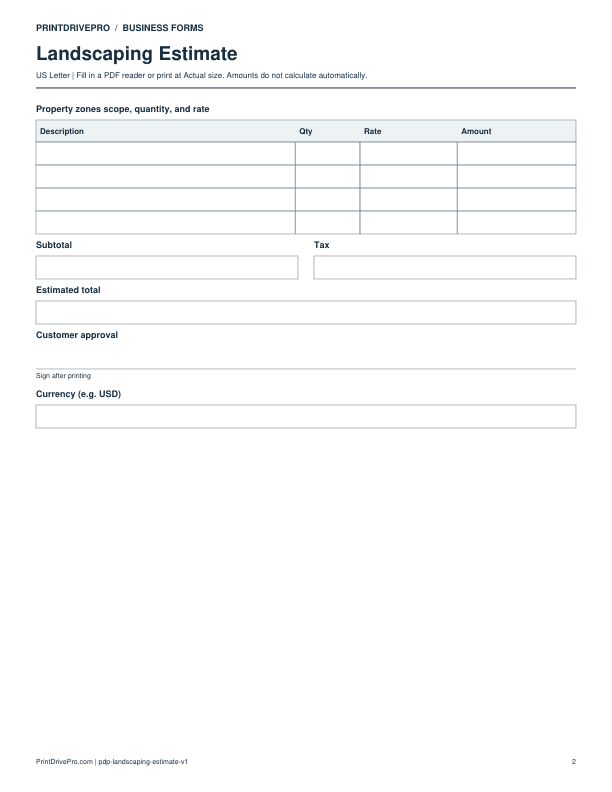
What’s included in this form
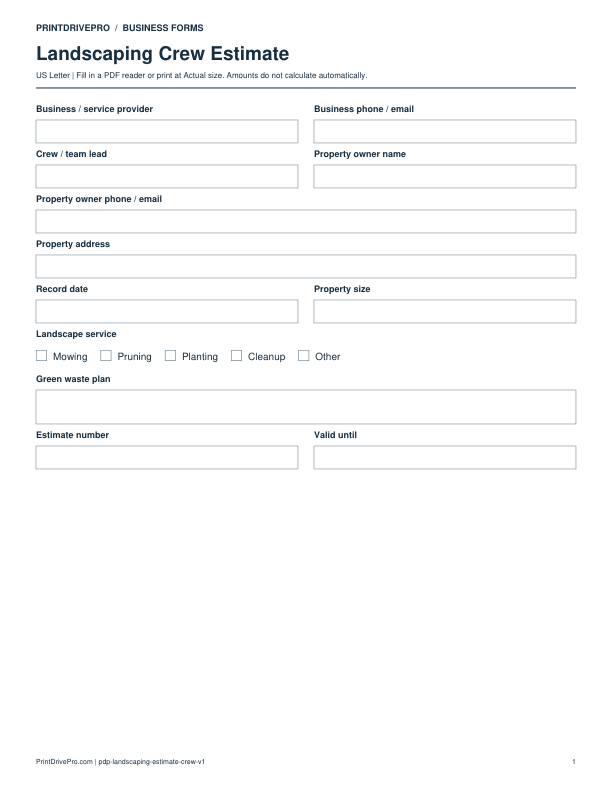
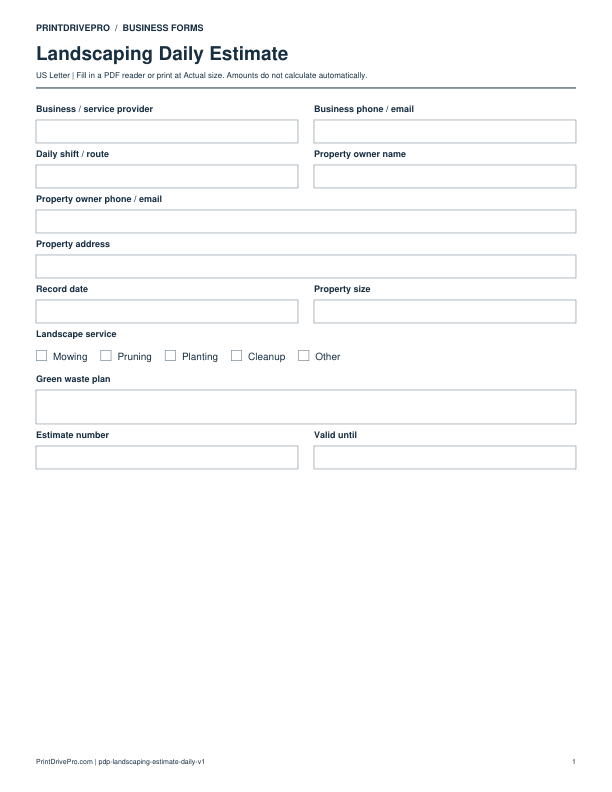
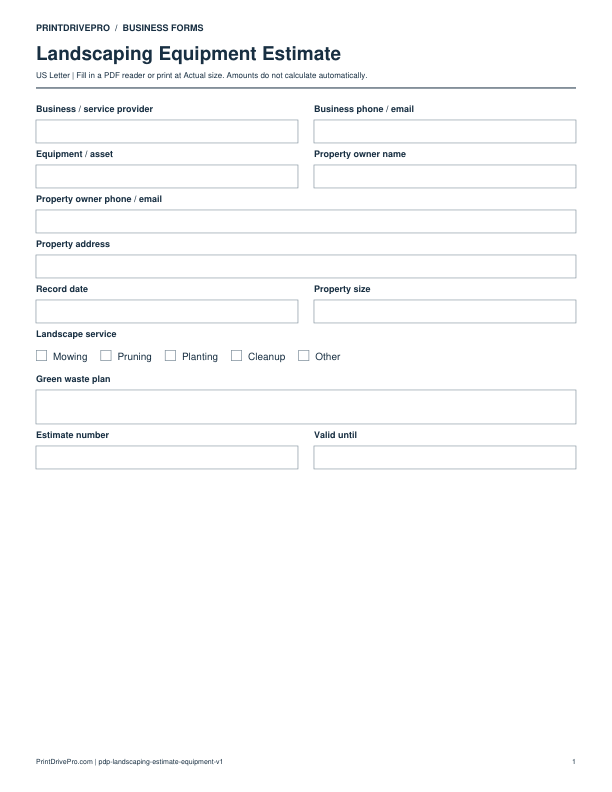
These fields match the downloadable PDF.
Download, fill in, and print
- Download the PDF and open the saved file in a PDF reader.
- Type into the fillable fields, or leave the form blank for handwriting. Enter amounts and totals manually; this PDF does not calculate them.
- Choose US Letter (8.5 × 11 inches) and Actual size / 100% in the print dialog. Check the preview before printing.
- Print the signature fields for signing. Keep completed forms in your own secure records.
PDF readers differ in their support for form fields. If text does not save in your browser, open the downloaded file in a desktop PDF reader.
Using this form in your business
Prepare a landscaping estimate after measuring the property and discussing the result the owner wants. This version records property size, landscape service, green waste plan, zones, access, irrigation observations, labor, plants, soil, mulch, stone, and equipment. Separating optional improvements from the core scope helps the owner compare choices while protecting the crew from an unclear promise about quantities, disposal, or seasonal work.
Measure the site by zone
Record property address, property size, lawn, bed, hardscape, slope, gate width, irrigation, drainage, and access. Use zone names that the owner and crew can recognize during later work.
Price labor, materials, and disposal
List each landscape service with quantity, unit, labor, material, delivery, equipment, and green waste plan. Keep alternates such as plant grade, mulch depth, or cleanup level on separate lines.
Define acceptance and change
Check assumptions, exclusions, estimated start, expiration date, subtotal, tax, and total. If measurements or owner selections change, issue a revision and connect the accepted estimate to purchasing and the work order.
How to use this printable
- Walk and measure each property zone.
- Document landscape service choices and site constraints.
- Calculate labor, materials, equipment, and disposal.
- Obtain approval and preserve the accepted revision.
Printing notes
- Print on US Letter paper at 100% or Actual size so table rows and signature lines keep their intended spacing.
- Use one copy for each customer, appointment, job, reporting period, or approval cycle instead of overwriting an earlier record.
- Write in dark ink and scan the completed sheet if the business keeps a digital archive.
More forms for this workflow
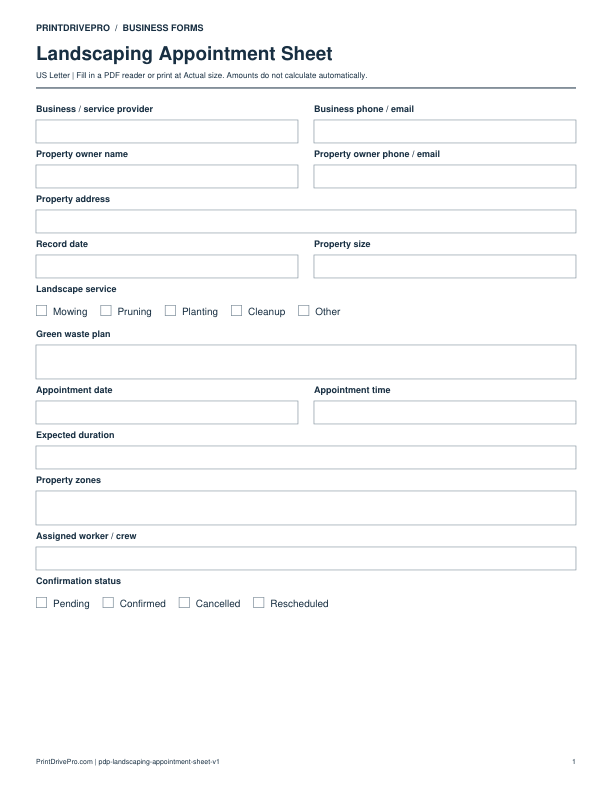
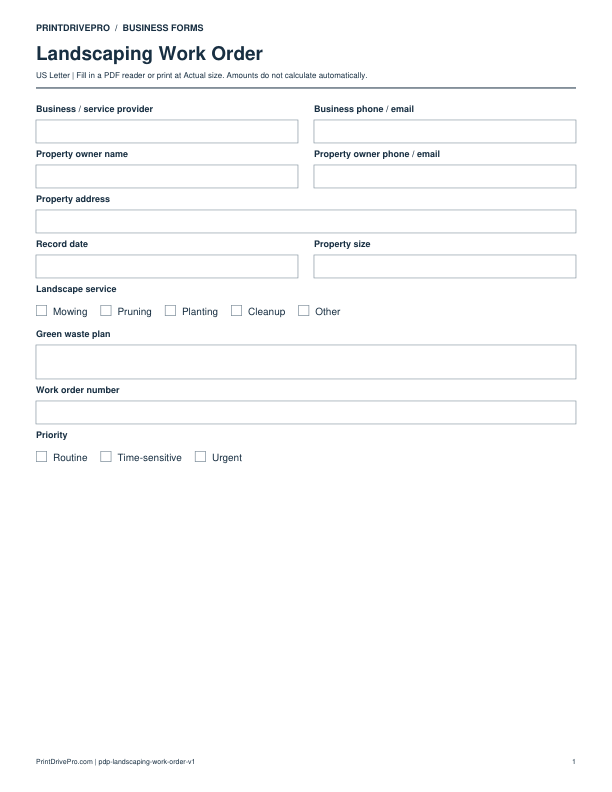
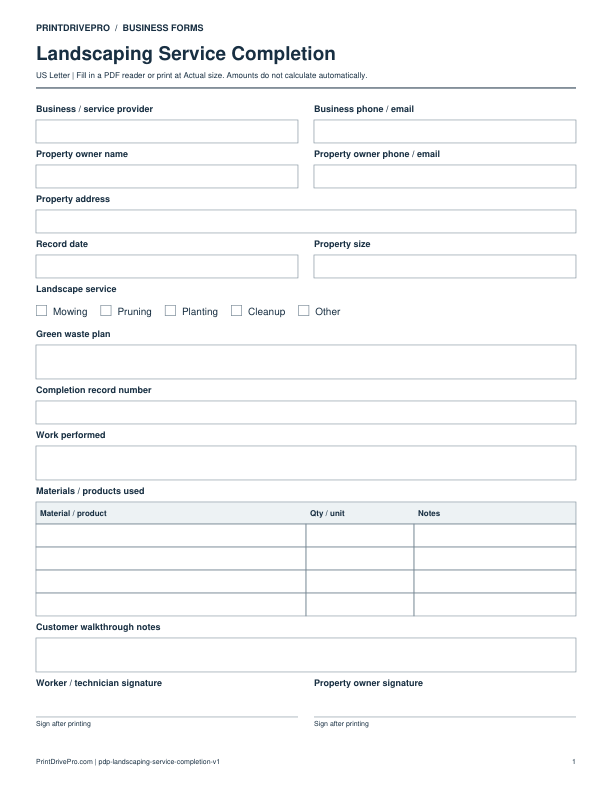
Use a separate form for the next task. An appointment, estimate, work record and invoice serve different purposes.