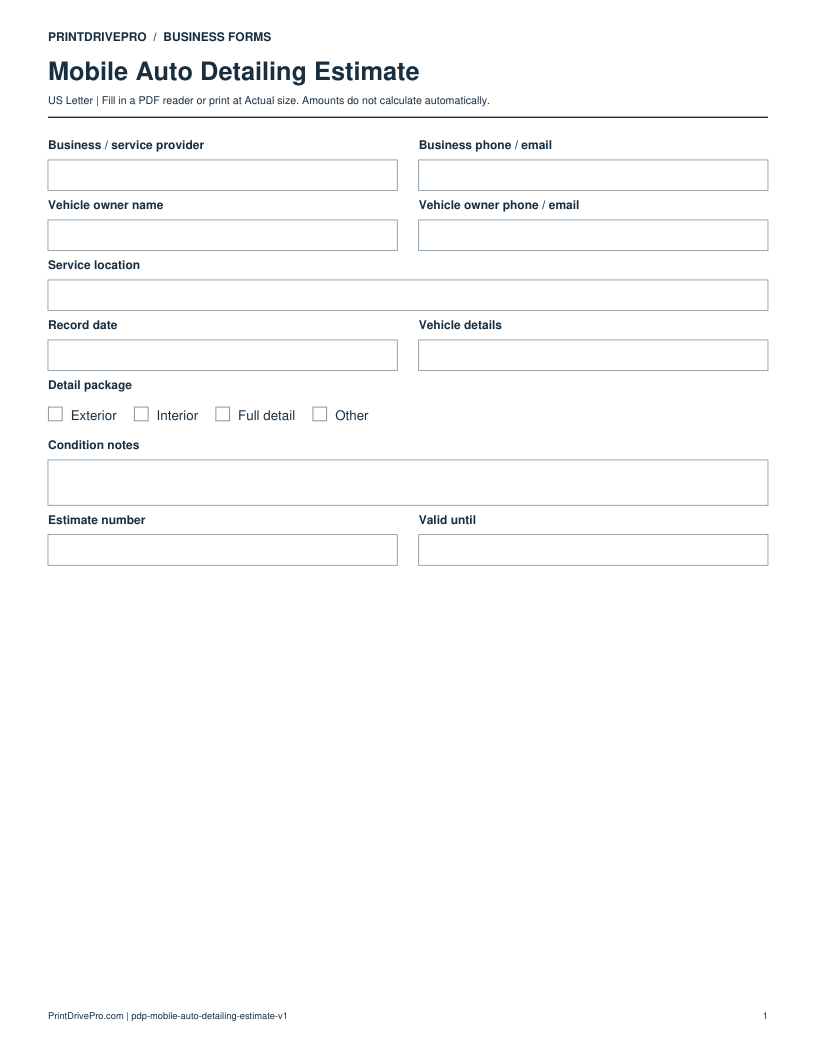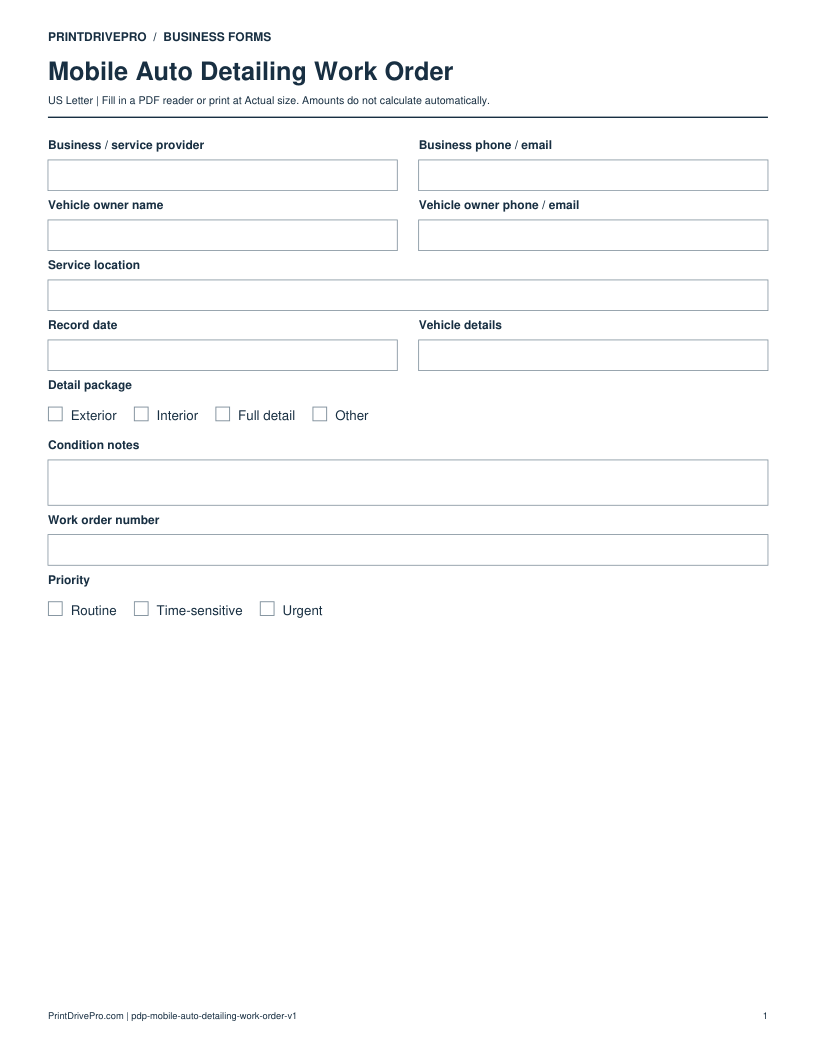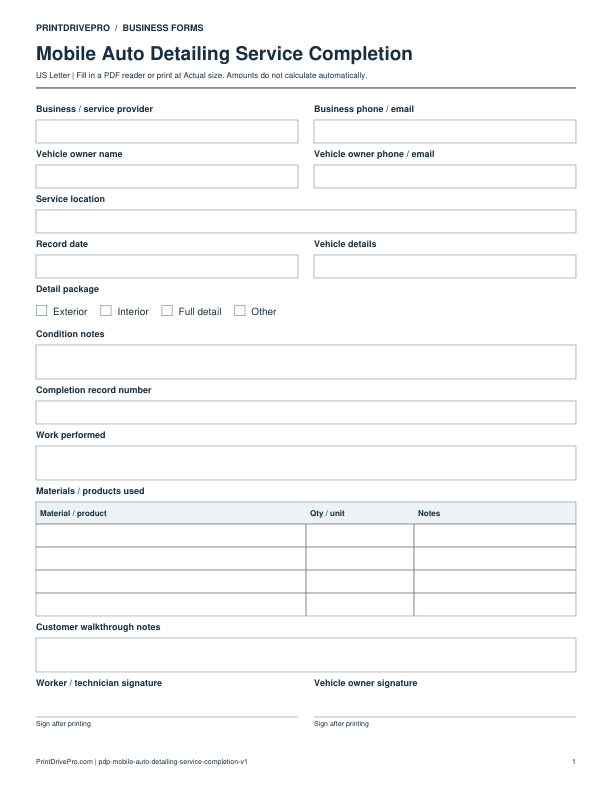
Mobile Auto Detailing
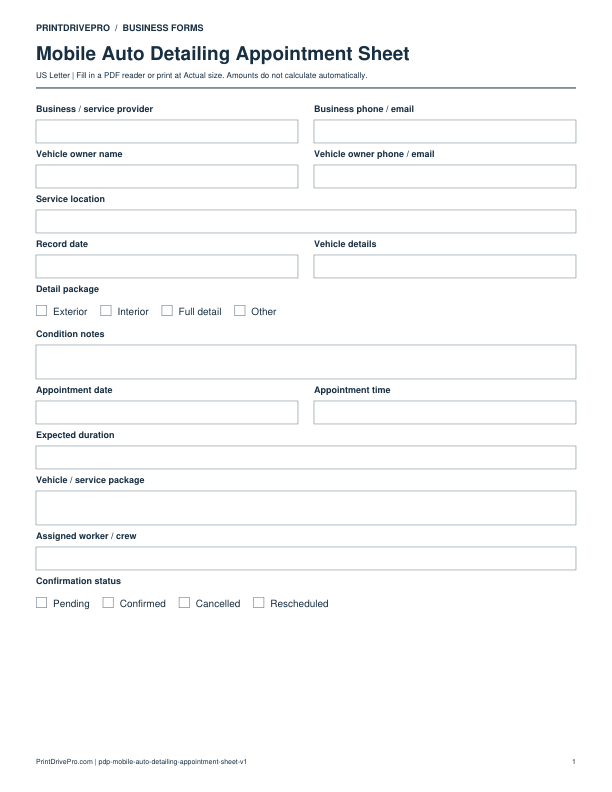
Mobile Auto Detailing Appointment Sheet
US Letter · 1 page · Fillable PDF
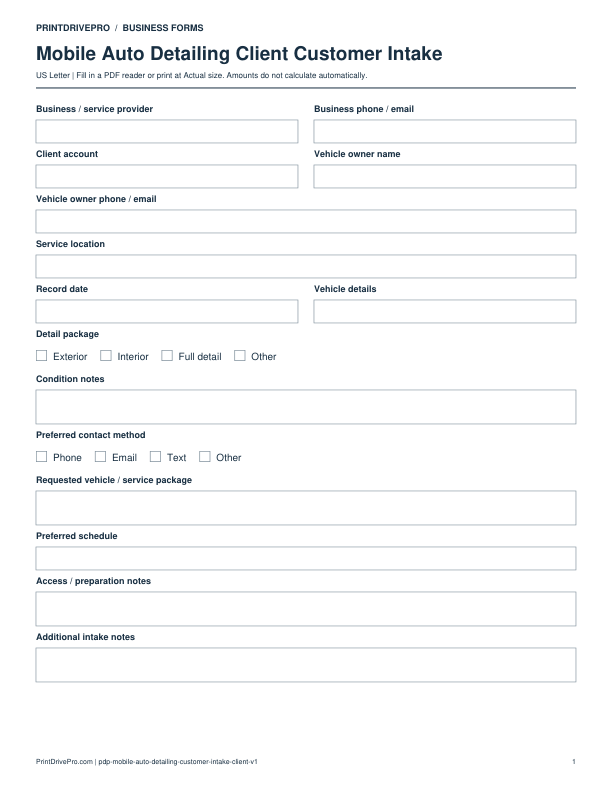
Preview & download →Mobile Auto Detailing / Customer Intake
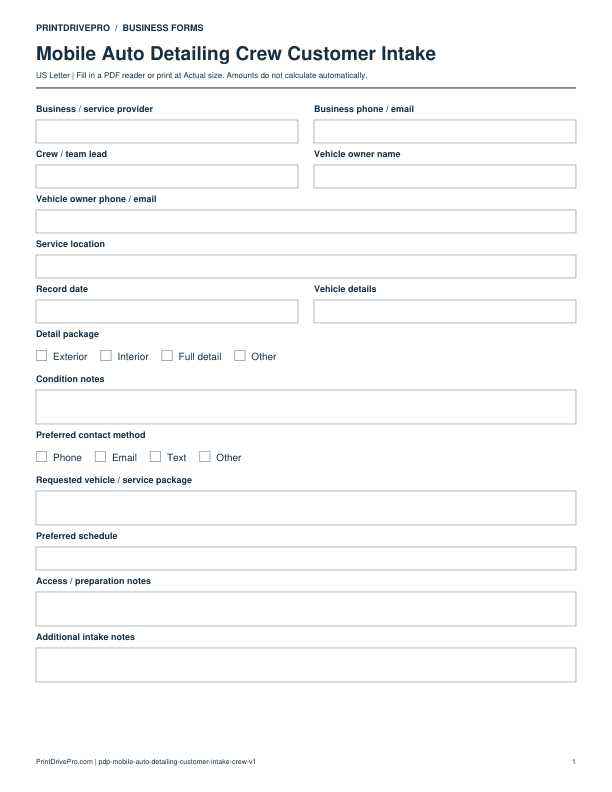
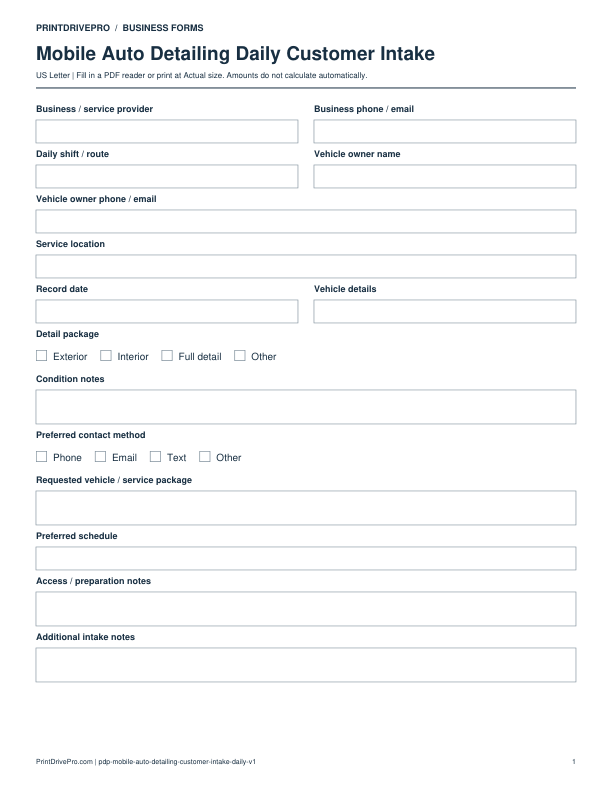
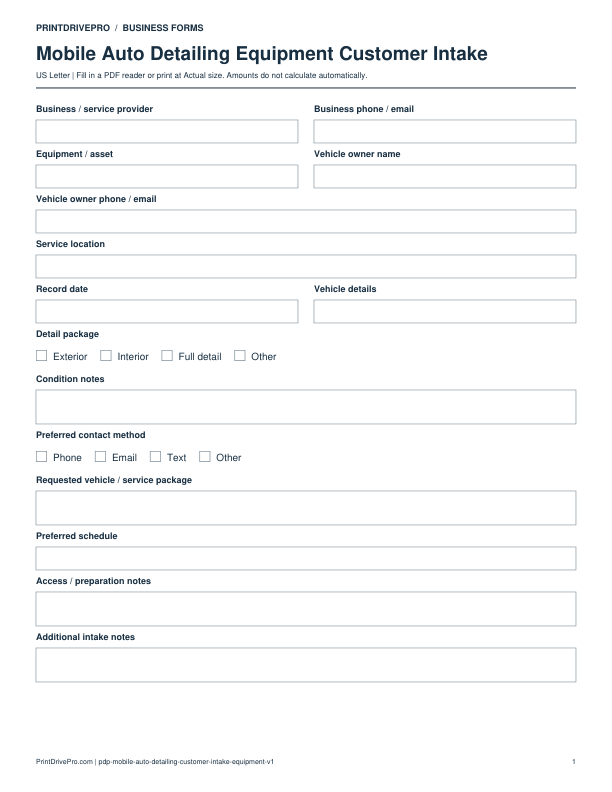
A US Letter printable customer intake for mobile auto detailing teams, with fields for vehicle / service package, customer details, scheduling, and operational notes.
US Letter3 pagesFillable PDF
No signup. 46 KB. Save a copy before filling it in.
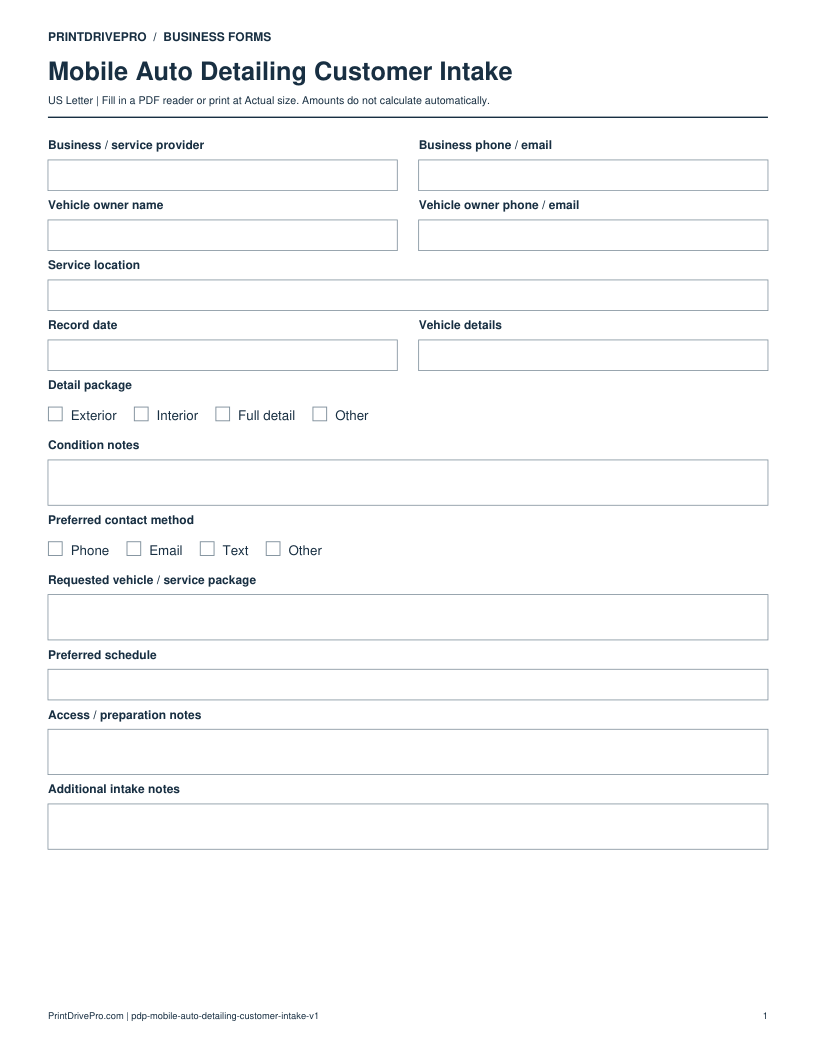
Actual PDF preview · Page 1 of 3
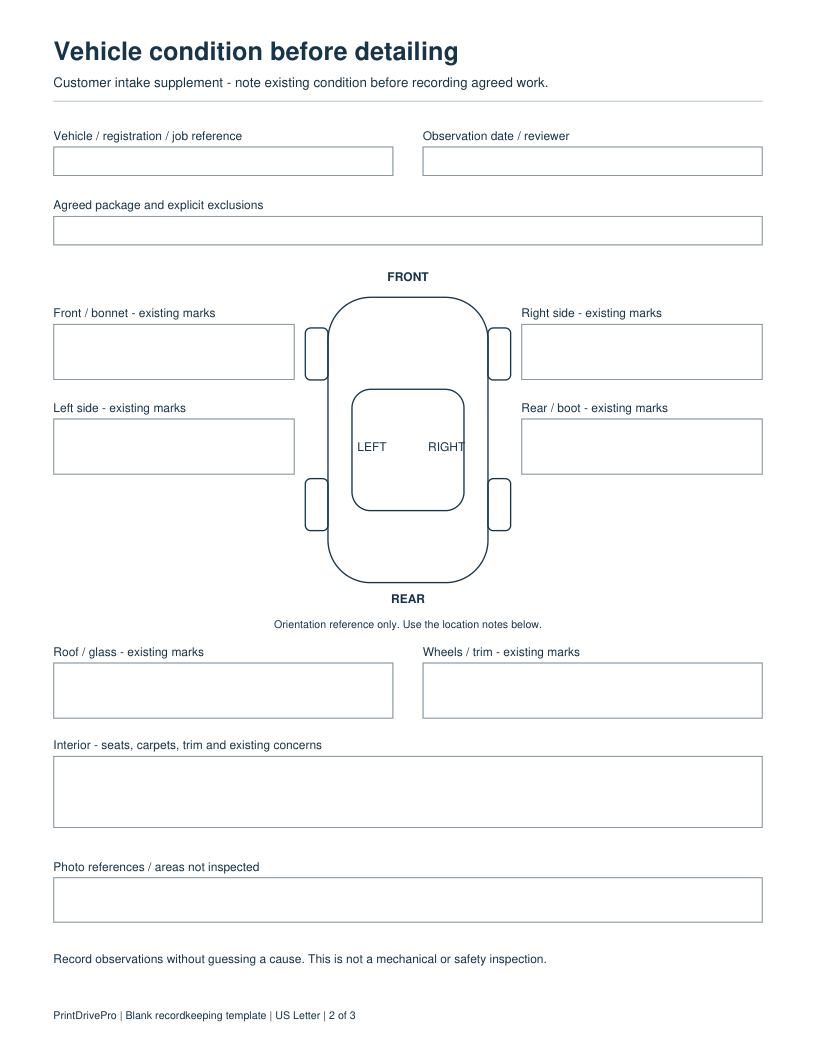
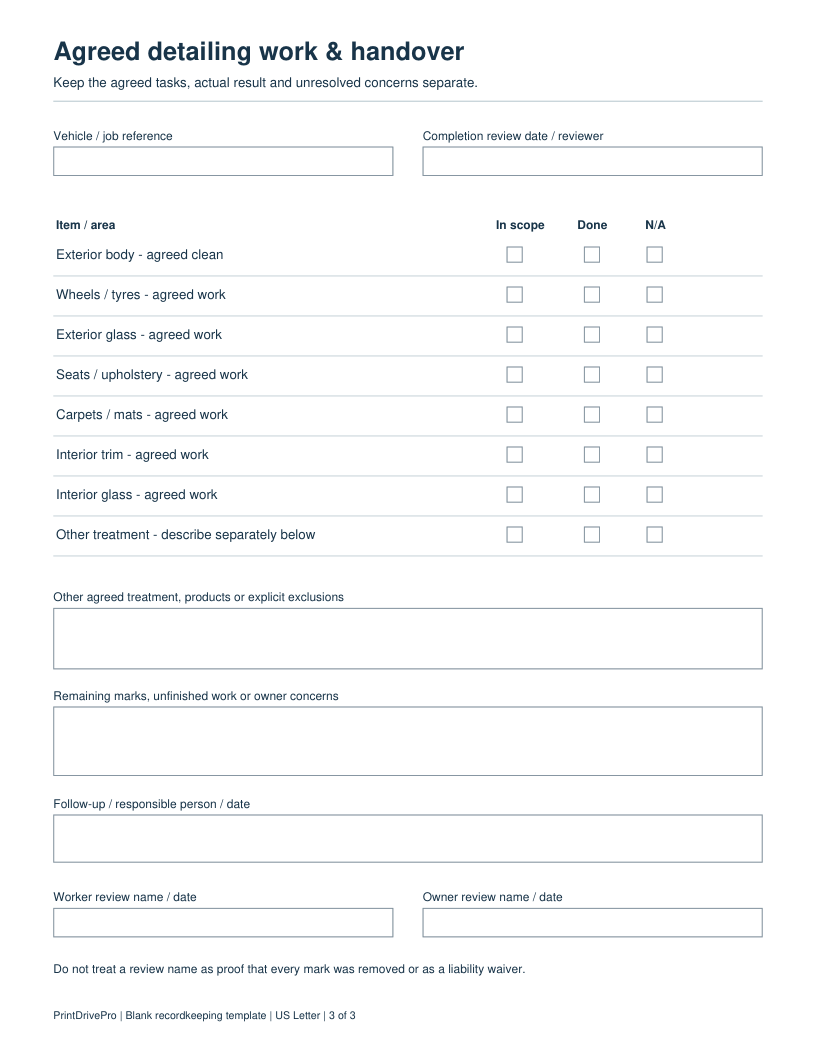
These fields match the downloadable PDF.
PDF readers differ in their support for form fields. If text does not save in your browser, open the downloaded file in a desktop PDF reader.
This 3-page PDF keeps the original owner intake on page 1. Page 2 adds a generic front/rear/left/right orientation sketch and separate observation fields for existing exterior marks, interior concerns, photos and areas not inspected. Page 3 separates agreed exterior and interior tasks from actual completion and the owner’s unresolved observations.
Job DETAIL-104: the owner requests interior work. Record an existing mark on the rear seat in Interior concerns before work and identify its photo in Photo references. Leave exterior task scope boxes blank unless agreed. At handover, record a remaining mark and the next agreed action rather than marking its removal Done.
No. It is a generic orientation reference for observation notes, not a model-specific panel diagram, mechanical inspection or waiver. Worker and owner review names record who reviewed the result; they do not prove every mark was removed.
Record a vehicle owner’s detailing request and practical preparation before choosing a package and confirming a visit.
This example is invented to show how the fields work. It is not a real customer, job, quotation, recommended price or tax treatment.
No. State that it is owner-reported until you make and record the relevant observation.
It records the request. Use an estimate to describe an additional proposed service and price before changing the billed scope.
Keep a saved copy for each visit or record. The field list and preview above show what is actually included in this PDF.
Updated October 4, 2026: two task pages added to this customer intake PDF. The original version remains available above.
Use a separate form for the next task. An appointment, estimate, work record and invoice serve different purposes.
Mobile Auto Detailing
US Letter · 1 page · Fillable PDF
Preview & download →Mobile Auto Detailing
US Letter · 3 pages · Fillable PDF
Preview & download →Mobile Auto Detailing
US Letter · 3 pages · Fillable PDF
Preview & download →Mobile Auto Detailing
US Letter · 1 page · Fillable PDF
Preview & download →Mobile Auto Detailing
US Letter · 1 page · Fillable PDF
Preview & download →Mobile Auto Detailing
US Letter · 1 page · Fillable PDF
Preview & download →Mobile Auto Detailing
US Letter · 1 page · Fillable PDF
Preview & download →Mobile Auto Detailing
US Letter · 1 page · Fillable PDF
Preview & download →