Mobile Auto Detailing
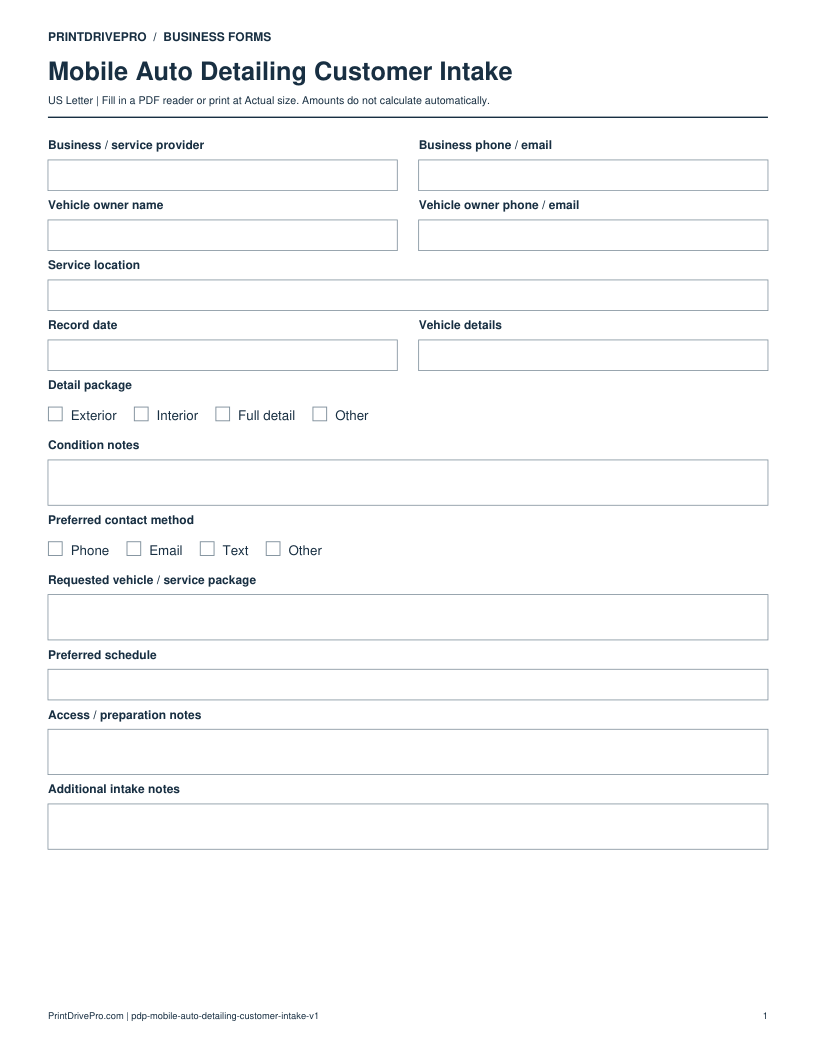
Mobile Auto Detailing Customer Intake
US Letter · 3 pages · Fillable PDF
Preview & download →Mobile Auto Detailing / Service Completion
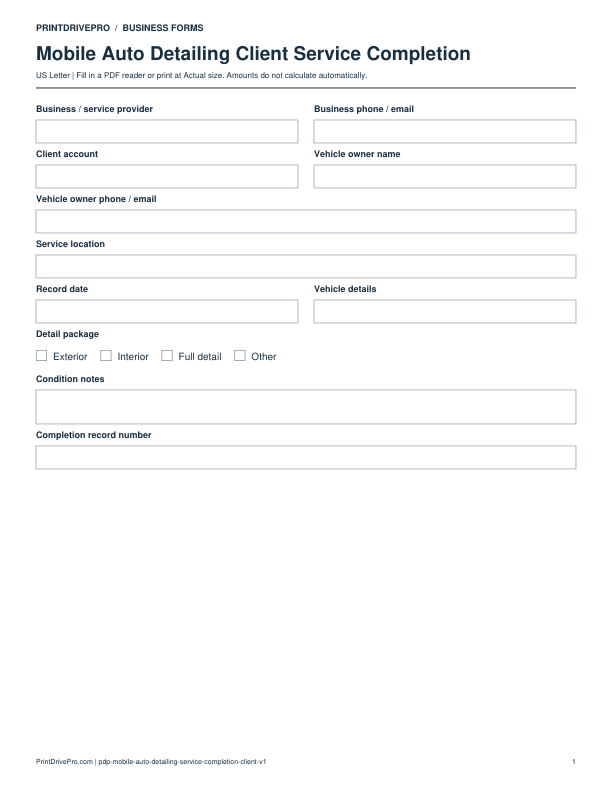
A US Letter printable service completion for mobile auto detailing teams, with fields for vehicle / service package, customer details, scheduling, and operational notes.
US Letter1 pageFillable PDF
No signup. 23 KB. Save a copy before filling it in.
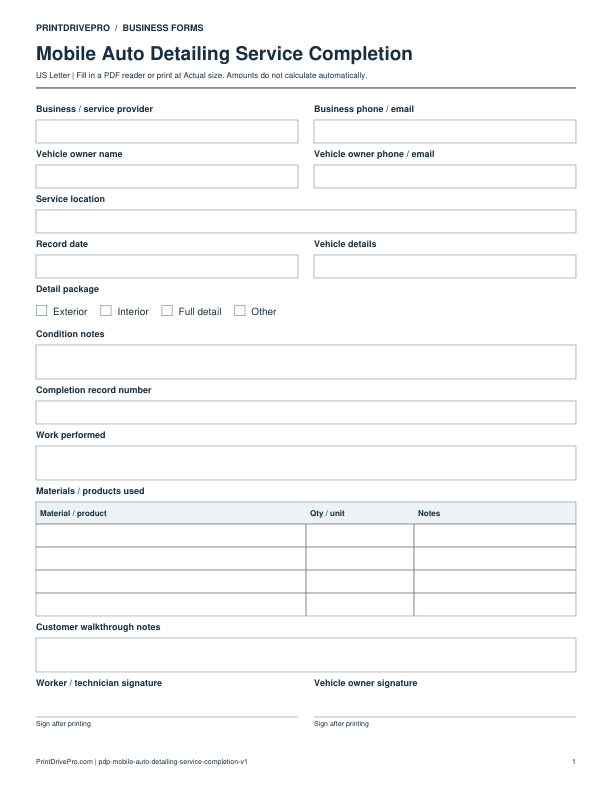
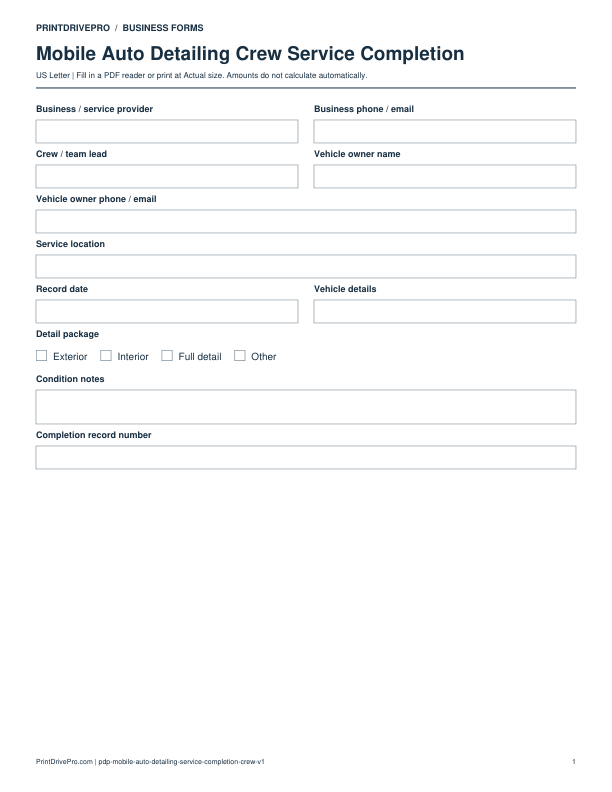
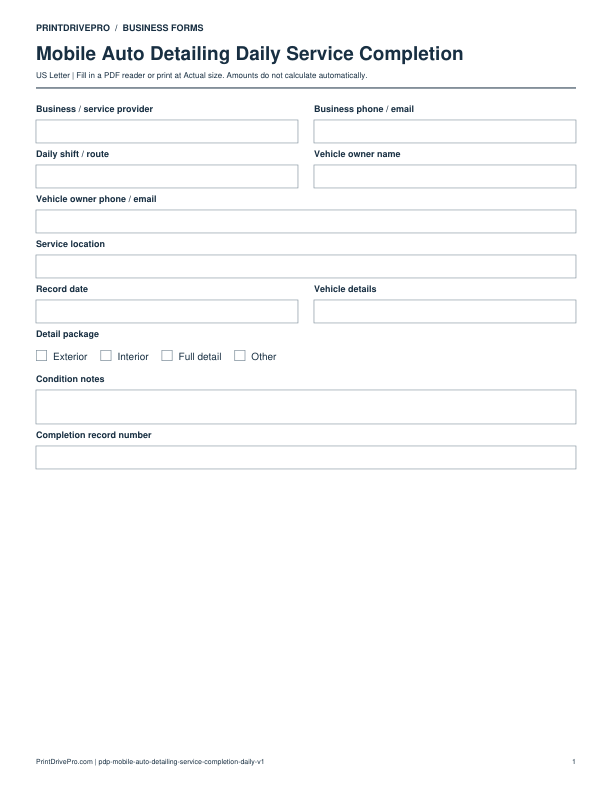
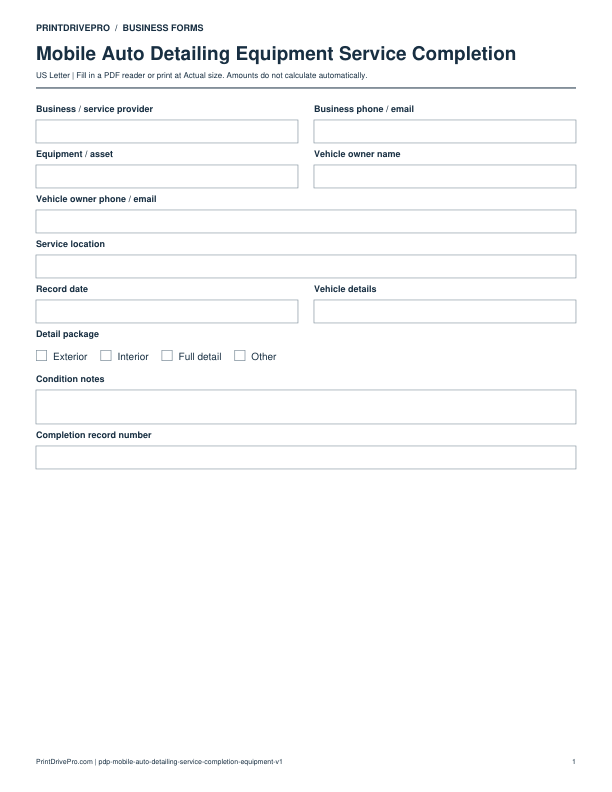
Actual PDF preview · Page 1 of 1
These fields match the downloadable PDF.
PDF readers differ in their support for form fields. If text does not save in your browser, open the downloaded file in a desktop PDF reader.
Describe detailing work actually completed and the owner’s final observations without confusing completion with payment.
This example is invented to show how the fields work. It is not a real customer, job, quotation, recommended price or tax treatment.
The form records work and observations. Do not describe an unresolved result as completed successfully just because a signature field exists.
Record that the owner’s review or signature is outstanding. Keep their signature field blank and arrange the follow-up through your own process.
Keep a saved copy for each visit or record. The field list and preview above show what is actually included in this PDF.
Use a separate form for the next task. An appointment, estimate, work record and invoice serve different purposes.
Mobile Auto Detailing
US Letter · 3 pages · Fillable PDF
Preview & download →Mobile Auto Detailing
US Letter · 1 page · Fillable PDF
Preview & download →Mobile Auto Detailing
US Letter · 3 pages · Fillable PDF
Preview & download →Mobile Auto Detailing
US Letter · 3 pages · Fillable PDF
Preview & download →Mobile Auto Detailing
US Letter · 2 pages · Fillable PDF
Preview & download →Mobile Auto Detailing
US Letter · 2 pages · Fillable PDF
Preview & download →Mobile Auto Detailing
US Letter · 2 pages · Fillable PDF
Preview & download →Mobile Auto Detailing
US Letter · 2 pages · Fillable PDF
Preview & download →