Mobile Auto Detailing / Estimate

Mobile Auto Detailing Estimate

A US Letter printable estimate for mobile auto detailing teams, with fields for vehicle / service package, customer details, scheduling, and operational notes.

US Letter3 pagesFillable PDF

No signup. 53 KB. Save a copy before filling it in.
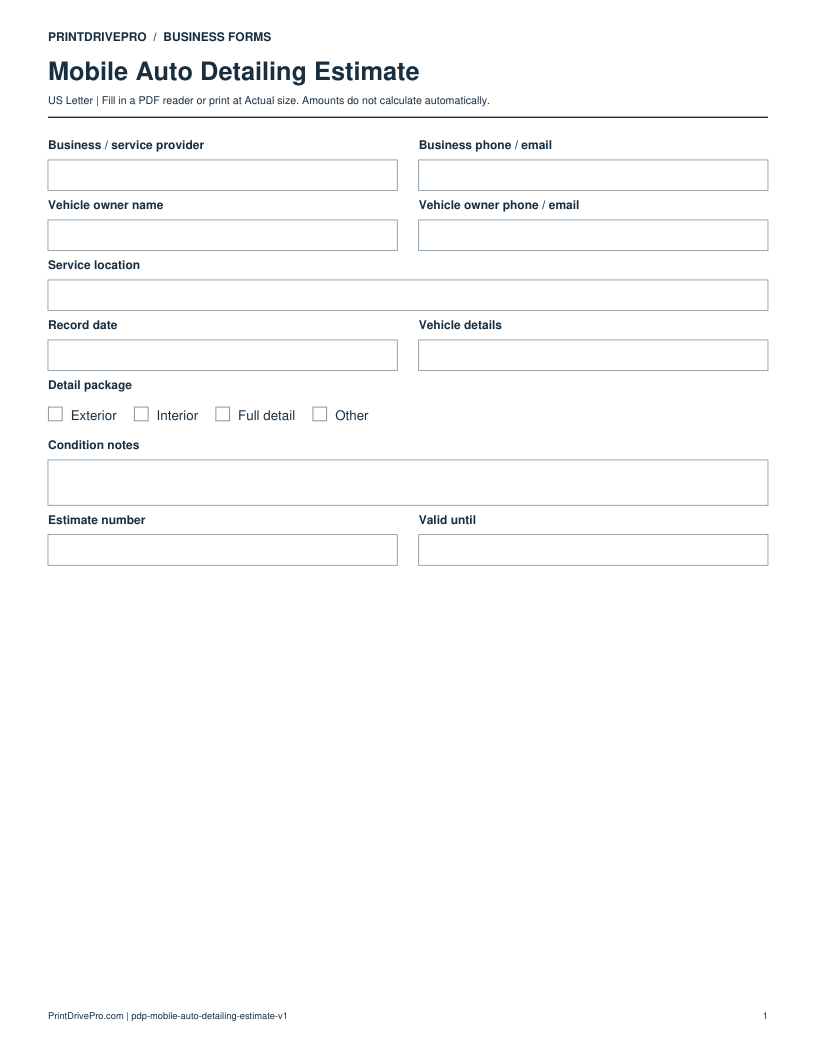
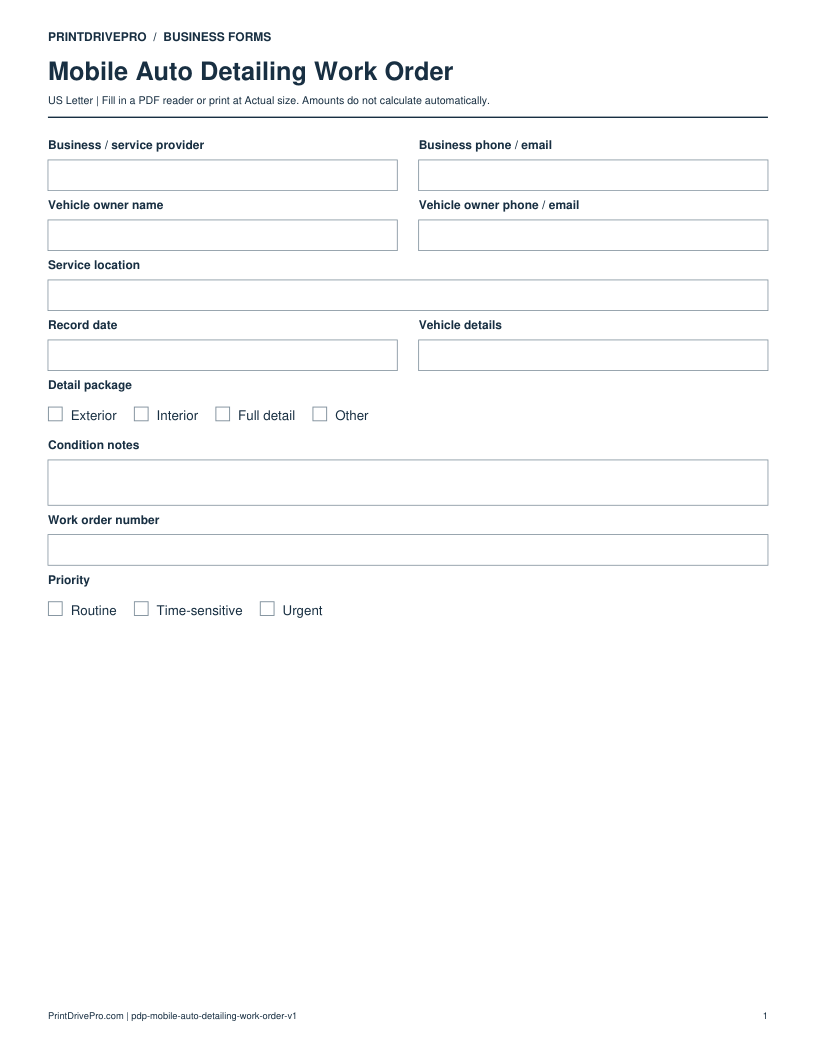
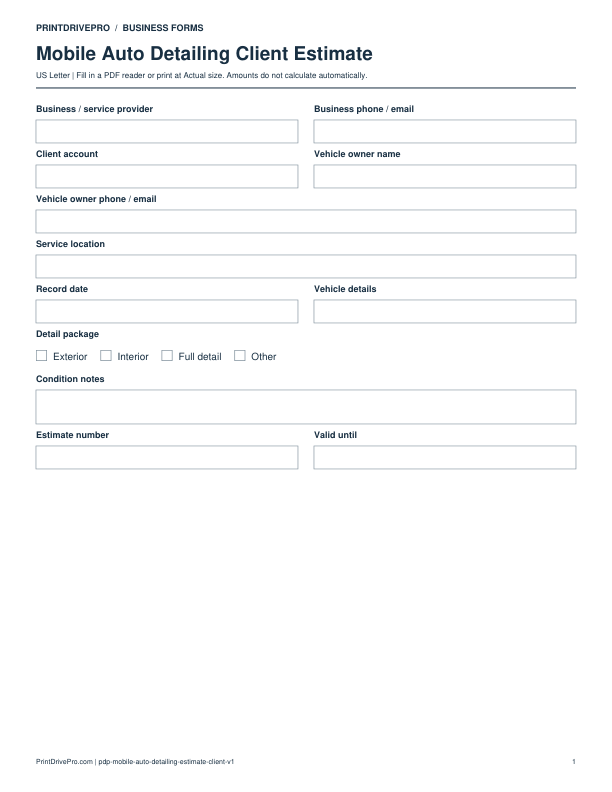
Page 1 of Mobile Auto Detailing Estimate Printable

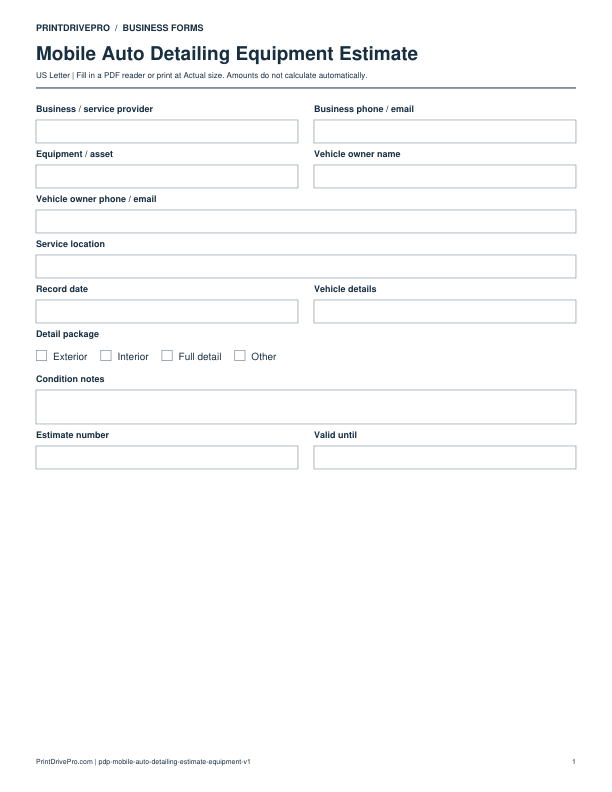
Actual PDF preview · Page 1 of 3

Preview remaining pagesPage 2 of Mobile Auto Detailing Estimate PrintablePage 3 of Mobile Auto Detailing Estimate Printable

What’s included in this form

These fields match the downloadable PDF.

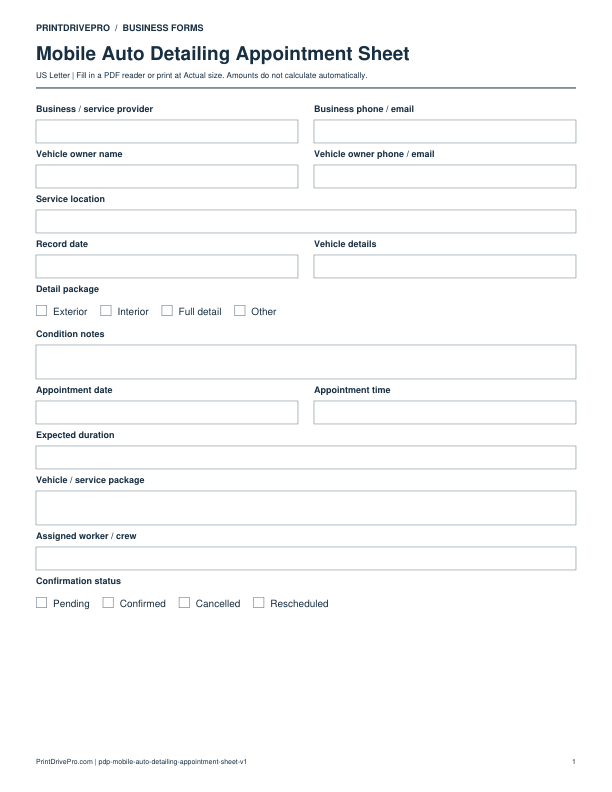
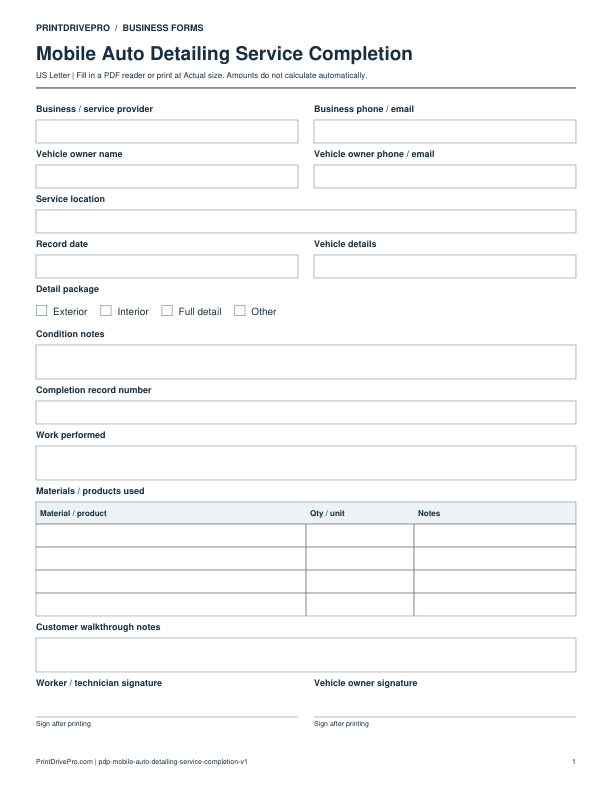
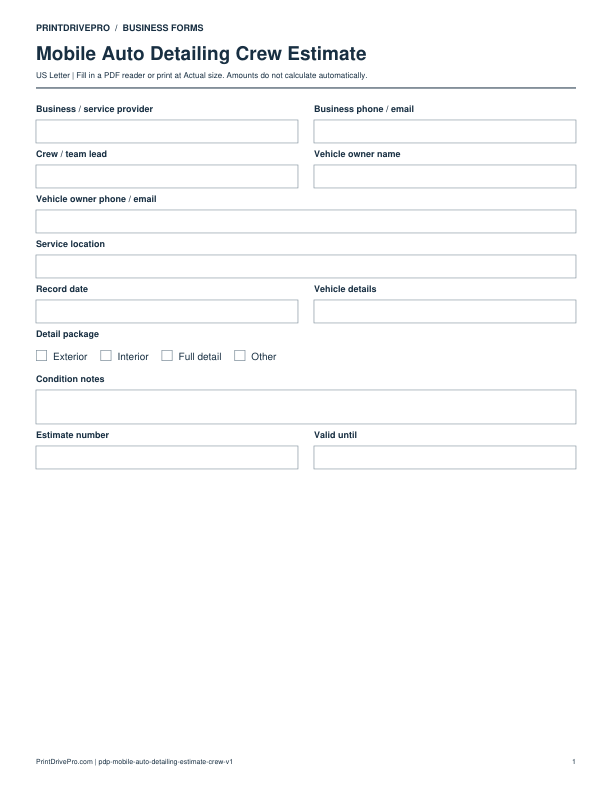
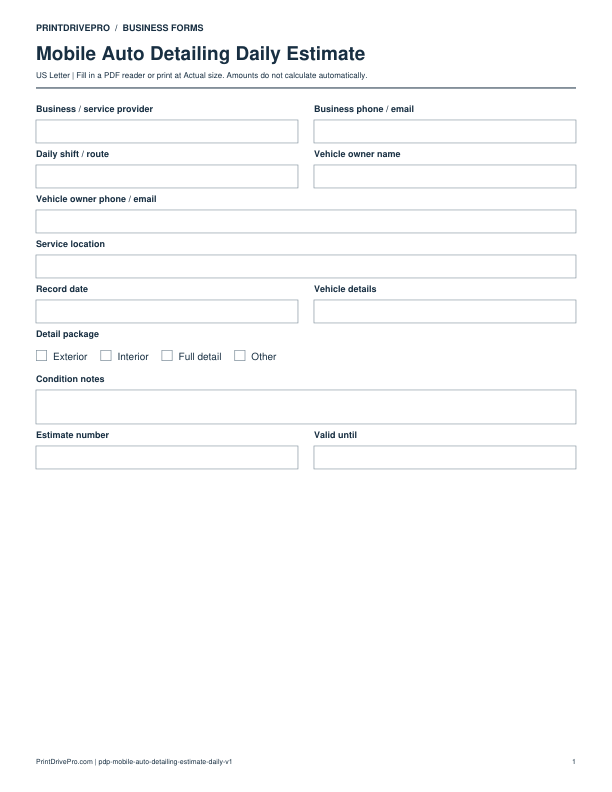
Business / service providerWrite or type your details
Business phone / emailWrite or type your details
Vehicle owner nameWrite or type your details
Vehicle owner phone / emailWrite or type your details
Service locationWrite or type your details
Record dateWrite or type your details
Vehicle detailsWrite or type your details
Detail packageExterior · Interior · Full detail · Other
Condition notesSpace for notes
Estimate numberWrite or type your details
Valid untilWrite or type your details
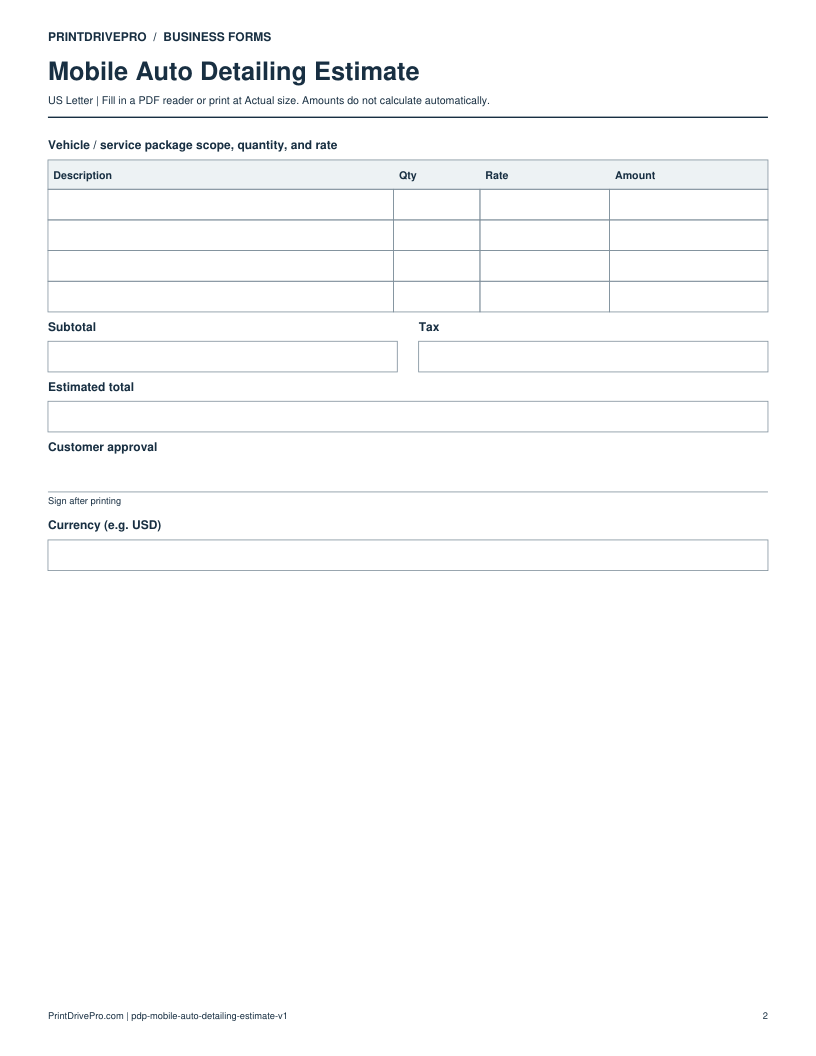
Vehicle / service package scope, quantity, and rateDescription · Qty · Rate · Amount · 4 rows
SubtotalEnter the amount manually
TaxEnter the amount manually
Estimated totalEnter the amount manually
Customer approvalSign after printing
Currency (e.g. USD)Write or type your details
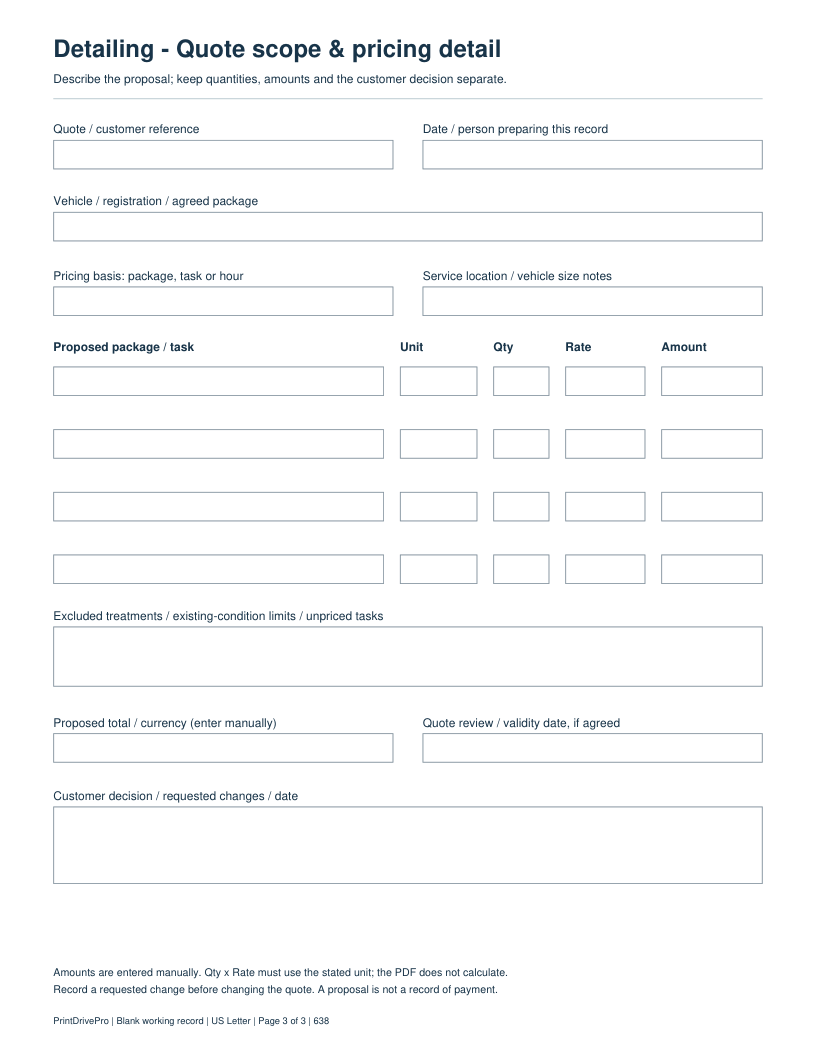
Quote / customer referenceWrite or type your details
Date / person preparing this recordWrite or type your details
Vehicle / registration / agreed packageWrite or type your details
Pricing basis: package, task or hourWrite or type your details
Service location / vehicle size notesWrite or type your details
Quote row 1: Proposed package / taskWrite or type your details
Quote row 1: UnitWrite or type your details
Quote row 1: QtyWrite or type your details
Quote row 1: RateWrite or type your details
Quote row 1: AmountWrite or type your details
Quote row 2: Proposed package / taskWrite or type your details
Quote row 2: UnitWrite or type your details
Quote row 2: QtyWrite or type your details
Quote row 2: RateWrite or type your details
Quote row 2: AmountWrite or type your details
Quote row 3: Proposed package / taskWrite or type your details
Quote row 3: UnitWrite or type your details
Quote row 3: QtyWrite or type your details
Quote row 3: RateWrite or type your details
Quote row 3: AmountWrite or type your details
Quote row 4: Proposed package / taskWrite or type your details
Quote row 4: UnitWrite or type your details
Quote row 4: QtyWrite or type your details
Quote row 4: RateWrite or type your details
Quote row 4: AmountWrite or type your details
Excluded treatments / existing-condition limits / unpriced tasksSpace for notes
Proposed total / currency (enter manually)Write or type your details
Quote review / validity date, if agreedWrite or type your details
Customer decision / requested changes / dateSpace for notes

Download, fill in, and print

  1. Download the PDF and open the saved file in a PDF reader.
  2. Type into the fillable fields, or leave the form blank for handwriting. Enter amounts and totals manually; this PDF does not calculate them.
  3. Choose US Letter (8.5 × 11 inches) and Actual size / 100% in the print dialog. Check the preview before printing.
  4. Print the signature fields for signing. Keep completed forms in your own secure records.

PDF readers differ in their support for form fields. If text does not save in your browser, open the downloaded file in a desktop PDF reader.

Using this form in your business

Quote scope & pricing detail: actual PDF supplement

This 3-page fillable PDF retains the original 2-page form. Page 3 adds the pricing basis, four proposed task rows with unit, quantity, rate and amount, exclusions, total and the customer decision, using the vehicle and detailing package as its working reference.

Fictional working example

QUOTE-105: identify one interior-detailing package. Enter the pricing unit before quantity and rate. Leave the customer decision blank until it is recorded.

Added October 5, 2026: one task-specific page. Original fields and the earlier PDF remain available. Amounts, where present, are entered manually.

Propose detailing work and an amount that the owner can review before an invoice is issued.

Which fields matter for this task?

Vehicle / service package scope
List what the proposed package includes and any work excluded from that amount.
Qty, Rate and Amount
For this fictional single-package example, 1 × 150 = 150. Enter every amount manually.
Valid until
Use a proposal review date appropriate to your own offer, rather than assuming the template establishes an agreement.

Fictional filling example

This example is invented to show how the fields work. It is not a real customer, job, quotation, recommended price or tax treatment.

Estimate number
AD-EST-104
Detail package
Interior
Vehicle / service package scope, quantity, and rate
Interior clean, agreed areas only | Qty: 1 | Rate: 150 | Amount: 150
Subtotal
150
Tax
0 (demonstration only)
Estimated total
150
Currency (e.g. USD)
USD

Questions about this task

Is 150 an industry rate for an interior detail?

No. It is invented to demonstrate the PDF fields. This page gives no market-price or tax recommendation.

How do I handle an extra treatment?

Describe the extra proposed work and amount before billing it. Record the owner’s decision instead of silently adding it to a completed invoice.

Keep a saved copy for each visit or record. The field list and preview above show what is actually included in this PDF.

More forms for this workflow

Use a separate form for the next task. An appointment, estimate, work record and invoice serve different purposes.