Landscaping / Work Order
Landscaping Work Order
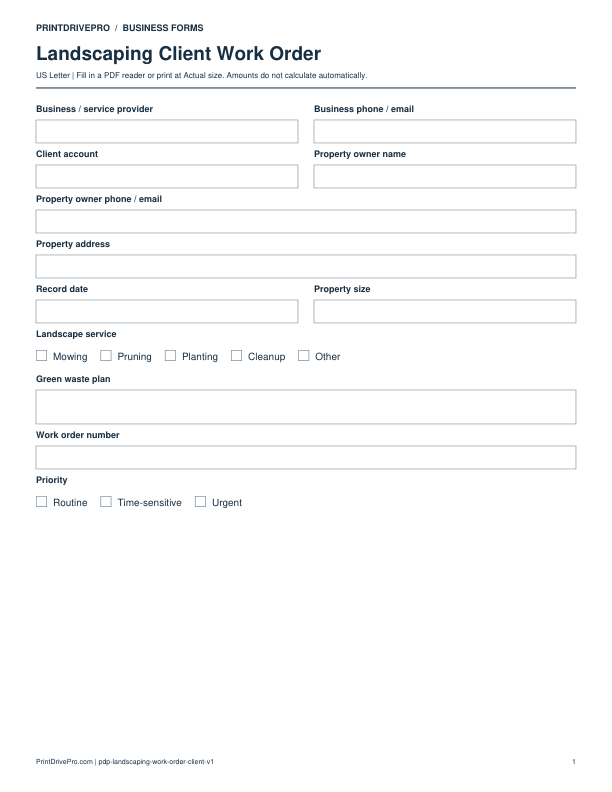
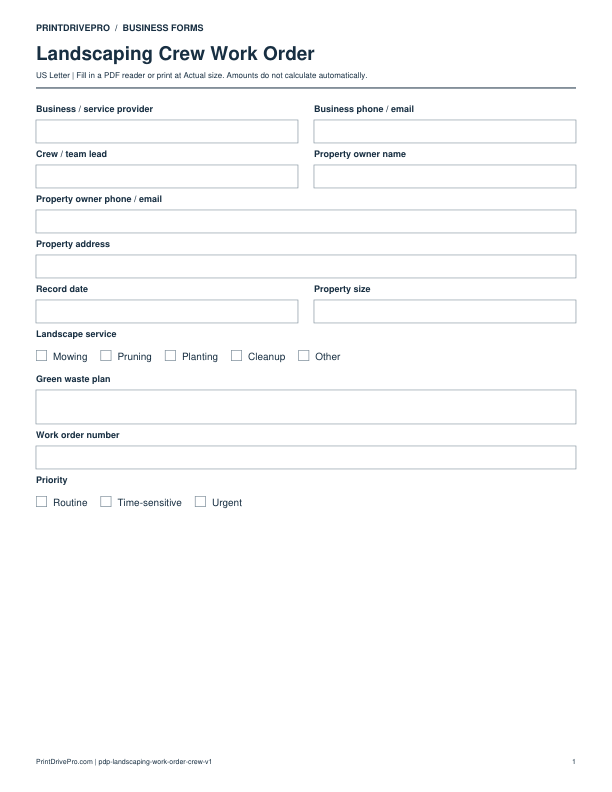
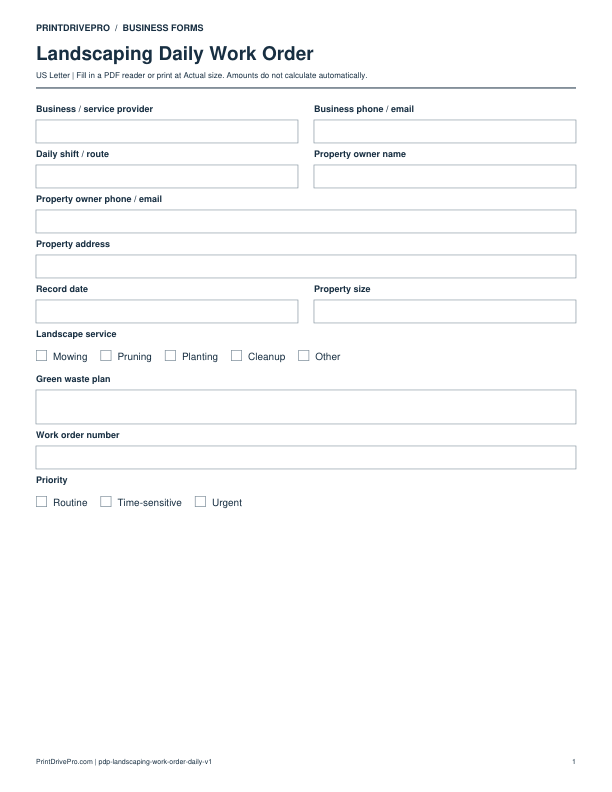
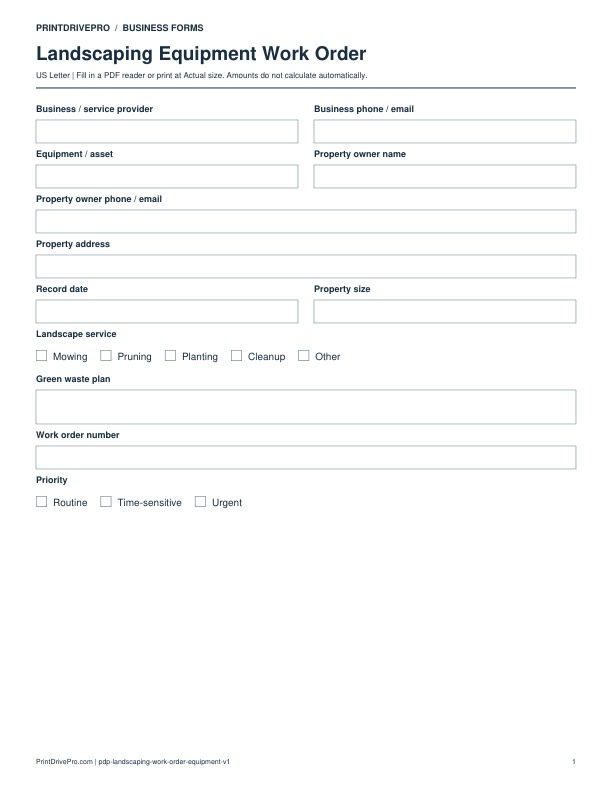
A US Letter printable work order for landscaping teams, with fields for property zones, customer details, scheduling, and operational notes.
US Letter2 pagesFillable PDF
No signup. 26 KB. Save a copy before filling it in.
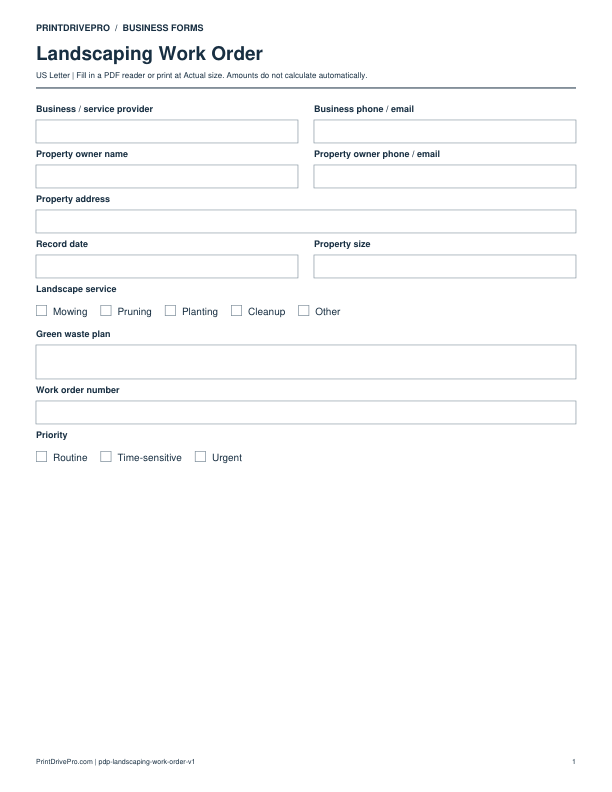
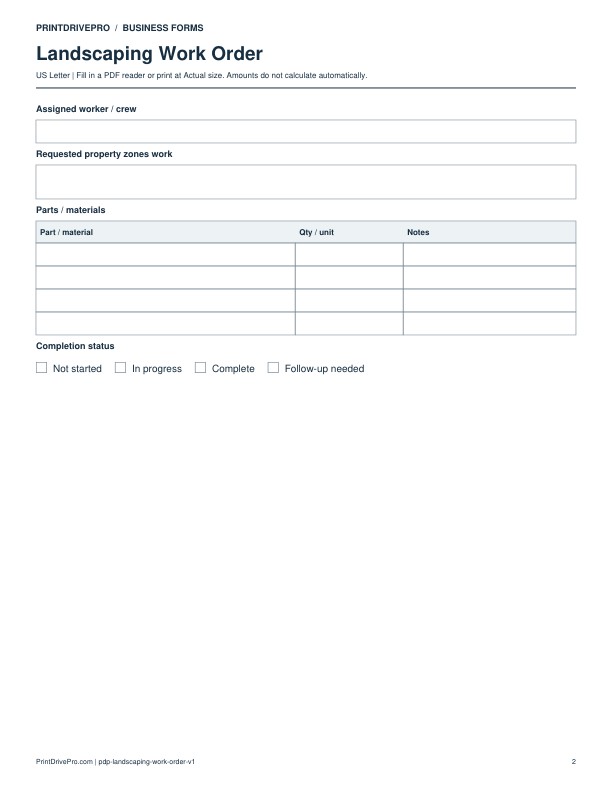
Actual PDF preview · Page 1 of 2
Preview remaining pages
What’s included in this form
These fields match the downloadable PDF.
Download, fill in, and print
- Download the PDF and open the saved file in a PDF reader.
- Type into the fillable fields, or leave the form blank for handwriting.
- Choose US Letter (8.5 × 11 inches) and Actual size / 100% in the print dialog. Check the preview before printing.
- Keep completed forms in your own secure records.
PDF readers differ in their support for form fields. If text does not save in your browser, open the downloaded file in a desktop PDF reader.
Using this form in your business
Turn an approved landscape project or maintenance request into a crew assignment with this work order. It organizes property size, landscape service, green waste plan, zones, irrigation, access, materials, equipment, priority, and schedule. The crew receives the accepted scope in operational language, while estimators retain the original quote and purchasers can see which plants or materials must arrive before work begins.
Transfer the approved site scope
Reference the estimate, then list property zones, measurements, landscape service, existing conditions, protected areas, irrigation or drainage observations, and owner-approved alternates.
Prepare crew and materials
Assign crew, date, expected duration, vehicles, machinery, plant or material quantities, delivery timing, gate access, utility notes, and green waste plan. Mark dependencies that can block the visit.
Control field changes
Use status and exception fields for weather delay, hidden site conditions, quantity variance, owner request, or incomplete delivery. Route price or scope changes back for approval rather than changing the order silently.
How to use this printable
- Review the accepted landscape estimate.
- Assign zones, crew, equipment, and material quantities.
- Confirm access, deliveries, weather, and disposal arrangements.
- Update status and pass completed work to closeout.
Printing notes
- Print on US Letter paper at 100% or Actual size so table rows and signature lines keep their intended spacing.
- Use one copy for each customer, appointment, job, reporting period, or approval cycle instead of overwriting an earlier record.
- Write in dark ink and scan the completed sheet if the business keeps a digital archive.
More forms for this workflow
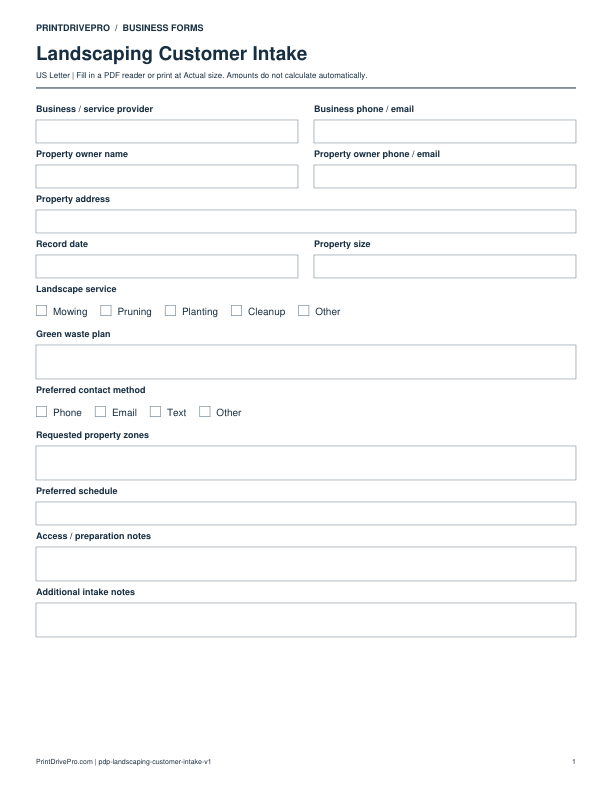
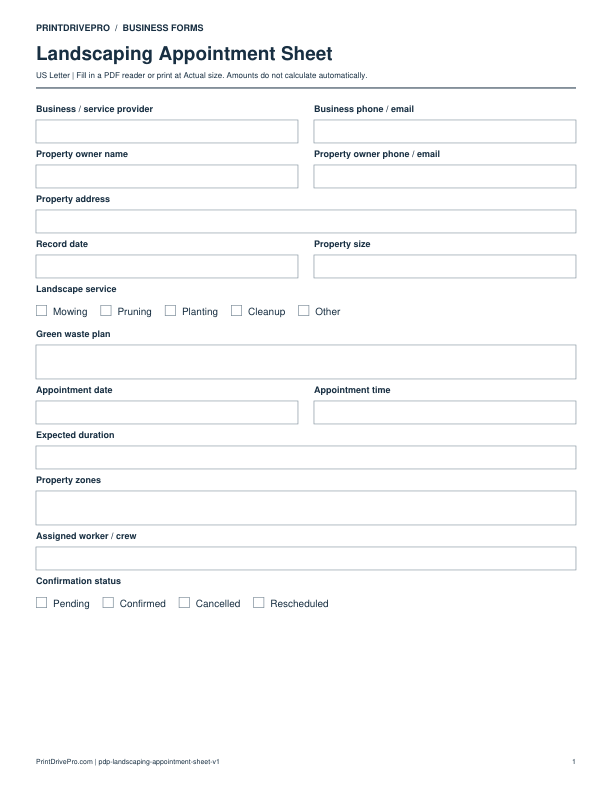
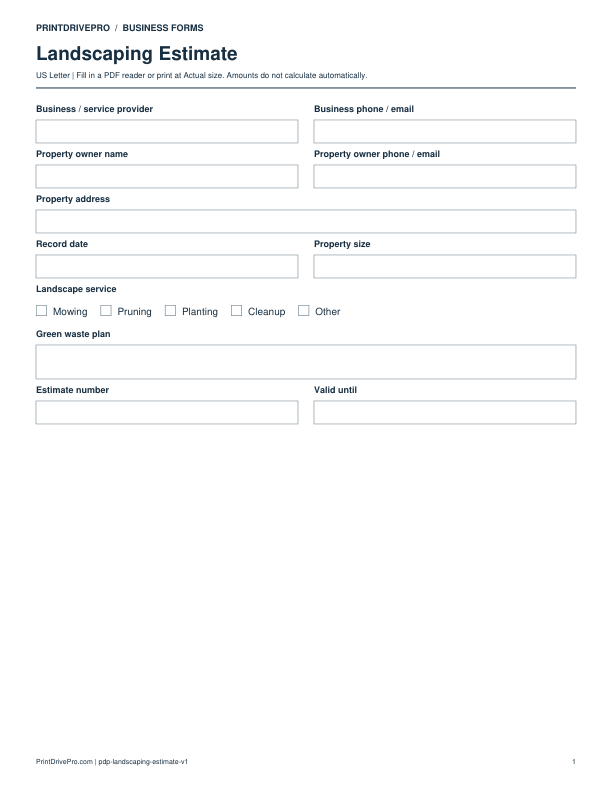
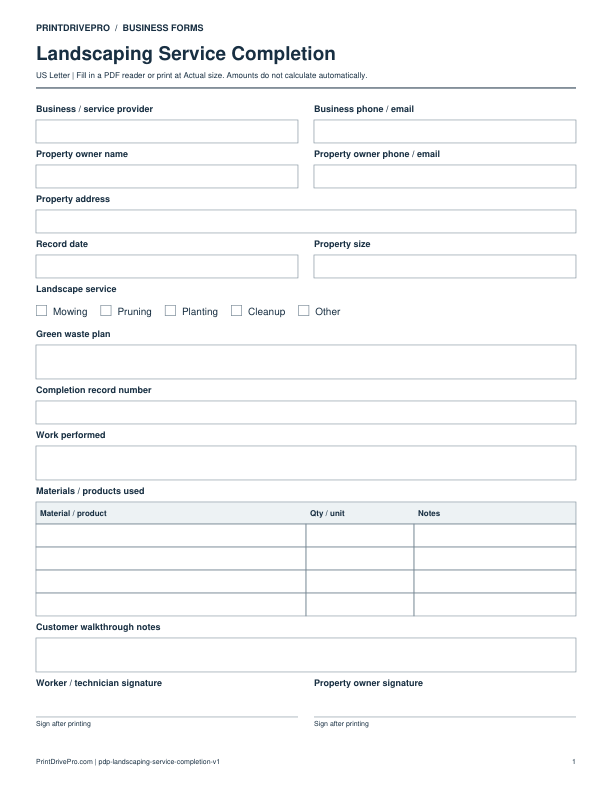
Use a separate form for the next task. An appointment, estimate, work record and invoice serve different purposes.