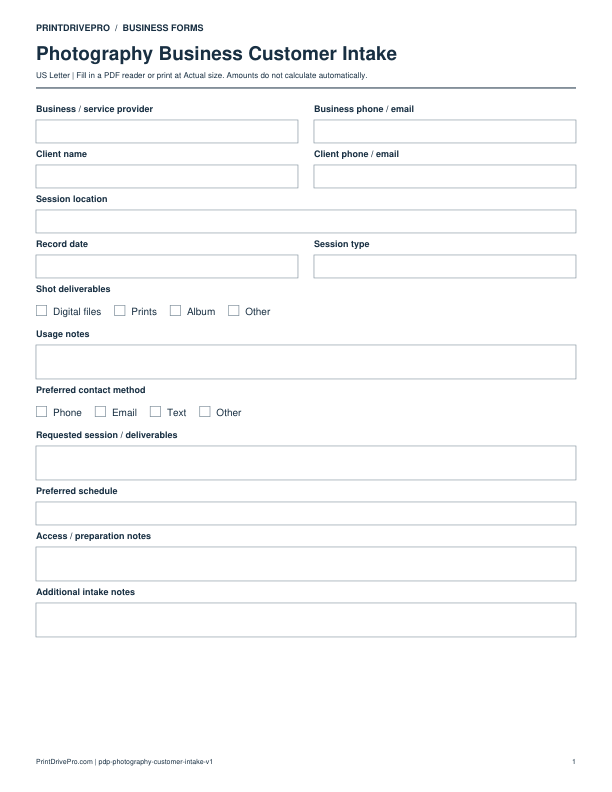
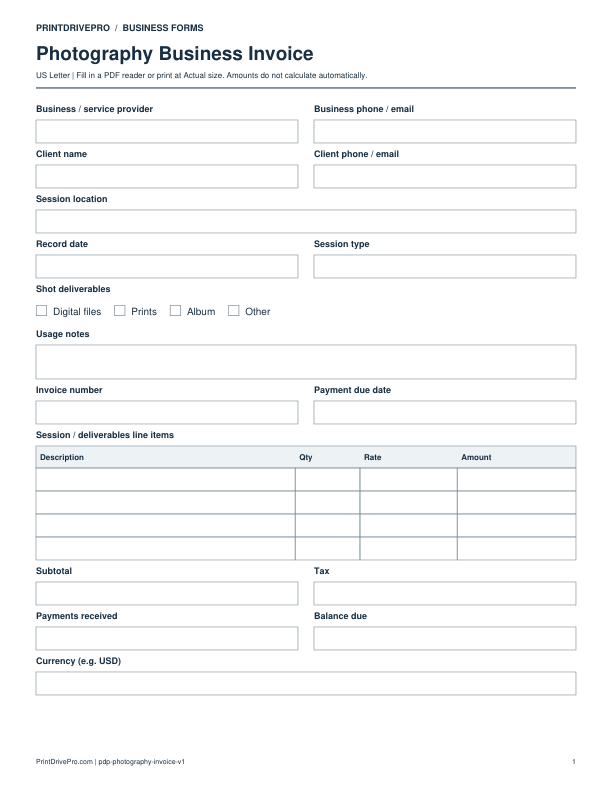
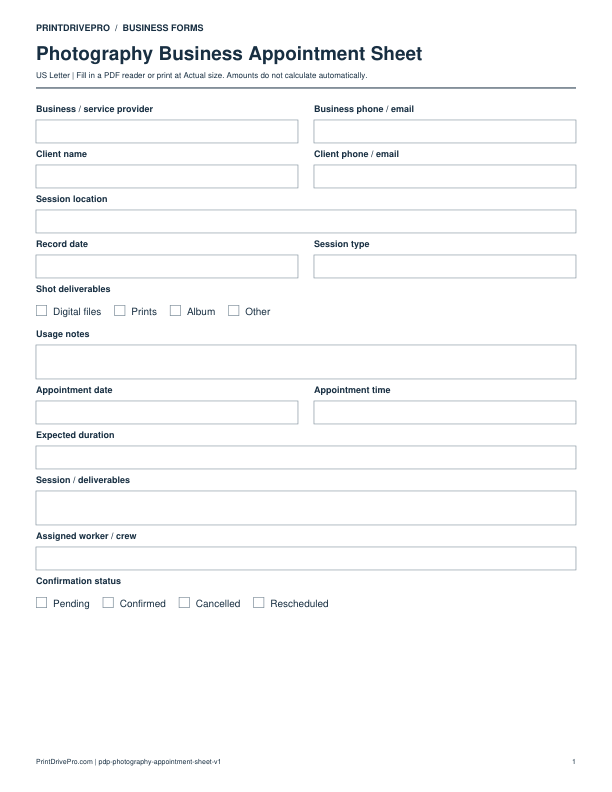
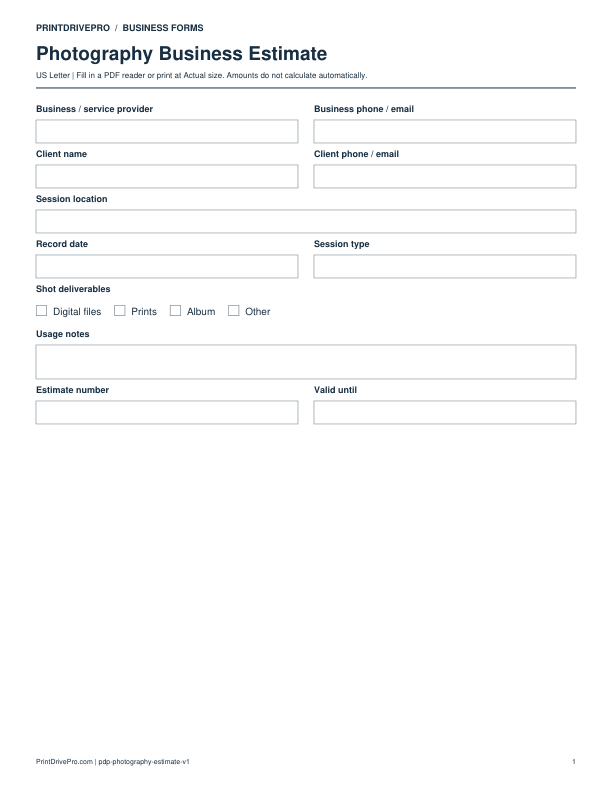
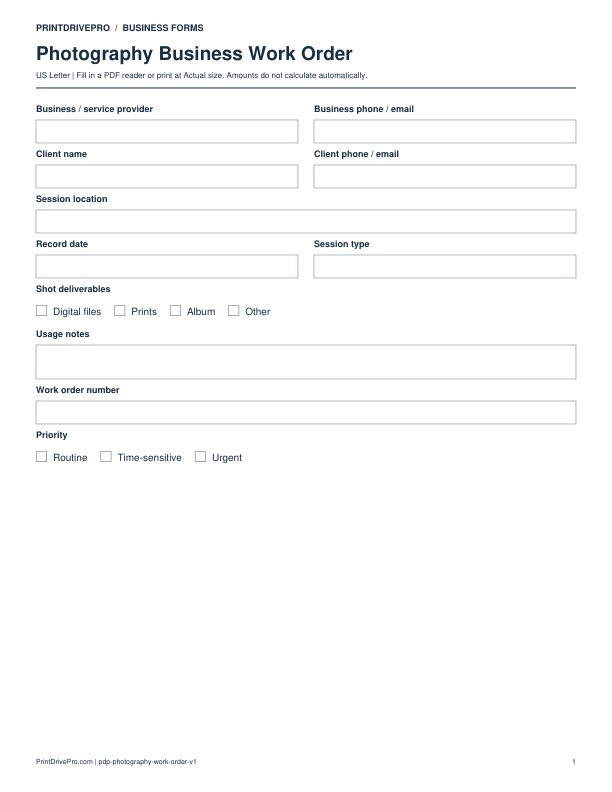
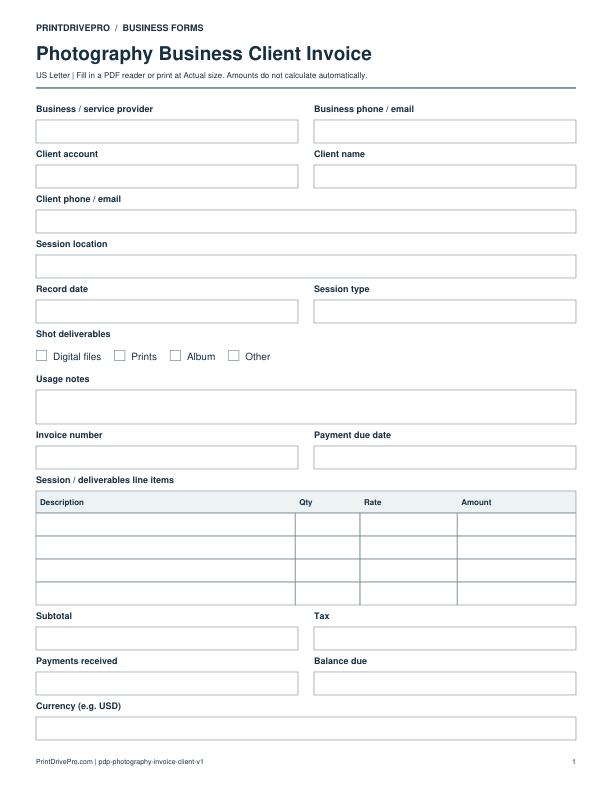
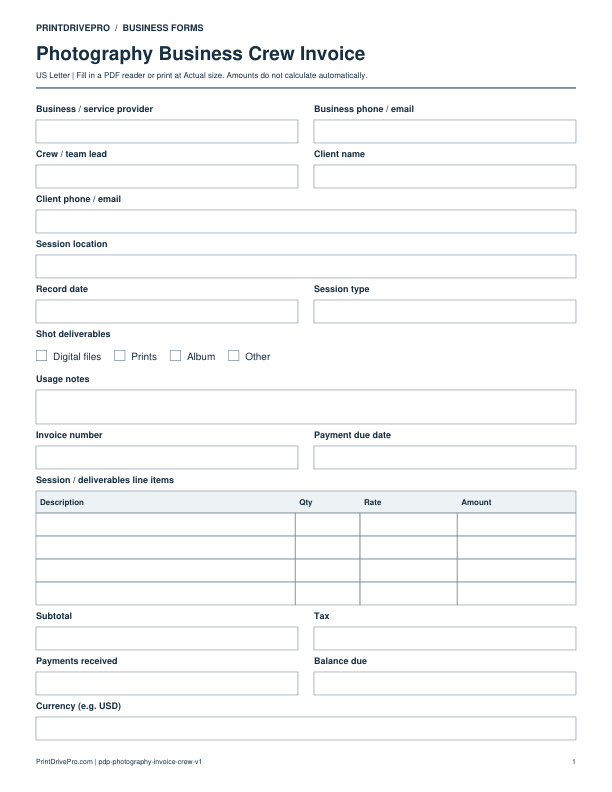
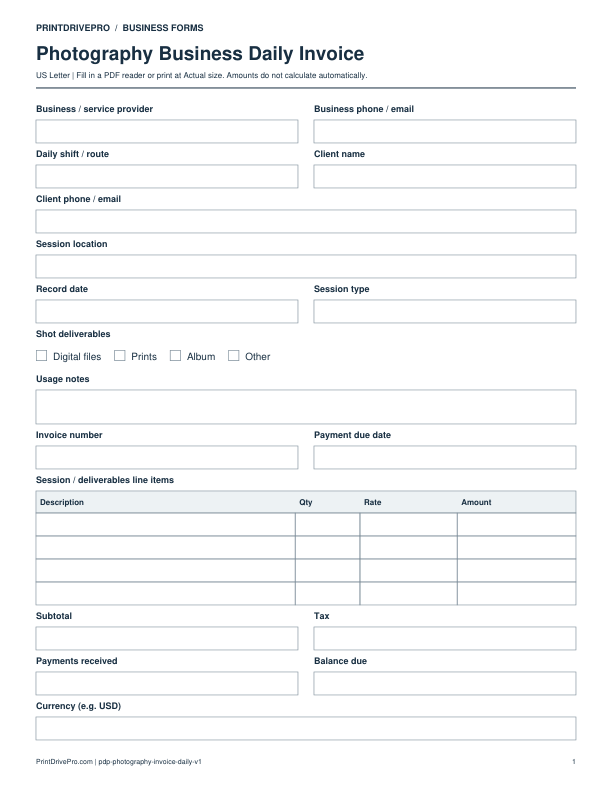
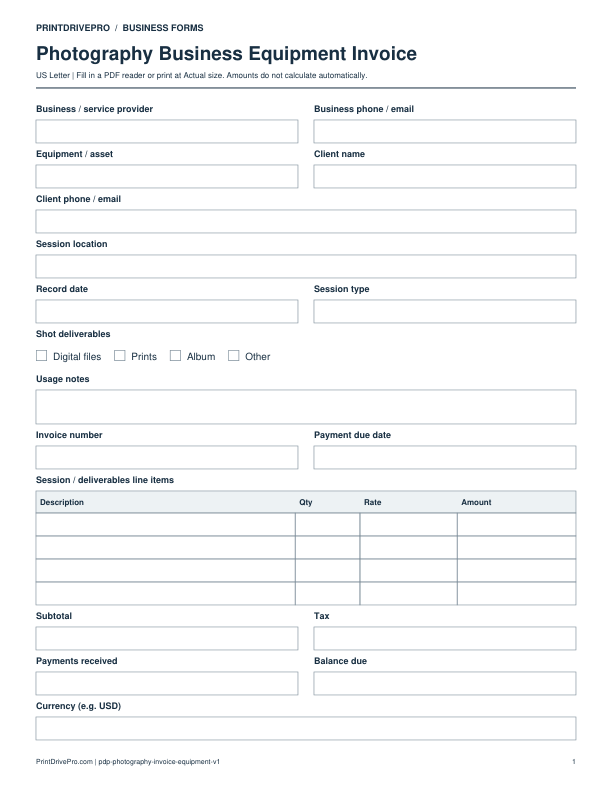
A US Letter printable invoice for photography business teams, with fields for session / deliverables, customer details, scheduling, and operational notes.
Download the PDF and open the saved file in a PDF reader.
Type into the fillable fields, or leave the form blank for handwriting. Enter amounts and totals manually; this PDF does not calculate them.
Choose US Letter (8.5 × 11 inches) and Actual size / 100% in the print dialog. Check the preview before printing.
Keep completed forms in your own secure records.
PDF readers differ in their support for form fields. If text does not save in your browser, open the downloaded file in a desktop PDF reader.
Using this form in your business
Use the photography invoice to bill the session coverage and deliverables actually completed. It connects session type, shot deliverables, usage notes, editing, products, travel, approved extras, deposit, prior payments, and balance. Final charges may differ from the estimate when the client adds coverage, rush delivery, prints, albums, or extra editing, so each accepted change should appear as a separate line with a supporting record.
Identify the completed assignment
Enter invoice and job numbers, client, session type, date, location, coverage completed, shot deliverables, gallery or delivery reference, and the estimate or work-order number.
Itemize creative and product charges
List photography time, assistants, travel, studio, equipment, editing, retouching, gallery, files, prints, albums, rush work, and approved extras. Show deposit, credit, and partial payment separately.
Confirm balance and delivery record
Review subtotal, tax, payments, due date, and balance. Store selection, delivery confirmation, usage notes, approved changes, and later payment activity with the invoice.
How to use this printable
Match charges to completed coverage and deliverables.
Enter production, editing, products, extras, and deposit.
Verify the open balance and payment deadline.
File billing with delivery and payment evidence.
Printing notes
Print on US Letter paper at 100% or Actual size so table rows and signature lines keep their intended spacing.
Use one copy for each customer, appointment, job, reporting period, or approval cycle instead of overwriting an earlier record.
Write in dark ink and scan the completed sheet if the business keeps a digital archive.
More forms for this workflow
Use a separate form for the next task. An appointment, estimate, work record and invoice serve different purposes.
May we use Google Analytics cookies to measure visits and download clicks? Your choice does not affect downloads. We do not collect completed form details. Privacy policy