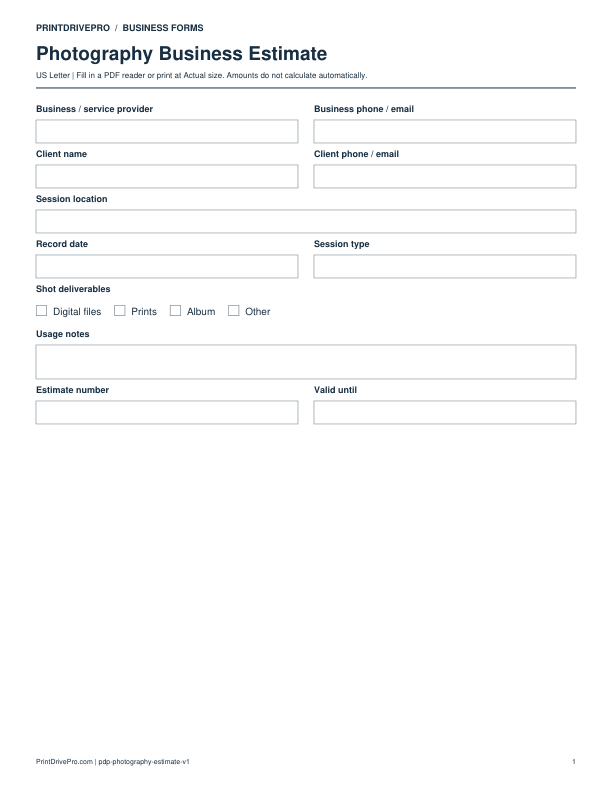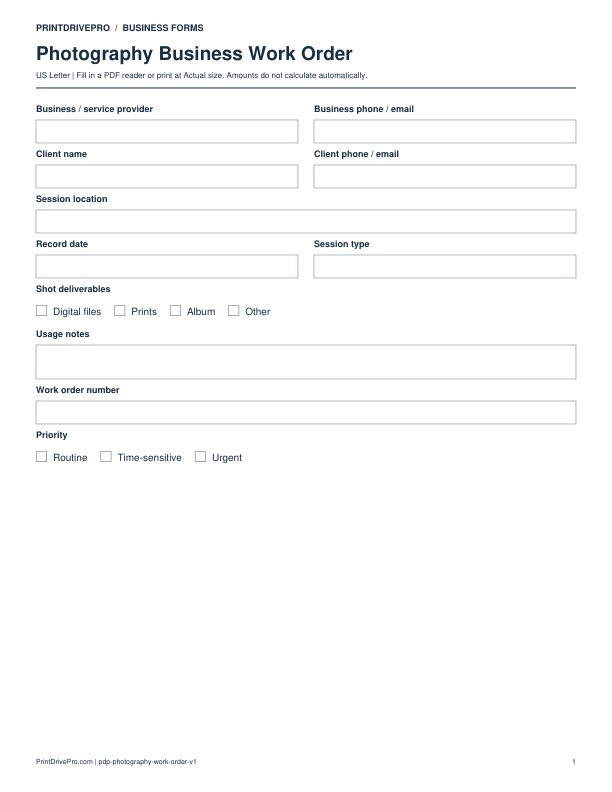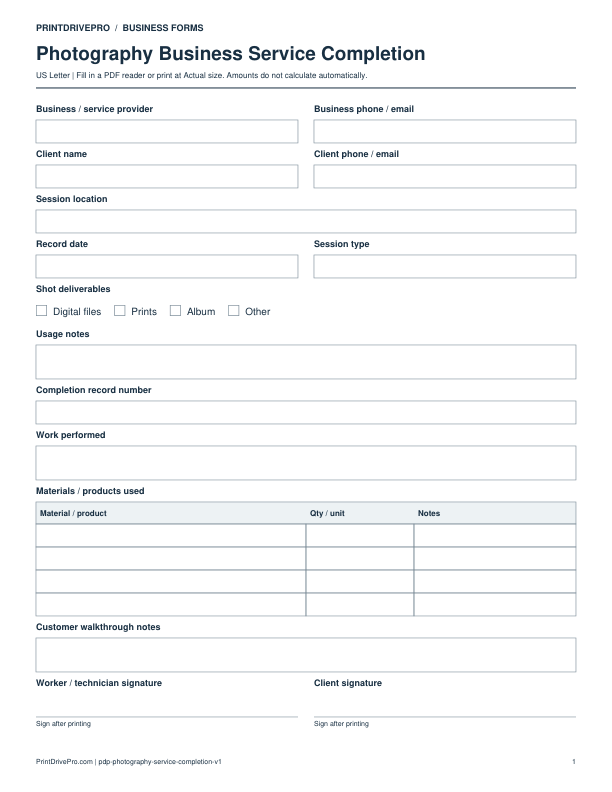
Photography
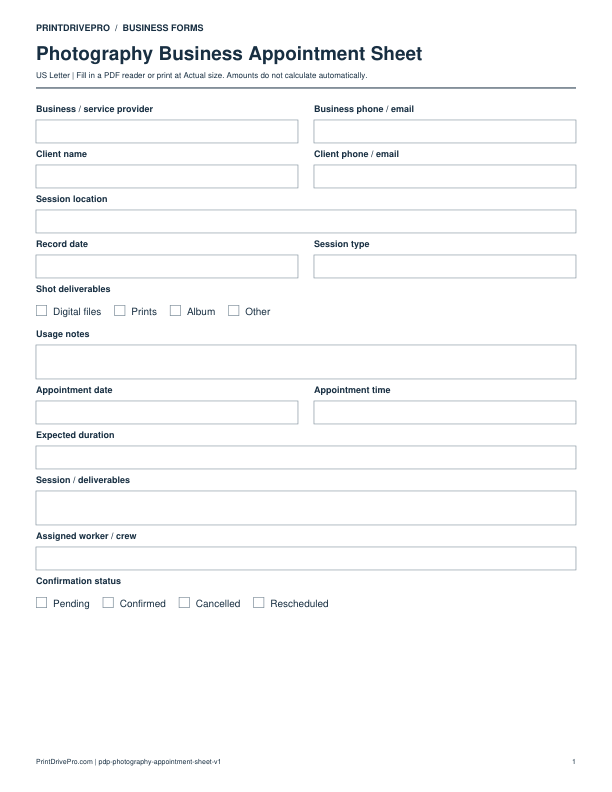
Photography Business Appointment Sheet
US Letter · 1 page · Fillable PDF
Preview & download →Photography / Customer Intake
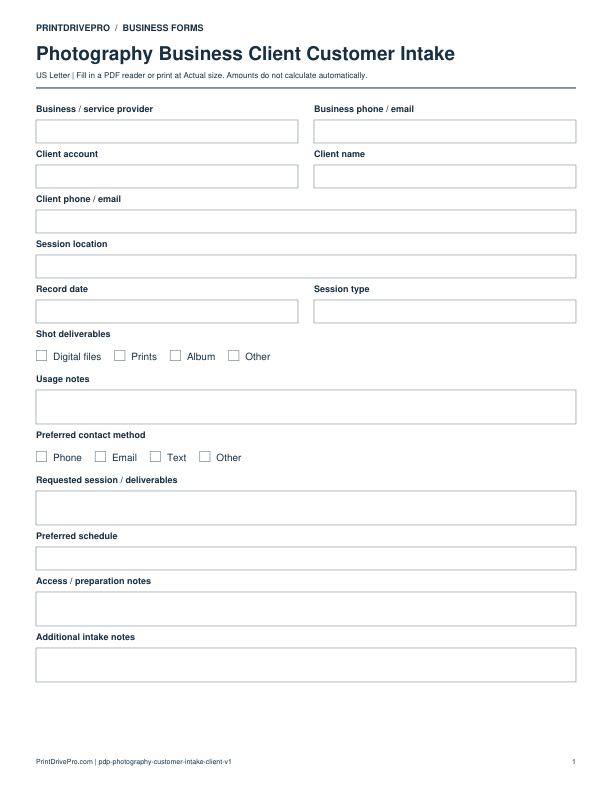
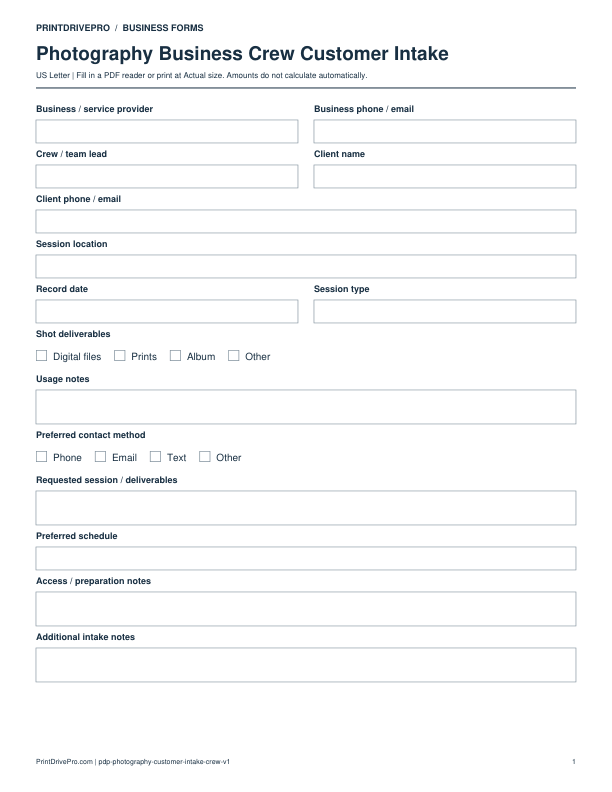
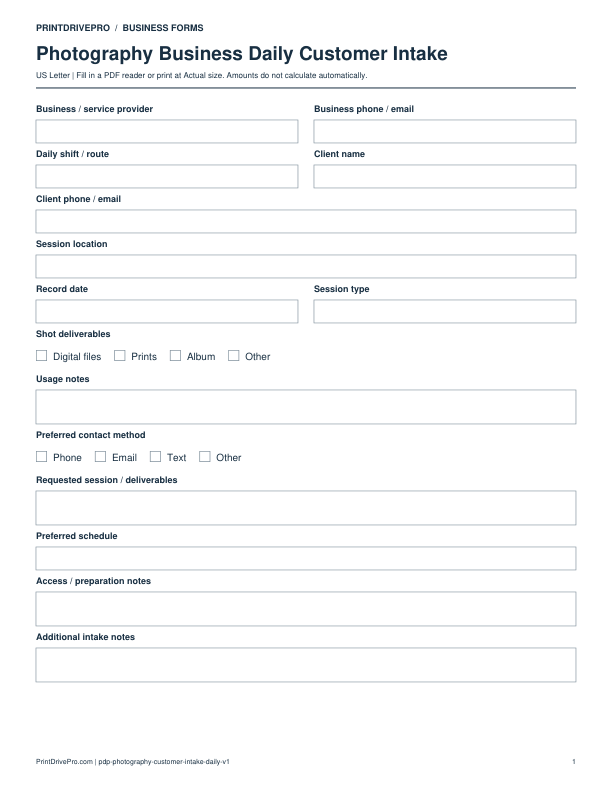
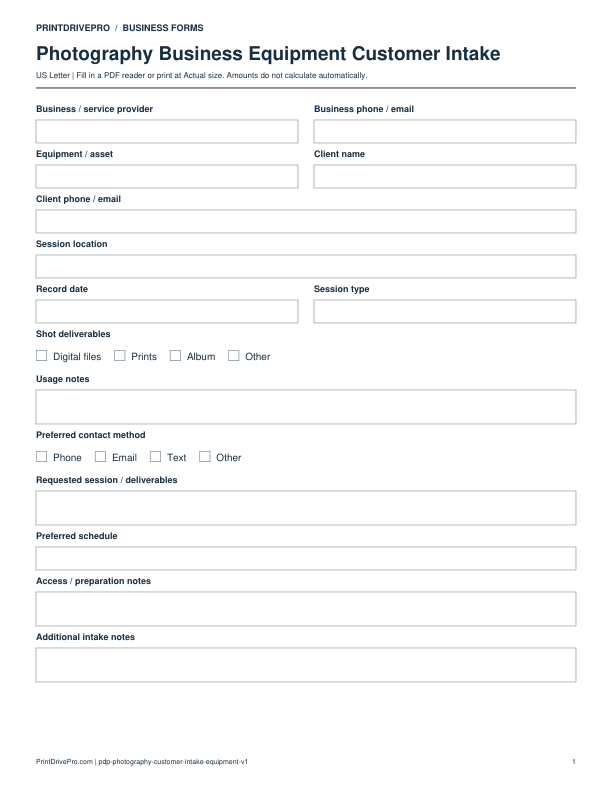
A US Letter printable customer intake for photography business teams, with fields for session / deliverables, customer details, scheduling, and operational notes.
US Letter1 pageFillable PDF
No signup. 17 KB. Save a copy before filling it in.
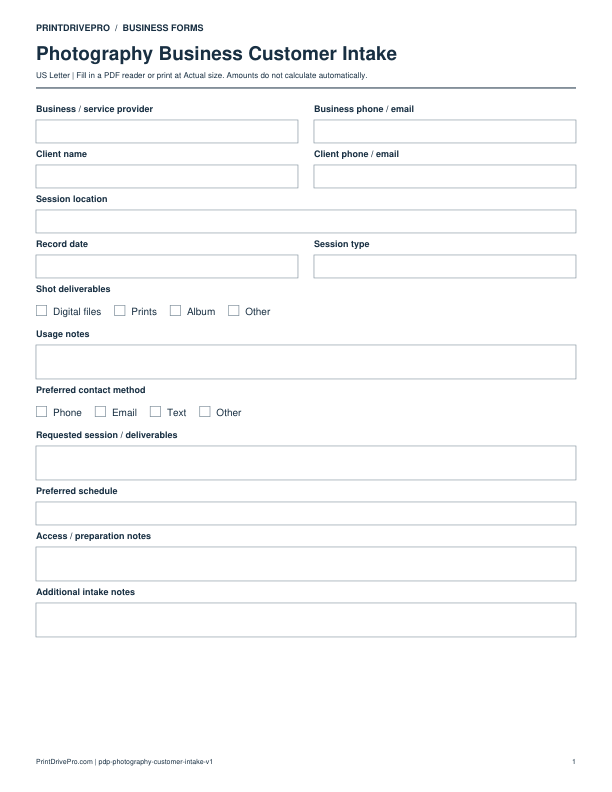
Actual PDF preview · Page 1 of 1
These fields match the downloadable PDF.
PDF readers differ in their support for form fields. If text does not save in your browser, open the downloaded file in a desktop PDF reader.
Use photography intake to understand the client, session type, shot deliverables, usage notes, location ideas, timing, participants, priorities, and preferred delivery before estimating. The form collects the creative and logistical questions needed for a useful consultation without promising a final shot list or production plan during first contact. Confirmed details can then move into the estimate, appointment, and work order.
Record client contact, session type, event or subject, preferred dates, locations, participant count, decision maker, visual priorities, reference examples, accessibility, and communication preference.
Ask about shot deliverables, digital files, gallery, prints, album, turnaround, editing expectations, usage notes, product sizes, and any separate rights or release process the studio handles.
Mark open questions about location, weather, timeline, travel, crew, equipment, products, and budget conversation. Separate preferences from confirmed production facts before creating a price or reserving a date.
Use a separate form for the next task. An appointment, estimate, work record and invoice serve different purposes.
Photography
US Letter · 1 page · Fillable PDF
Preview & download →Photography
US Letter · 1 page · Fillable PDF
Preview & download →Photography
US Letter · 1 page · Fillable PDF
Preview & download →Photography
US Letter · 1 page · Fillable PDF
Preview & download →Photography
US Letter · 1 page · Fillable PDF
Preview & download →Photography
US Letter · 1 page · Fillable PDF
Preview & download →