When to use a daily job log
Summarize each workday with start and finish times, site conditions, completed work, delays, and the next action. Use one sheet for one customer, job, appointment, approval cycle, or reporting period. Add a clear date or record number, complete the fields that apply, and leave an explanatory note when a normal step is skipped. The printable is designed for handwriting on US Letter paper and can be scanned after completion.
Fields included in the printable
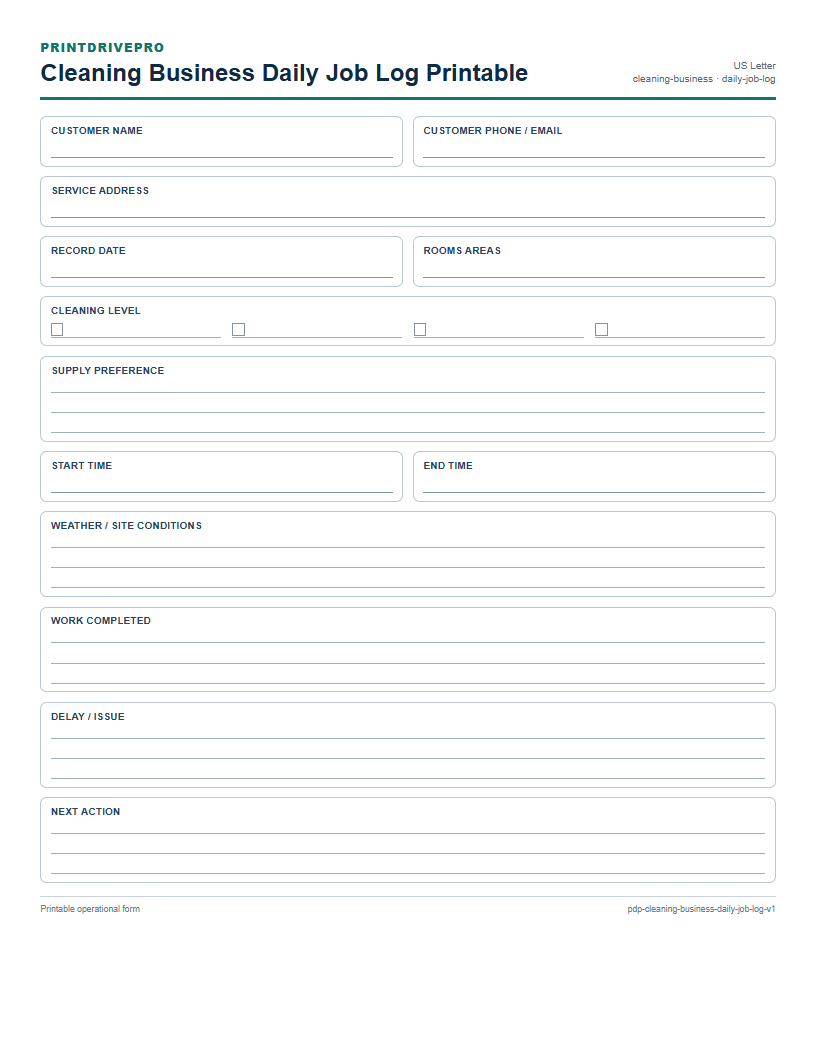
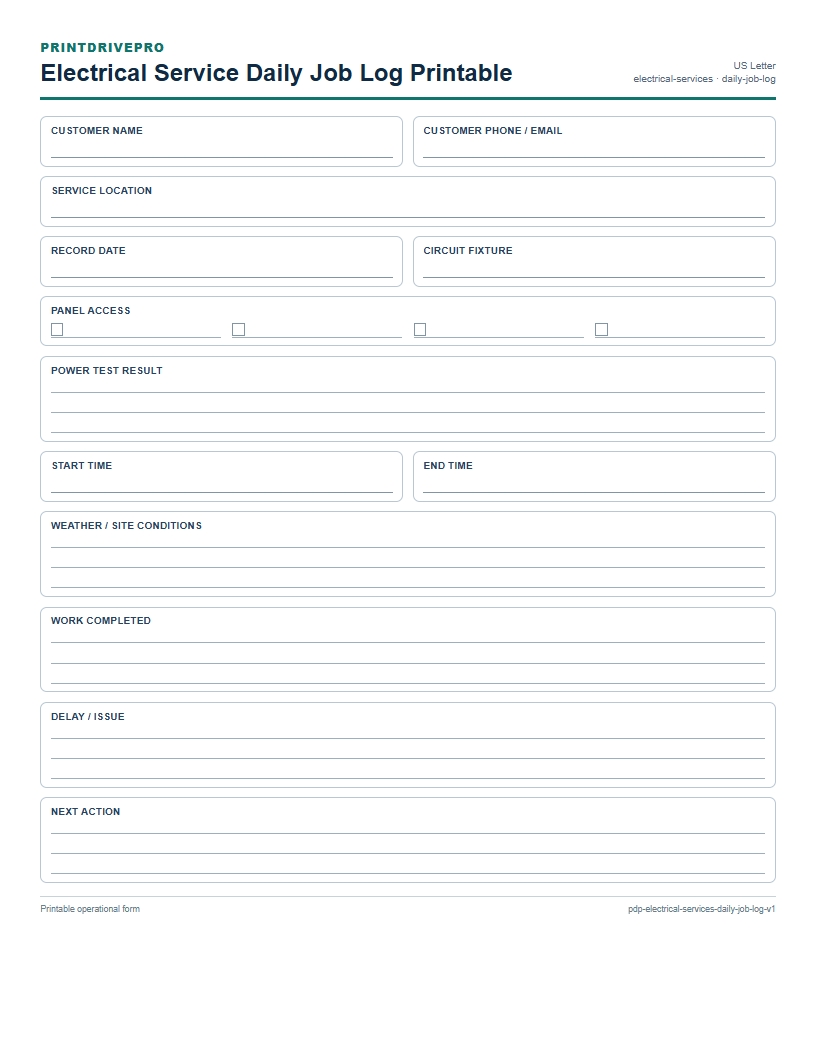
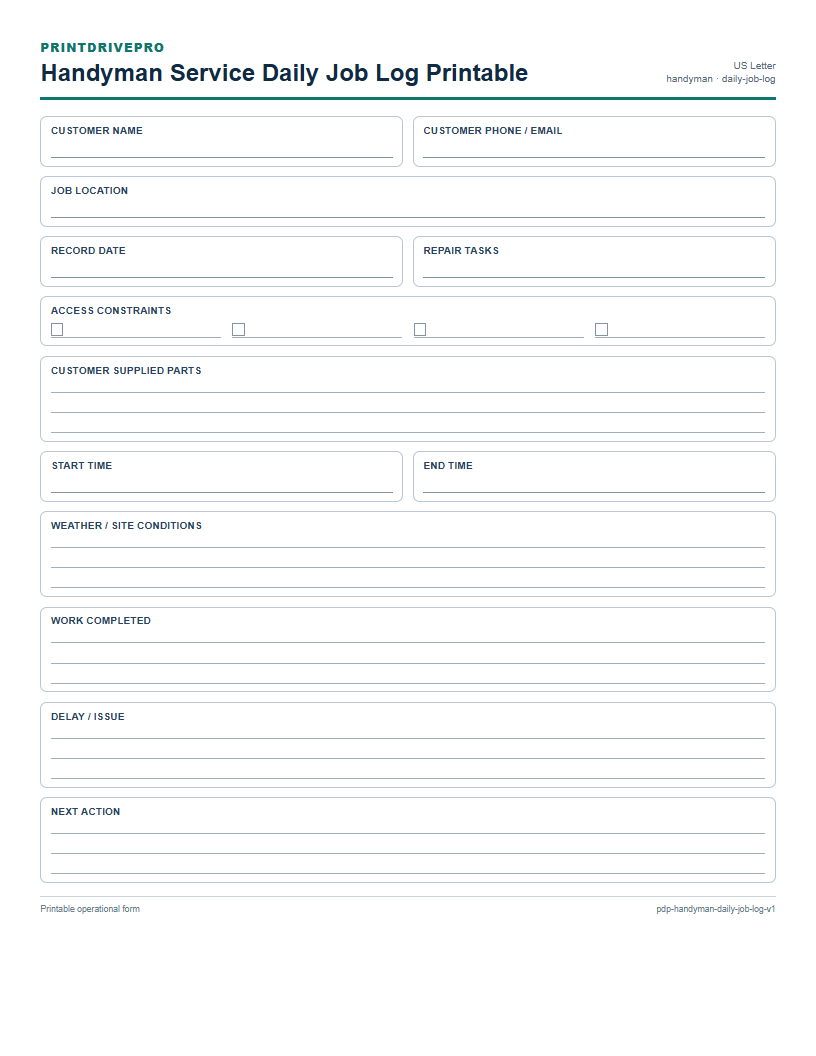
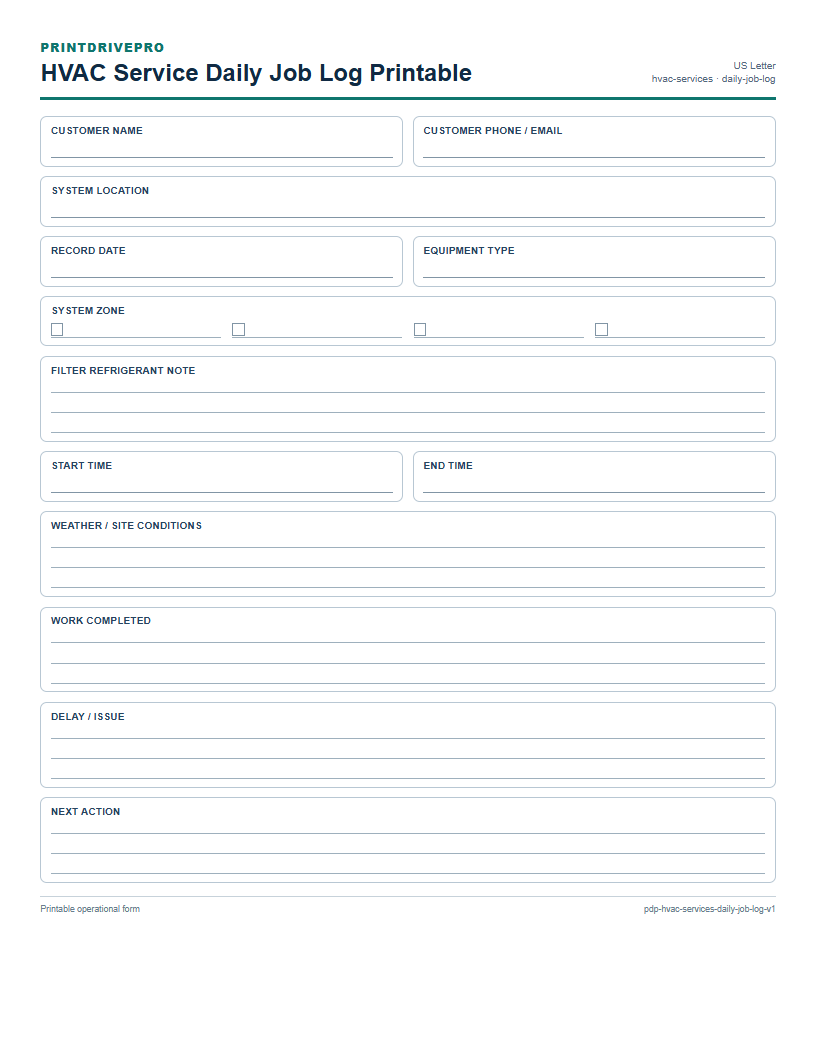
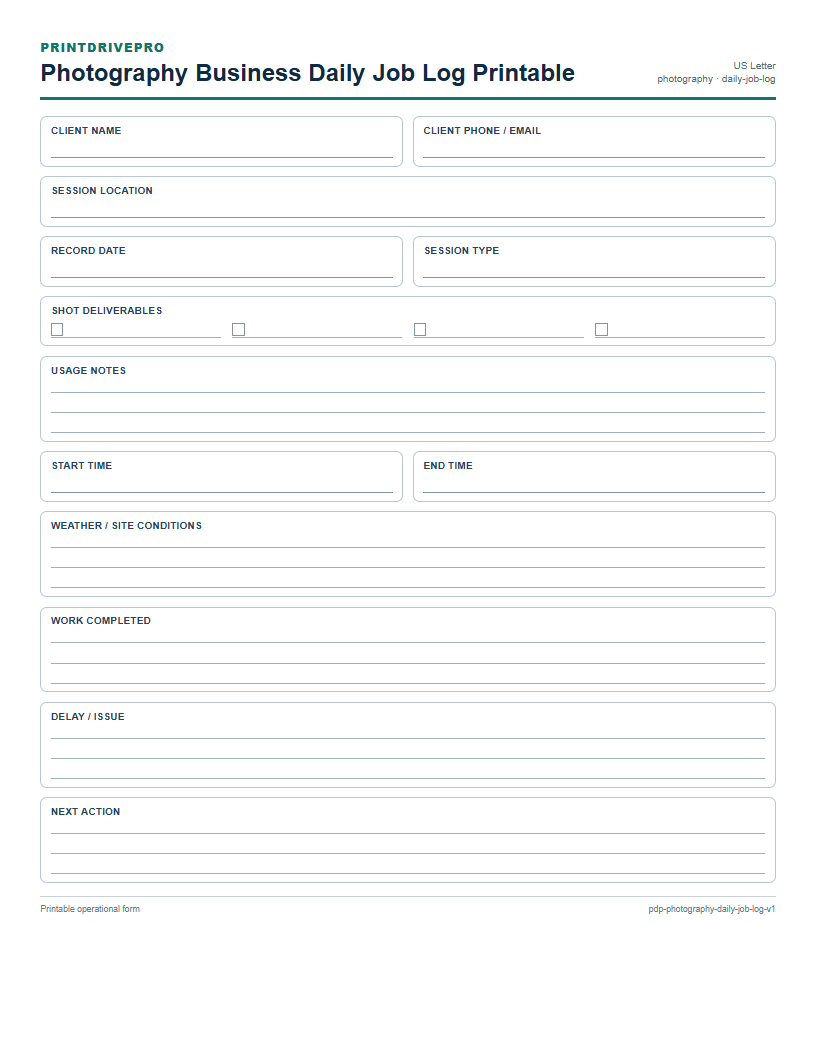
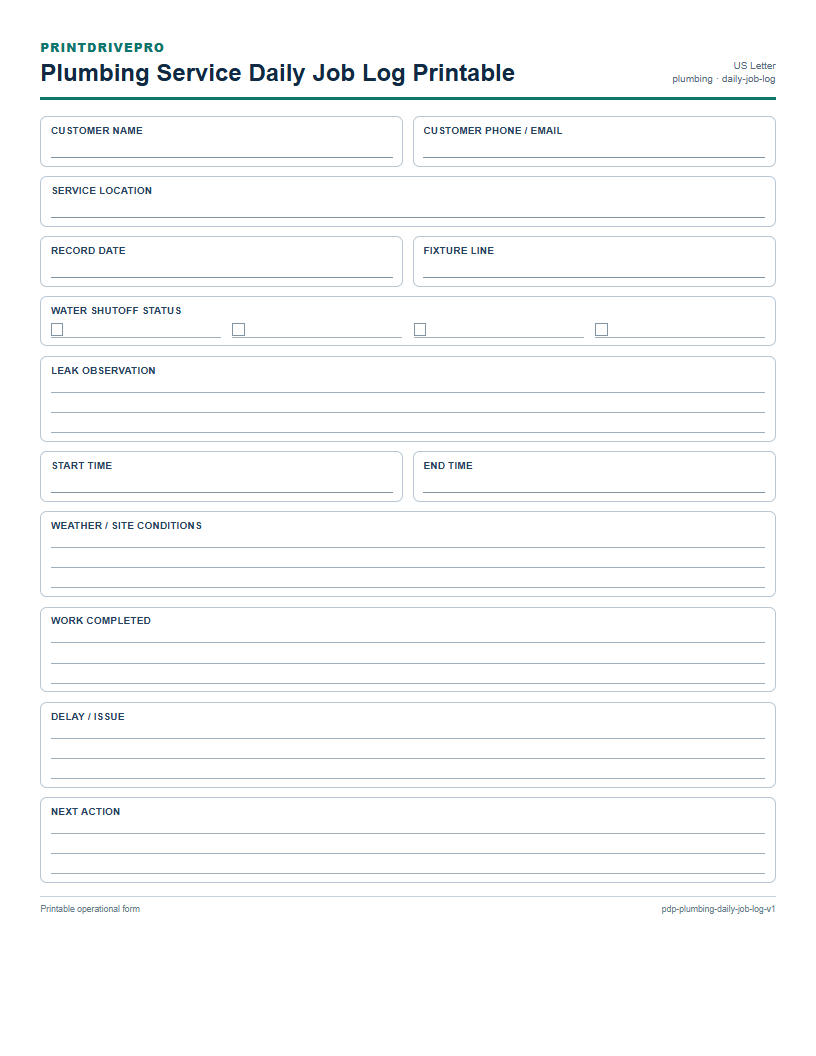
Every version keeps customer or owner contact, service location, and record date beside task fields such as rooms areas, cleaning level, supply preference, start time, end time, weather / site conditions, work completed, and delay / issue. Each industry version then adds at least three operational fields for its actual service unit. This combination keeps the basic record recognizable while avoiding a one-size-fits-all form that ignores the work being documented.
Choose an industry version
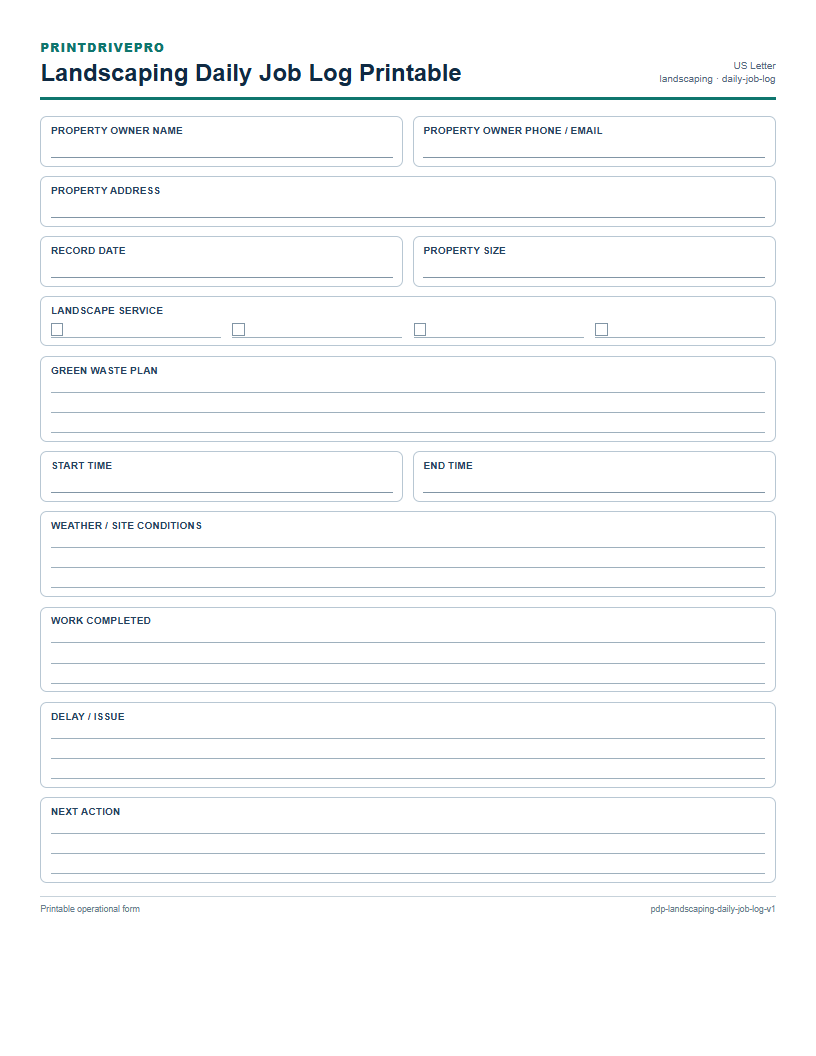
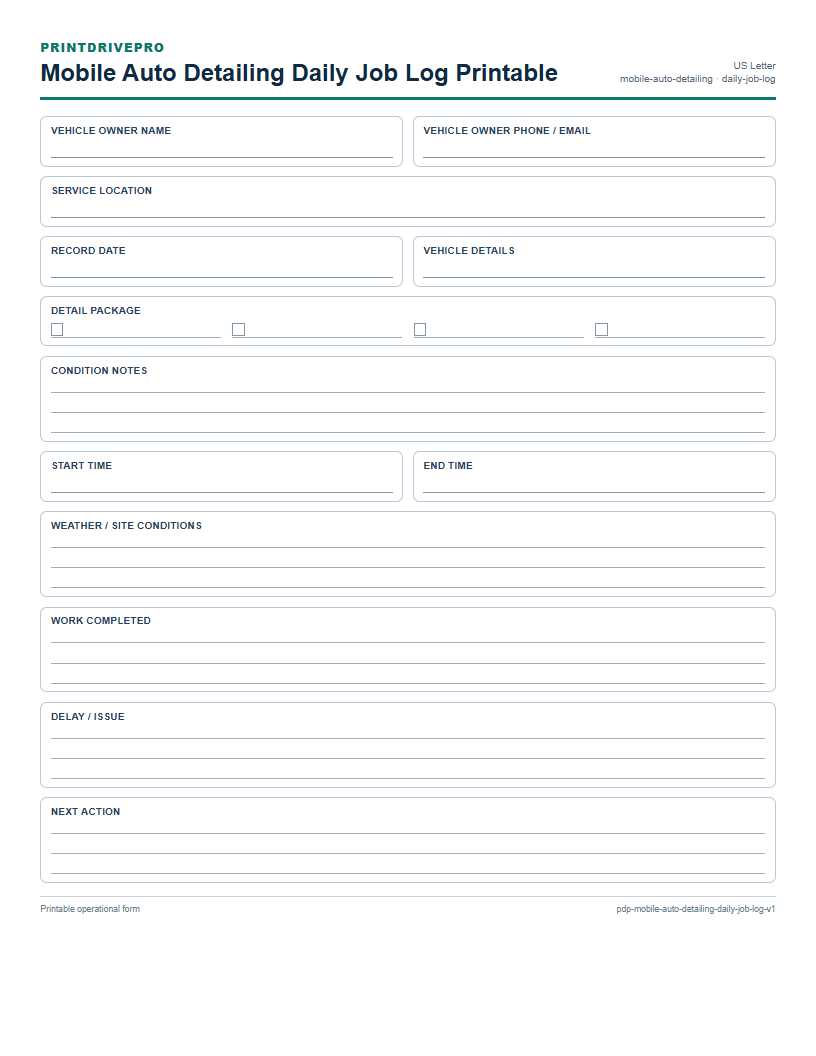
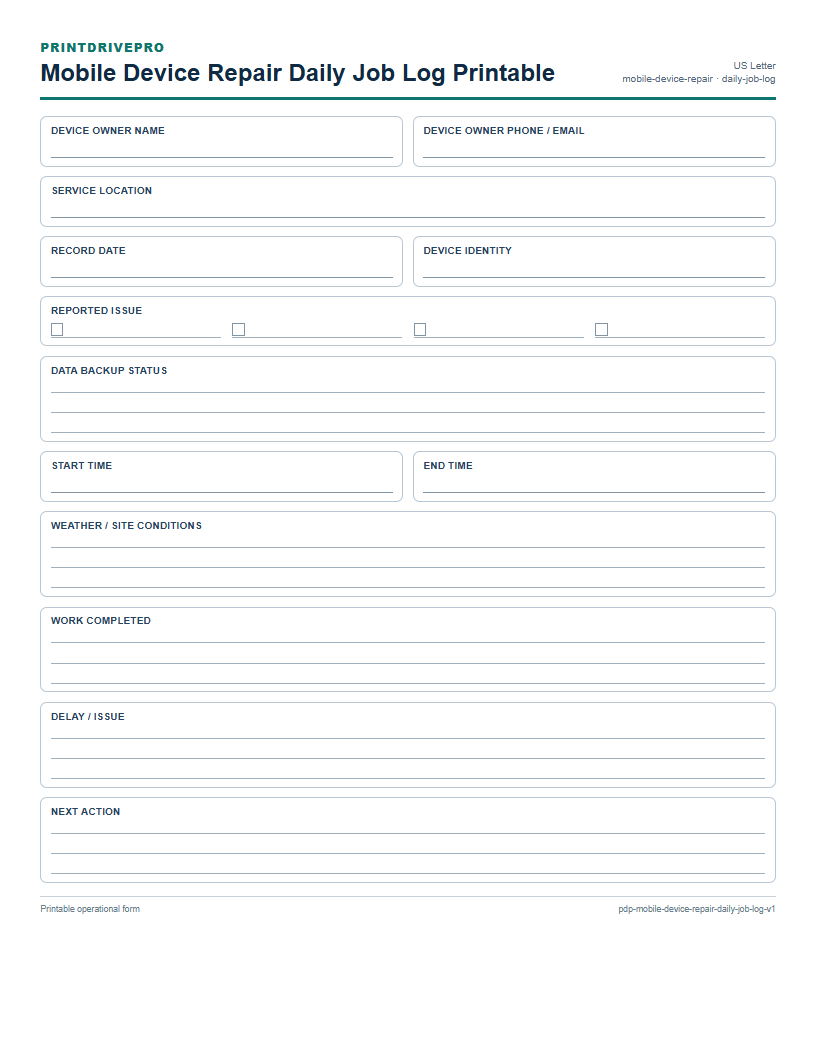
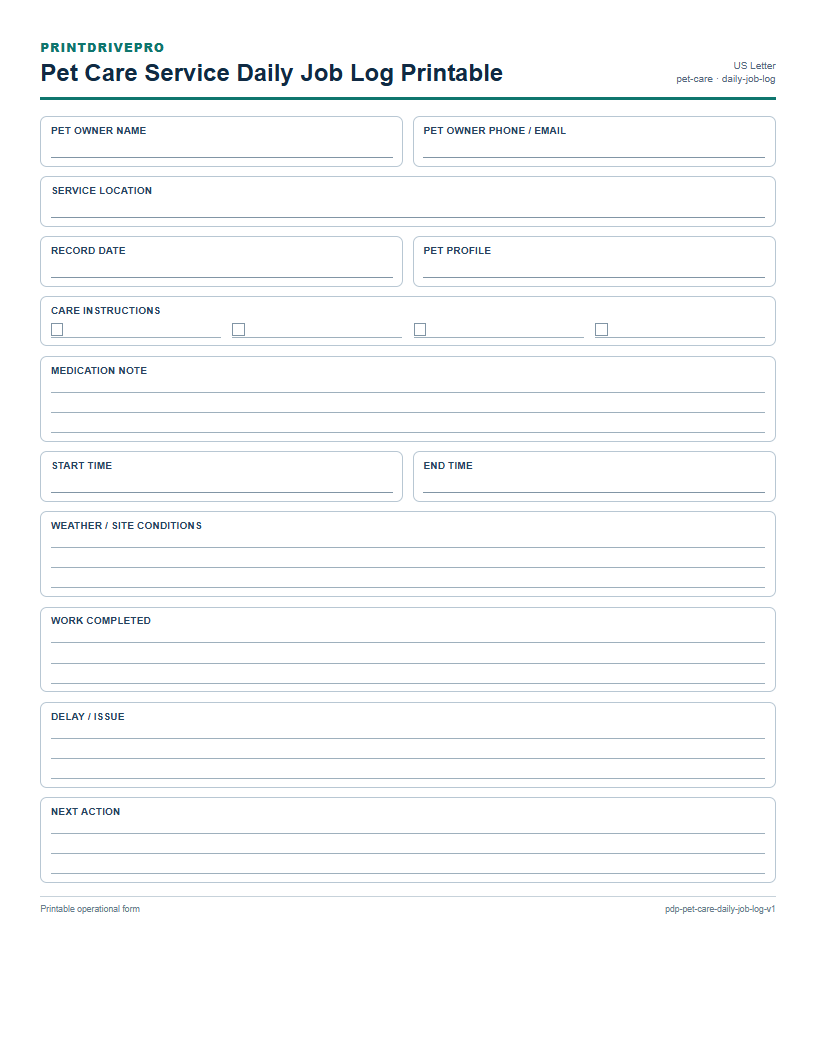
Cleaning Business adds rooms areas, cleaning level, and supply preference to the shared daily job log structure. Electrical Service adds circuit fixture, panel access, and power test result to the shared daily job log structure. Handyman Service adds repair tasks, access constraints, and customer supplied parts to the shared daily job log structure. HVAC Service adds equipment type, system zone, and filter refrigerant note to the shared daily job log structure. Landscaping adds property size, landscape service, and green waste plan to the shared daily job log structure. Mobile Auto Detailing adds vehicle details, detail package, and condition notes to the shared daily job log structure. Mobile Device Repair adds device identity, reported issue, and data backup status to the shared daily job log structure. Pet Care Service adds pet profile, care instructions, and medication note to the shared daily job log structure. Photography Business adds session type, shot deliverables, and usage notes to the shared daily job log structure. Plumbing Service adds fixture line, water shutoff status, and leak observation to the shared daily job log structure.
Complete and review the record
Write legibly, total numeric columns before signing, and verify dates, status marks, customer details, and next actions. If a correction is needed, keep the original entry readable and initial the change according to the business’s normal practice. Store supporting receipts, photos, approvals, or system records with the completed sheet rather than trying to fit every attachment onto one printable page.
Printing notes
Use US Letter paper and print at 100% or Actual size. Do not scale the page to fill a different paper size because table rows, checkboxes, and signature areas are measured for Letter. Use a fresh copy for each new record and scan the completed page when a durable digital copy is needed.
Browse this collection
Free US Letter printables
Find a printable business form
Filter by service industry and operational task. Every result is available without a required signup.
10 printable forms