Handyman / Daily Job Log
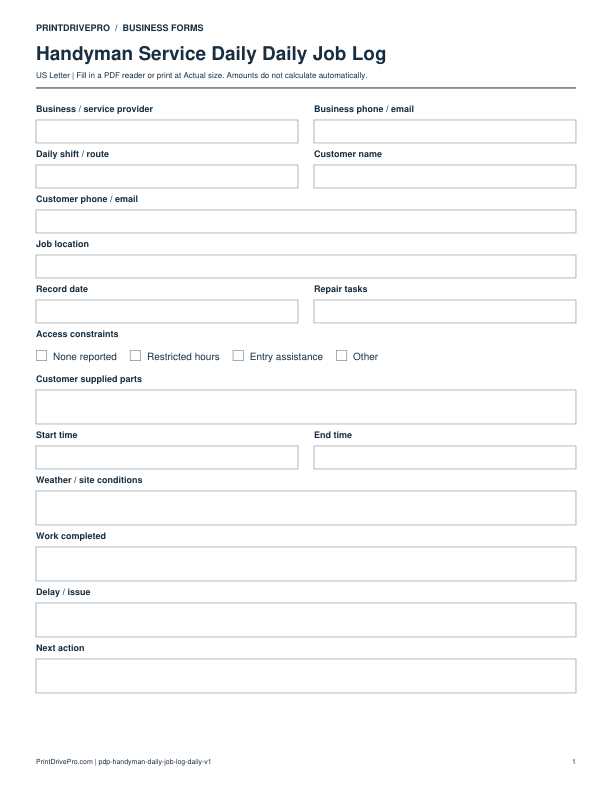
Handyman Service Daily Job Log
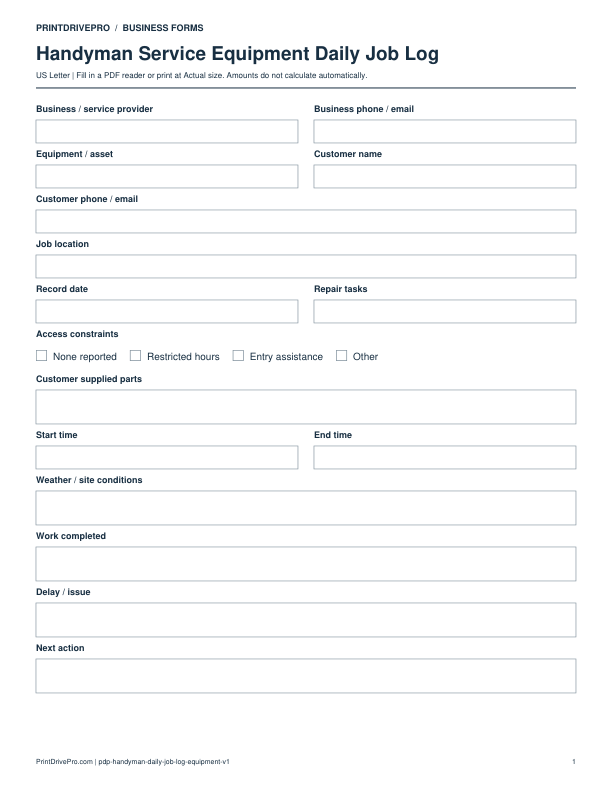
A US Letter printable daily job log for handyman service teams, with fields for repair tasks, customer details, scheduling, and operational notes.
US Letter1 pageFillable PDF
No signup. 17 KB. Save a copy before filling it in.
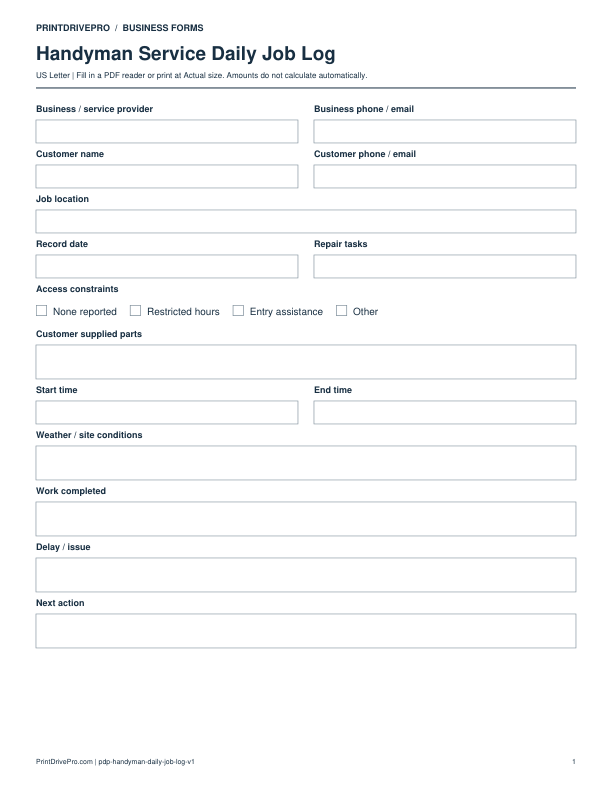
Actual PDF preview · Page 1 of 1
What’s included in this form
These fields match the downloadable PDF.
Download, fill in, and print
- Download the PDF and open the saved file in a PDF reader.
- Type into the fillable fields, or leave the form blank for handwriting.
- Choose US Letter (8.5 × 11 inches) and Actual size / 100% in the print dialog. Check the preview before printing.
- Keep completed forms in your own secure records.
PDF readers differ in their support for form fields. If text does not save in your browser, open the downloaded file in a desktop PDF reader.
Using this form in your business
This US Letter daily job log gives a handyman service team a clean working sheet for repair tasks. Summarize each workday with start and finish times, site conditions, completed work, delays, and the next action.
Included fields
Record repair tasks, access constraints, and customer supplied parts, together with repair tasks, access constraints, customer supplied parts, start time, and end time. The fields follow the practical sequence used for this service.
How to use this printable
- Inspect each repair task
- Record existing conditions
- List labor and materials
- Capture completion notes
Printing notes
- Print at 100% on US Letter paper.
- Use a fresh copy for each operational record.
More forms for this workflow
Use a separate form for the next task. An appointment, estimate, work record and invoice serve different purposes.
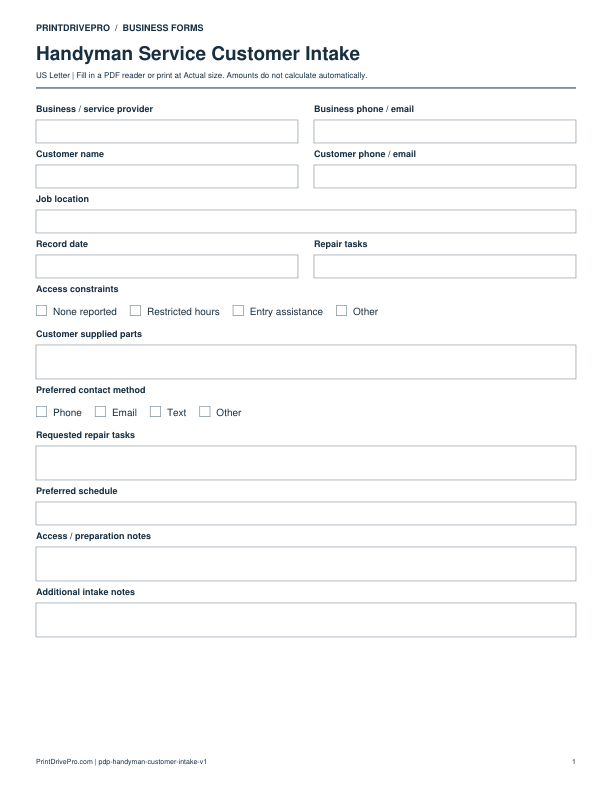
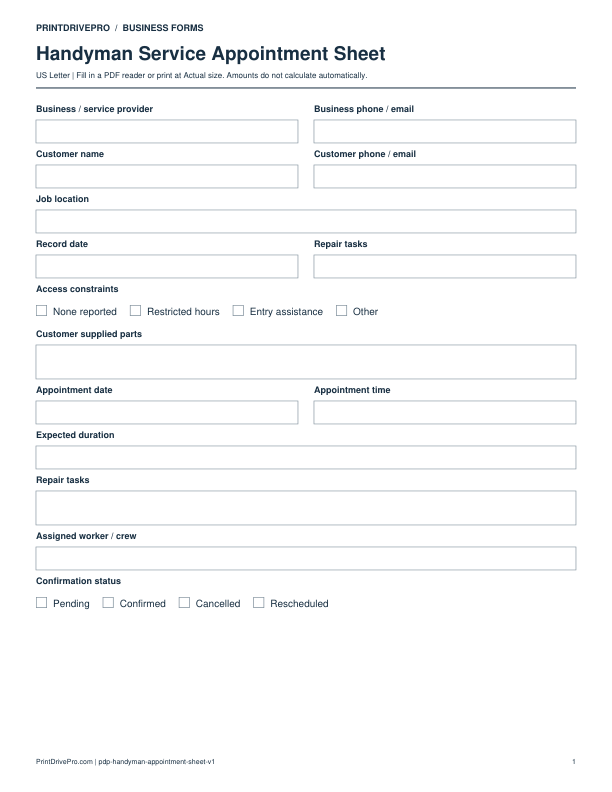
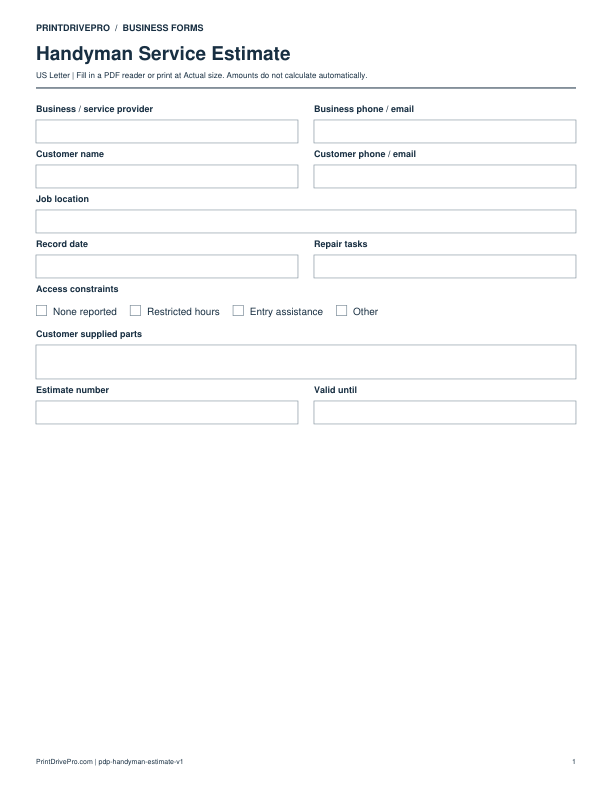
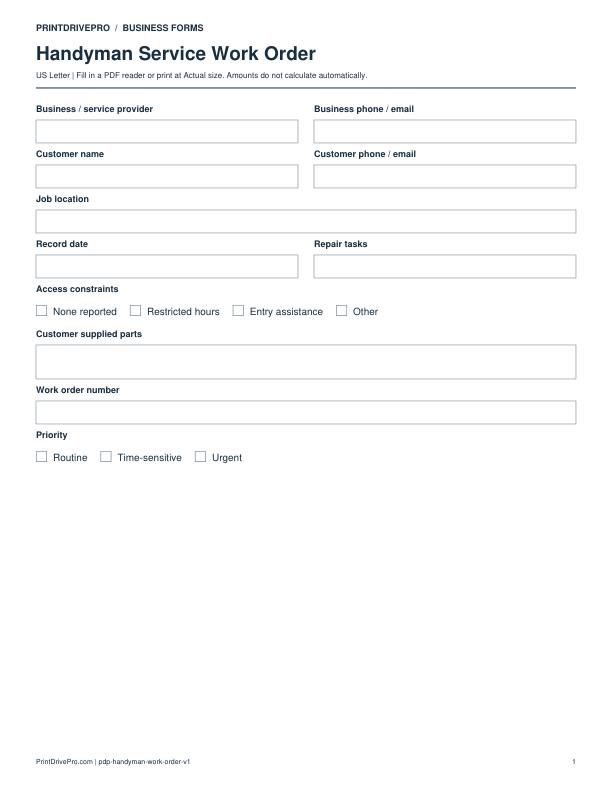
Other versions for handyman
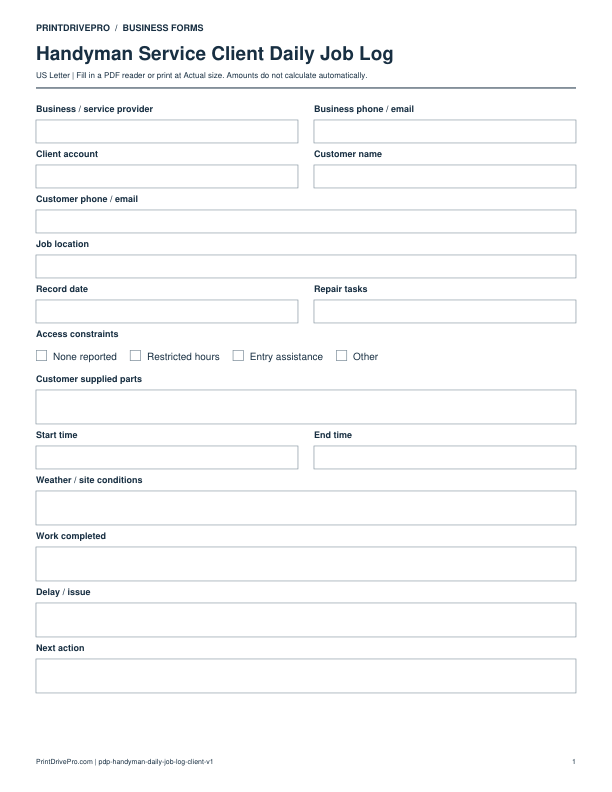
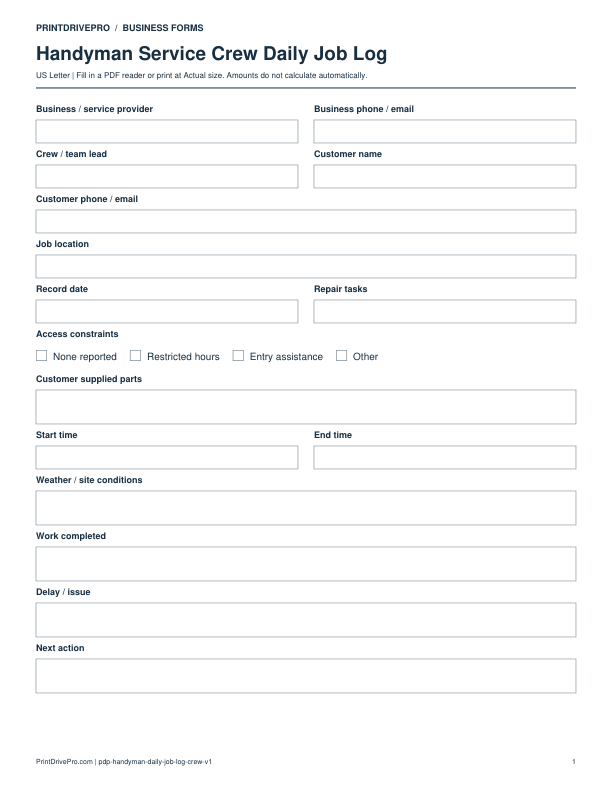
Handyman
Handyman Service Equipment Daily Job Log
US Letter · 1 page · Fillable PDF
Preview & download →