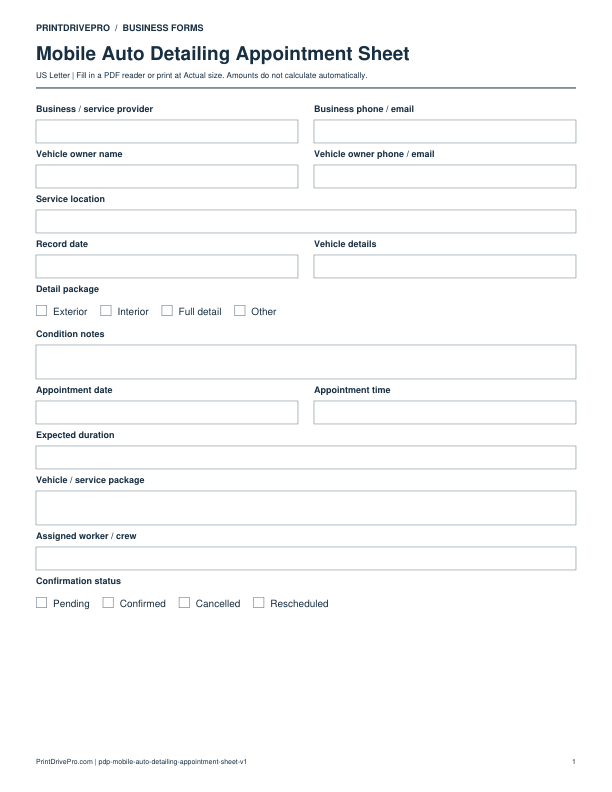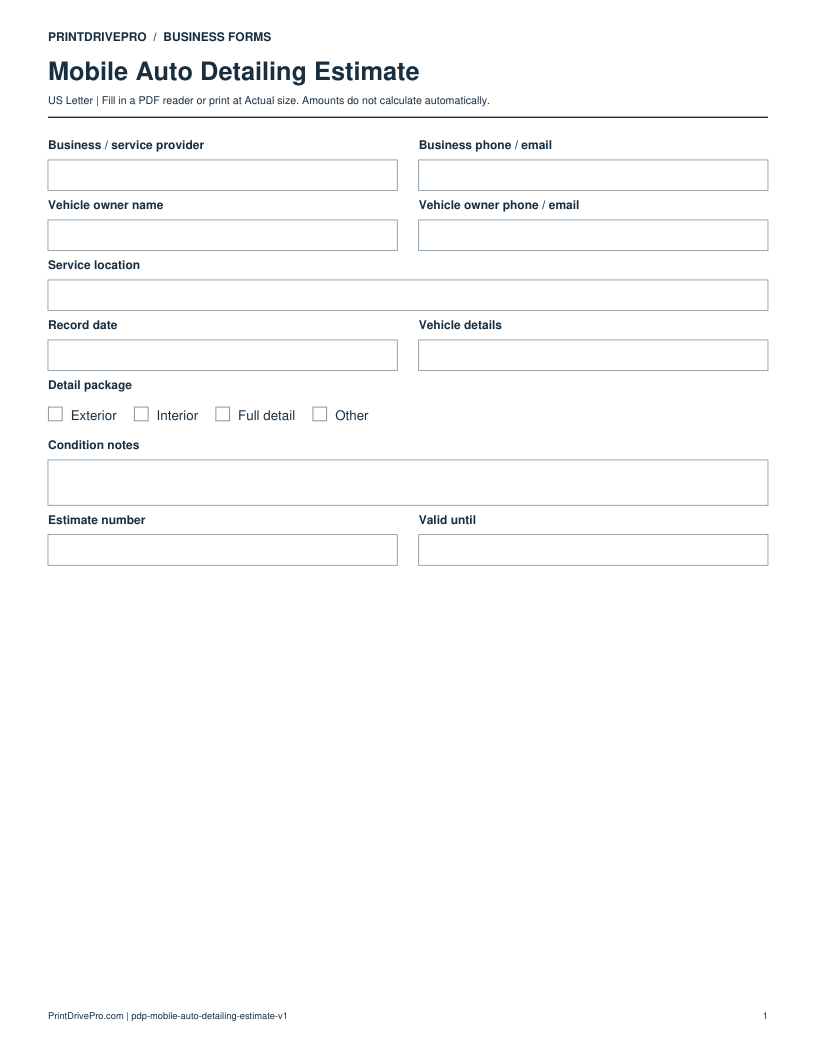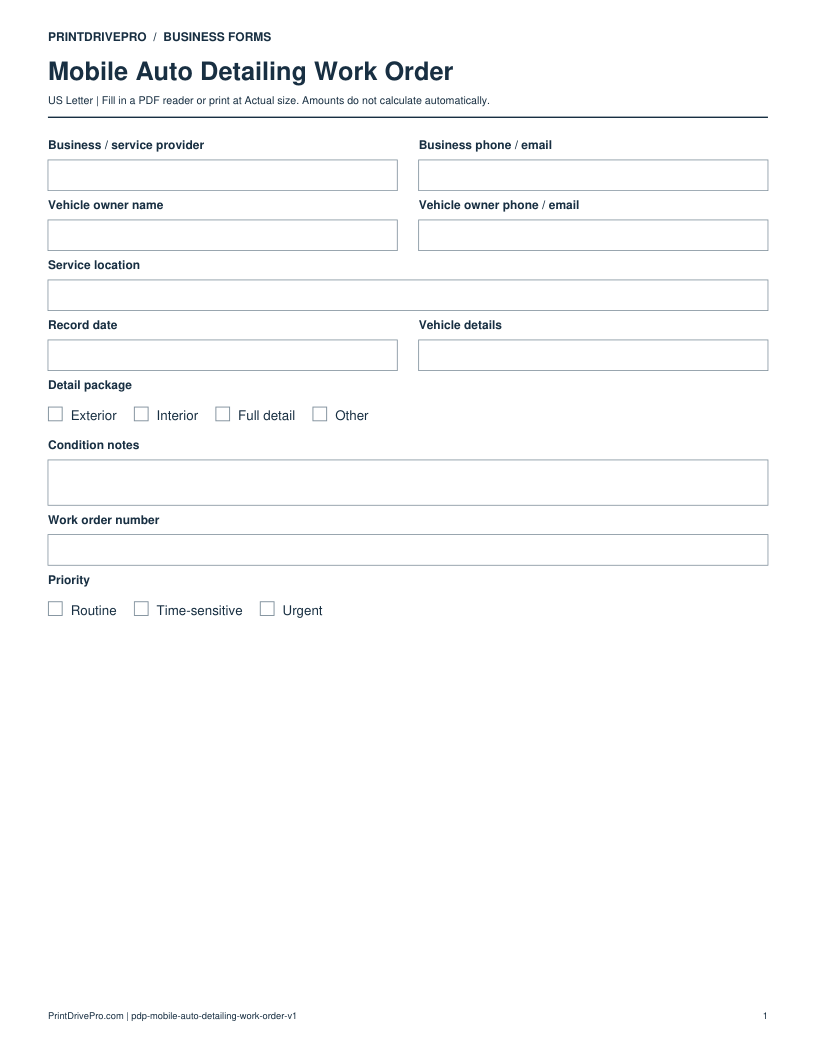
Mobile Auto Detailing
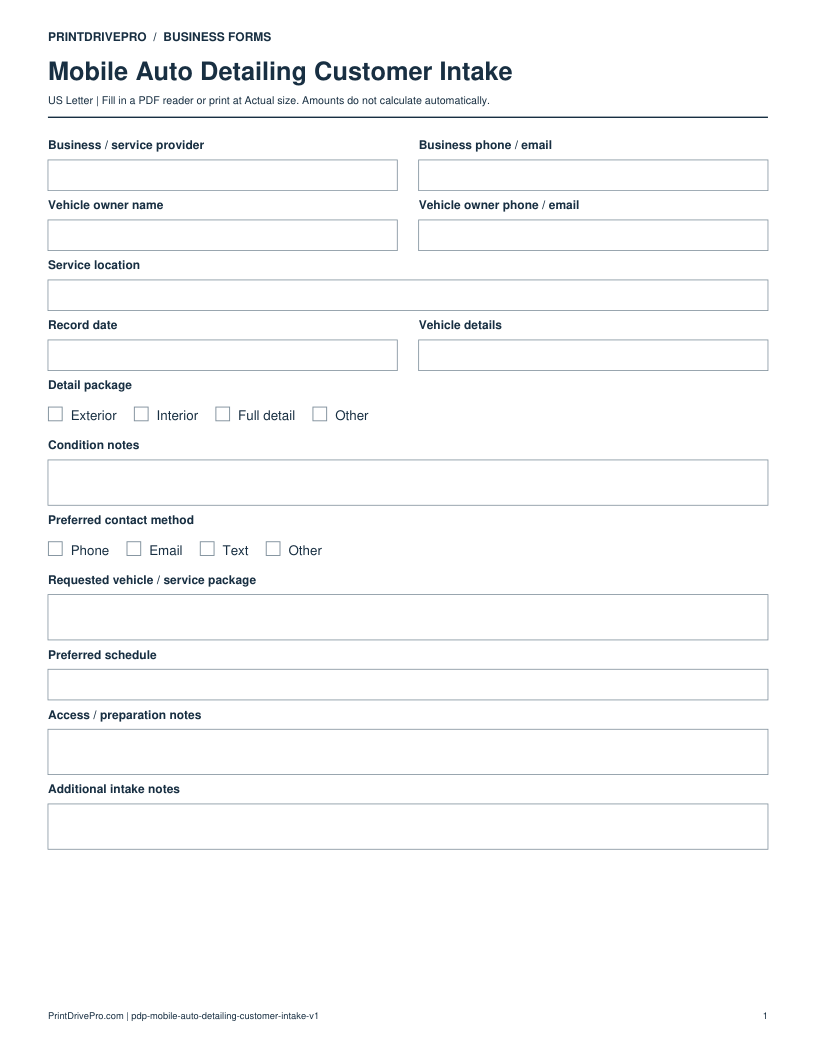
Mobile Auto Detailing Customer Intake
US Letter · 3 pages · Fillable PDF
Preview & download →Mobile Auto Detailing / Equipment Checklist
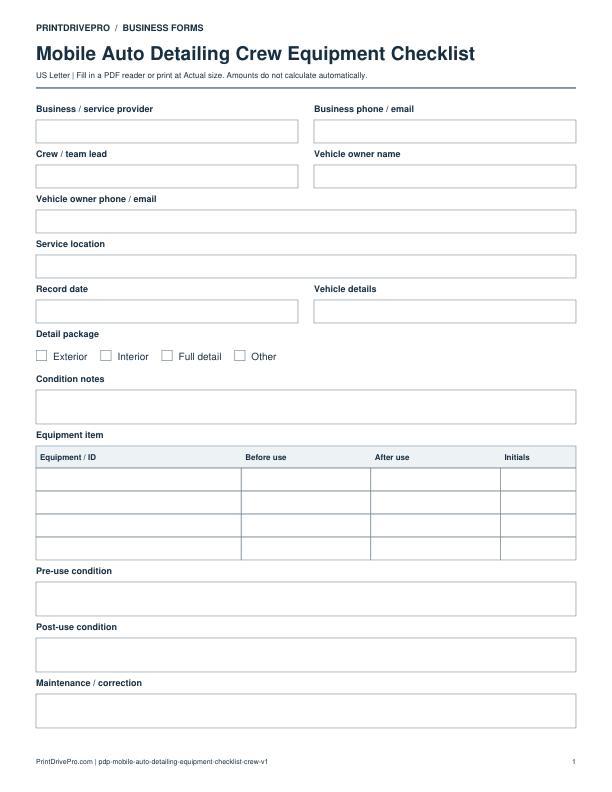
A US Letter printable equipment checklist for mobile auto detailing teams, with fields for vehicle / service package, customer details, scheduling, and operational notes.
US Letter2 pagesFillable PDF
No signup. 26 KB. Save a copy before filling it in.
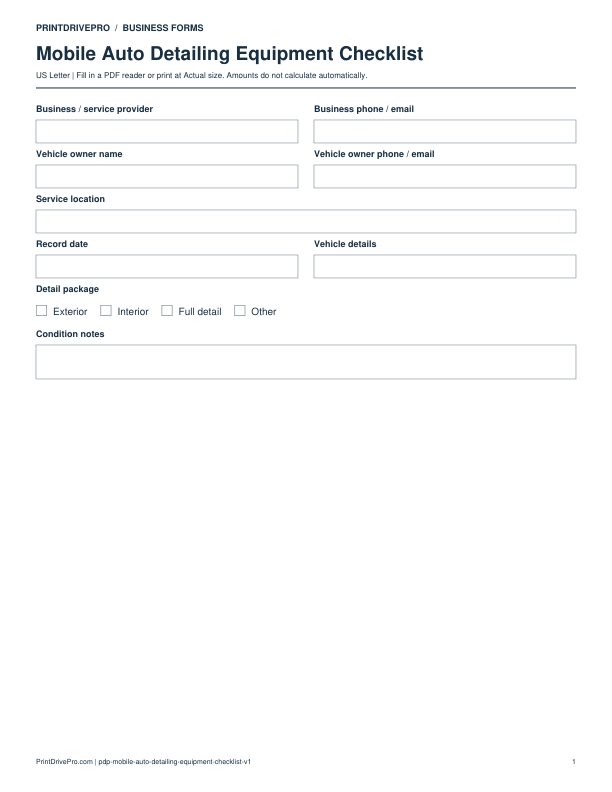
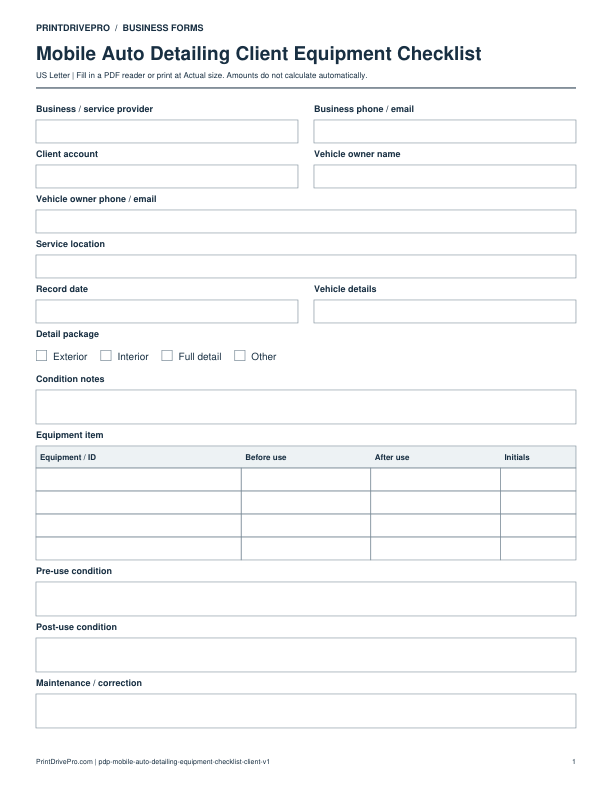
Actual PDF preview · Page 1 of 2
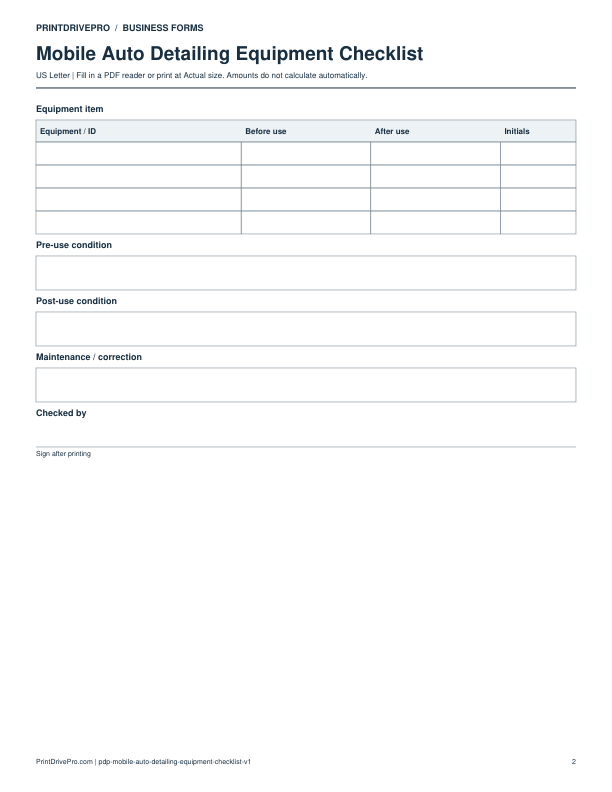
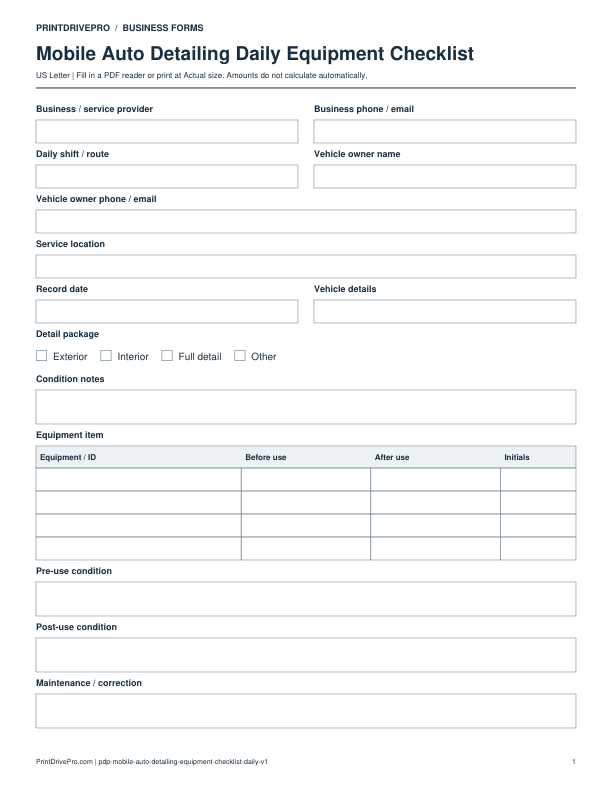
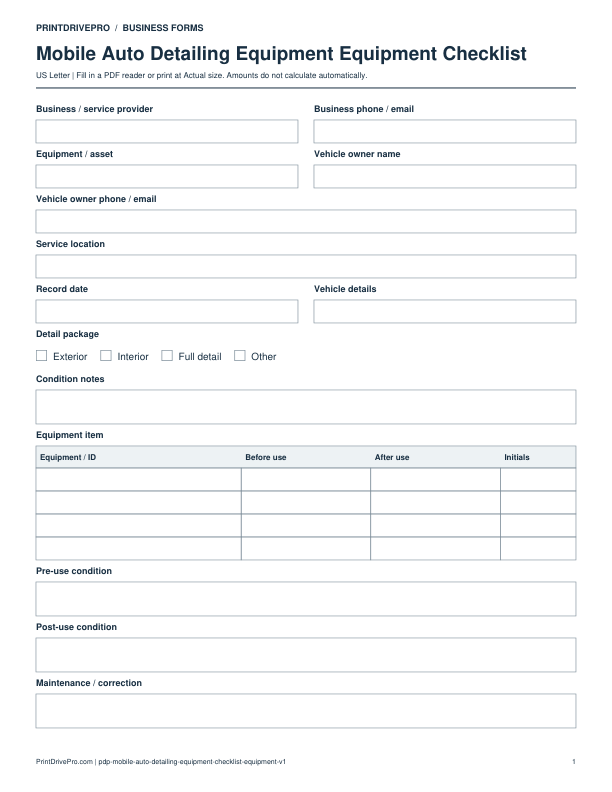
These fields match the downloadable PDF.
PDF readers differ in their support for form fields. If text does not save in your browser, open the downloaded file in a desktop PDF reader.
Identify detailing equipment and record distinct before-use and after-use observations for that unit.
This example is invented to show how the fields work. It is not a real customer, job, quotation, recommended price or tax treatment.
No. It concerns equipment. Record vehicle observations in Condition notes and the pre-service quality check.
No result is recorded in a blank column. Mark and initial only the checks actually carried out.
Keep a saved copy for each visit or record. The field list and preview above show what is actually included in this PDF.
Use a separate form for the next task. An appointment, estimate, work record and invoice serve different purposes.
Mobile Auto Detailing
US Letter · 3 pages · Fillable PDF
Preview & download →Mobile Auto Detailing
US Letter · 1 page · Fillable PDF
Preview & download →Mobile Auto Detailing
US Letter · 3 pages · Fillable PDF
Preview & download →Mobile Auto Detailing
US Letter · 3 pages · Fillable PDF
Preview & download →Mobile Auto Detailing
US Letter · 1 page · Fillable PDF
Preview & download →Mobile Auto Detailing
US Letter · 1 page · Fillable PDF
Preview & download →Mobile Auto Detailing
US Letter · 1 page · Fillable PDF
Preview & download →Mobile Auto Detailing
US Letter · 1 page · Fillable PDF
Preview & download →