Pet Care / Service Completion
Pet Care Service Completion
A US Letter printable service completion for pet care service teams, with fields for pet / visit, customer details, scheduling, and operational notes.
US Letter1 pageFillable PDF
No signup. 23 KB. Save a copy before filling it in.
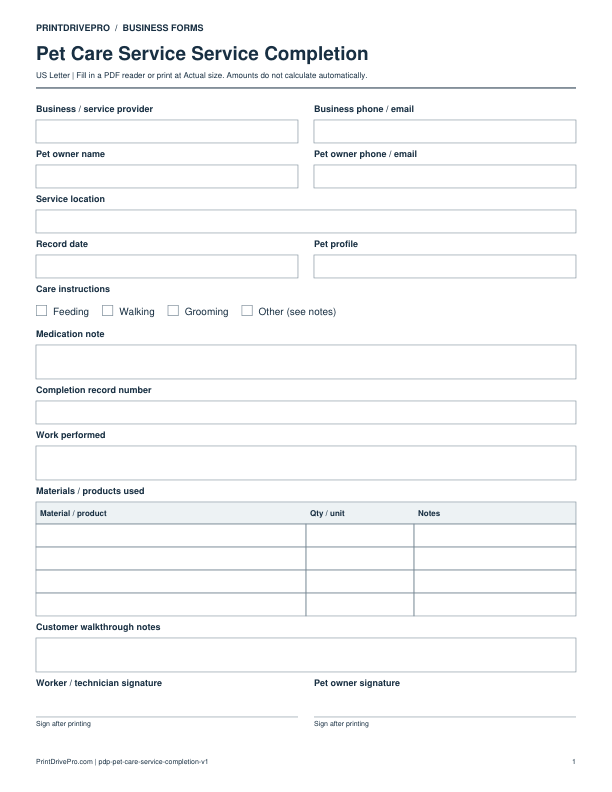
Actual PDF preview · Page 1 of 1
What’s included in this form
These fields match the downloadable PDF.
Download, fill in, and print
- Download the PDF and open the saved file in a PDF reader.
- Type into the fillable fields, or leave the form blank for handwriting.
- Choose US Letter (8.5 × 11 inches) and Actual size / 100% in the print dialog. Check the preview before printing.
- Print the signature fields for signing. Keep completed forms in your own secure records.
PDF readers differ in their support for form fields. If text does not save in your browser, open the downloaded file in a desktop PDF reader.
Using this form in your business
Close a pet-care visit or service period with a factual summary of the pet profile, care instructions followed, medication note handled, feeding, walking, cleanup, behavior observations, supplies, and owner update. The completion record is not a medical chart; it documents operational care and anything the owner should know. It connects caregiver notes, recurring schedule, corrections, acknowledgment, and billing without repeating sensitive access information.
Record the completed care
Identify pet profile and visit time, then note feeding, water, walk, play, cleanup, care instructions completed, medication note action, supplies used, and household condition on departure.
Describe behavior and exceptions factually
Record observable appetite, energy, elimination, behavior, access issue, missing supply, property concern, or task not completed. Contact the owner through the agreed process for anything requiring direction.
Finish the owner update
State visit completion, summarize notable observations, identify the next scheduled care, and record caregiver sign-off. Keep photos and detailed owner communication in the normal secure client record.
How to use this printable
- Compare the visit with the caregiver work order.
- Record care tasks, supplies, and observable behavior.
- Notify the owner of exceptions through the agreed channel.
- Sign and file completion with the visit tracker.
Printing notes
- Print on US Letter paper at 100% or Actual size so table rows and signature lines keep their intended spacing.
- Use one copy for each customer, appointment, job, reporting period, or approval cycle instead of overwriting an earlier record.
- Write in dark ink and scan the completed sheet if the business keeps a digital archive.
More forms for this workflow
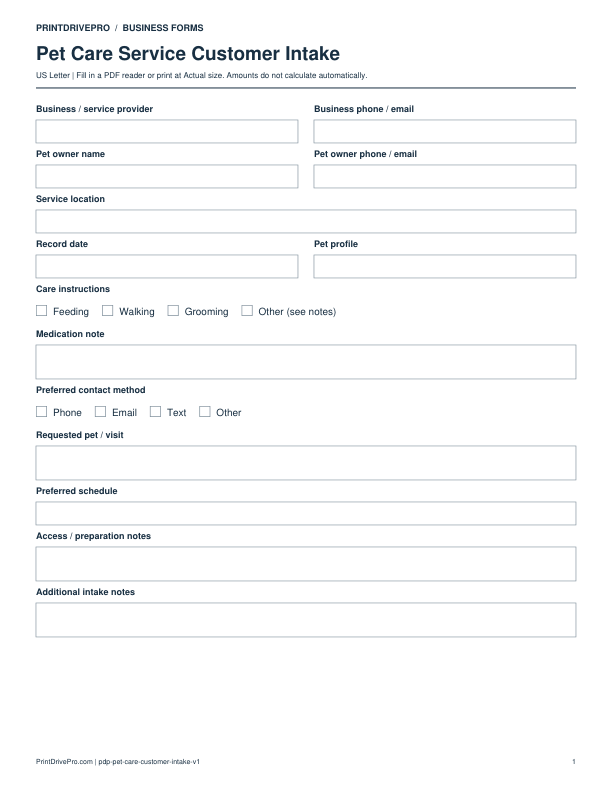
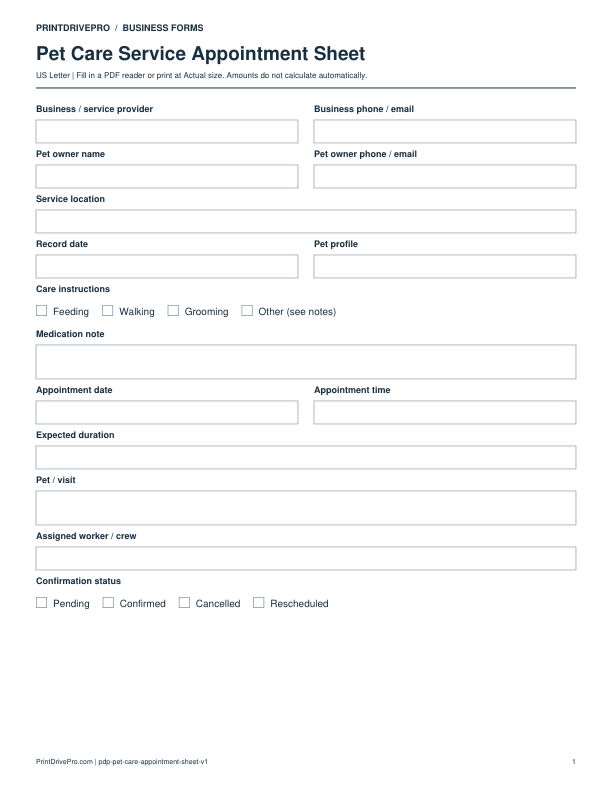
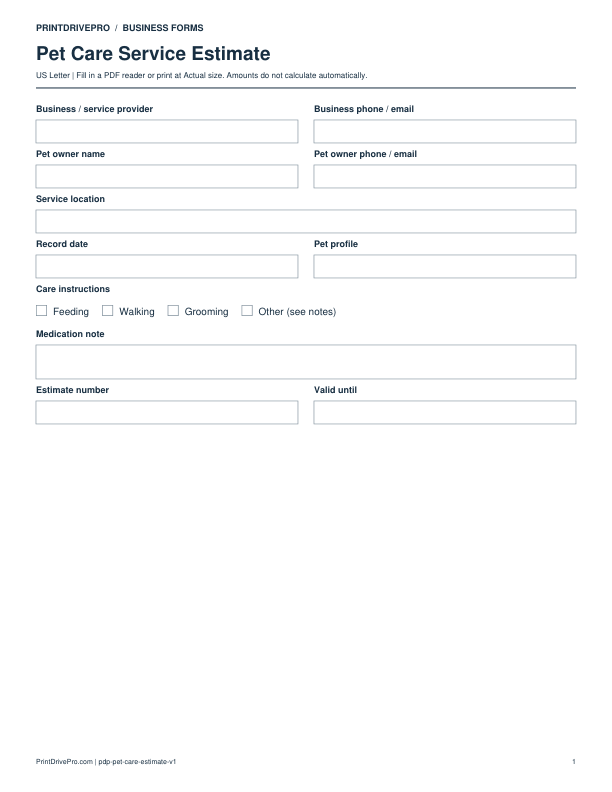
Use a separate form for the next task. An appointment, estimate, work record and invoice serve different purposes.
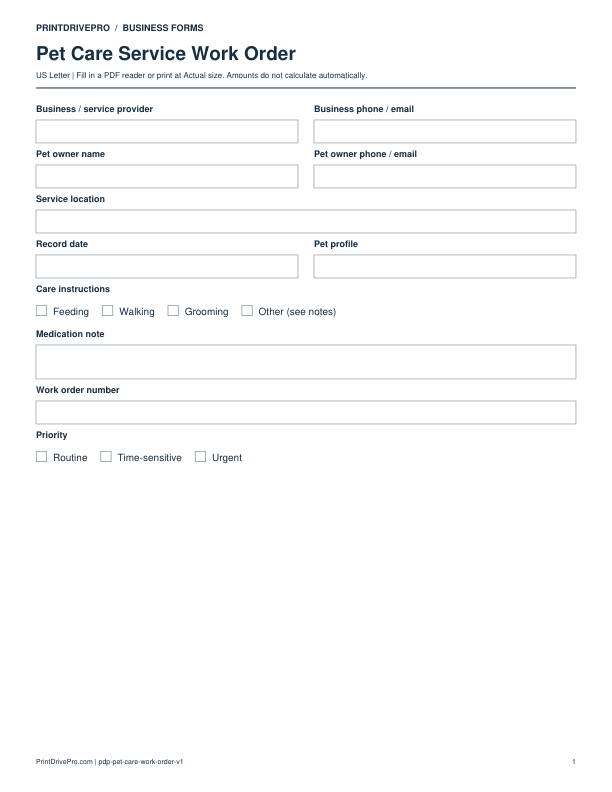
Other versions for pet care
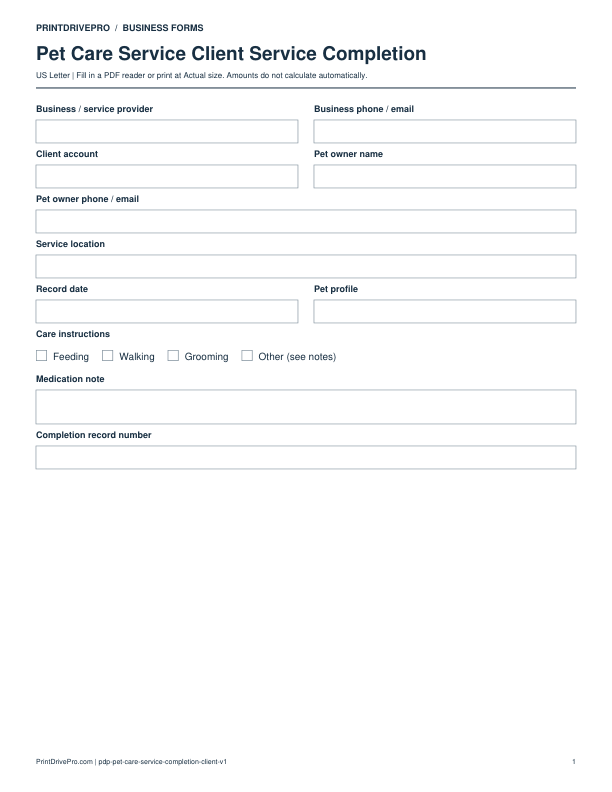
Pet Care
Pet Care Service Client Service Completion
US Letter · 2 pages · Fillable PDF
Preview & download →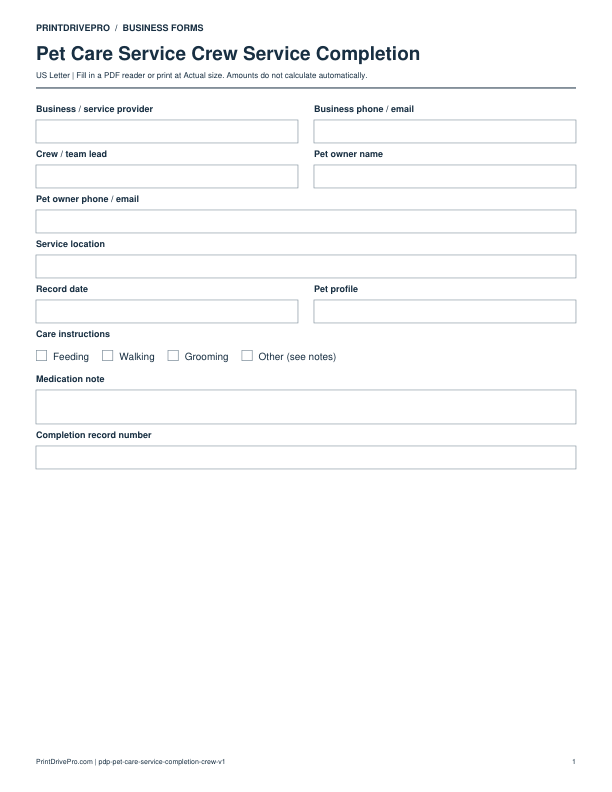
Pet Care
Pet Care Service Crew Service Completion
US Letter · 2 pages · Fillable PDF
Preview & download →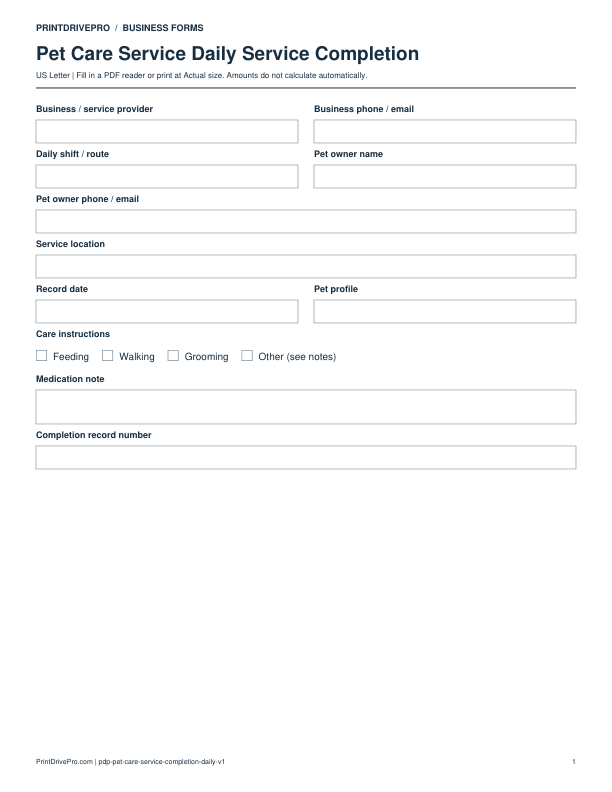
Pet Care
Pet Care Service Daily Service Completion
US Letter · 2 pages · Fillable PDF
Preview & download →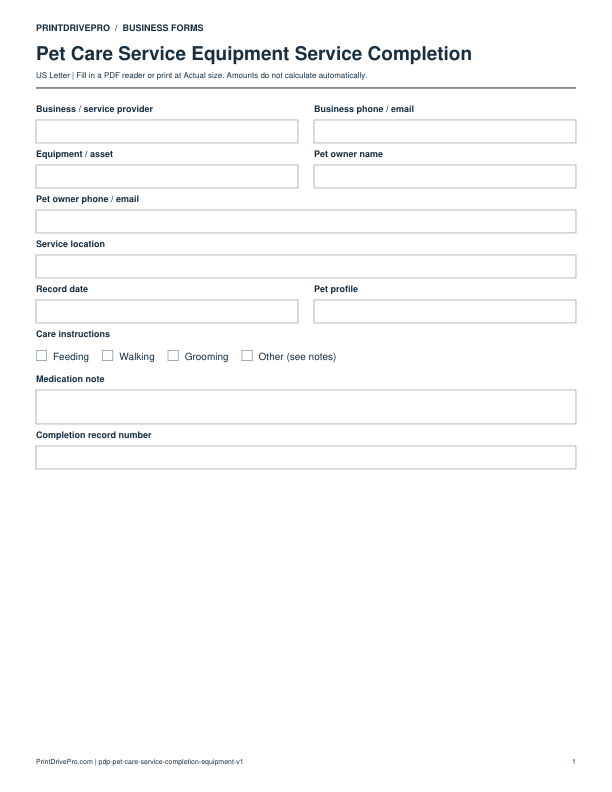
Pet Care
Pet Care Service Equipment Service Completion
US Letter · 2 pages · Fillable PDF
Preview & download →