Pet Care / Invoice
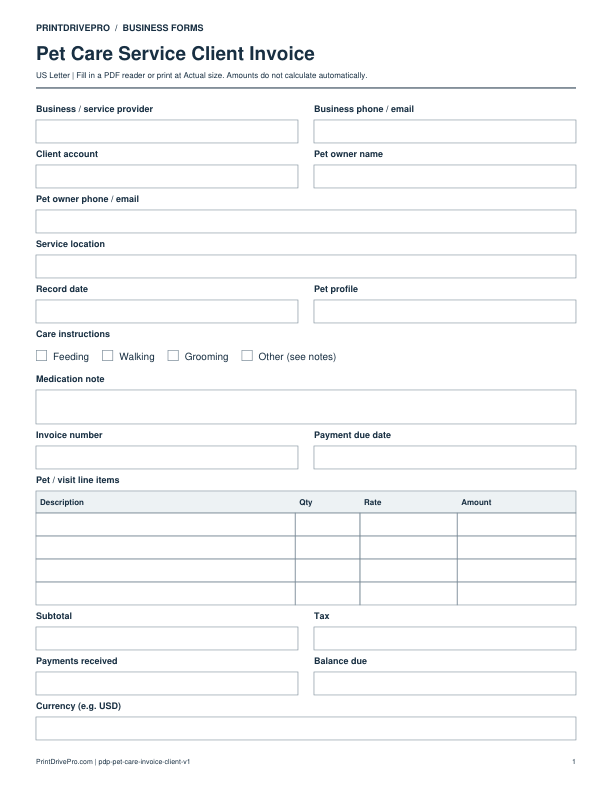
Pet Care Service Invoice
A US Letter printable invoice for pet care service teams, with fields for pet / visit, customer details, scheduling, and operational notes.
US Letter1 pageFillable PDF
No signup. 28 KB. Save a copy before filling it in.
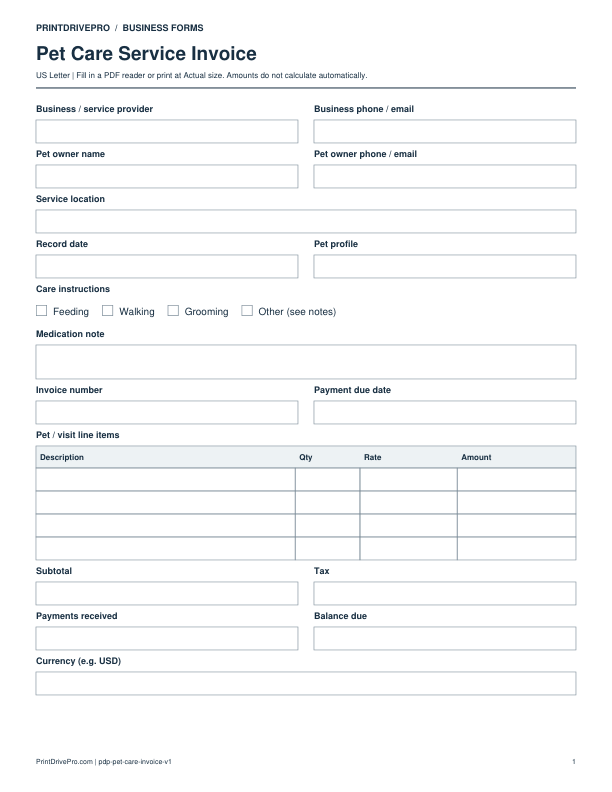
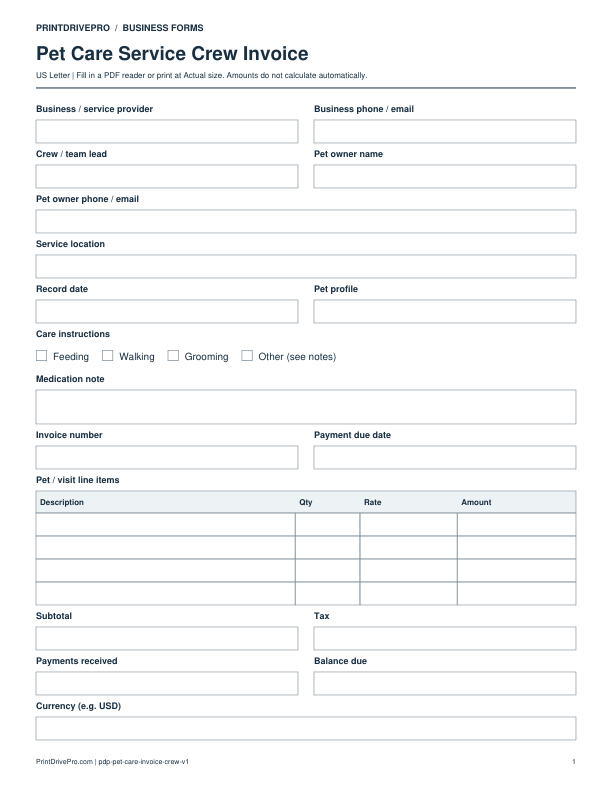
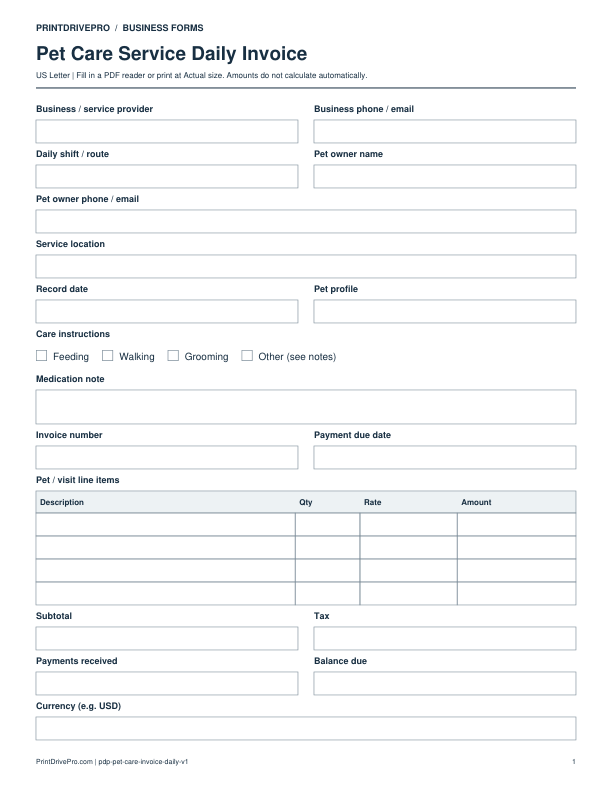
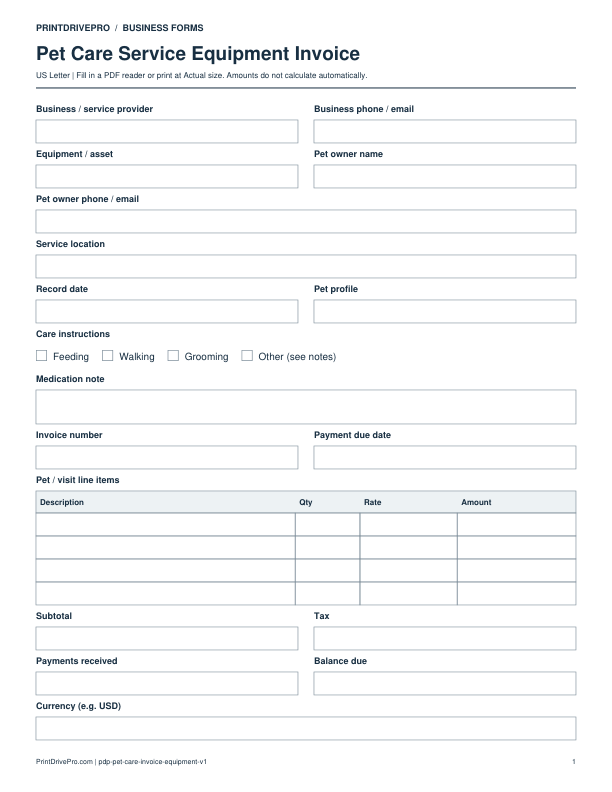
Actual PDF preview · Page 1 of 1
What’s included in this form
These fields match the downloadable PDF.
Download, fill in, and print
- Download the PDF and open the saved file in a PDF reader.
- Type into the fillable fields, or leave the form blank for handwriting. Enter amounts and totals manually; this PDF does not calculate them.
- Choose US Letter (8.5 × 11 inches) and Actual size / 100% in the print dialog. Check the preview before printing.
- Keep completed forms in your own secure records.
PDF readers differ in their support for form fields. If text does not save in your browser, open the downloaded file in a desktop PDF reader.
Using this form in your business
Use the pet-care invoice to bill visits, walks, overnight blocks, transport, supplies, and approved additions that were actually completed. It connects the pet profile, care instructions, medication note, service dates, visit count, deposits, payments, and balance without exposing sensitive household details. Billing periods and individual service lines make recurring care easier to reconcile against the visit log and owner updates.
Identify the completed care period
Enter invoice number, owner, pet profile reference, service address, billing dates, visit count, overnight dates, walks, transport, or other completed service. Link the recurring tracker or visit logs.
Itemize care and approved additions
List service units, additional pets, longer visits, holiday or travel adjustment, supplies, transport, and approved extra tasks. Show deposit, credit, and prior payment separately.
Reconcile the owner balance
Review subtotal, tax when applicable, payments, due date, and balance. Keep care instructions and medication note out of unnecessary billing detail while filing service evidence with the invoice.
How to use this printable
- Match billing to completed pet-care visits.
- Enter service units, additions, supplies, and adjustments.
- Apply deposits and verify the outstanding balance.
- File the invoice with visit and payment records.
Printing notes
- Print on US Letter paper at 100% or Actual size so table rows and signature lines keep their intended spacing.
- Use one copy for each customer, appointment, job, reporting period, or approval cycle instead of overwriting an earlier record.
- Write in dark ink and scan the completed sheet if the business keeps a digital archive.
More forms for this workflow
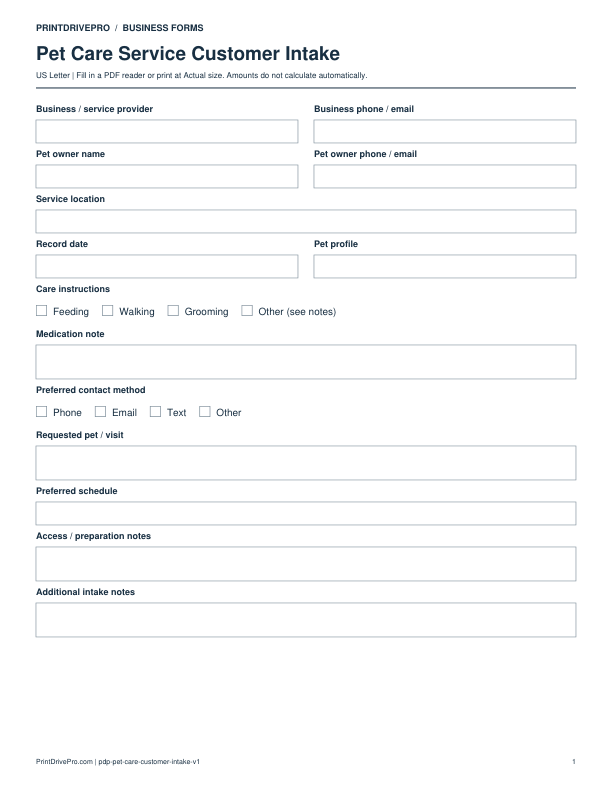
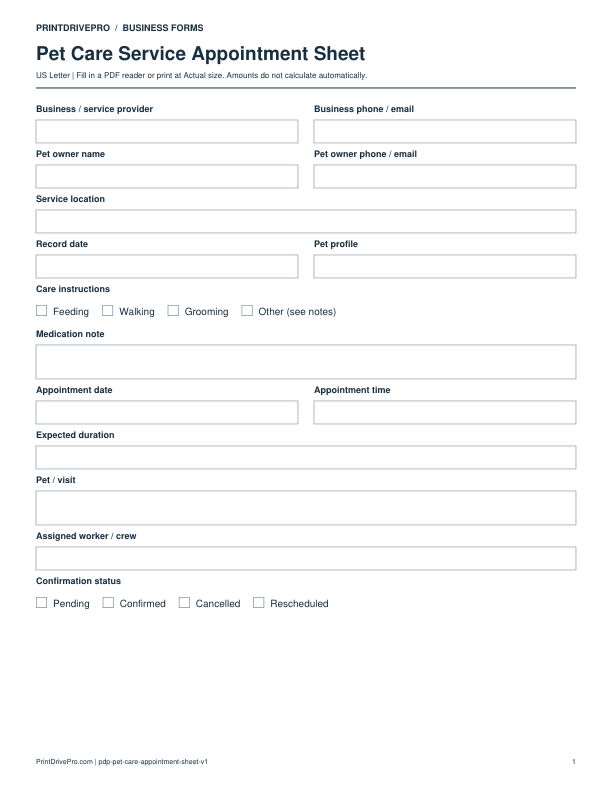
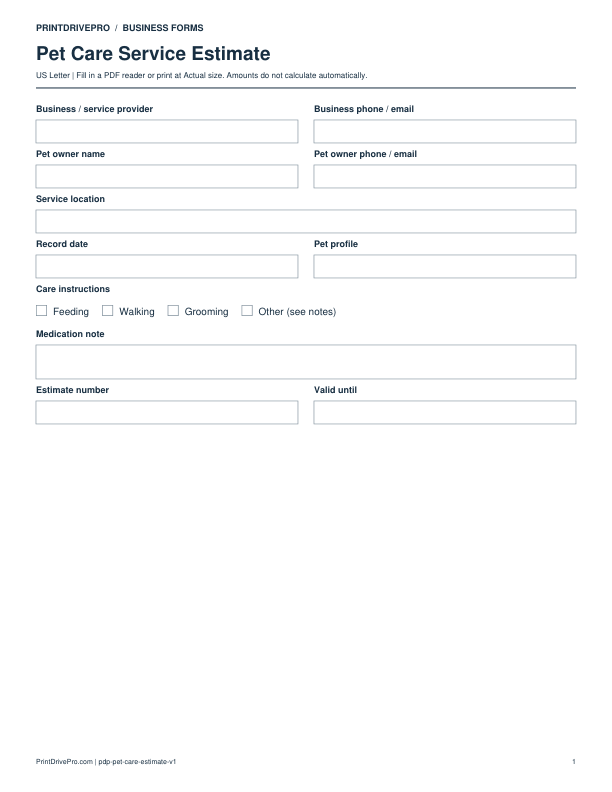
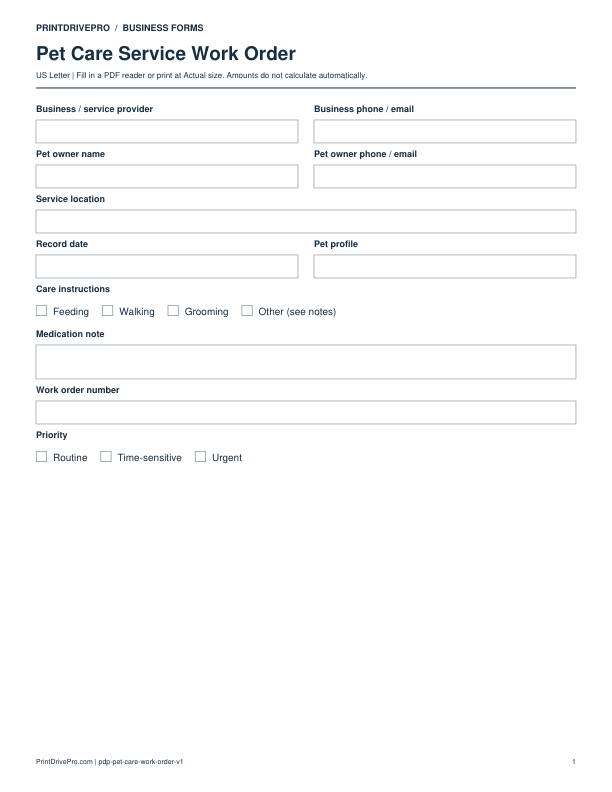
Use a separate form for the next task. An appointment, estimate, work record and invoice serve different purposes.