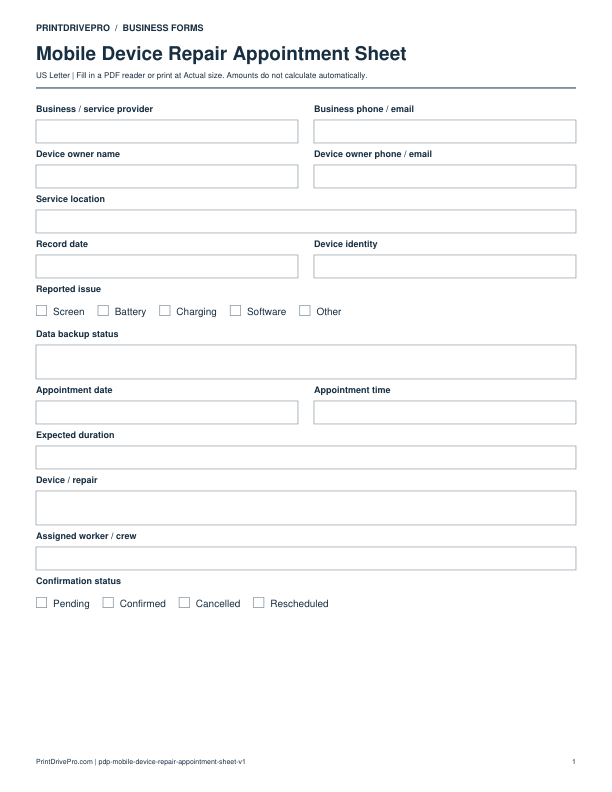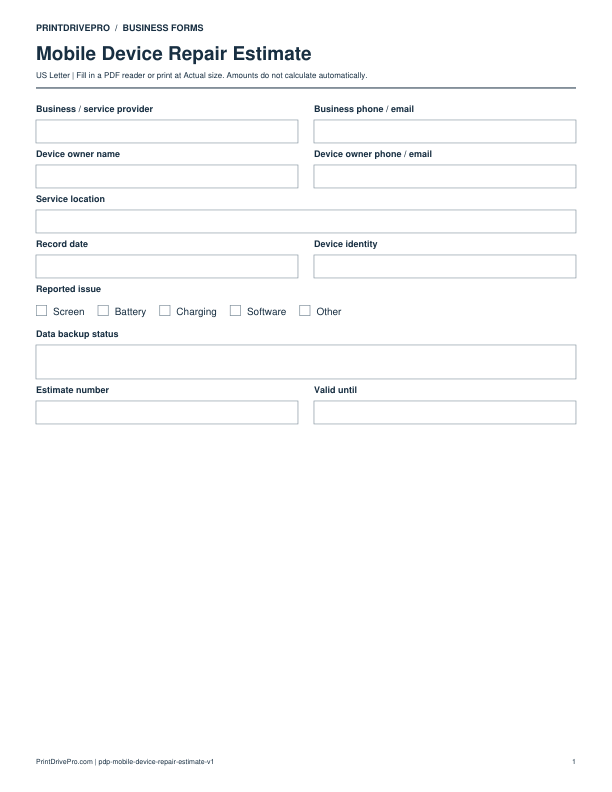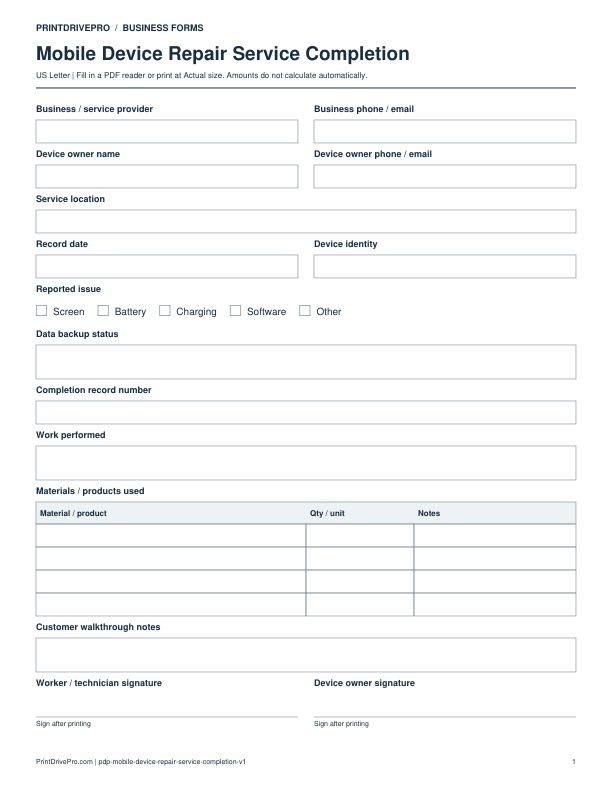
Mobile Device Repair
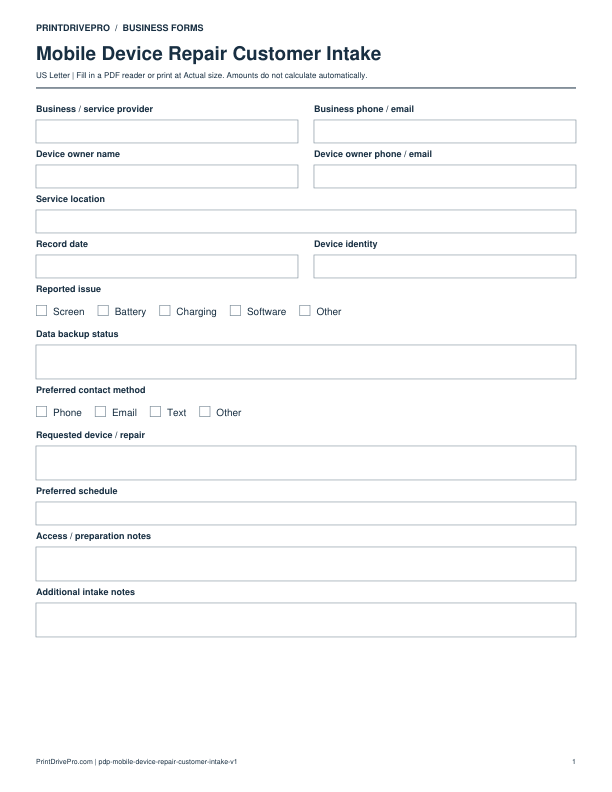
Mobile Device Repair Customer Intake
US Letter · 1 page · Fillable PDF
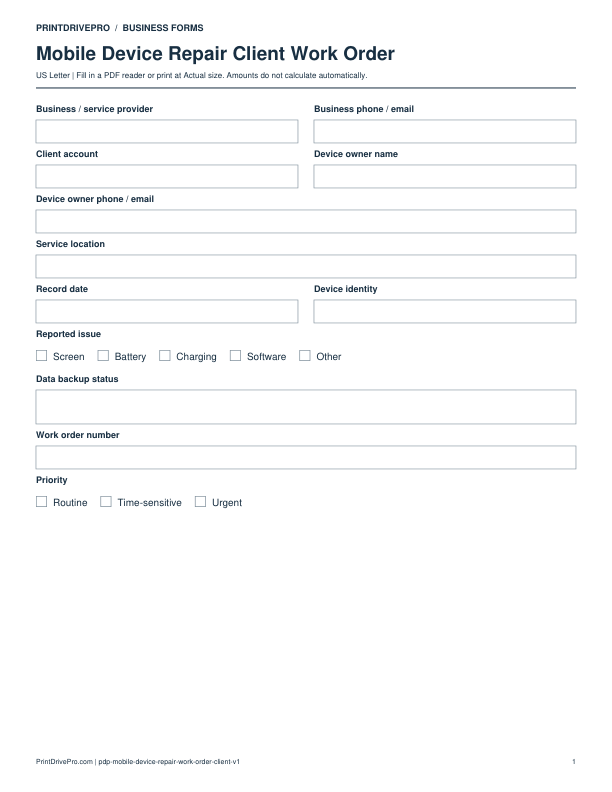
Preview & download →Mobile Device Repair / Work Order
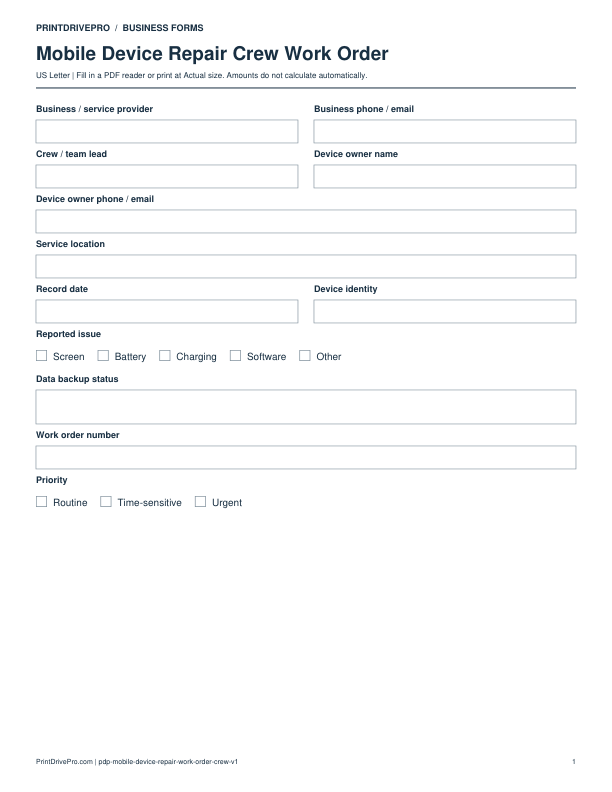
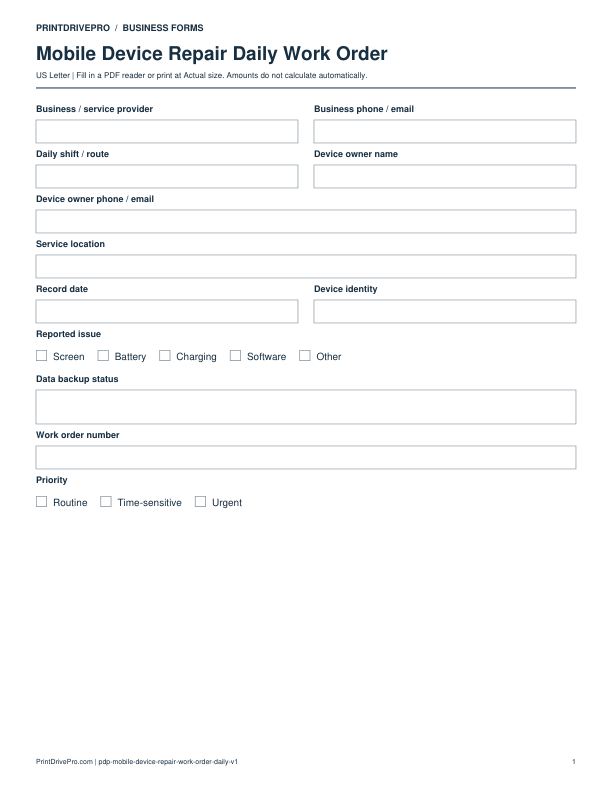
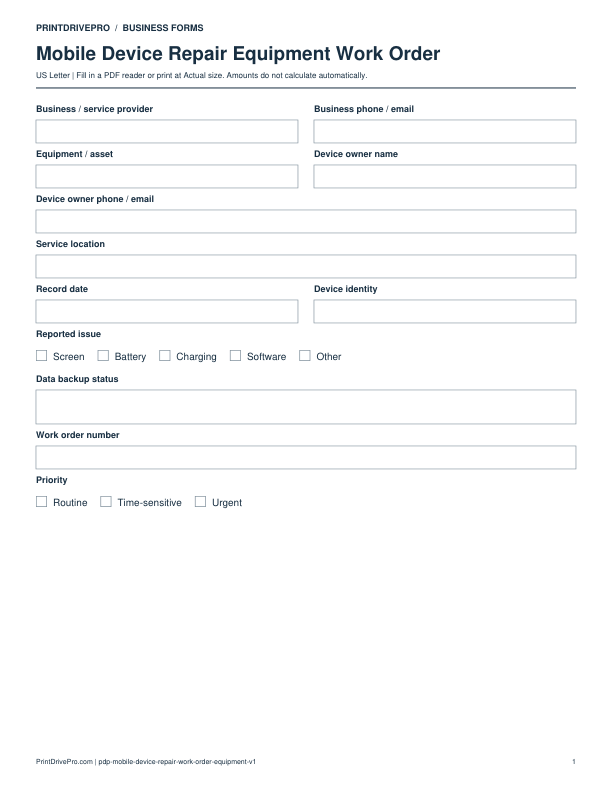
A US Letter printable work order for mobile device repair teams, with fields for device / repair, customer details, scheduling, and operational notes.
US Letter2 pagesFillable PDF
No signup. 26 KB. Save a copy before filling it in.
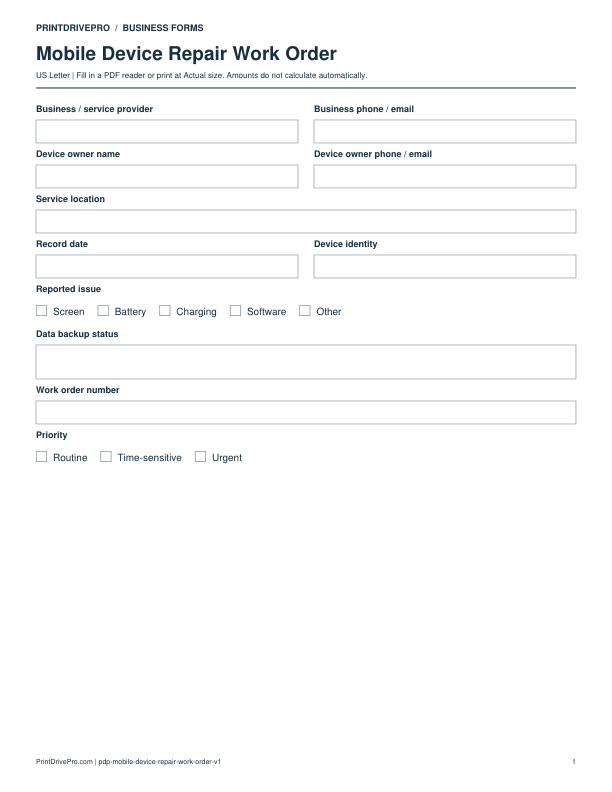
Actual PDF preview · Page 1 of 2
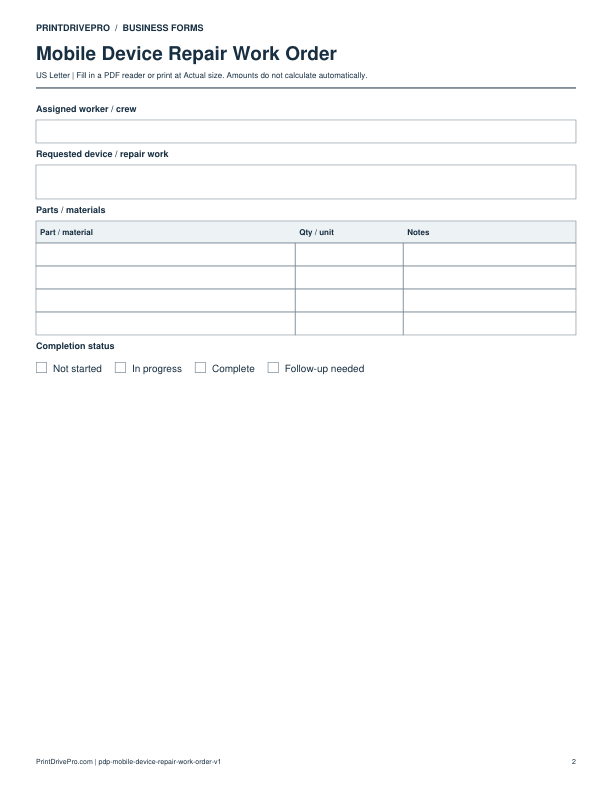
These fields match the downloadable PDF.
PDF readers differ in their support for form fields. If text does not save in your browser, open the downloaded file in a desktop PDF reader.
Turn an authorized device service into a technician assignment with device identity, reported issue, data backup status, condition, parts, tools, repair steps, tests, and status. The work order keeps the approved repair boundary and protects against informal changes after disassembly. Technicians can record a different fault, incompatible part, or unsuccessful step and return the decision for customer authorization before additional work.
Reference intake and estimate, then list device identity, visible condition, reported issue, data backup status, accessories, inspection finding, approved part option, and repair or diagnostic boundary.
Assign technician, priority, target date, tools, equipment, replacement part, adhesive, consumables, test checklist, and secure access method. Never write a customer password on the work order.
Mark queued, in progress, awaiting part, awaiting authorization, complete, unrepaired, or return required. Record new findings and route changed cost or risk for approval before proceeding.
Use a separate form for the next task. An appointment, estimate, work record and invoice serve different purposes.
Mobile Device Repair
US Letter · 1 page · Fillable PDF
Preview & download →Mobile Device Repair
US Letter · 1 page · Fillable PDF
Preview & download →Mobile Device Repair
US Letter · 2 pages · Fillable PDF
Preview & download →Mobile Device Repair
US Letter · 1 page · Fillable PDF
Preview & download →Mobile Device Repair
US Letter · 2 pages · Fillable PDF
Preview & download →Mobile Device Repair
US Letter · 2 pages · Fillable PDF
Preview & download →Mobile Device Repair
US Letter · 2 pages · Fillable PDF
Preview & download →Mobile Device Repair
US Letter · 2 pages · Fillable PDF
Preview & download →