Mobile Device Repair
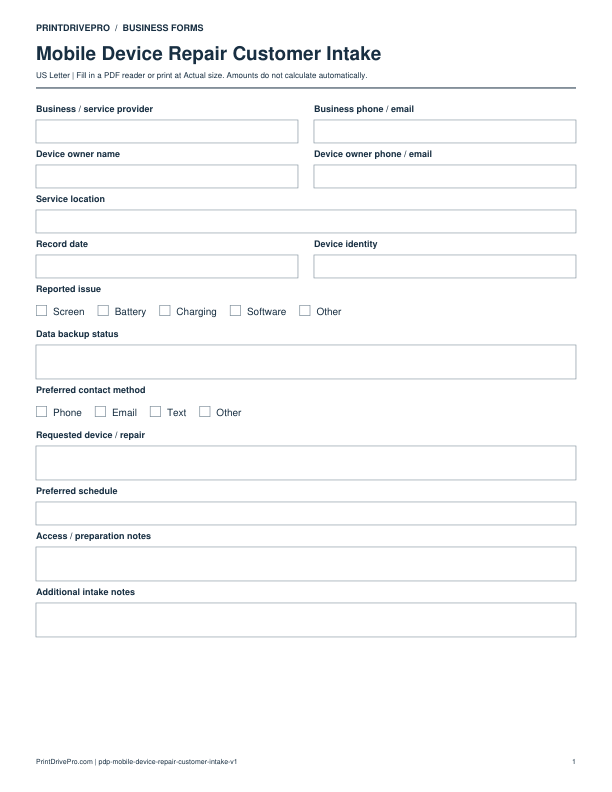
Mobile Device Repair Customer Intake
US Letter · 1 page · Fillable PDF
Preview & download →Mobile Device Repair / Invoice
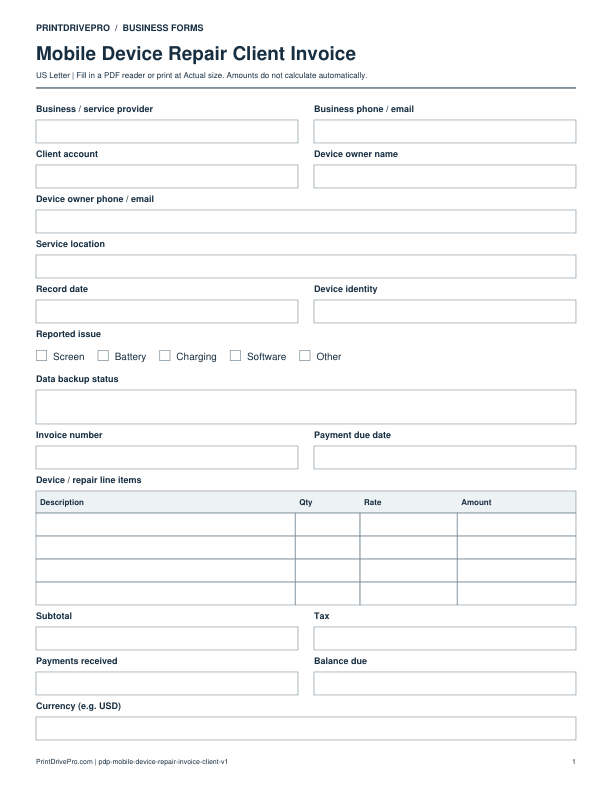
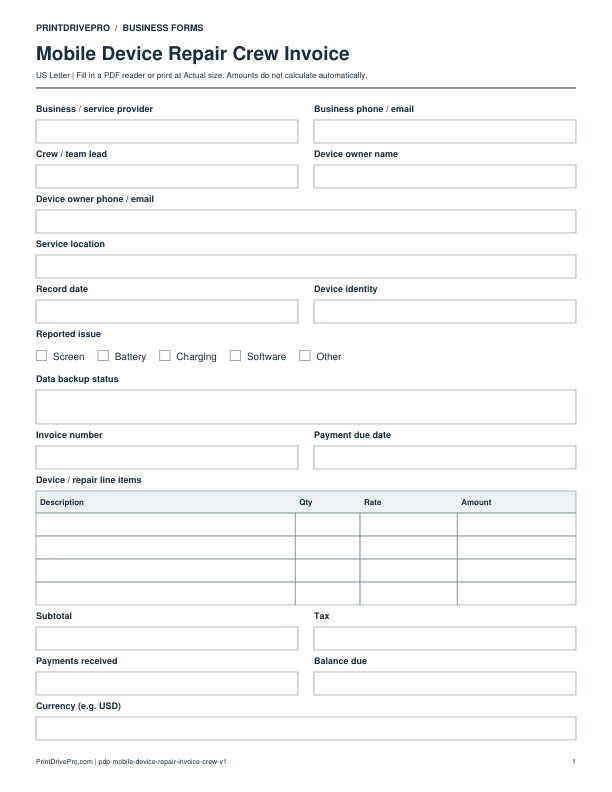
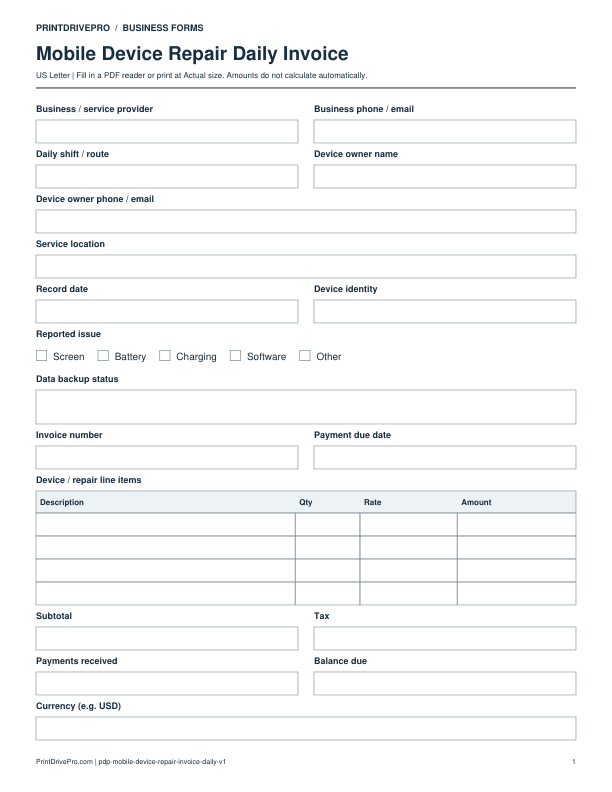
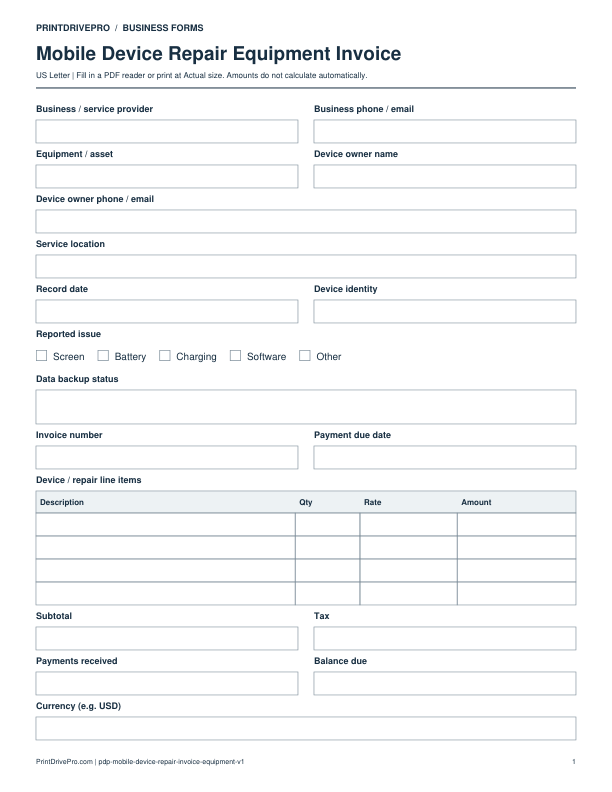
A US Letter printable invoice for mobile device repair teams, with fields for device / repair, customer details, scheduling, and operational notes.
US Letter1 pageFillable PDF
No signup. 28 KB. Save a copy before filling it in.
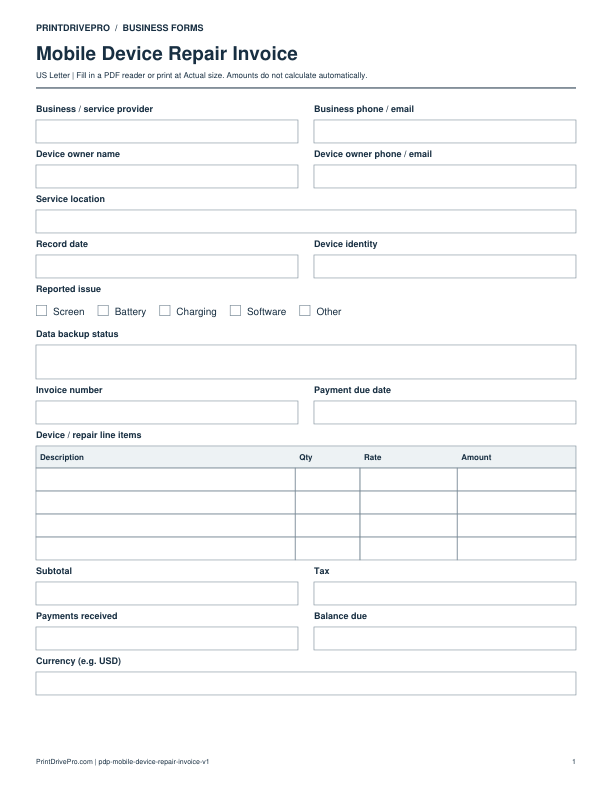
Actual PDF preview · Page 1 of 1
These fields match the downloadable PDF.
PDF readers differ in their support for form fields. If text does not save in your browser, open the downloaded file in a desktop PDF reader.
The one-page PDF includes Device identity, Reported issue and Data backup status, plus a four-row Device / repair line items table. These fields identify the billed repair; they are not a backup guarantee or diagnostic report.
Illustrative entries only: not a real customer record, recommended price or tax treatment. All amounts are entered and checked manually.
Do not put unlock codes, account passwords or recovery phrases on an invoice. Bill only completed and agreed work. Warranty terms, test results and handoff confirmation need separate records because this PDF has no dedicated fields for them.
Download a copy, use a compatible PDF reader, and save it under your own job reference. For printing, choose US Letter at Actual size / 100%.
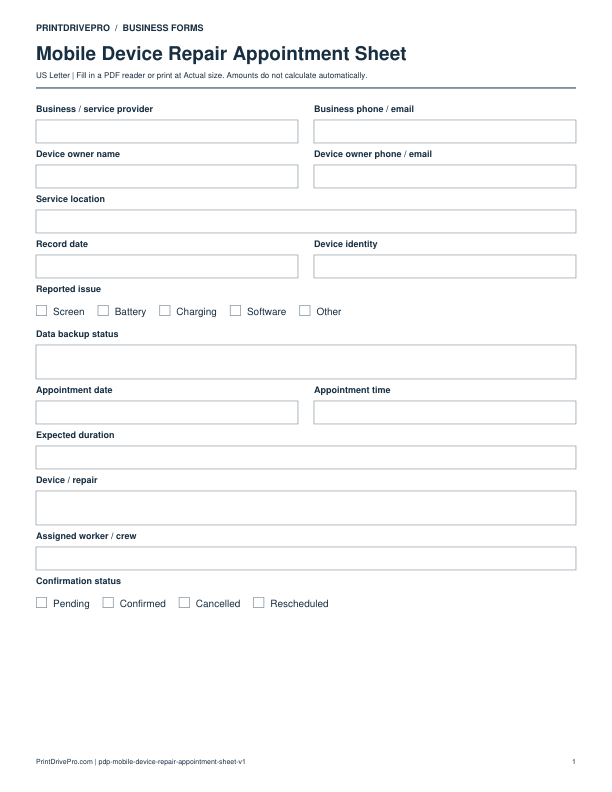
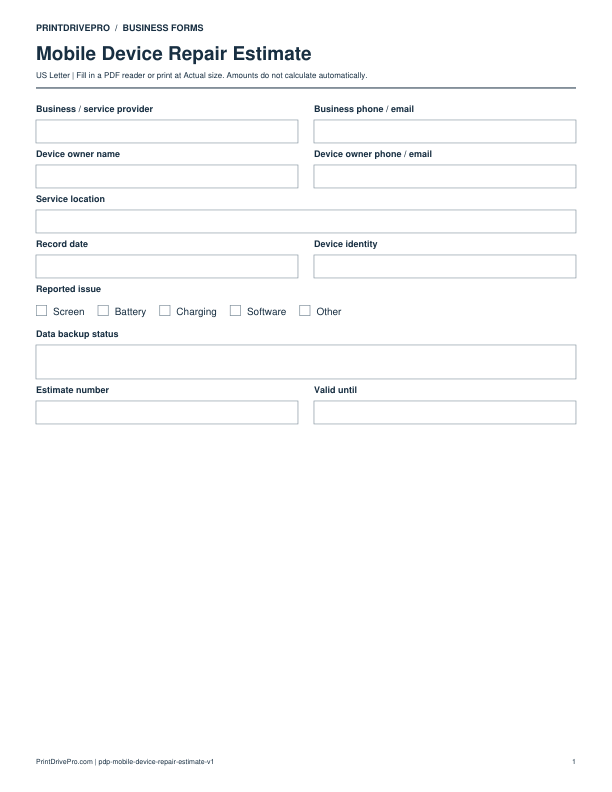
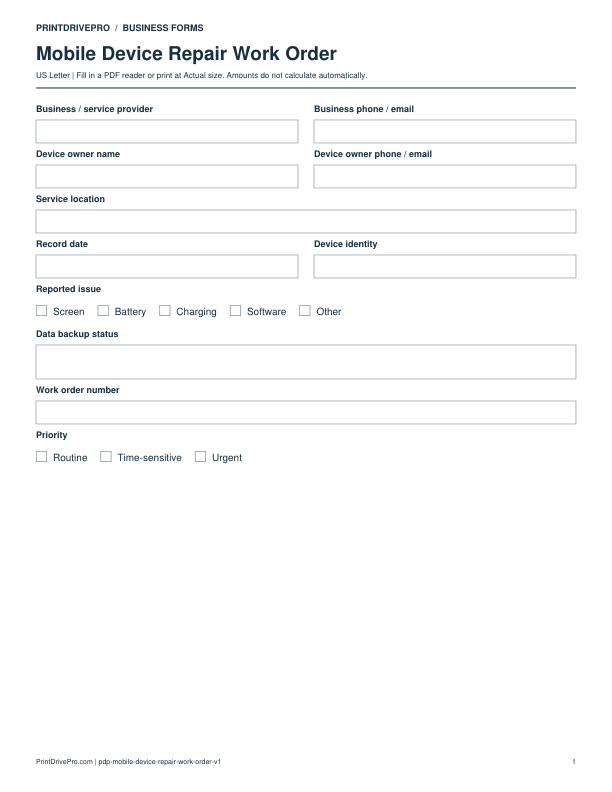
Use a separate form for the next task. An appointment, estimate, work record and invoice serve different purposes.
Mobile Device Repair
US Letter · 1 page · Fillable PDF
Preview & download →Mobile Device Repair
US Letter · 1 page · Fillable PDF
Preview & download →Mobile Device Repair
US Letter · 2 pages · Fillable PDF
Preview & download →Mobile Device Repair
US Letter · 2 pages · Fillable PDF
Preview & download →Mobile Device Repair
US Letter · 1 page · Fillable PDF
Preview & download →Mobile Device Repair
US Letter · 1 page · Fillable PDF
Preview & download →Mobile Device Repair
US Letter · 1 page · Fillable PDF
Preview & download →Mobile Device Repair
US Letter · 1 page · Fillable PDF
Preview & download →