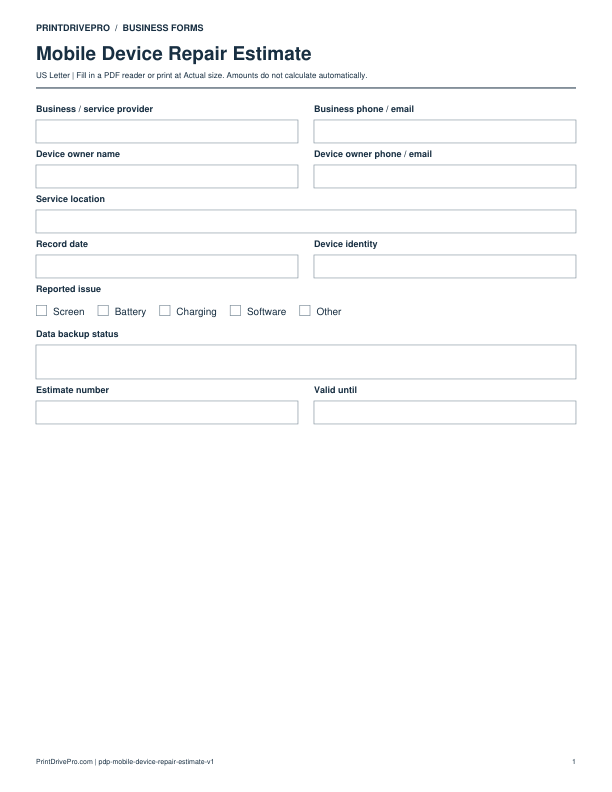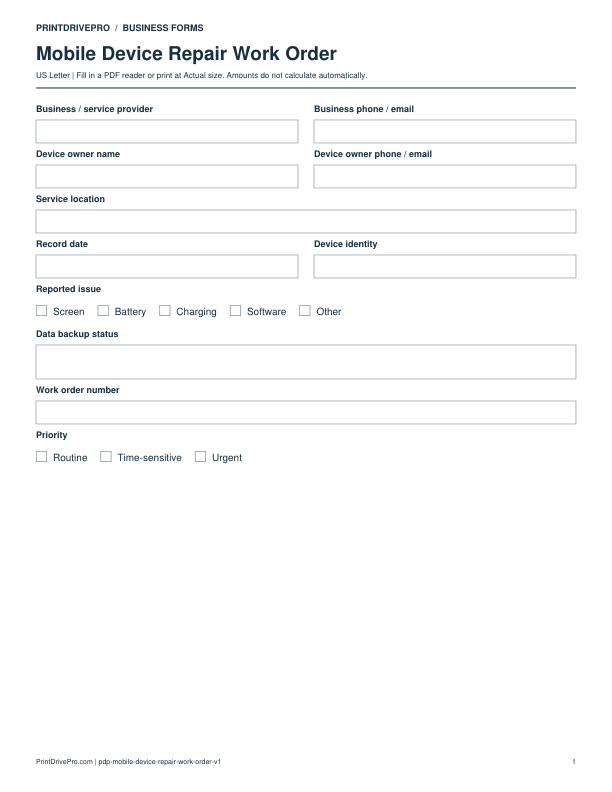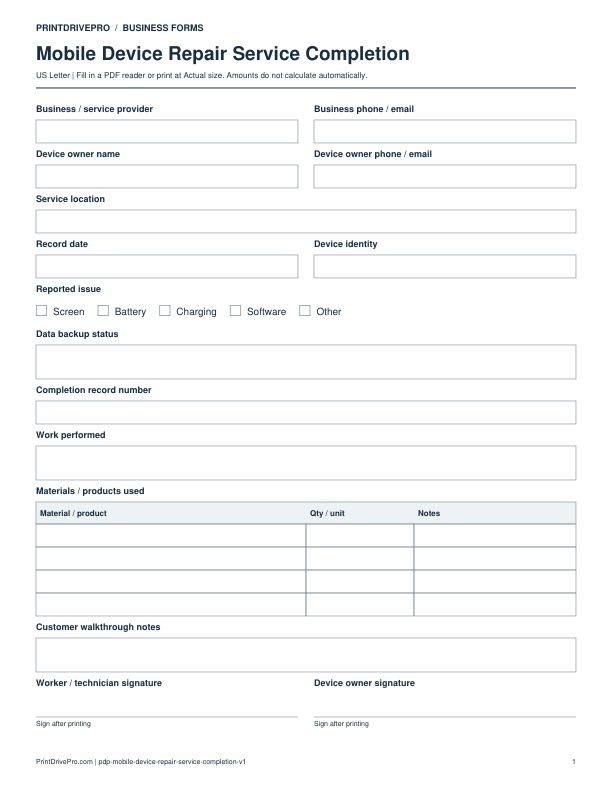
Mobile Device Repair
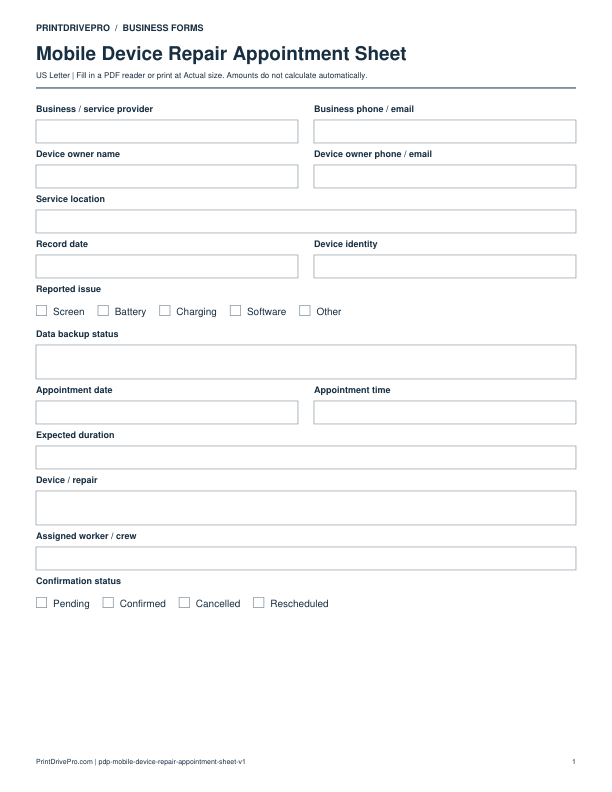
Mobile Device Repair Appointment Sheet
US Letter · 1 page · Fillable PDF
Preview & download →Mobile Device Repair / Customer Intake
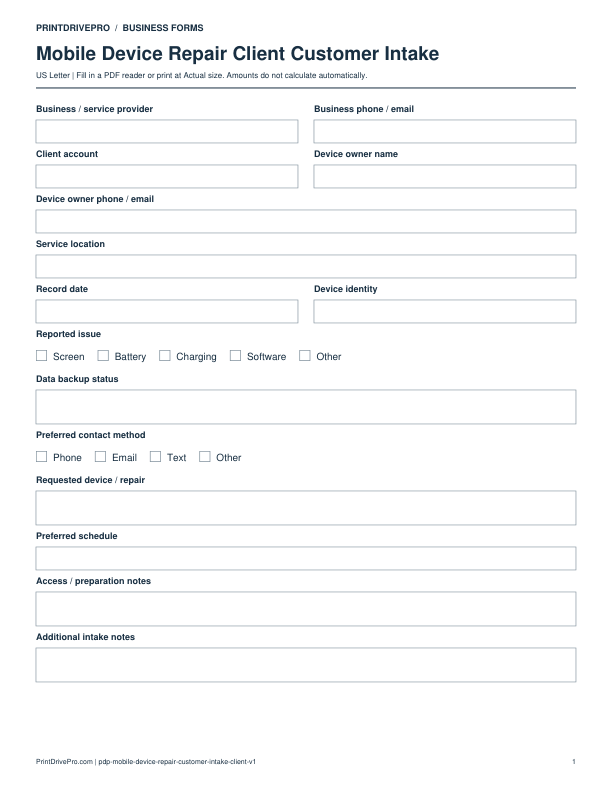
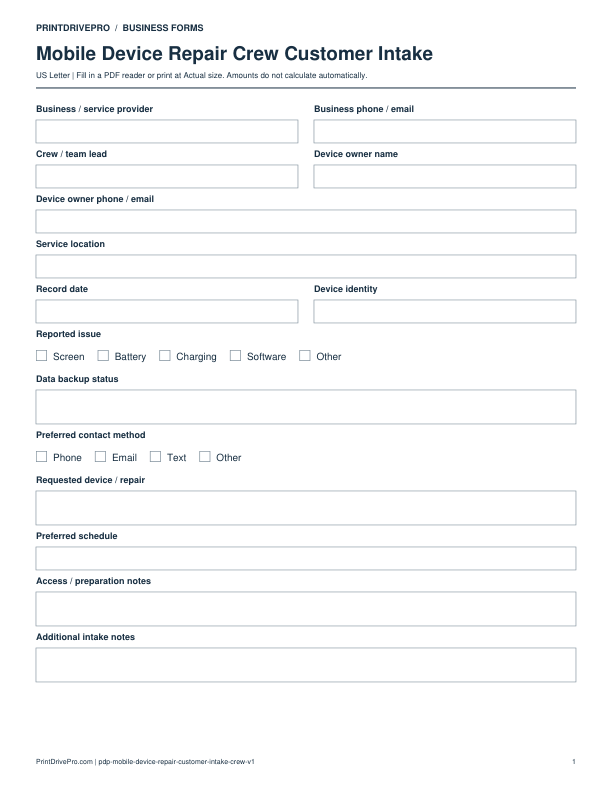
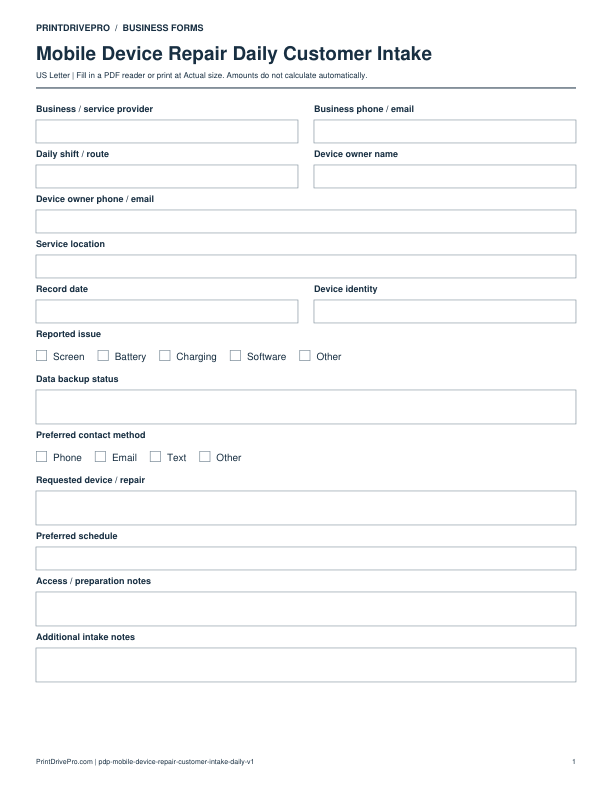
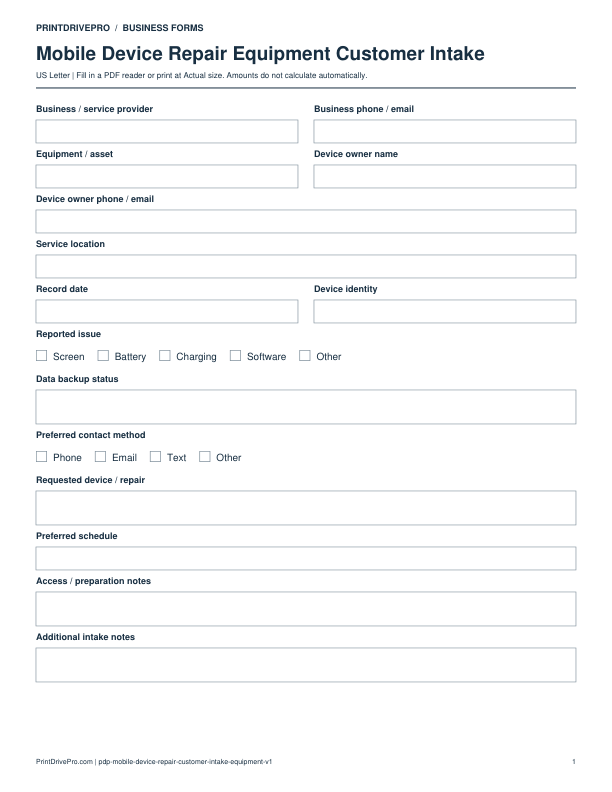
A US Letter printable customer intake for mobile device repair teams, with fields for device / repair, customer details, scheduling, and operational notes.
US Letter1 pageFillable PDF
No signup. 17 KB. Save a copy before filling it in.
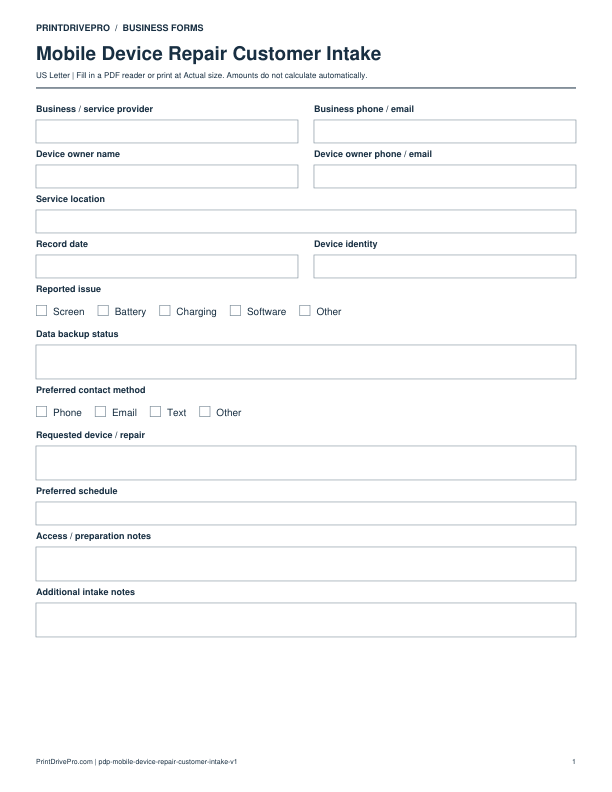
Actual PDF preview · Page 1 of 1
These fields match the downloadable PDF.
PDF readers differ in their support for form fields. If text does not save in your browser, open the downloaded file in a desktop PDF reader.
Use repair intake to create a clear custody and service record before a device enters the queue. It captures owner contact, device identity, reported issue, data backup status, visible condition, accessories, prior repair, urgency, and preferred outcome without recording a passcode. The intake distinguishes customer observations from technician findings and highlights consent or data questions that must be resolved through the business’s secure process.
Record owner, device identity, make, model, serial or job label, color, accessories, SIM or removable item handling, visible damage, moisture indicators observed externally, and condition photos.
Write the reported issue in the customer’s words, when it began, prior repair, data backup status, importance of data, attempted troubleshooting, and desired result. Do not enter passwords.
Note urgency, contact preference, estimate approval limit handled by business policy, pickup method, and questions needing technician inspection. Transfer confirmed device facts into the estimate or work order.
Use a separate form for the next task. An appointment, estimate, work record and invoice serve different purposes.
Mobile Device Repair
US Letter · 1 page · Fillable PDF
Preview & download →Mobile Device Repair
US Letter · 2 pages · Fillable PDF
Preview & download →Mobile Device Repair
US Letter · 2 pages · Fillable PDF
Preview & download →Mobile Device Repair
US Letter · 1 page · Fillable PDF
Preview & download →Mobile Device Repair
US Letter · 1 page · Fillable PDF
Preview & download →Mobile Device Repair
US Letter · 1 page · Fillable PDF
Preview & download →Mobile Device Repair
US Letter · 1 page · Fillable PDF
Preview & download →Mobile Device Repair
US Letter · 1 page · Fillable PDF
Preview & download →