HVAC Services / Customer Intake
HVAC Service Customer Intake
A US Letter printable customer intake for hvac service teams, with fields for equipment / zones, customer details, scheduling, and operational notes.
US Letter1 pageFillable PDF
No signup. 17 KB. Save a copy before filling it in.
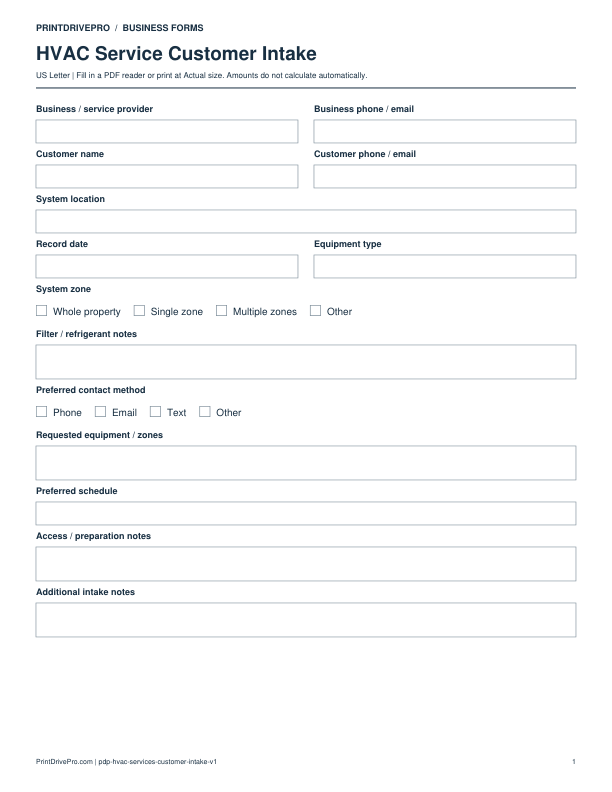
Actual PDF preview · Page 1 of 1
What’s included in this form
These fields match the downloadable PDF.
Download, fill in, and print
- Download the PDF and open the saved file in a PDF reader.
- Type into the fillable fields, or leave the form blank for handwriting.
- Choose US Letter (8.5 × 11 inches) and Actual size / 100% in the print dialog. Check the preview before printing.
- Keep completed forms in your own secure records.
PDF readers differ in their support for form fields. If text does not save in your browser, open the downloaded file in a desktop PDF reader.
Using this form in your business
Use HVAC intake to record the customer’s symptom, equipment type, system zone, filter refrigerant note if known, model information, timing, access, and comfort concern before dispatch or estimation. The form captures observations such as weak airflow, uneven zones, noise, odor, control behavior, maintenance request, or planned replacement without treating the first conversation as a technical finding. It also prepares the office to request photos or model labels securely.
Capture equipment and comfort observations
Enter customer, service location, equipment type, system zone, thermostat behavior, airflow or temperature concern, sounds or odors, when the issue occurs, and the requested result.
Understand access and maintenance context
Note equipment access, building hours, tenant contact, model information, last service when supplied, filter refrigerant note, photos available, pets, and preferred appointment.
Choose assessment, maintenance, or estimate
Mark urgency and the appropriate next record. Transfer reported facts to the technician, reserve diagnosis for inspection, and use confirmed equipment details when preparing parts or pricing.
How to use this printable
- Record the customer’s HVAC concern in plain language.
- Identify equipment, zone, access, model, and maintenance context.
- Separate reported symptoms from inspection findings.
- Schedule the appropriate service or estimation visit.
Printing notes
- Print on US Letter paper at 100% or Actual size so table rows and signature lines keep their intended spacing.
- Use one copy for each customer, appointment, job, reporting period, or approval cycle instead of overwriting an earlier record.
- Write in dark ink and scan the completed sheet if the business keeps a digital archive.
More forms for this workflow
Use a separate form for the next task. An appointment, estimate, work record and invoice serve different purposes.
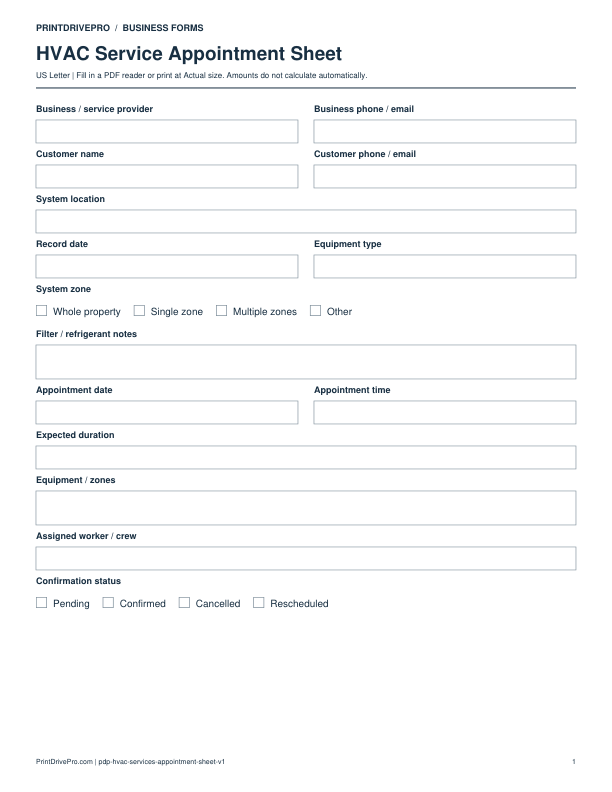
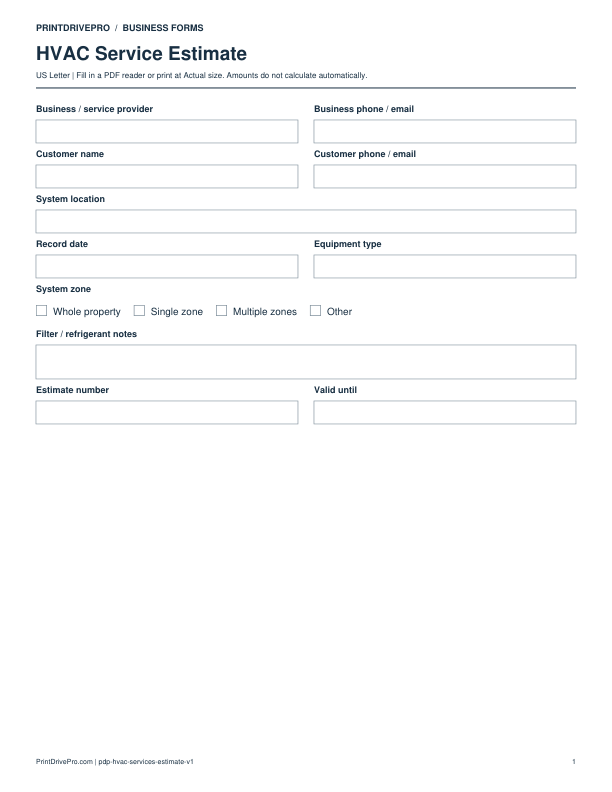
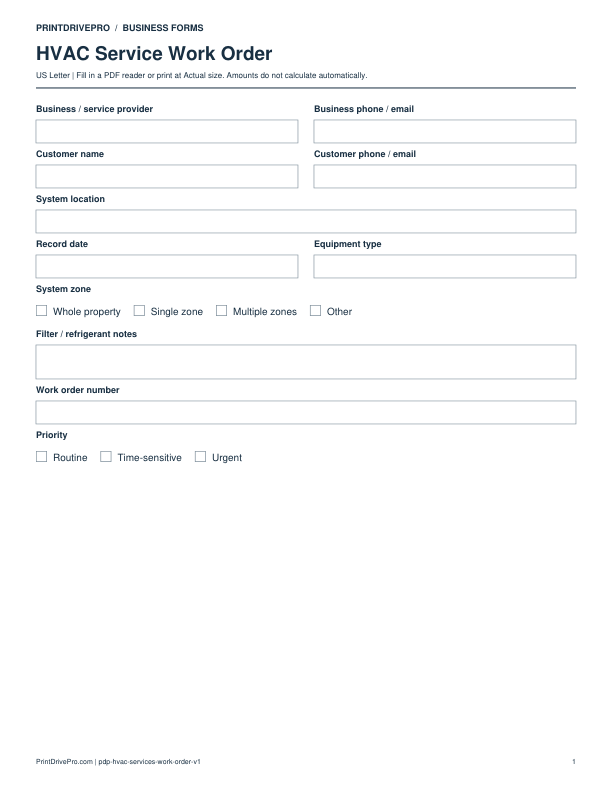
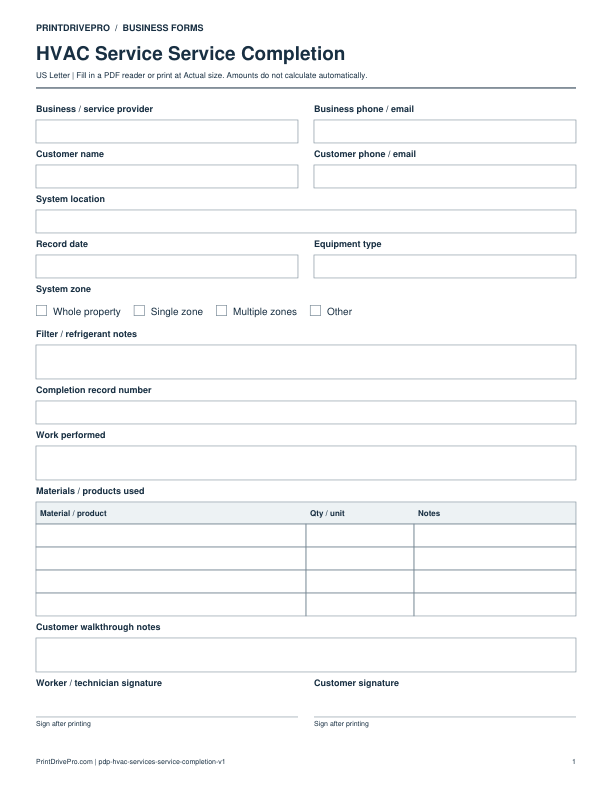
Other versions for hvac services
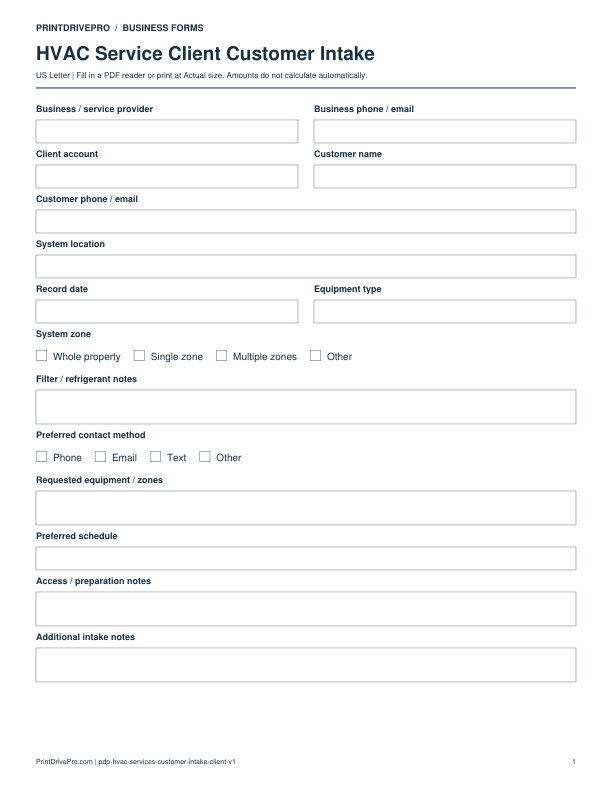
Hvac Services
HVAC Service Client Customer Intake
US Letter · 1 page · Fillable PDF
Preview & download →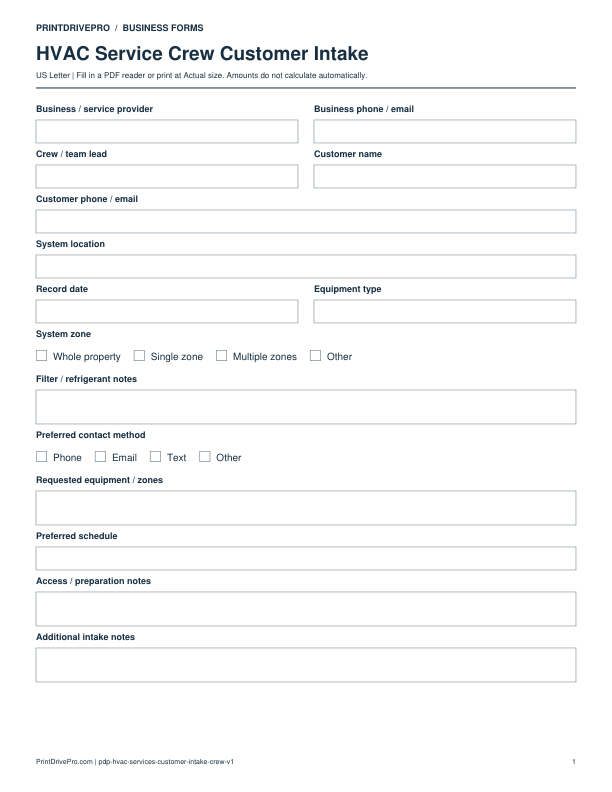
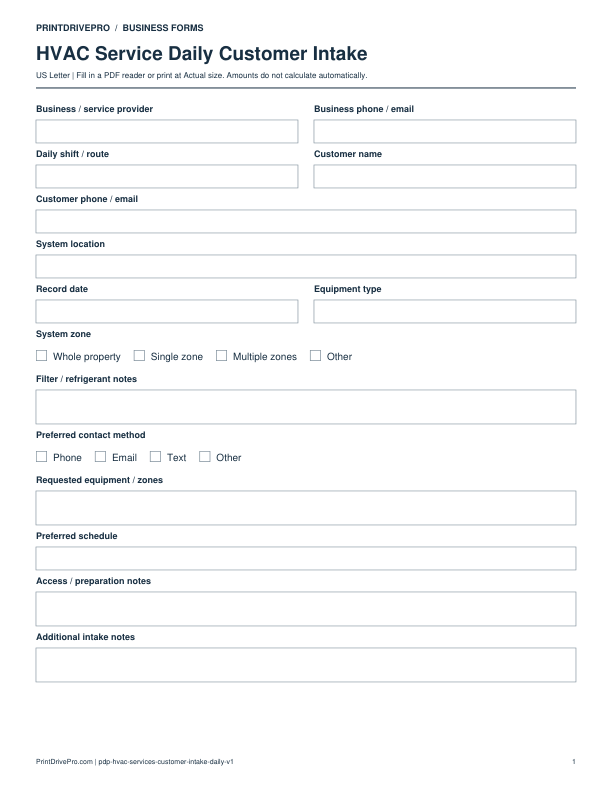
Hvac Services
HVAC Service Daily Customer Intake
US Letter · 1 page · Fillable PDF
Preview & download →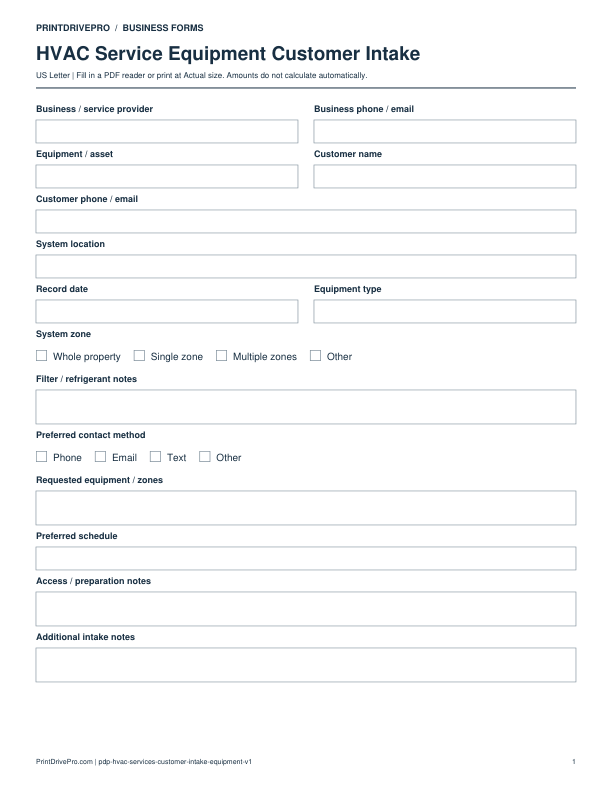
Hvac Services
HVAC Service Equipment Customer Intake
US Letter · 1 page · Fillable PDF
Preview & download →