Handyman / Customer Intake
Handyman Service Customer Intake
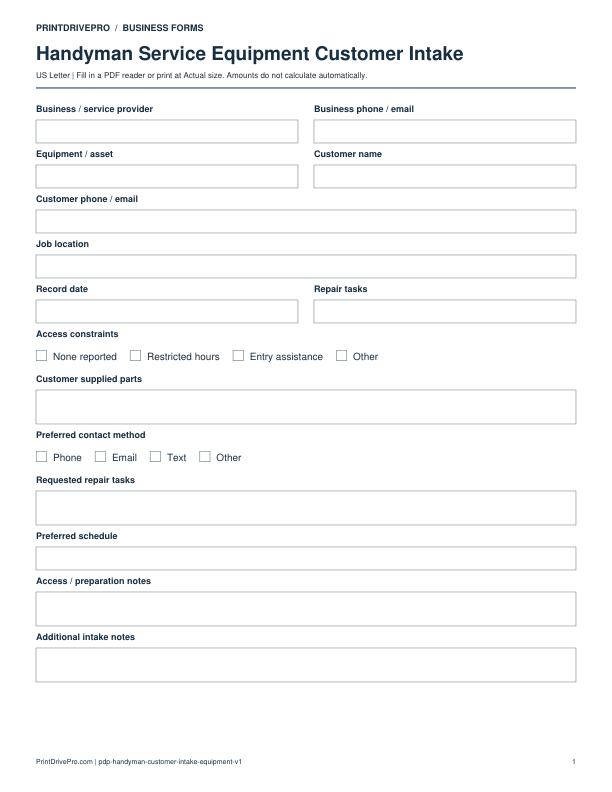
A US Letter printable customer intake for handyman service teams, with fields for repair tasks, customer details, scheduling, and operational notes.
US Letter1 pageFillable PDF
No signup. 17 KB. Save a copy before filling it in.
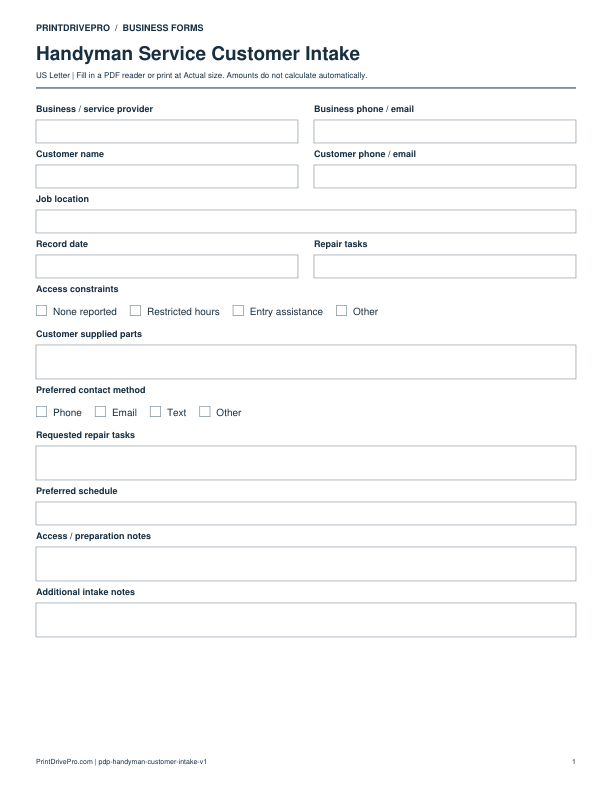
Actual PDF preview · Page 1 of 1
What’s included in this form
These fields match the downloadable PDF.
Download, fill in, and print
- Download the PDF and open the saved file in a PDF reader.
- Type into the fillable fields, or leave the form blank for handwriting.
- Choose US Letter (8.5 × 11 inches) and Actual size / 100% in the print dialog. Check the preview before printing.
- Keep completed forms in your own secure records.
PDF readers differ in their support for form fields. If text does not save in your browser, open the downloaded file in a desktop PDF reader.
Using this form in your business
A handyman intake sheet gathers the customer’s repair list before the business commits to price, parts, or timing. It captures repair tasks, access constraints, customer supplied parts, property type, photos available, urgency, and scheduling preferences. The record helps separate a clear small repair from work that needs an on-site assessment or a different licensed specialist, without making technical conclusions during the first contact.
Collect a task-by-task request
Record customer contact, job location, property type, each repair task, affected room or item, visible symptoms, and the desired outcome. Ask for measurements or photos only when they help schedule assessment.
Identify access and part context
Note stairs, parking, pets, tenant coordination, work-hour limits, access constraints, and customer supplied parts. Mark whether parts are already purchased, still being selected, or require inspection.
Choose the next operational step
Record urgency and preferred appointment, then decide whether the next record is a remote estimate, site visit, or declined referral. Move verified scope into the estimate instead of treating intake descriptions as final facts.
How to use this printable
- Write each repair request in the customer’s words.
- Capture location, condition, access, and part details.
- Flag items requiring inspection or another service provider.
- Schedule assessment or prepare an estimate from confirmed facts.
Printing notes
- Print on US Letter paper at 100% or Actual size so table rows and signature lines keep their intended spacing.
- Use one copy for each customer, appointment, job, reporting period, or approval cycle instead of overwriting an earlier record.
- Write in dark ink and scan the completed sheet if the business keeps a digital archive.
More forms for this workflow
Use a separate form for the next task. An appointment, estimate, work record and invoice serve different purposes.
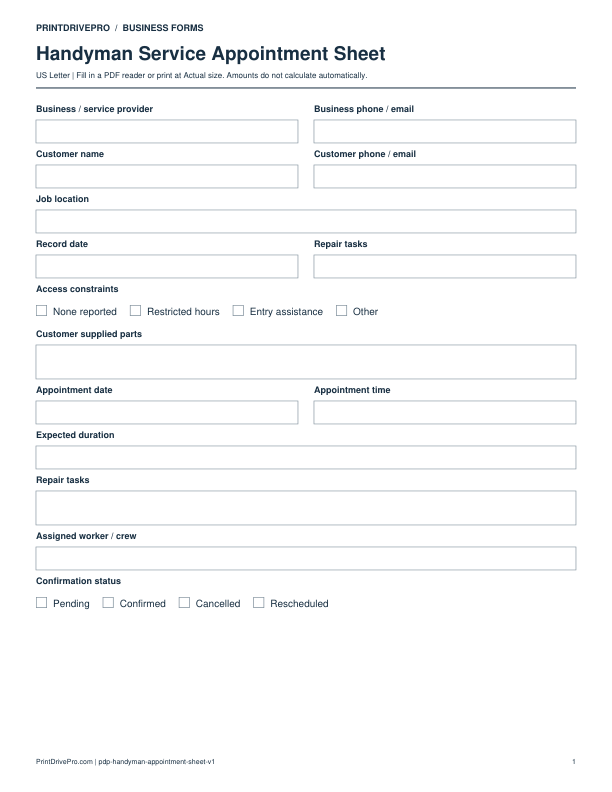
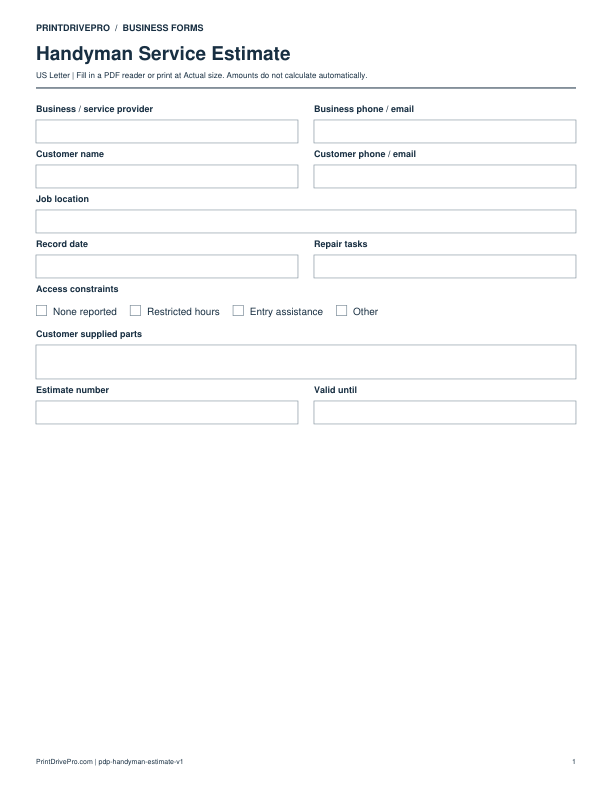
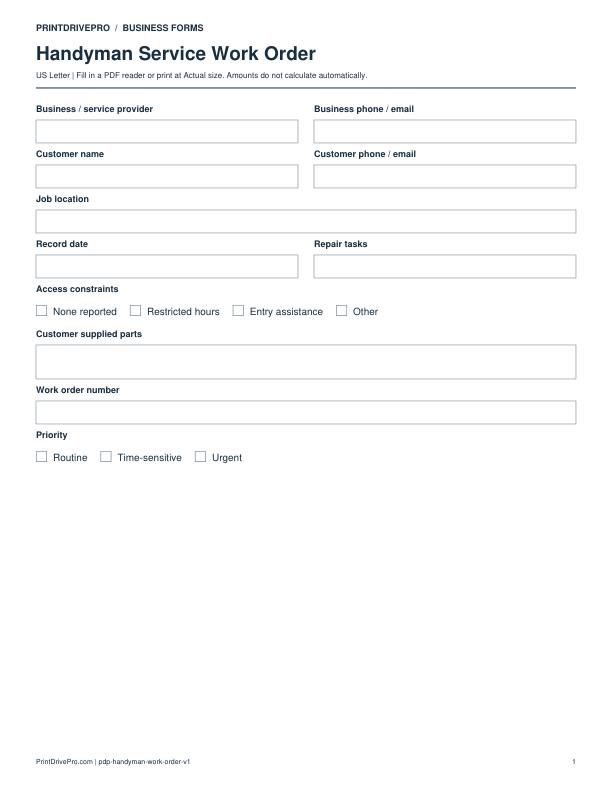
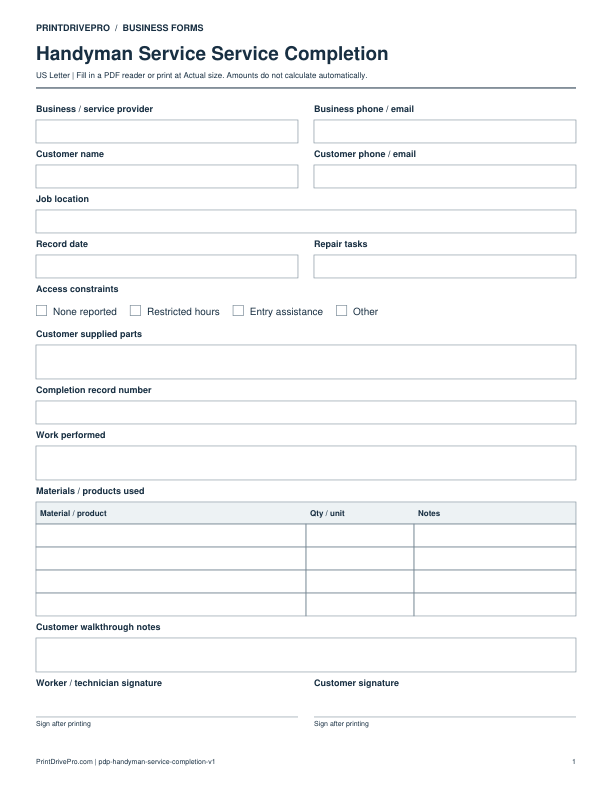
Other versions for handyman
Handyman
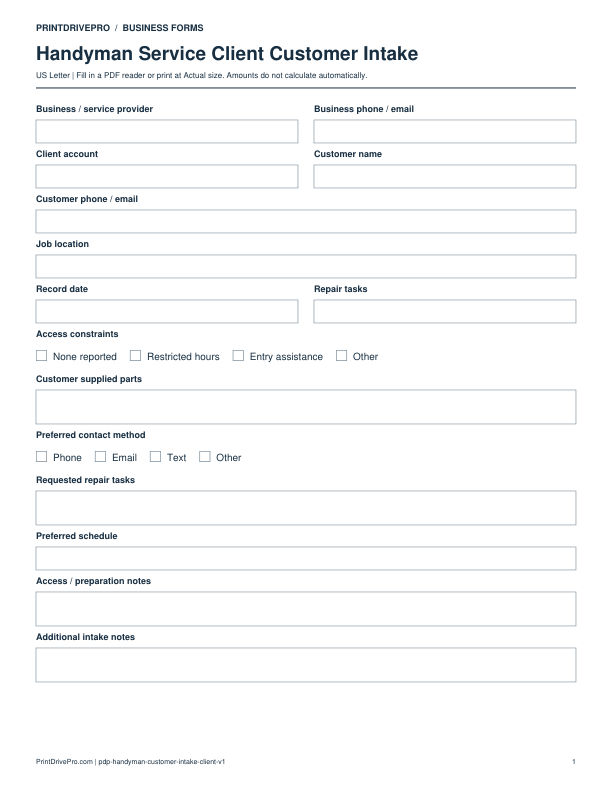
Handyman Service Client Customer Intake
US Letter · 1 page · Fillable PDF
Preview & download →
Handyman
Handyman Service Equipment Customer Intake
US Letter · 1 page · Fillable PDF
Preview & download →