Handyman / Appointment Sheet
Handyman Service Appointment Sheet
A US Letter printable appointment sheet for handyman service teams, with fields for repair tasks, customer details, scheduling, and operational notes.
US Letter1 pageFillable PDF
No signup. 18 KB. Save a copy before filling it in.
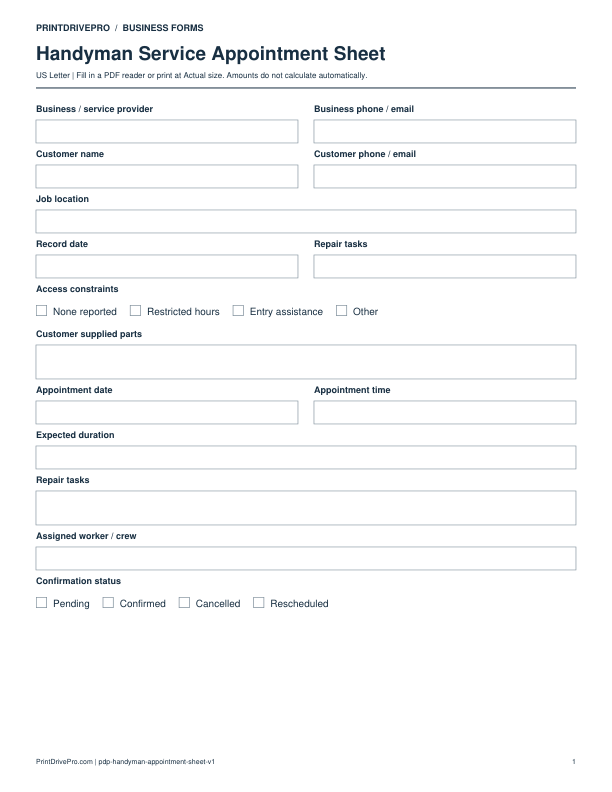
Actual PDF preview · Page 1 of 1
What’s included in this form
These fields match the downloadable PDF.
Download, fill in, and print
- Download the PDF and open the saved file in a PDF reader.
- Type into the fillable fields, or leave the form blank for handwriting.
- Choose US Letter (8.5 × 11 inches) and Actual size / 100% in the print dialog. Check the preview before printing.
- Keep completed forms in your own secure records.
PDF readers differ in their support for form fields. If text does not save in your browser, open the downloaded file in a desktop PDF reader.
Using this form in your business
Use the handyman appointment sheet to reserve the correct amount of time, worker skill, tools, and transport for a repair visit. It keeps repair tasks, access constraints, customer supplied parts, location, arrival window, duration, assignment, and confirmation status together. A scheduling record is not the full work order; it gives the office and technician enough context to arrive prepared while linking back to the approved scope.
Set a realistic visit purpose
Choose assessment, quoted repair, assembly, installation, follow-up, or multi-task visit. Add expected duration, repair tasks, priority, and the related intake, estimate, or work-order number.
Prepare access, tools, and parts
Record job location, parking, stairs, pets, tenant contact, access constraints, worker assignment, tools, business materials, and customer supplied parts awaiting use or inspection.
Track confirmation and changes
Mark when the slot was offered, accepted, reminded, cancelled, or rescheduled. Preserve the original time, replacement time, and communication result so crew planning can be updated accurately.
How to use this printable
- Choose the visit type and estimated duration.
- Match technician, tools, vehicle, and part requirements.
- Confirm location access and customer availability.
- Publish the final slot and record later changes.
Printing notes
- Print on US Letter paper at 100% or Actual size so table rows and signature lines keep their intended spacing.
- Use one copy for each customer, appointment, job, reporting period, or approval cycle instead of overwriting an earlier record.
- Write in dark ink and scan the completed sheet if the business keeps a digital archive.
More forms for this workflow
Use a separate form for the next task. An appointment, estimate, work record and invoice serve different purposes.
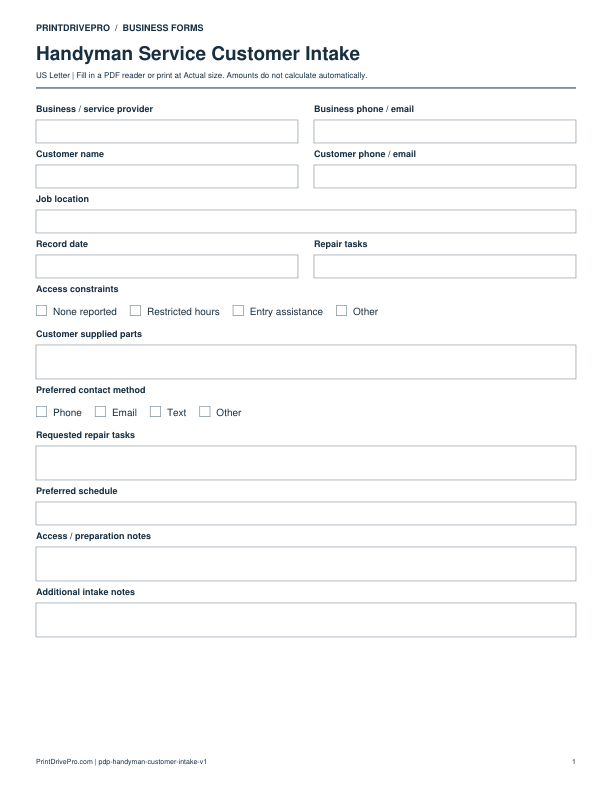
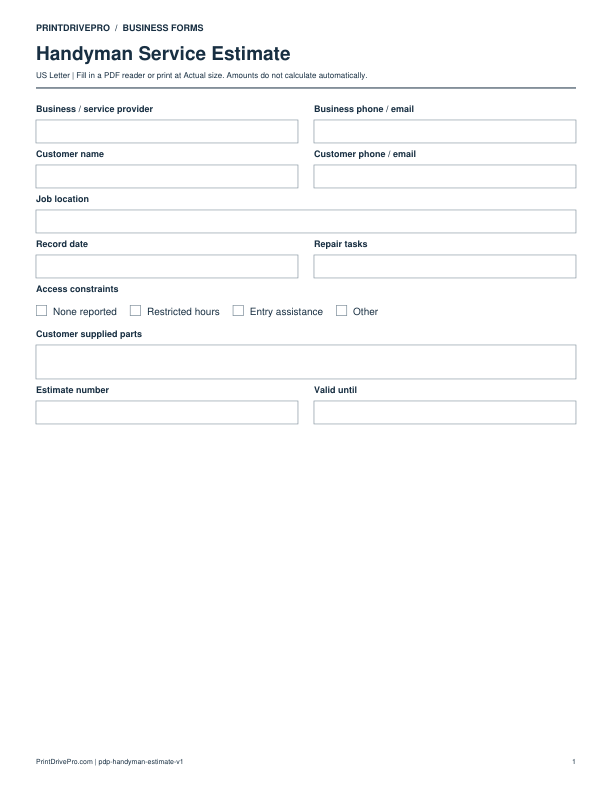
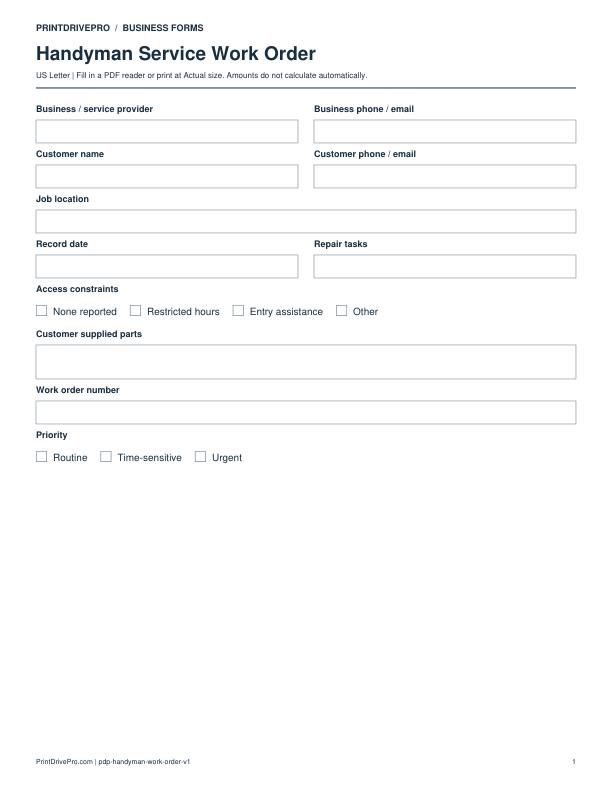
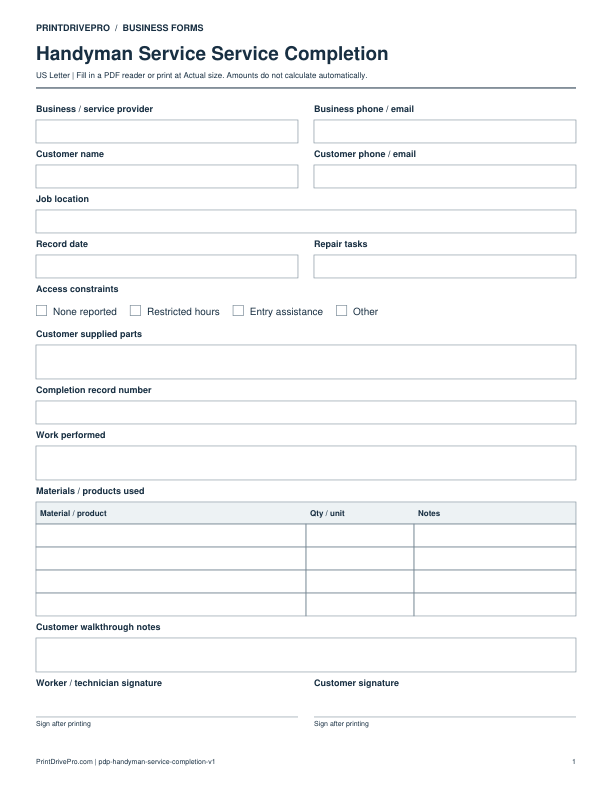
Other versions for handyman
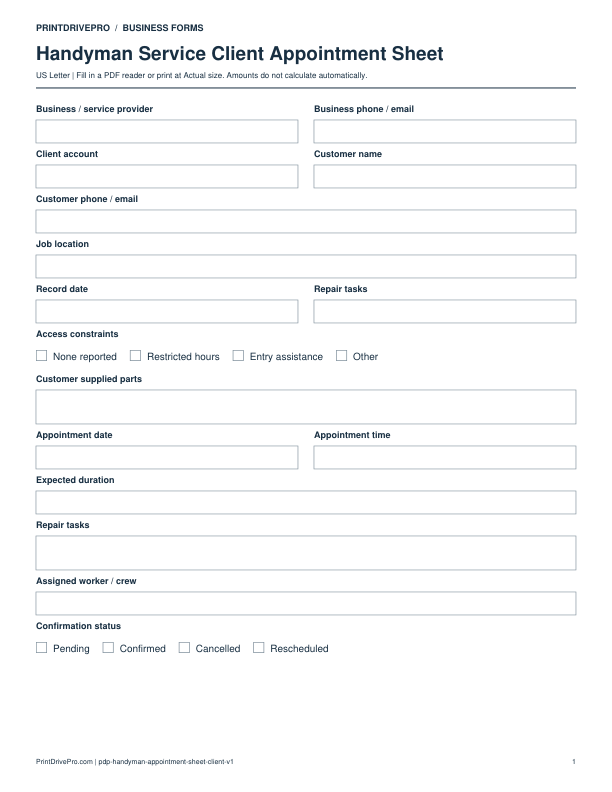
Handyman
Handyman Service Client Appointment Sheet
US Letter · 1 page · Fillable PDF
Preview & download →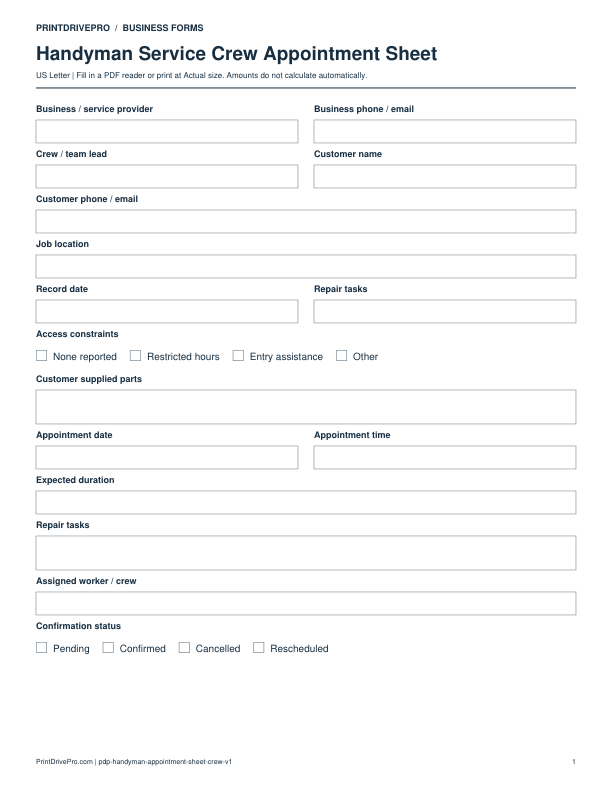
Handyman
Handyman Service Crew Appointment Sheet
US Letter · 1 page · Fillable PDF
Preview & download →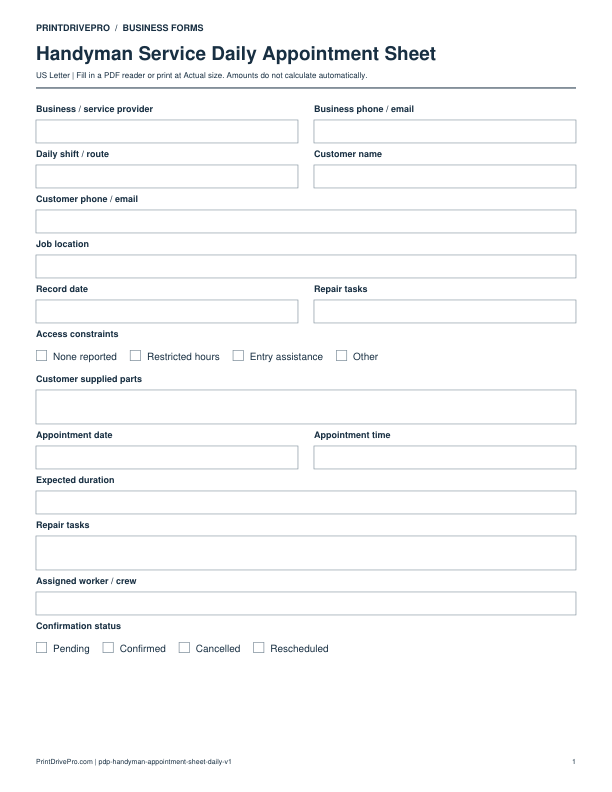
Handyman
Handyman Service Daily Appointment Sheet
US Letter · 1 page · Fillable PDF
Preview & download →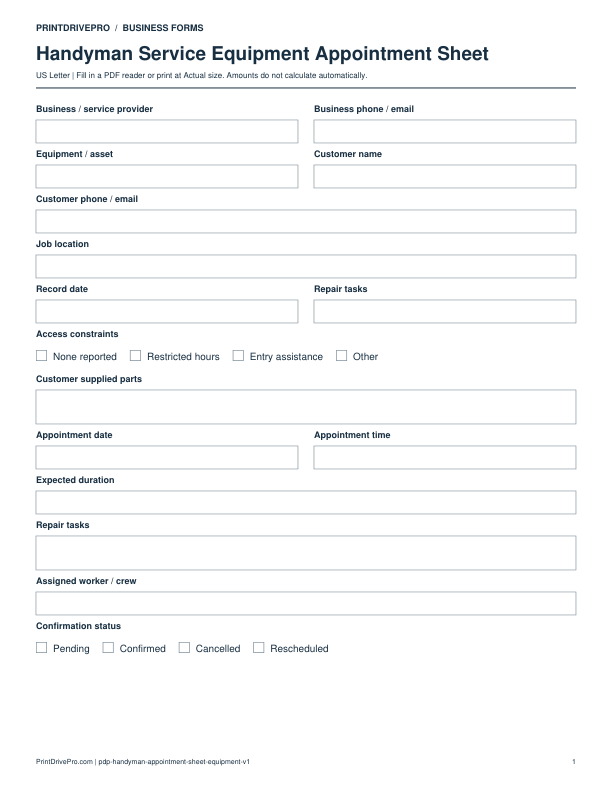
Handyman
Handyman Service Equipment Appointment Sheet
US Letter · 1 page · Fillable PDF
Preview & download →