Cleaning Business / Work Order

Cleaning Business Work Order

A US Letter printable work order for cleaning business teams, with fields for rooms / areas, customer details, scheduling, and operational notes.

US Letter3 pagesFillable PDF

No signup. 45 KB. Save a copy before filling it in.
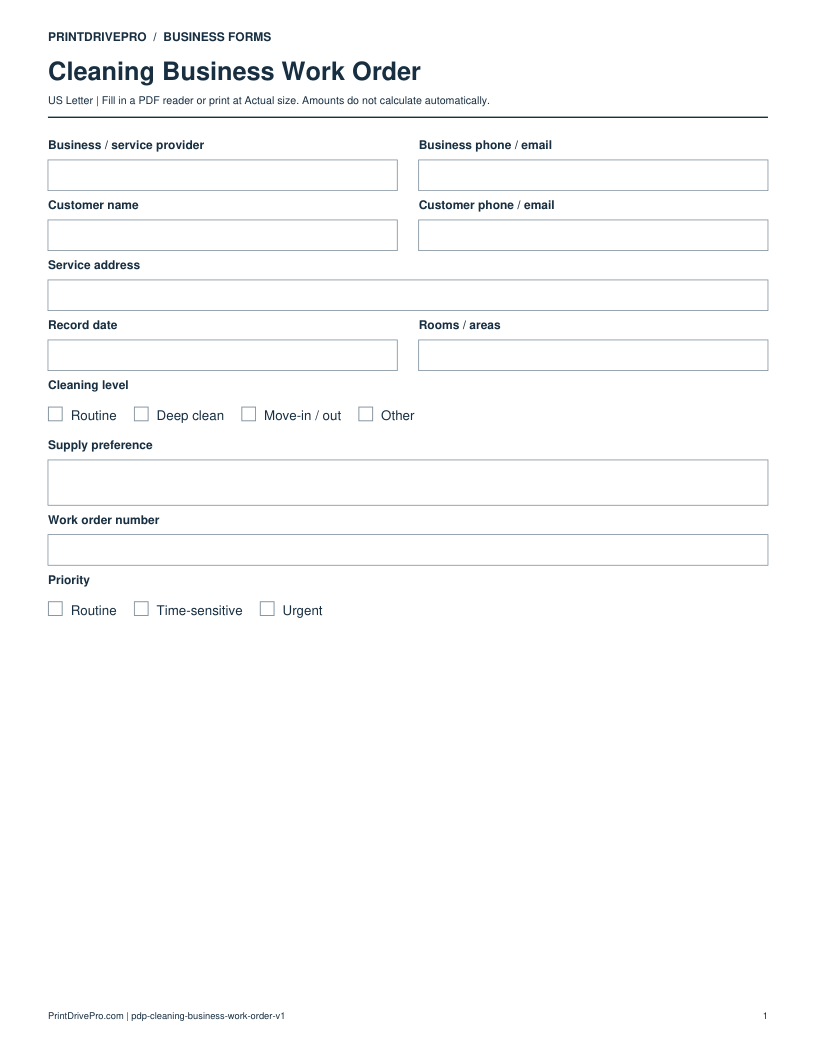
Page 1 of Cleaning Business Work Order Printable

Actual PDF preview · Page 1 of 3

Preview remaining pagesPage 2 of Cleaning Business Work Order PrintablePage 3 of Cleaning Business Work Order Printable

What’s included in this form

These fields match the downloadable PDF.

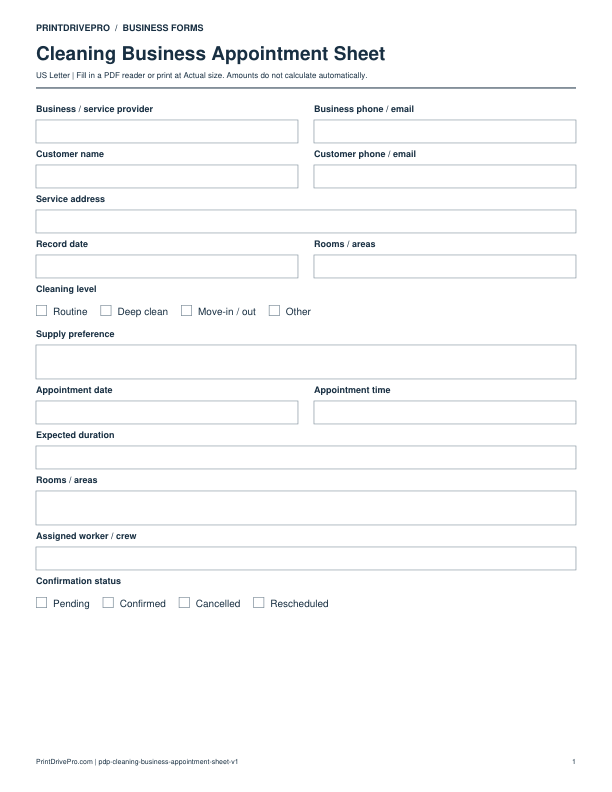
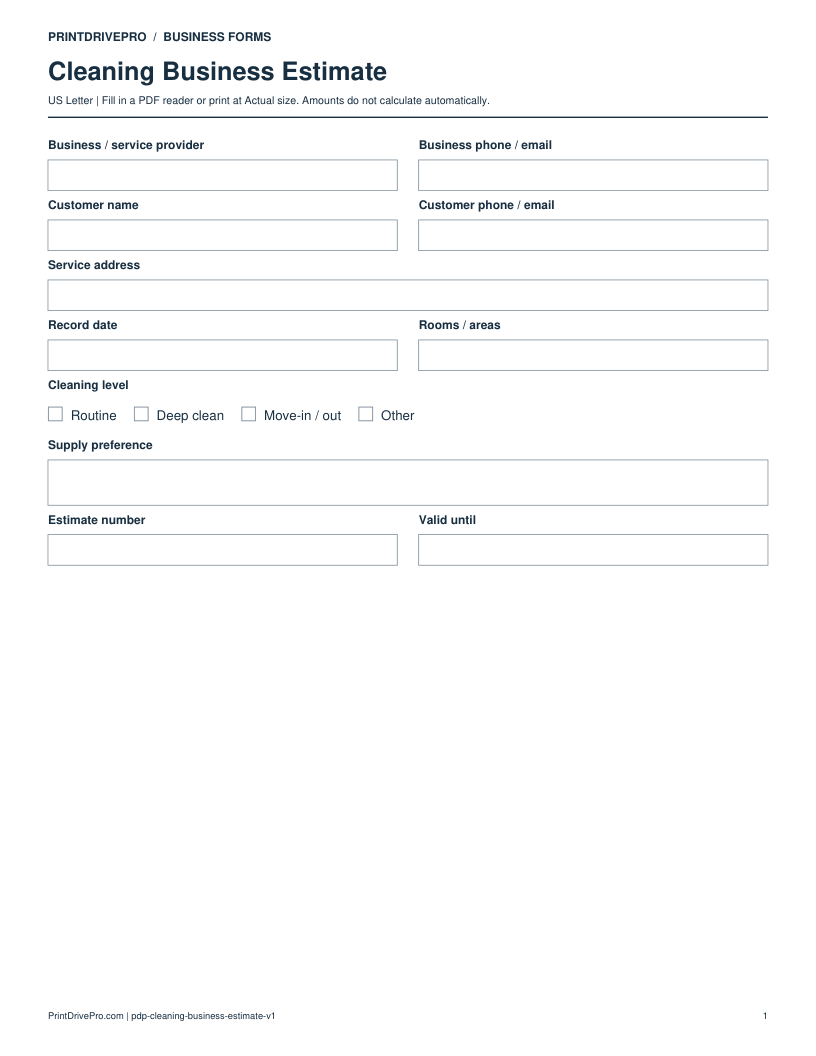
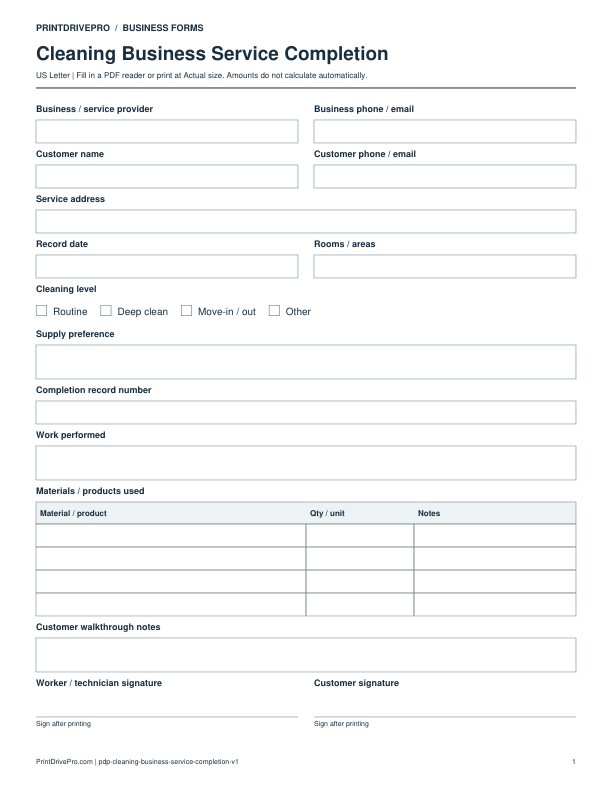
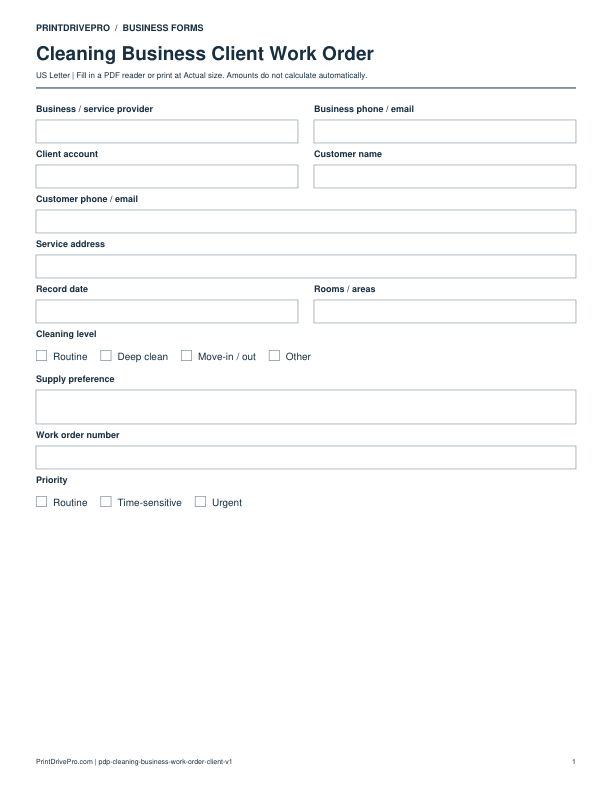
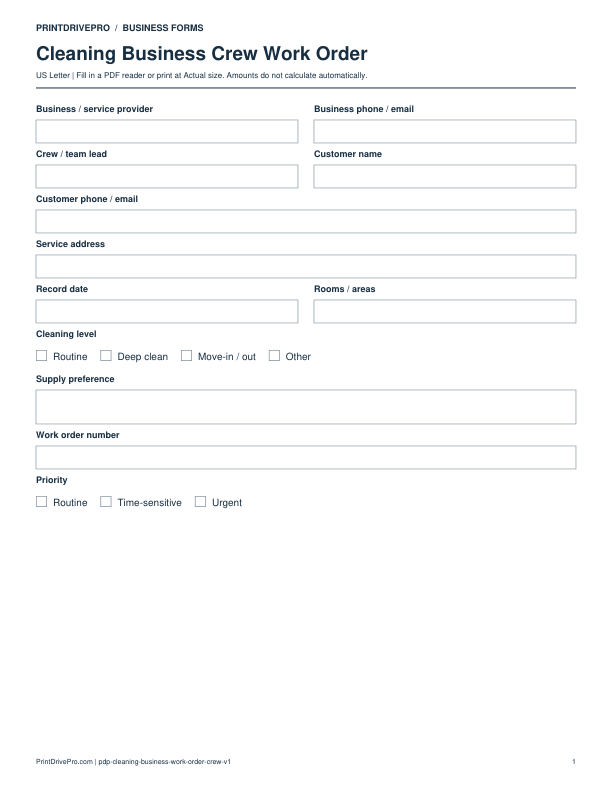
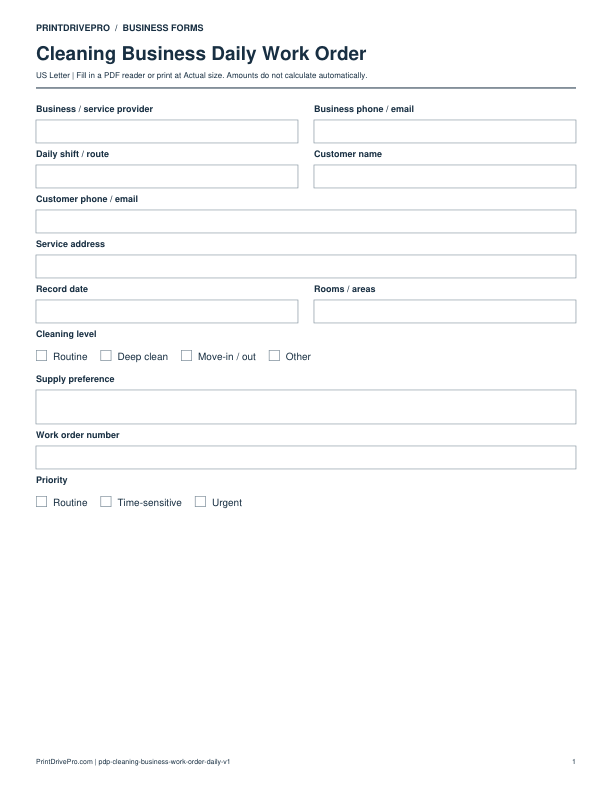
Business / service providerWrite or type your details
Business phone / emailWrite or type your details
Customer nameWrite or type your details
Customer phone / emailWrite or type your details
Service addressWrite or type your details
Record dateWrite or type your details
Rooms / areasWrite or type your details
Cleaning levelRoutine · Deep clean · Move-in / out · Other
Supply preferenceSpace for notes
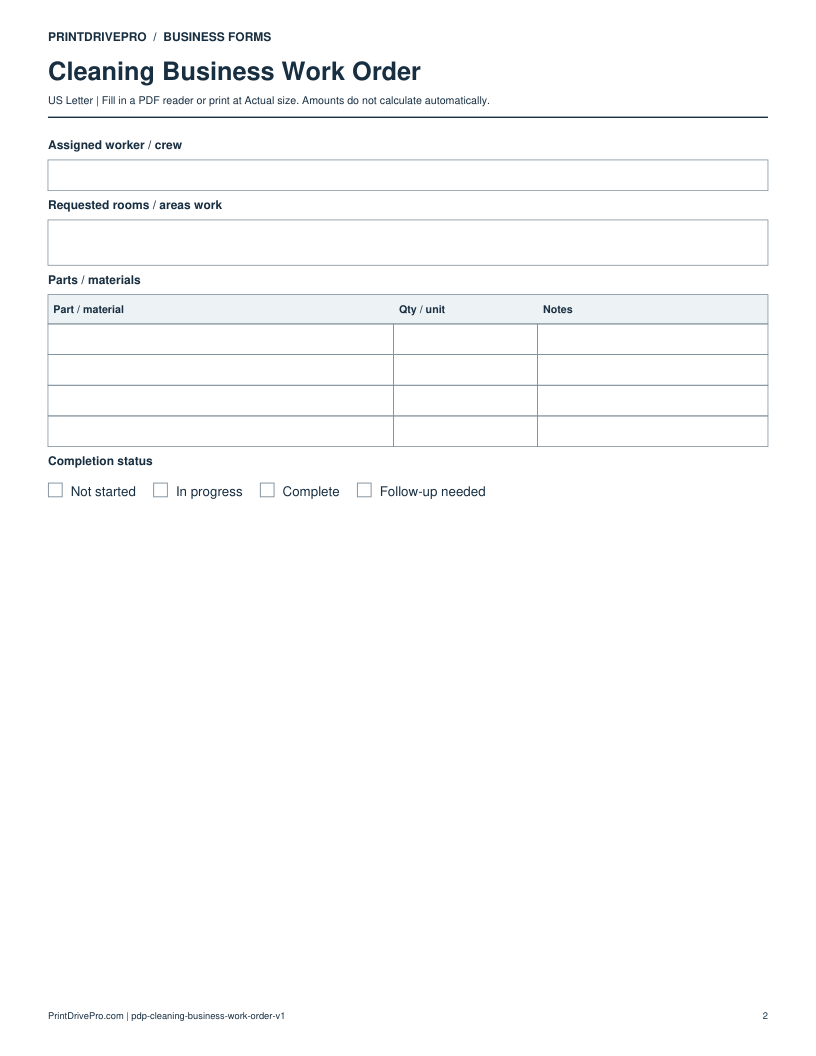
Work order numberWrite or type your details
PriorityRoutine · Time-sensitive · Urgent
Assigned worker / crewWrite or type your details
Requested rooms / areas workSpace for notes
Parts / materialsPart / material · Qty / unit · Notes · 4 rows
Completion statusNot started · In progress · Complete · Follow-up needed
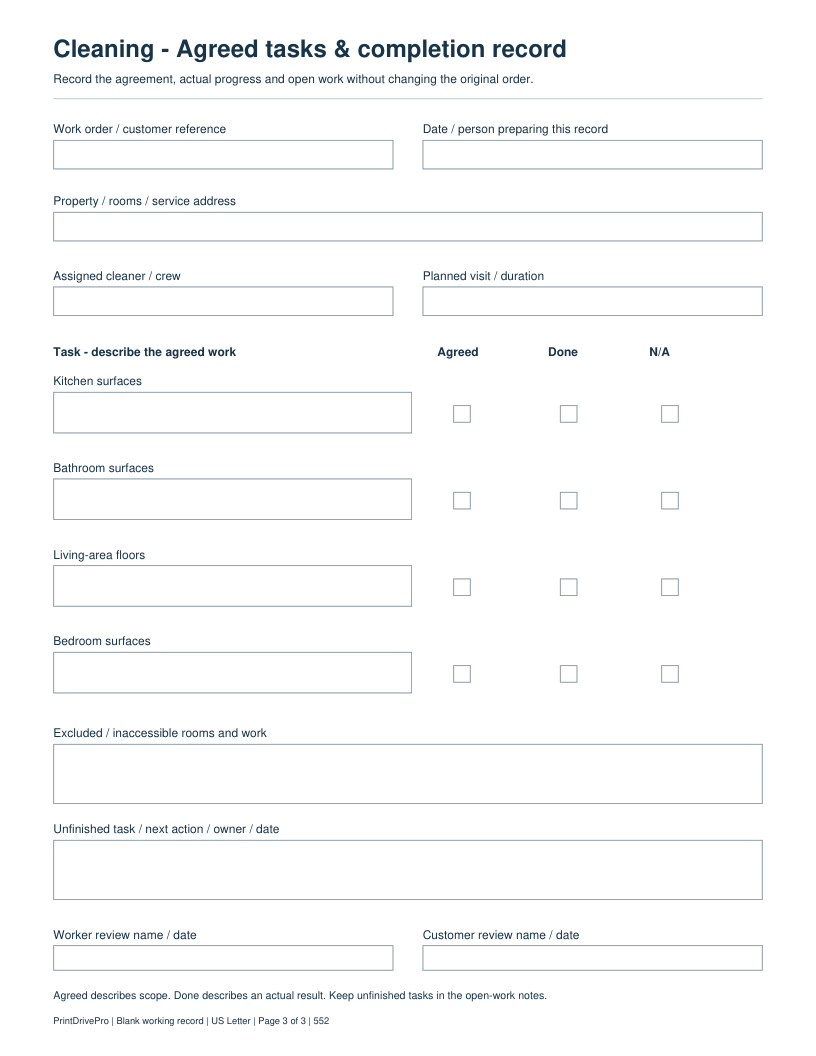
Work order / customer referenceWrite or type your details
Date / person preparing this recordWrite or type your details
Property / rooms / service addressWrite or type your details
Assigned cleaner / crewWrite or type your details
Planned visit / durationWrite or type your details
Kitchen surfacesSpace for notes
Kitchen surfaces - agreedChecked · Unchecked
Kitchen surfaces - doneChecked · Unchecked
Kitchen surfaces - naChecked · Unchecked
Bathroom surfacesSpace for notes
Bathroom surfaces - agreedChecked · Unchecked
Bathroom surfaces - doneChecked · Unchecked
Bathroom surfaces - naChecked · Unchecked
Living-area floorsSpace for notes
Living-area floors - agreedChecked · Unchecked
Living-area floors - doneChecked · Unchecked
Living-area floors - naChecked · Unchecked
Bedroom surfacesSpace for notes
Bedroom surfaces - agreedChecked · Unchecked
Bedroom surfaces - doneChecked · Unchecked
Bedroom surfaces - naChecked · Unchecked
Excluded / inaccessible rooms and workSpace for notes
Unfinished task / next action / owner / dateSpace for notes
Worker review name / dateWrite or type your details
Customer review name / dateWrite or type your details

Download, fill in, and print

  1. Download the PDF and open the saved file in a PDF reader.
  2. Type into the fillable fields, or leave the form blank for handwriting.
  3. Choose US Letter (8.5 × 11 inches) and Actual size / 100% in the print dialog. Check the preview before printing.
  4. Keep completed forms in your own secure records.

PDF readers differ in their support for form fields. If text does not save in your browser, open the downloaded file in a desktop PDF reader.

Using this form in your business

Agreed tasks & completion record: actual PDF supplement

This 3-page fillable PDF retains the original 2-page form. Page 3 adds four task-description areas with separate Agreed, Done and N/A boxes, exclusions, unfinished work and worker/customer review names, using the rooms and cleaning visits as its working reference.

Fictional working example

WORK-105: identify the agreed bathroom surfaces. Mark Agreed before starting. Record the actual result under Done; describe an unfinished area and its next action rather than marking it complete.

Added October 5, 2026: one task-specific page. Original fields and the earlier PDF remain available. Amounts, where present, are entered manually.

Turn an agreed cleaning request into a crew work record with explicit tasks and completion status.

Which fields matter for this task?

Requested rooms / areas work
Spell out agreed tasks and exclusions instead of assuming a cleaning-level label explains every surface.
Parts / materials
List planned materials with the quantity or unit useful to this job.
Completion status
Use Follow-up needed when agreed work remains. A work order is not automatically a completion record.

Fictional filling example

This example is invented to show how the fields work. It is not a real customer, job, quotation, recommended price or tax treatment.

Work order number
CL-WO-104
Priority
Routine
Assigned worker / crew
Jordan Lee
Requested rooms / areas work
Kitchen: agreed surfaces; bathroom: agreed fixtures; bedroom excluded
Completion status
Follow-up needed

Questions about this task

Can I use the work order as an estimate?

No. Its materials table has no quantity/rate/amount pricing calculation. Use the estimate for a proposal and the invoice for billing.

Does choosing Urgent give technical cleaning instructions?

No. Priority is an operational label. The form does not prescribe cleaning methods, product mixing or safety procedures.

Keep a saved copy for each visit or record. The field list and preview above show what is actually included in this PDF.

More forms for this workflow

Use a separate form for the next task. An appointment, estimate, work record and invoice serve different purposes.