Cleaning Business
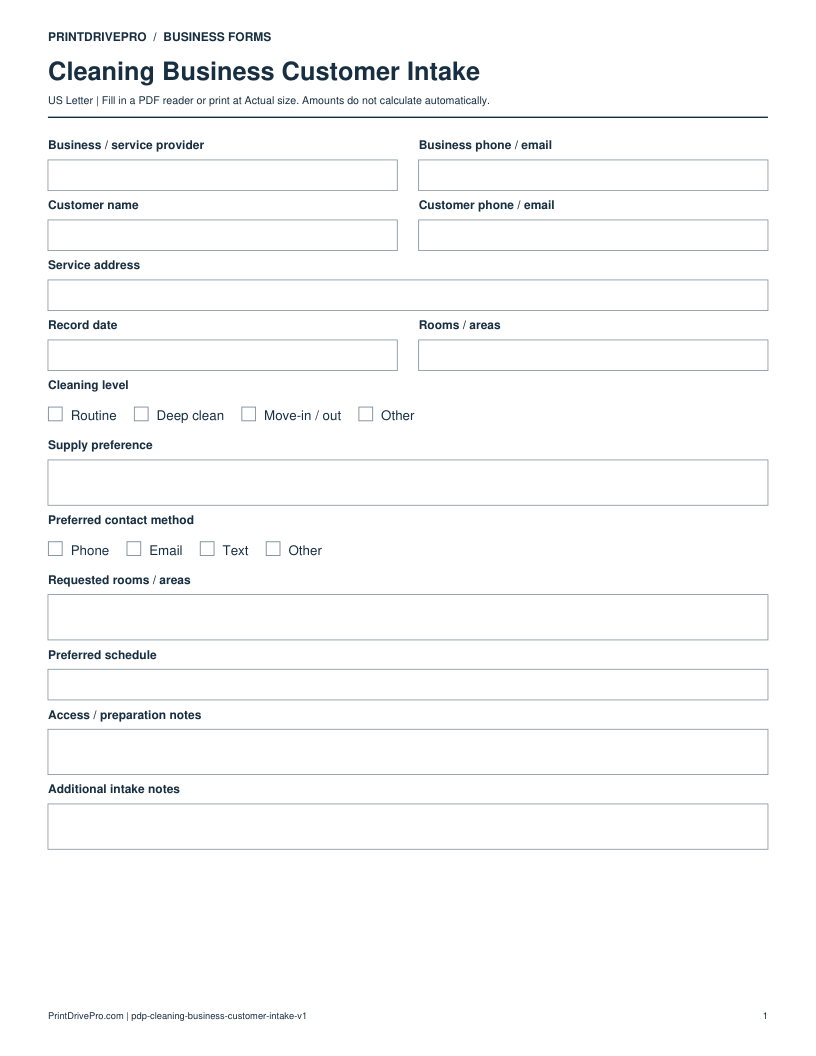
Cleaning Business Customer Intake
US Letter · 3 pages · Fillable PDF
Preview & download →Cleaning Business / Equipment Checklist
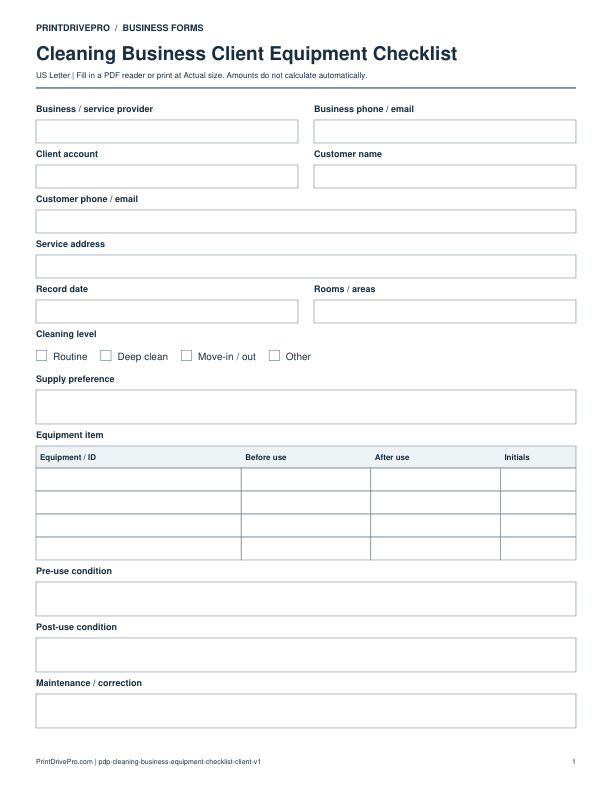
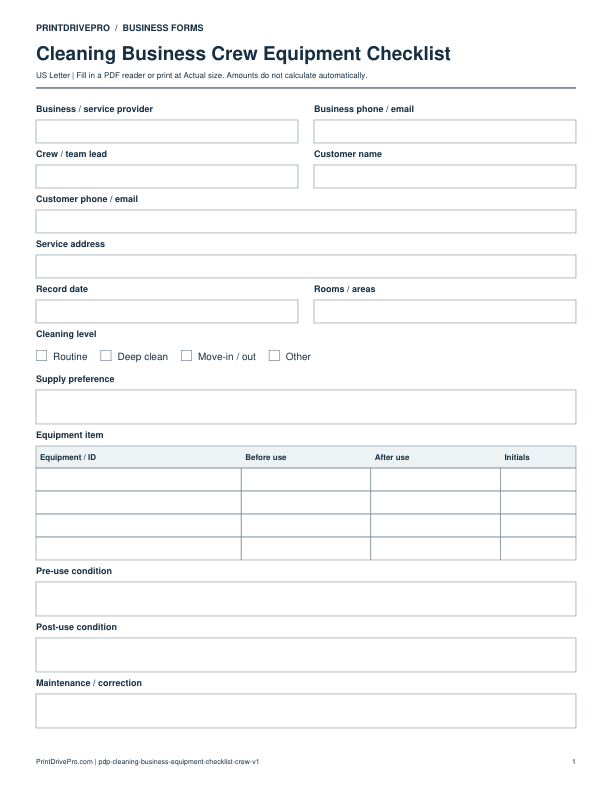
A US Letter printable equipment checklist for cleaning business teams, with fields for rooms / areas, customer details, scheduling, and operational notes.
US Letter2 pagesFillable PDF
No signup. 26 KB. Save a copy before filling it in.
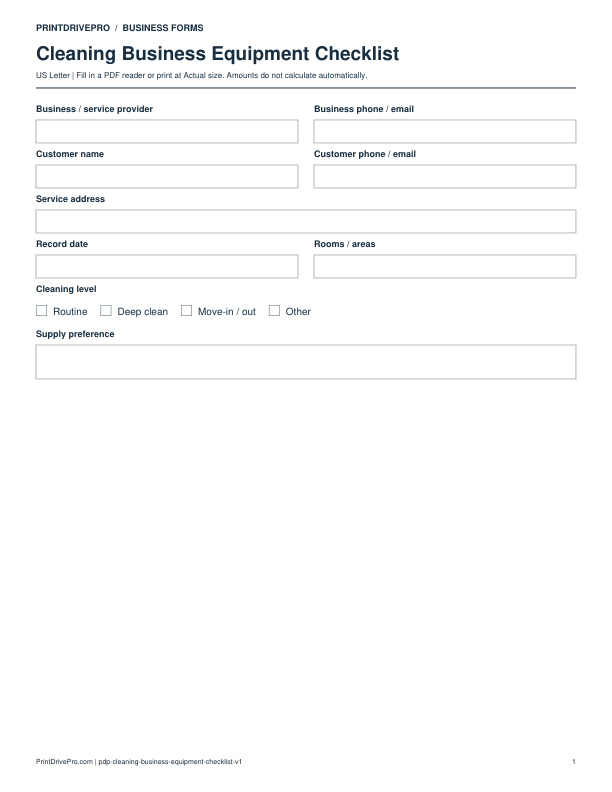
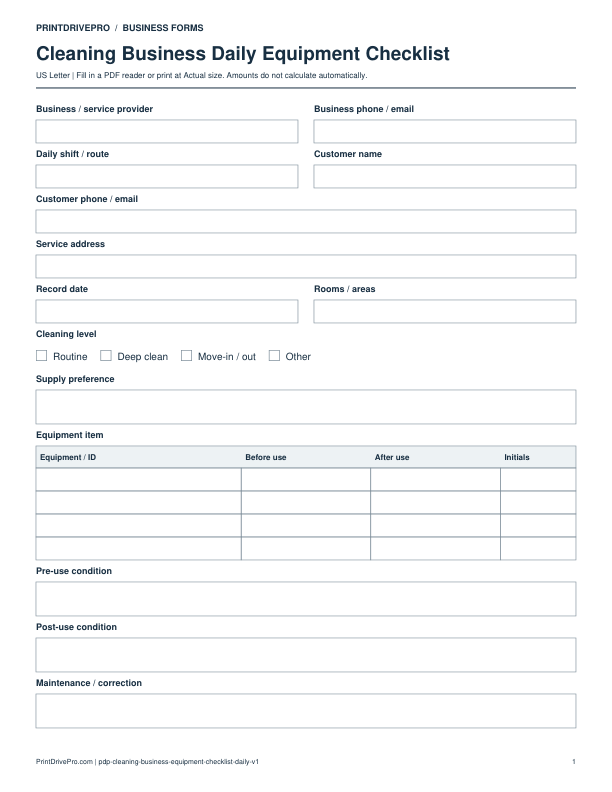
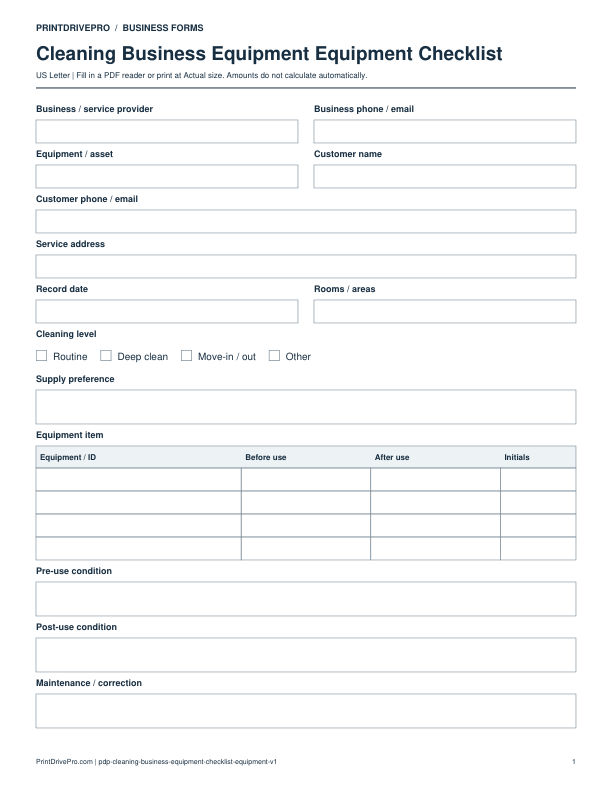
Actual PDF preview · Page 1 of 2
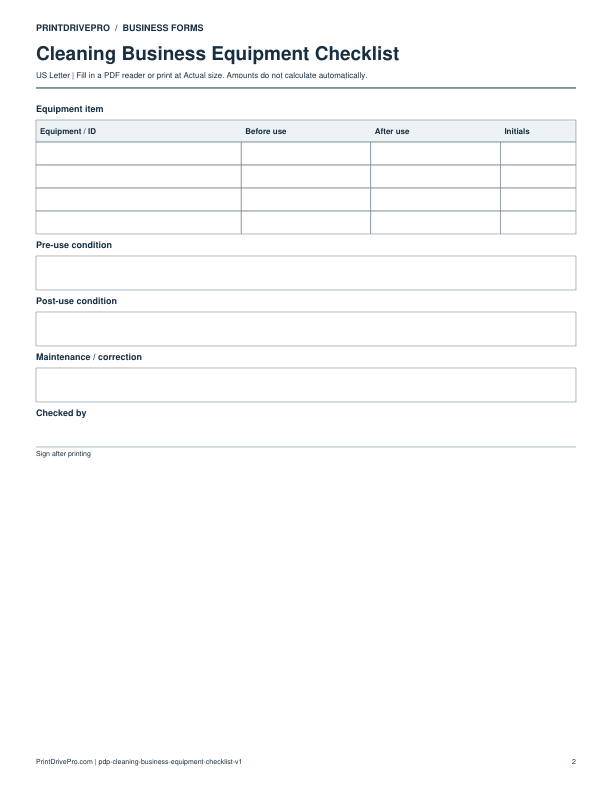
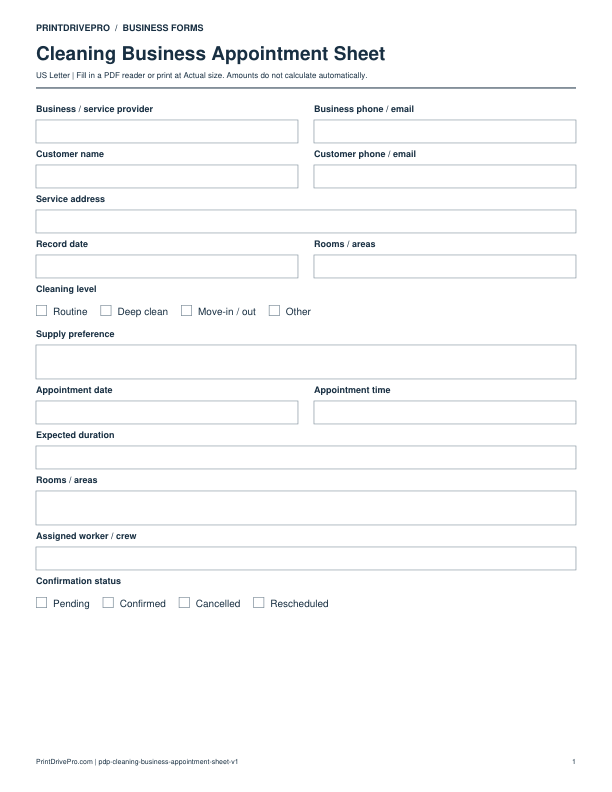
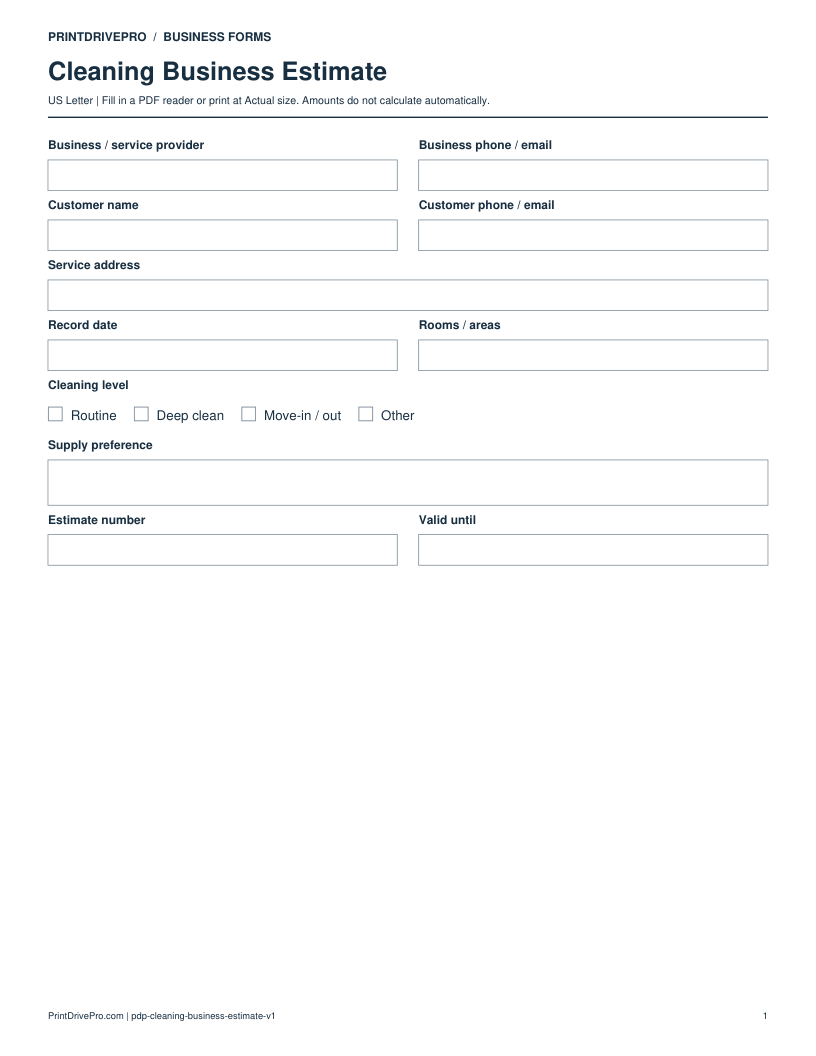
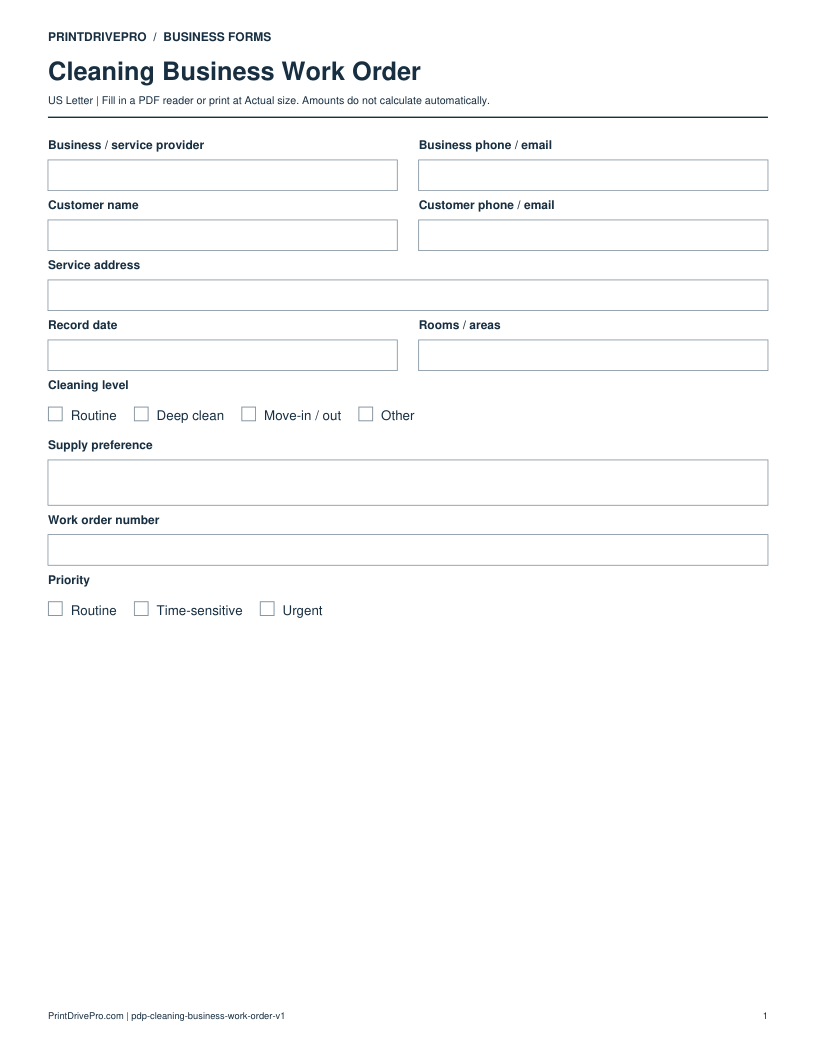
These fields match the downloadable PDF.
PDF readers differ in their support for form fields. If text does not save in your browser, open the downloaded file in a desktop PDF reader.
Record the condition of cleaning equipment before and after use, with a clear correction when an item needs attention.
This example is invented to show how the fields work. It is not a real customer, job, quotation, recommended price or tax treatment.
No. Record the observation after the relevant check. Use the manufacturer’s instructions to decide which checks are appropriate.
No. It concerns equipment condition. The cleaning quality checklist records its own listed access, room-priority and walkthrough checks.
Keep a saved copy for each visit or record. The field list and preview above show what is actually included in this PDF.
Use a separate form for the next task. An appointment, estimate, work record and invoice serve different purposes.
Cleaning Business
US Letter · 3 pages · Fillable PDF
Preview & download →Cleaning Business
US Letter · 1 page · Fillable PDF
Preview & download →Cleaning Business
US Letter · 1 page · Fillable PDF
Preview & download →Cleaning Business
US Letter · 1 page · Fillable PDF
Preview & download →Cleaning Business
US Letter · 1 page · Fillable PDF
Preview & download →Cleaning Business
US Letter · 1 page · Fillable PDF
Preview & download →