Cleaning Business
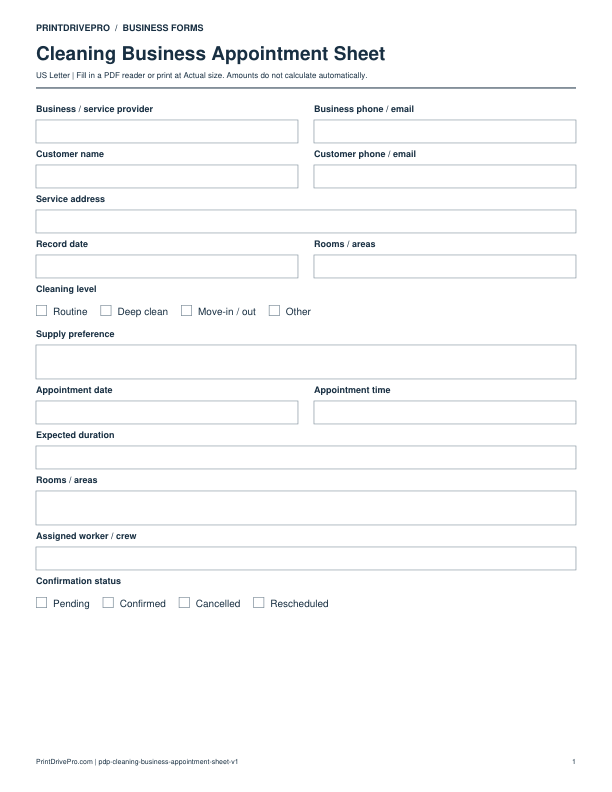
Cleaning Business Appointment Sheet
US Letter · 1 page · Fillable PDF
Preview & download →Cleaning Business / Customer Intake
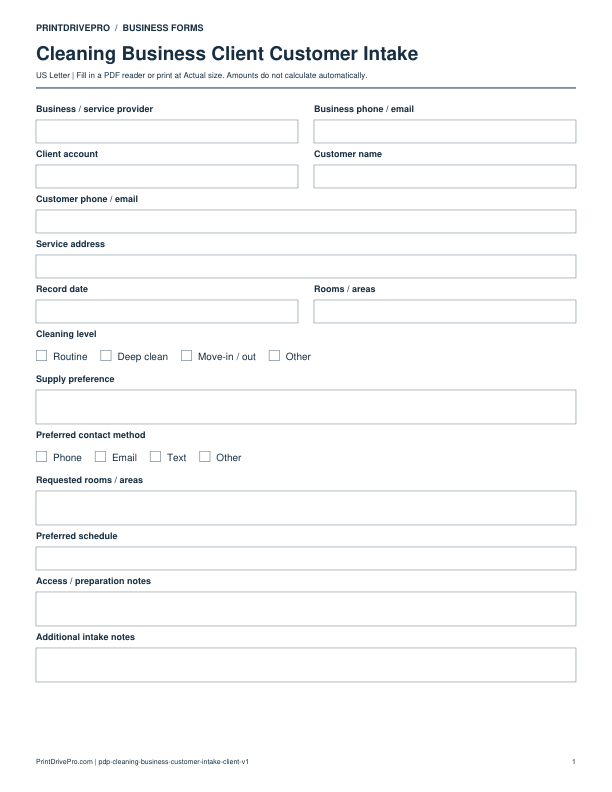
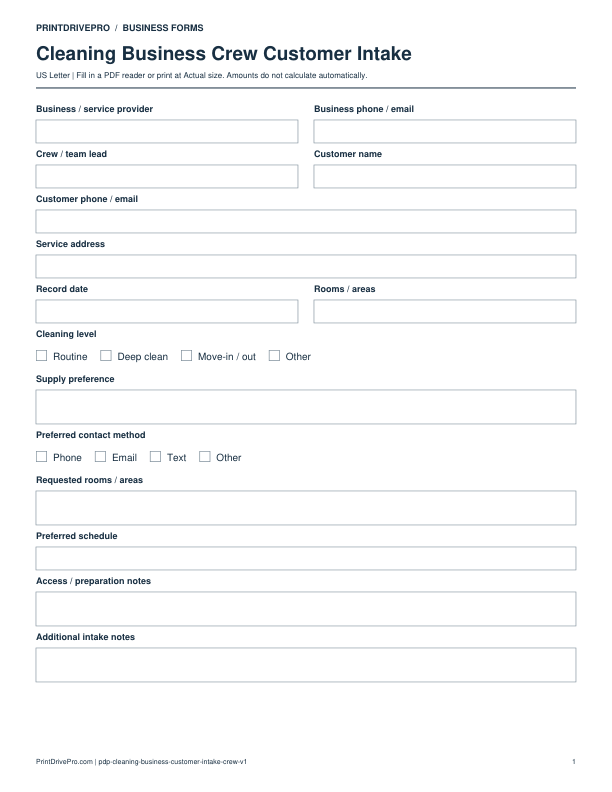
A US Letter printable customer intake for cleaning business teams, with fields for rooms / areas, customer details, scheduling, and operational notes.
US Letter3 pagesFillable PDF
No signup. 53 KB. Save a copy before filling it in.
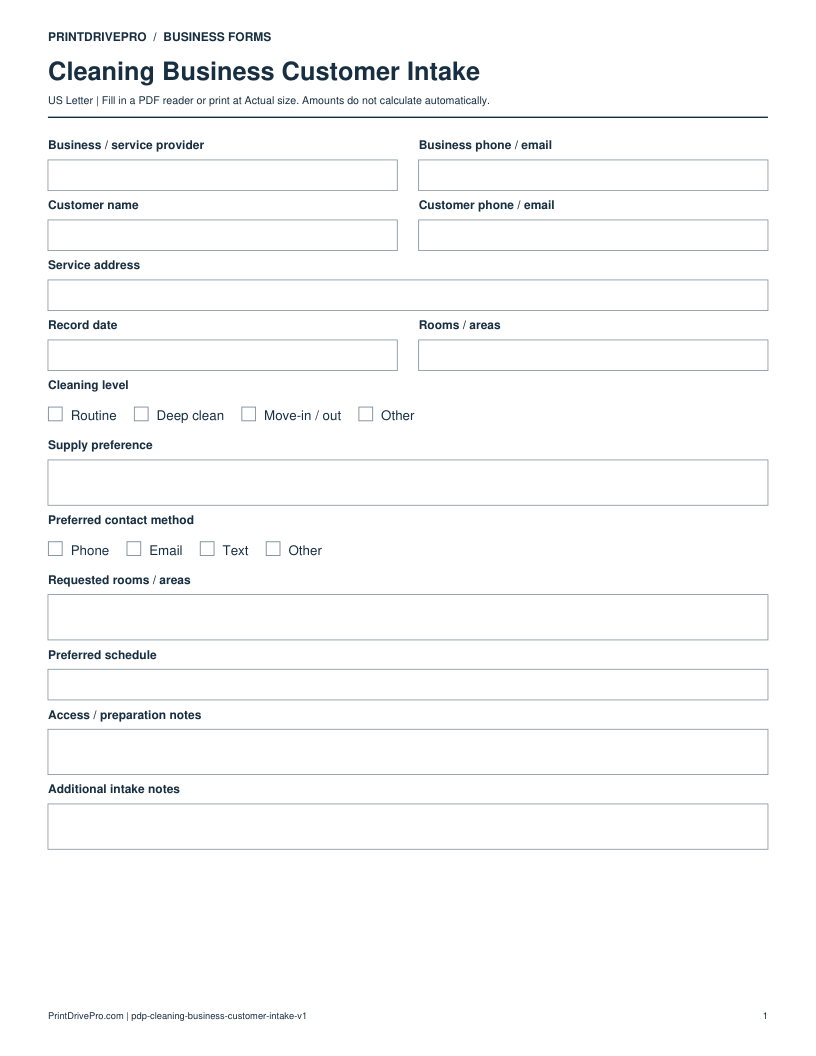
Actual PDF preview · Page 1 of 3
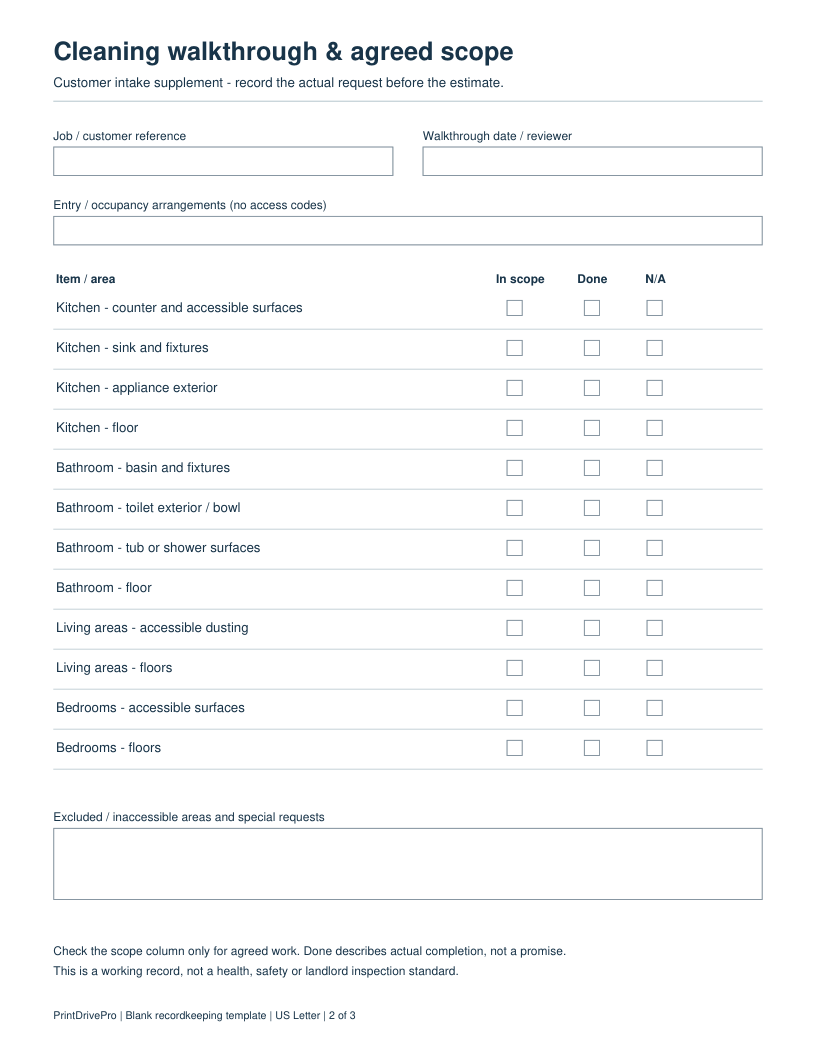
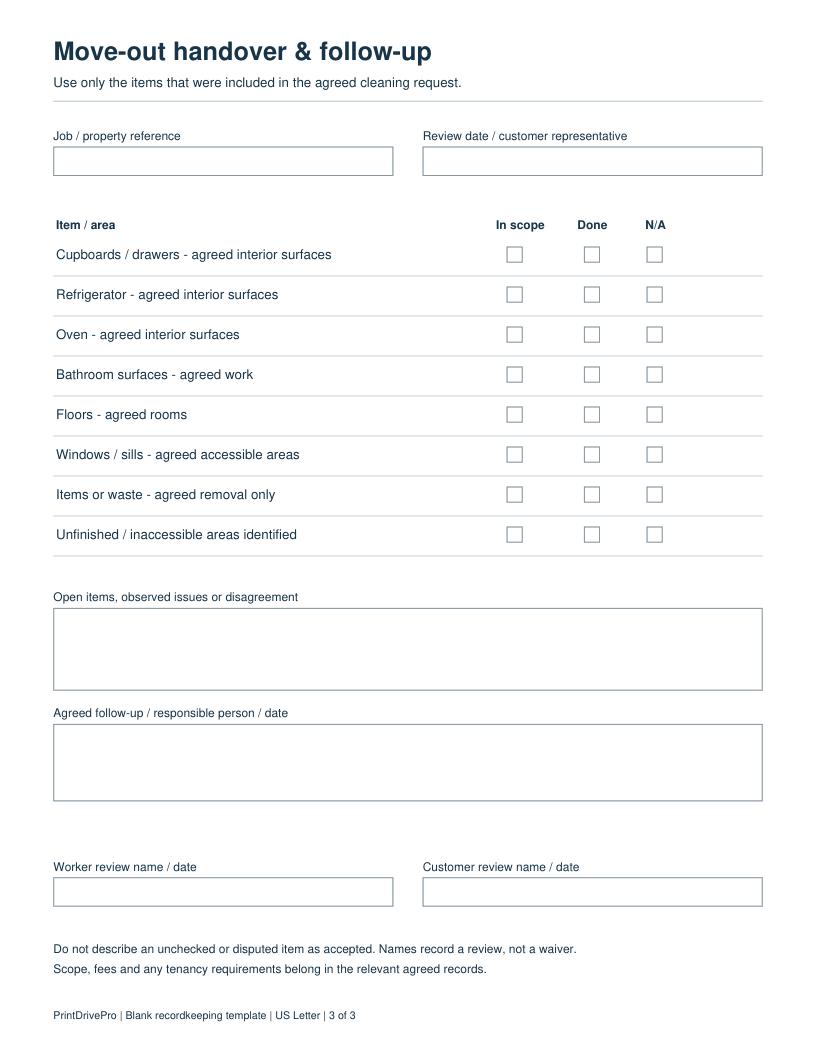
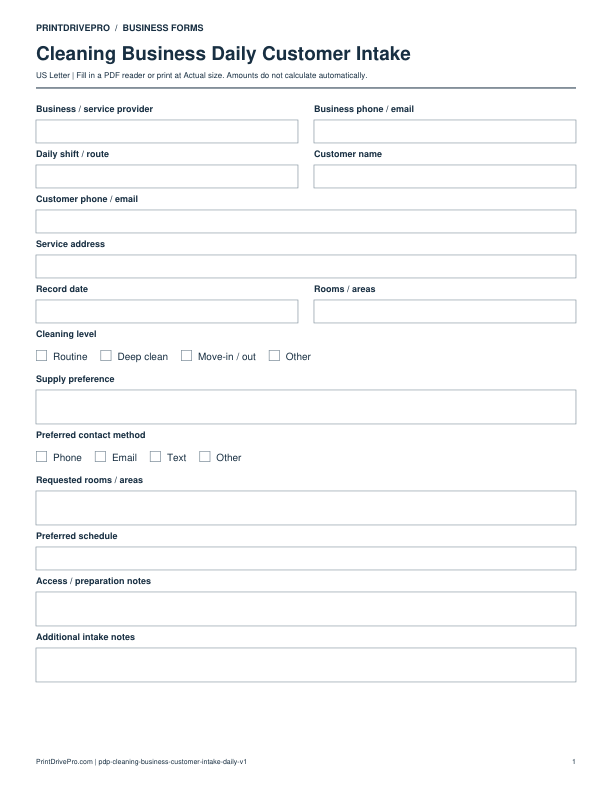
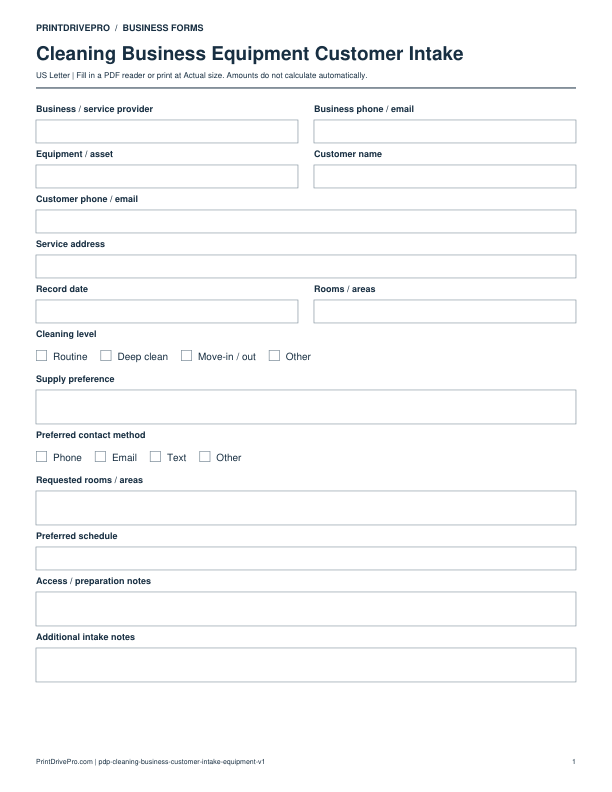
These fields match the downloadable PDF.
PDF readers differ in their support for form fields. If text does not save in your browser, open the downloaded file in a desktop PDF reader.
This 3-page PDF keeps the original customer intake on page 1. Page 2 records entry arrangements, agreed work for kitchen, bathroom, living areas and bedrooms, and excluded or inaccessible areas. Page 3 records agreed move-out items, unfinished work and follow-up. Each listed task has separate In scope, Done and N/A boxes.
Job CLEAN-104: the customer requests the kitchen and one bathroom. Mark those agreed tasks In scope; leave Done blank before work. Record the occupied bedroom as excluded. On the handover page, write “Refrigerator interior excluded from this visit” in Open items and identify any agreed return visit separately.
In scope records the agreement, Done records an actual result, and N/A records that an item does not apply. An unresolved or inaccessible task belongs in the notes. The checklist does not establish landlord acceptance or prescribe a cleaning technique.
Collect a new cleaning customer’s request before committing to a date, price or scope.
This example is invented to show how the fields work. It is not a real customer, job, quotation, recommended price or tax treatment.
No. This intake form and its walkthrough pages record a request and agreed task boundaries. Use an estimate to set out quantities and amounts, and retain the customer’s decision separately.
Confirm which rooms, cleaning level and supply preferences have changed. A recurring-service tracker records visit dates; it does not replace this initial request.
Keep a saved copy for each visit or record. The field list and preview above show what is actually included in this PDF.
Updated October 4, 2026: two task pages added to this customer intake PDF. The original version remains available above.
Use a separate form for the next task. An appointment, estimate, work record and invoice serve different purposes.
Cleaning Business
US Letter · 1 page · Fillable PDF
Preview & download →Cleaning Business
US Letter · 1 page · Fillable PDF
Preview & download →Cleaning Business
US Letter · 1 page · Fillable PDF
Preview & download →Cleaning Business
US Letter · 1 page · Fillable PDF
Preview & download →Cleaning Business
US Letter · 1 page · Fillable PDF
Preview & download →Cleaning Business
US Letter · 1 page · Fillable PDF
Preview & download →