Cleaning Business
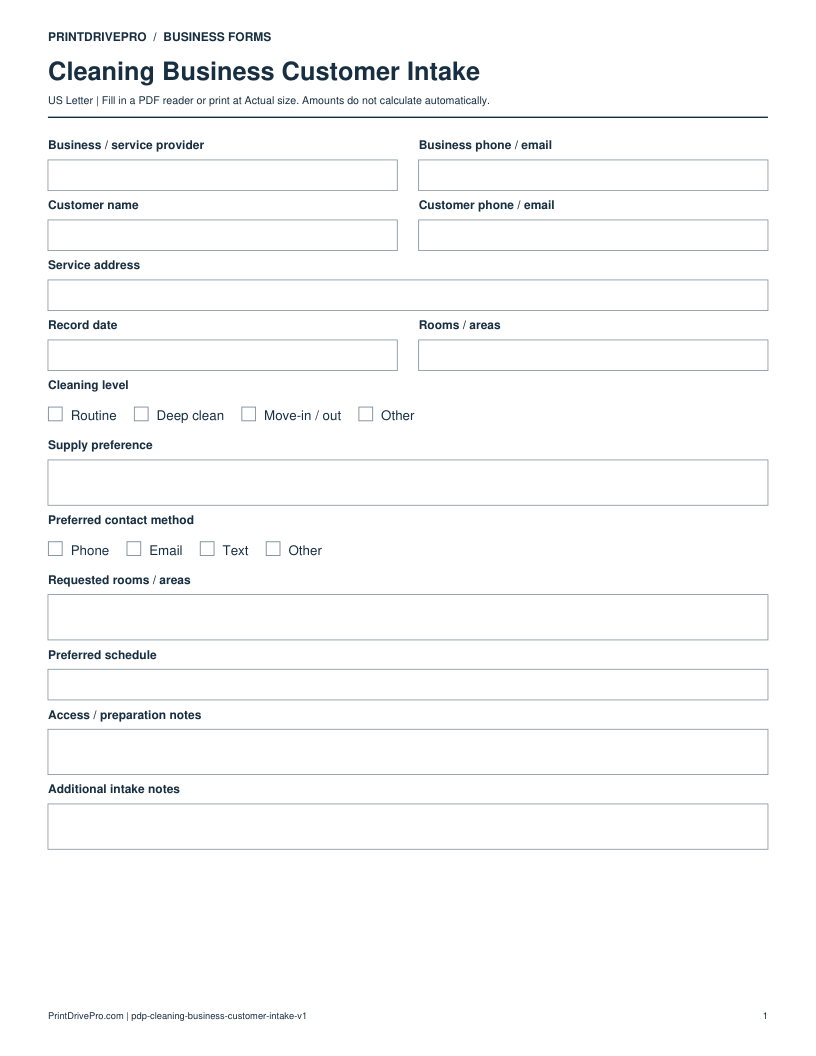
Cleaning Business Customer Intake
US Letter · 3 pages · Fillable PDF
Preview & download →Cleaning Business / Appointment Sheet
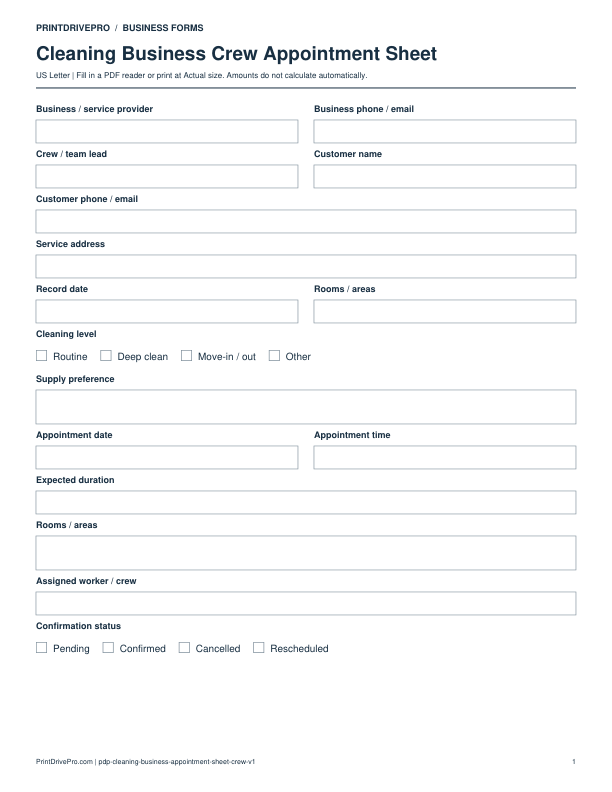
A US Letter printable appointment sheet for cleaning business teams, with fields for rooms / areas, customer details, scheduling, and operational notes.
US Letter1 pageFillable PDF
No signup. 17 KB. Save a copy before filling it in.
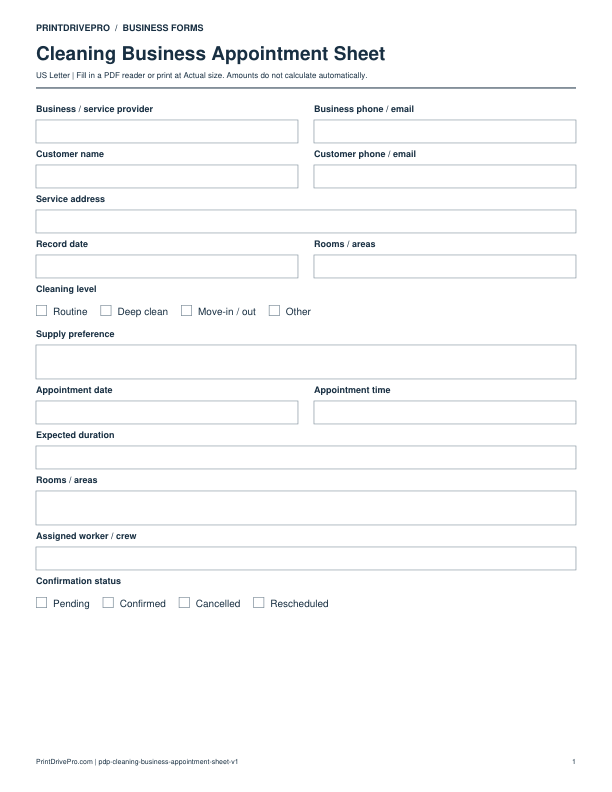
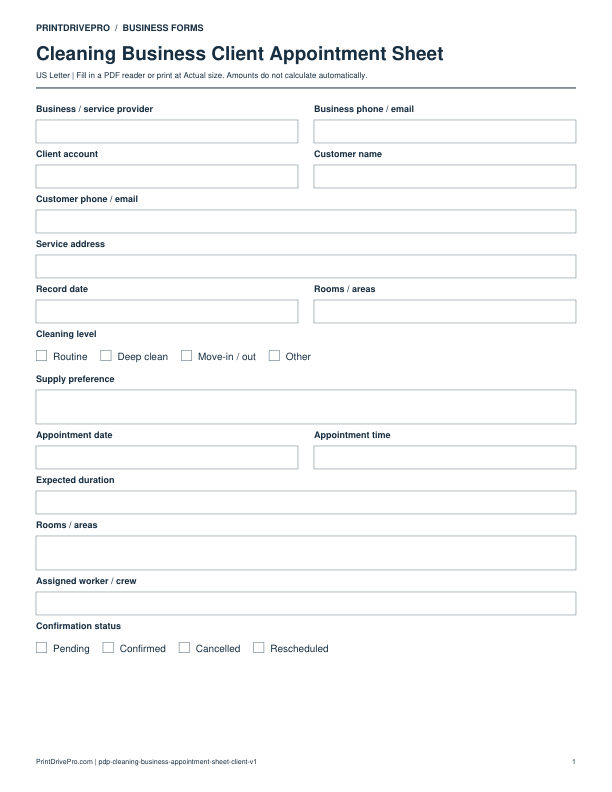
Actual PDF preview · Page 1 of 1
These fields match the downloadable PDF.
PDF readers differ in their support for form fields. If text does not save in your browser, open the downloaded file in a desktop PDF reader.
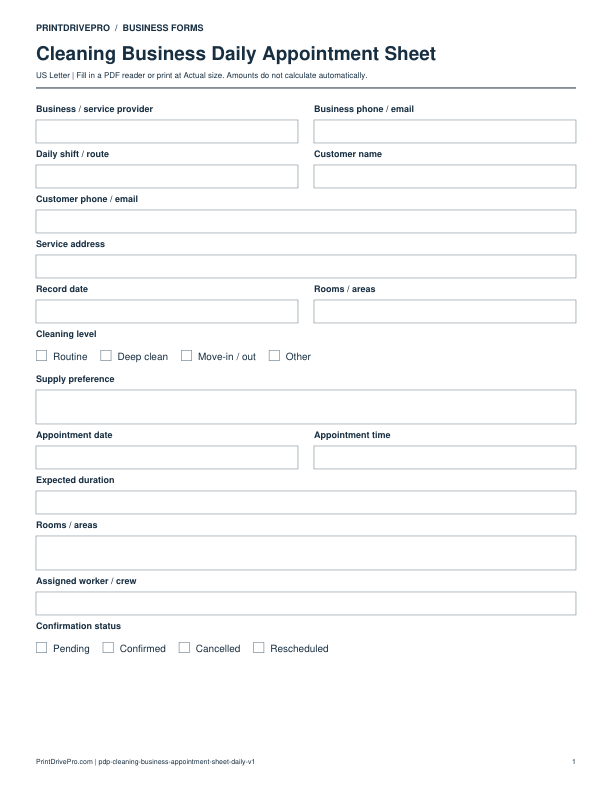
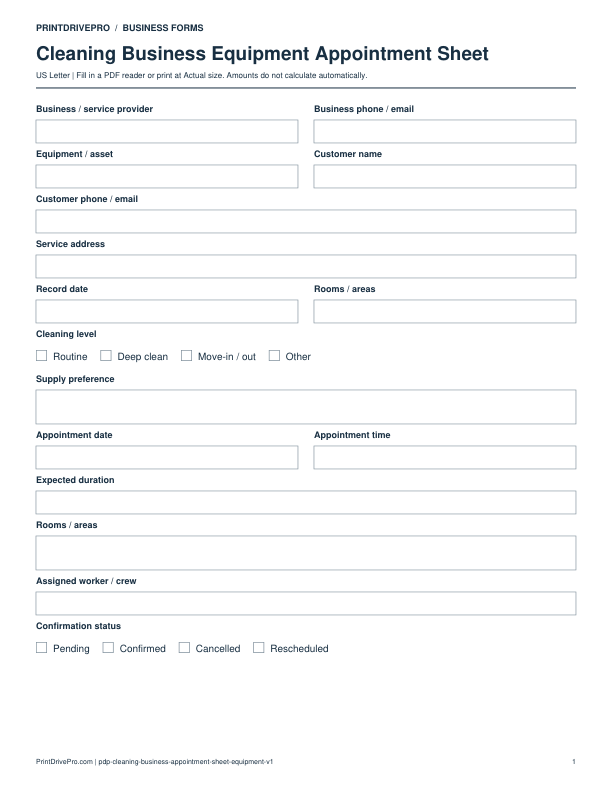
The one-page sheet separates customer and service-address details from the appointment date, time, expected duration, assigned crew and confirmation status. It contains two Rooms / areas fields: use the short field to identify the visit and the larger field for room-by-room scope.
Illustrative entries only: not a real customer record, recommended price or tax treatment. All amounts are entered and checked manually.
Do not treat the confirmation checkbox as a completed-cleaning record. Record a changed appointment as Rescheduled and keep the previous visit reference in your own scheduling records. The PDF has no separate access-code field; keep sensitive entry credentials outside distributed copies.
Download a copy, use a compatible PDF reader, and save it under your own job reference. For printing, choose US Letter at Actual size / 100%.
Use a separate form for the next task. An appointment, estimate, work record and invoice serve different purposes.
Cleaning Business
US Letter · 3 pages · Fillable PDF
Preview & download →Cleaning Business
US Letter · 1 page · Fillable PDF
Preview & download →Cleaning Business
US Letter · 1 page · Fillable PDF
Preview & download →Cleaning Business
US Letter · 1 page · Fillable PDF
Preview & download →Cleaning Business
US Letter · 1 page · Fillable PDF
Preview & download →Cleaning Business
US Letter · 1 page · Fillable PDF
Preview & download →