Landscaping / Expense Log
Landscaping Project Expense Log
A US Letter project expense log for landscaping teams, with dedicated project / job code, property zones, customer, scheduling, and operational record fields.
US Letter1 pageFillable PDF
No signup. 35 KB. Save a copy before filling it in.
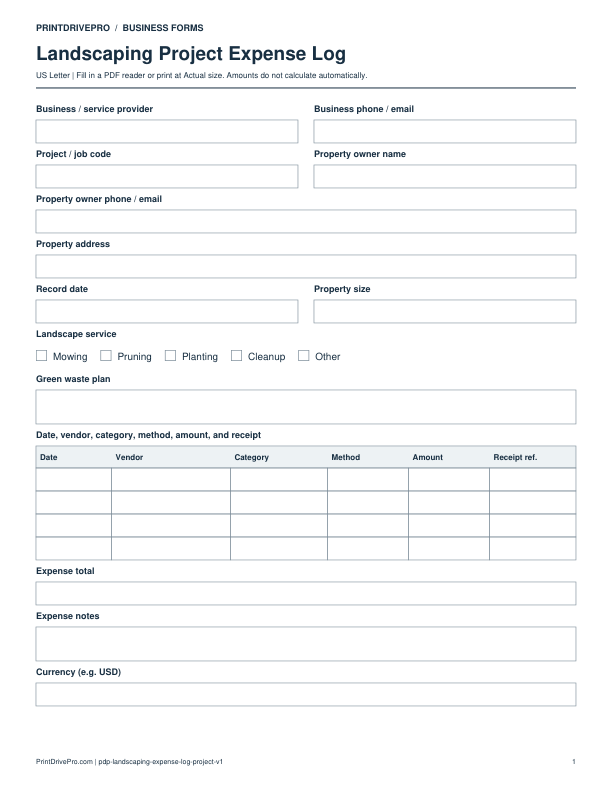
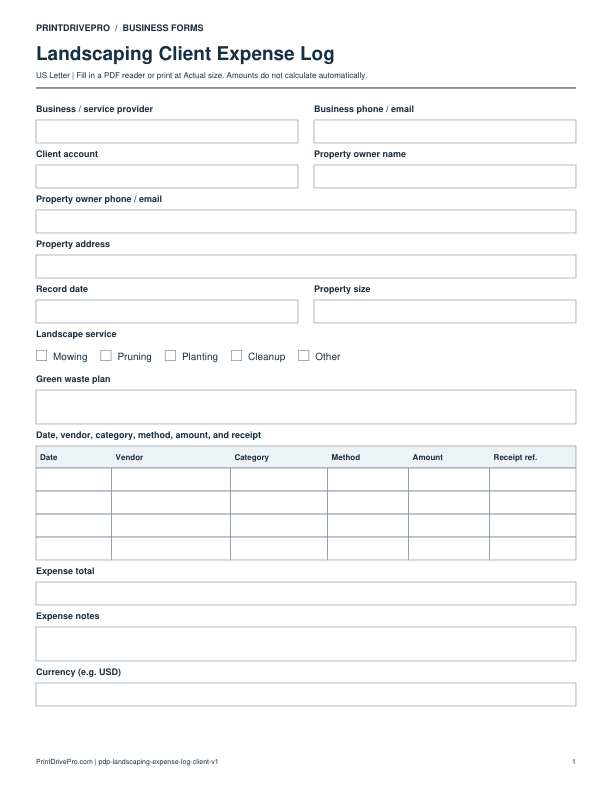
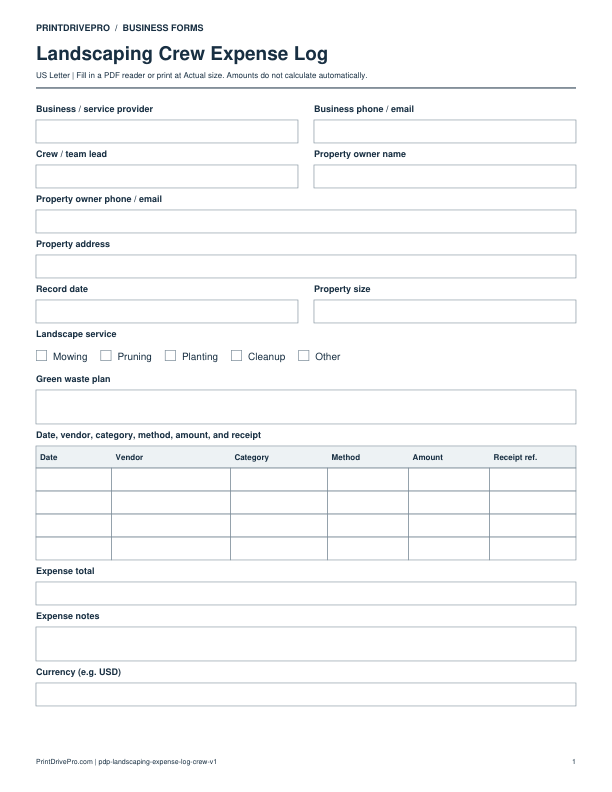
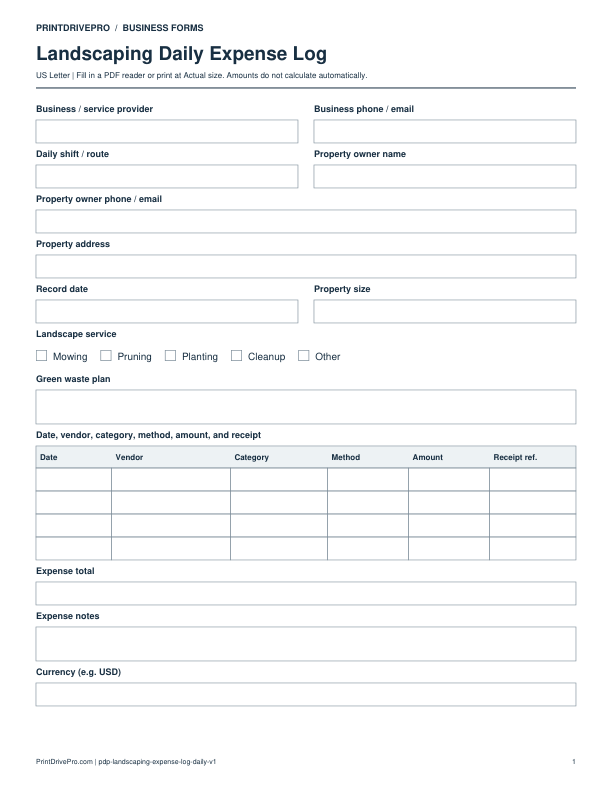
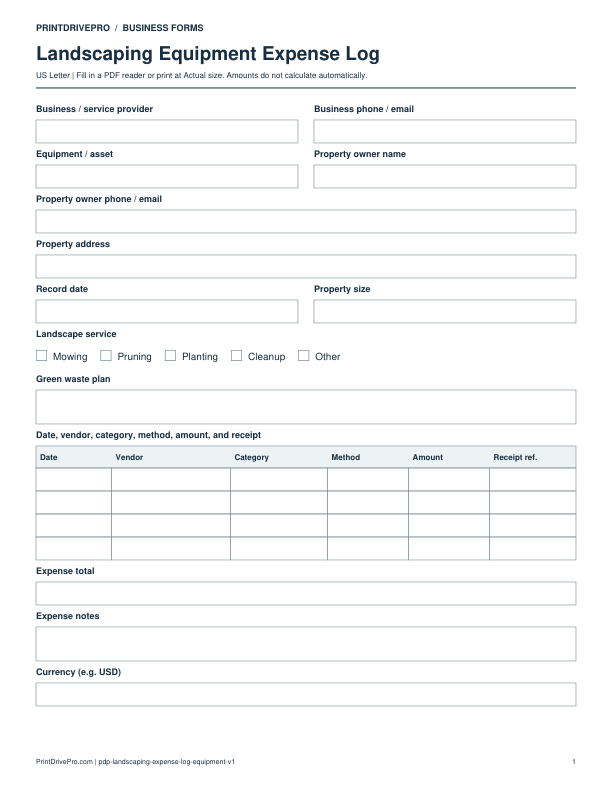
Actual PDF preview · Page 1 of 1
What’s included in this form
These fields match the downloadable PDF.
Business / service providerWrite or type your details
Business phone / emailWrite or type your details
Project / job codeWrite or type your details
Property owner nameWrite or type your details
Property owner phone / emailWrite or type your details
Property addressWrite or type your details
Record dateWrite or type your details
Property sizeWrite or type your details
Landscape serviceMowing · Pruning · Planting · Cleanup · Other
Green waste planSpace for notes
Date, vendor, category, method, amount, and receiptDate · Vendor · Category · Method · Amount · Receipt ref. · 4 rows
Expense totalEnter the amount manually
Expense notesSpace for notes
Currency (e.g. USD)Write or type your details
Download, fill in, and print
- Download the PDF and open the saved file in a PDF reader.
- Type into the fillable fields, or leave the form blank for handwriting. Enter amounts and totals manually; this PDF does not calculate them.
- Choose US Letter (8.5 × 11 inches) and Actual size / 100% in the print dialog. Check the preview before printing.
- Print signature fields for signing. Keep completed forms in your own secure records.
PDF readers differ in their support for form fields. If text does not save in your browser, open the downloaded file in a desktop PDF reader.
Need the original version?
The earlier file remains available. Open original PDF